
截图
介绍
# ➕ Datapacks-Menu
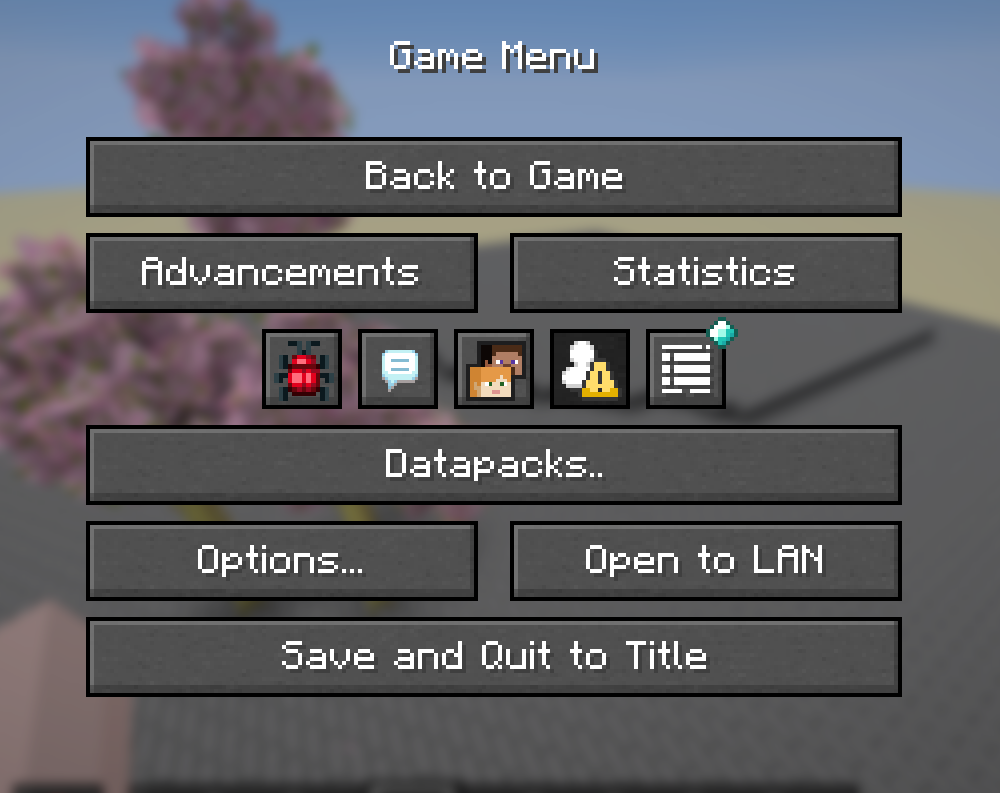
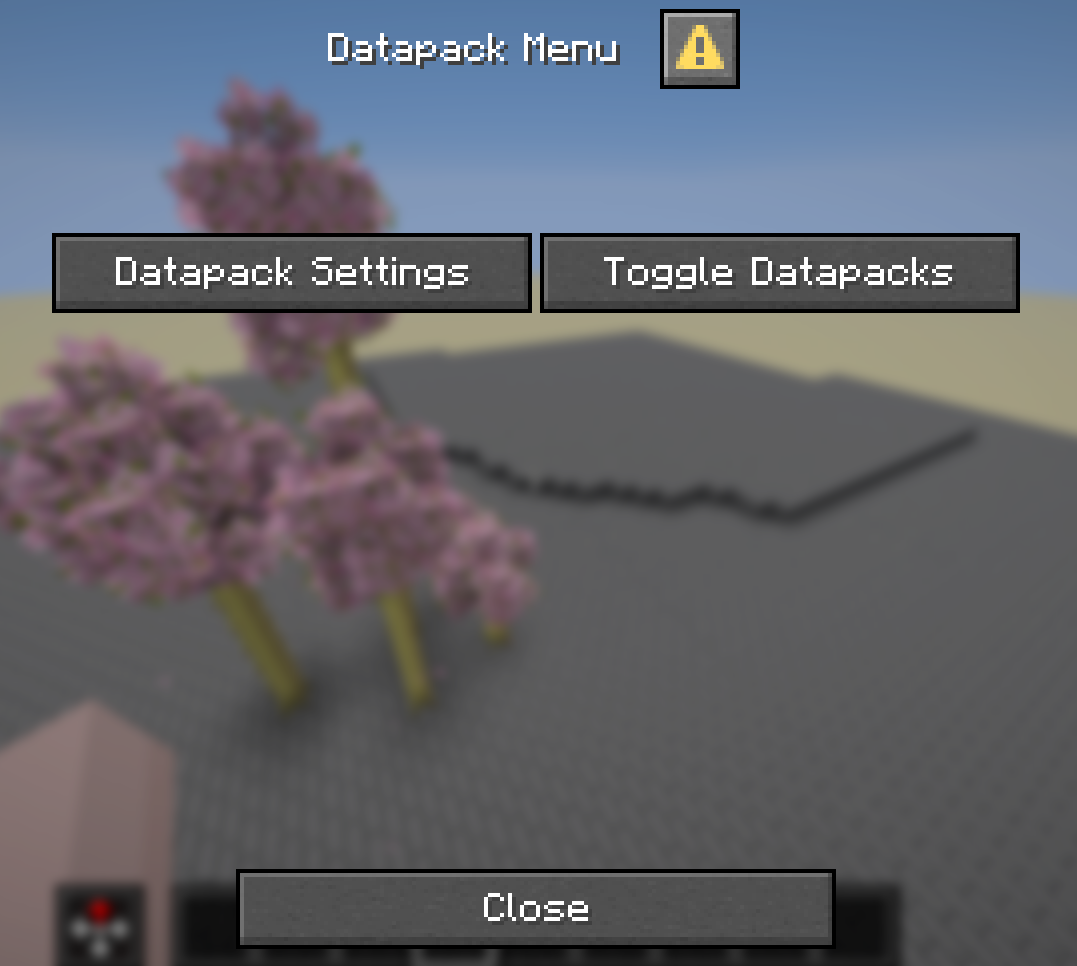
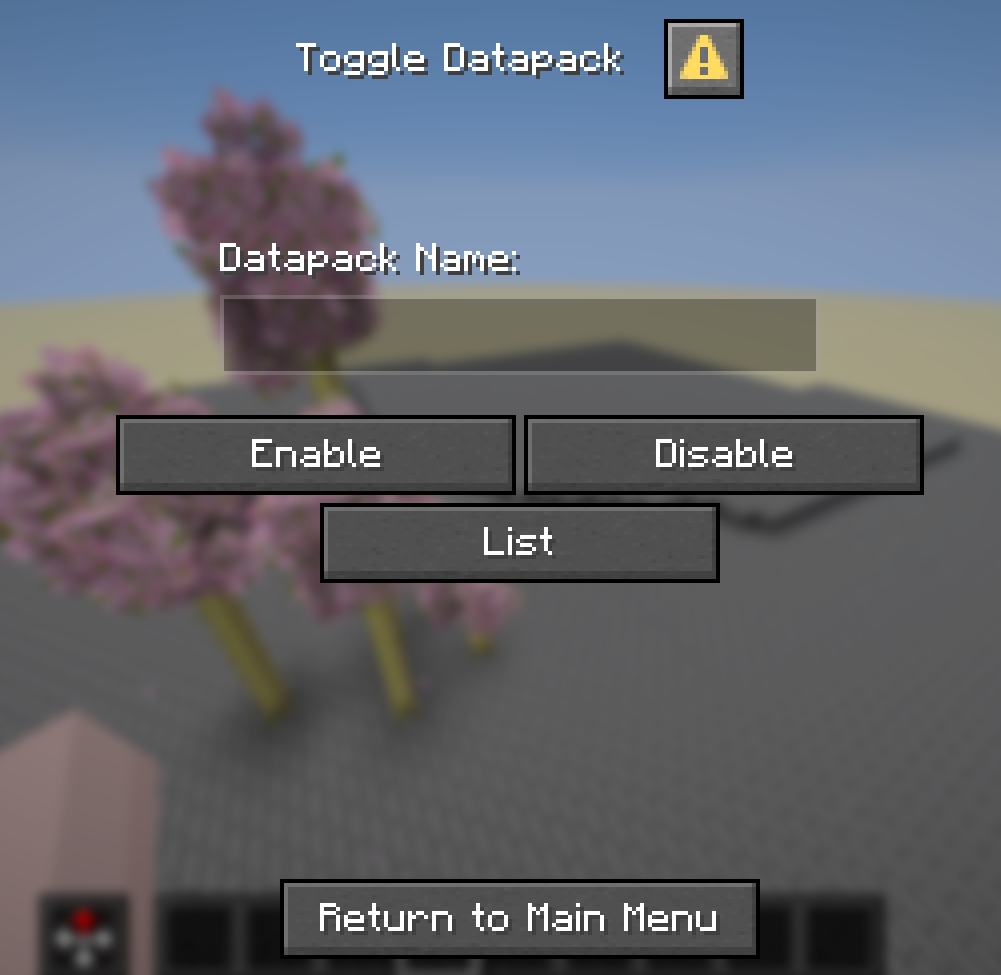
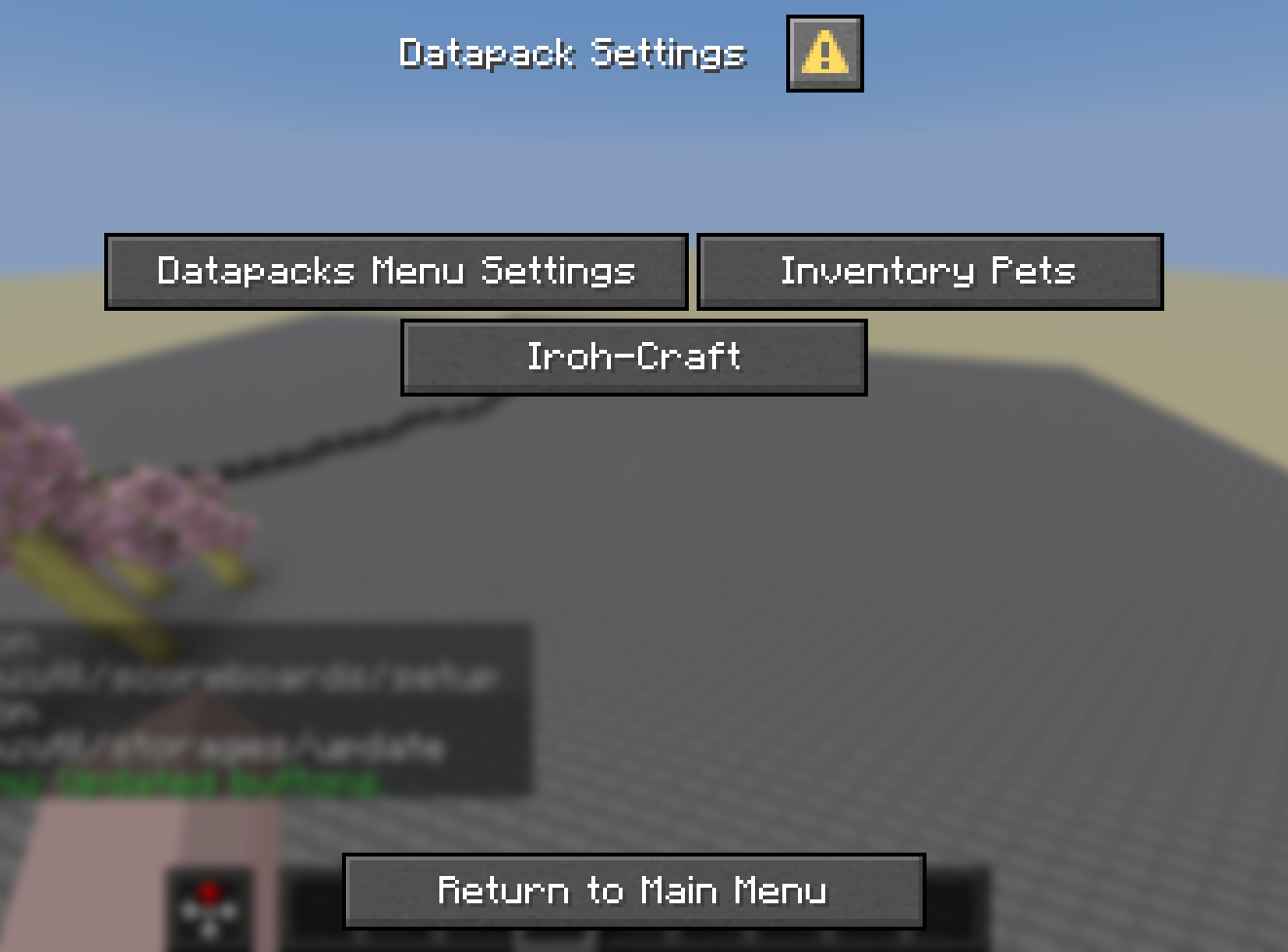
- A datapack inspired by ModMenu, this datapack allows multiple datapacks to share space in the pause screen allowing players to enable/disable datapacks, and go into their specific menus etc.
📝 Examples:
To use the datapack features you’ll need to add a button to the datapack settings sub-menu if you want players to be able to use your menu from the pause menu.
- Run command example
data modify storage datapack.menu add.button append value {label:”(Button Name)”,width:120,action:{type:”minecraft:run_command”,command:”(The command you wish to run)”}}
- Show dialog example
data modify storage datapack.menu add.button append value {label:”(Button Name)”,width:120,action:{type:”minecraft:show_dialog”,dialog:”namespace:(dialog)”}}
- Built-in Example (The one which comes pre-loaded)
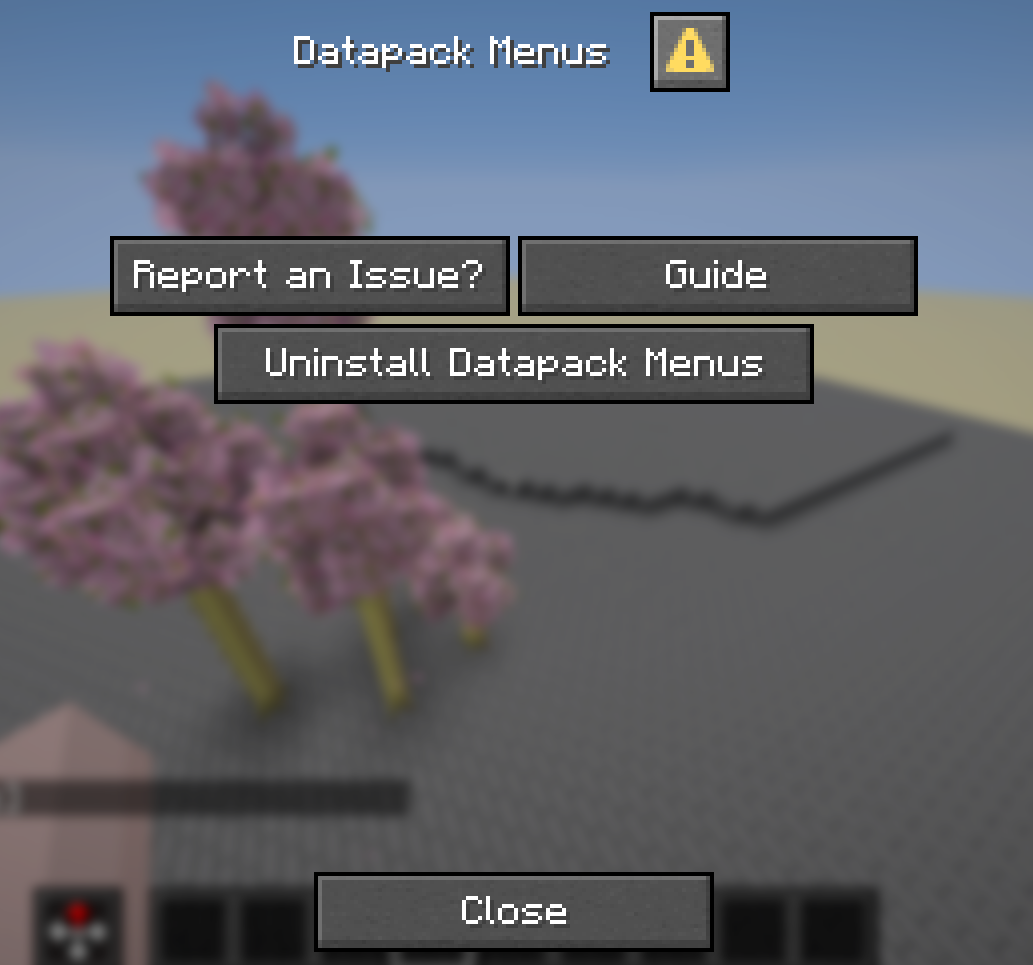
data modify storage datapack.menu add.button append value {label:”Datapacks Menu Settings”,width:150,action:{type:”minecraft:show_dialog”,dialog:”datapack_menu:config”}}
📗 Guide:
- When setting up this system into your datapack you only need to run a simple data modify command, this will allow the datapack to merge the button you add into the settings menu, I do plan on adding more features for other developers, but as of the moment this is the current system we have,
- As for setting this system up, copy from the prior examples and add it to your setup function, then on reload this datapack will reload and update the storages!
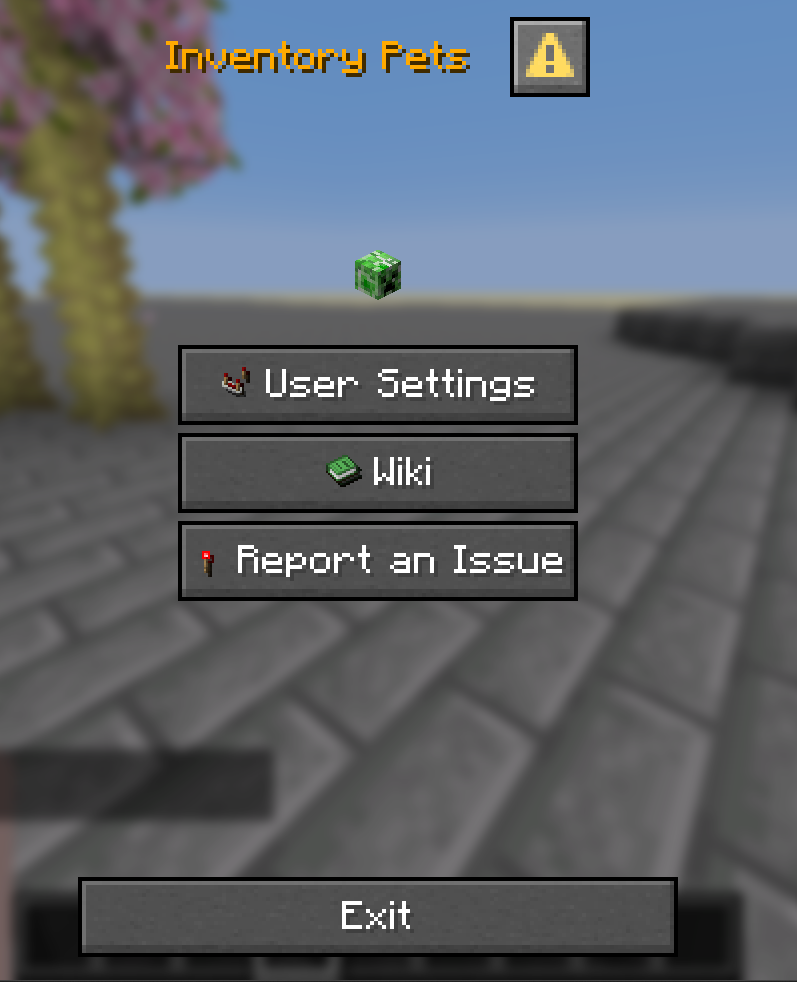
- With the Run Command: example I suggest having a trigger command so that non-oped players can run this, with this I’d suggest having it show a dialog based on the trigger e.g: My other datapack Inventory Pets has a command /trigger inventory_pets which shows a dialog and allows players to run sub-commands via the trigger commands, like controlling their sound/particle settings, open an in-game wiki and report issues via this sub-menu.
- With the Show Dialog: Example if you have a simple dialog baked-in your datapack that just leads players to a bug-report/Guide/Uninstall function then this would be more preferable if you don’t need players to run sub-command functions for non-oped players.
🐛 Bugs – Issues:
- Currently this datapack has one major issue which is that if you open the main menu and try to enter the settings sub-menu you need to leave the escape menu and go from there, however with the nature of this pack and how it works I’m unsure of a way to fix it.
- If you come across any bugs please report them in the issues.
⛳ Misc:
- There is a smithed datapack with similar features however, to my knowledge it’s hard coded and a more difficult setup, althought both are viable if you prefer that version,
常见问题
Datapacks Menu 支持哪些 Minecraft 版本?
Datapacks Menu 支持 Minecraft Java 版 1.21–26.2,共 16 个版本。下载时注意选择和你游戏版本一致的文件。
Datapacks Menu 怎么安装?
新建世界时在「数据包」里把下载的 .zip 拖进去;已有的存档,把文件放进存档目录下的 datapacks 文件夹,进游戏输入 /reload 即可生效。服务器同样放在世界目录的 datapacks 里。

评论
登录后评论和评分