截图
介绍

Discord: The Quin Studios community hub, and semi-regular news
Instagram: Texture-by-texture progress for my resource pack, Immersion, and general Quin Studios news
Patreon: In-depth update and development progress posts for large projects
If you like my work, please consider supporting me on Patreon
About
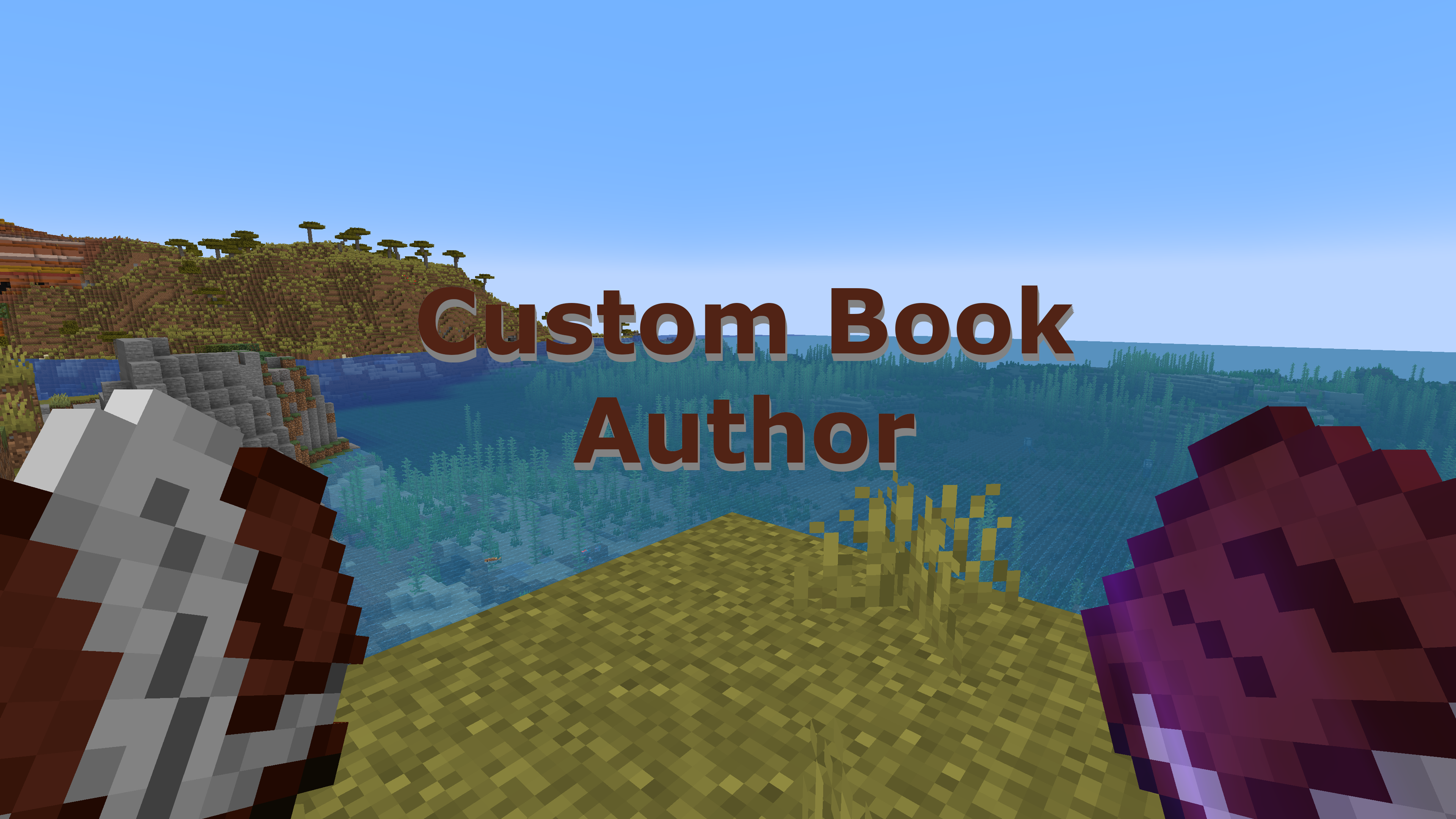
This datapack allows you to customize and change the author and title of a written book. Supports Minecraft versions 1.18+.
To change the author name of a book, just follow these steps:
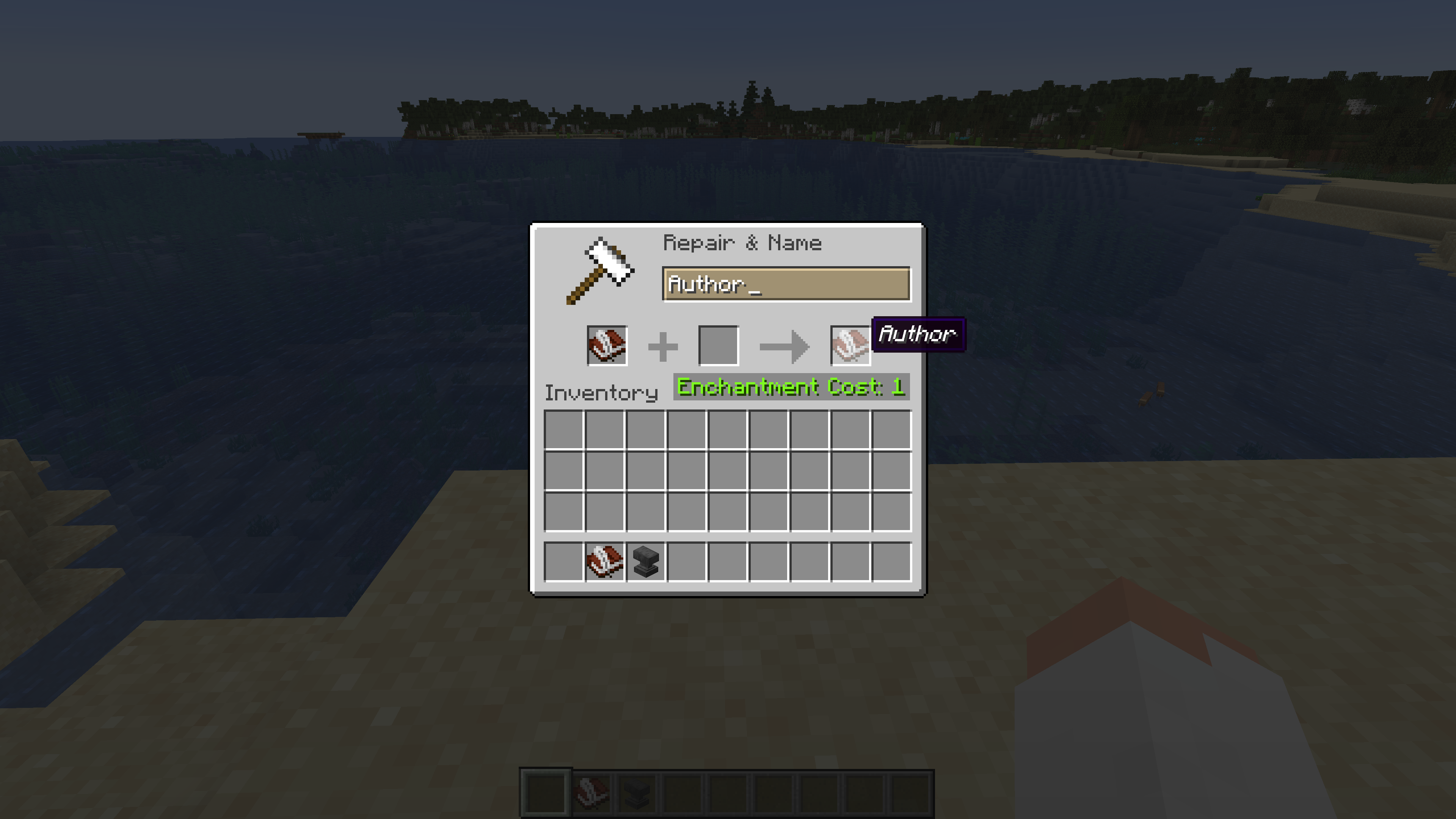
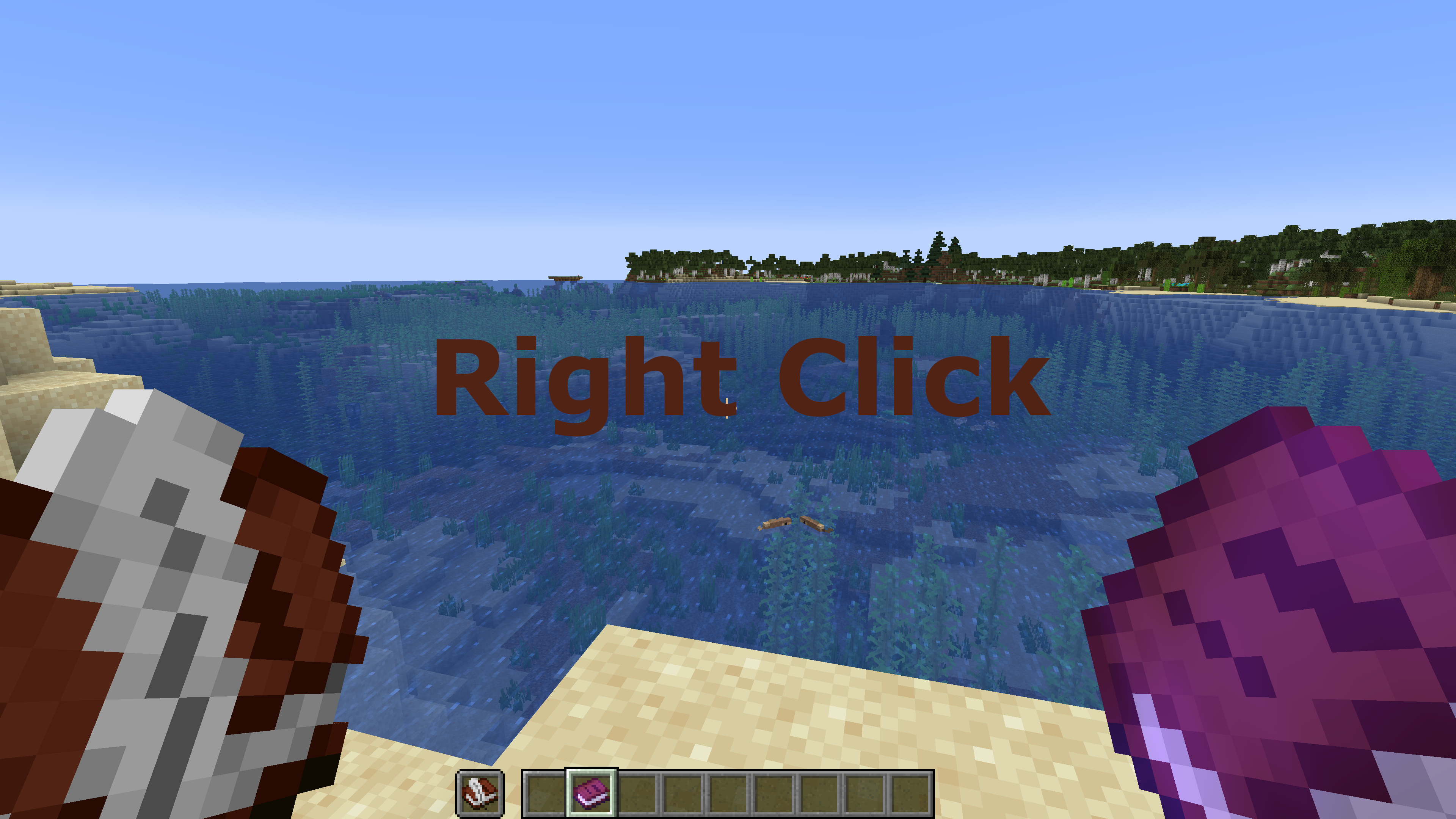
1. Take a Book and Quill, and rename it to “Author” with an anvil.
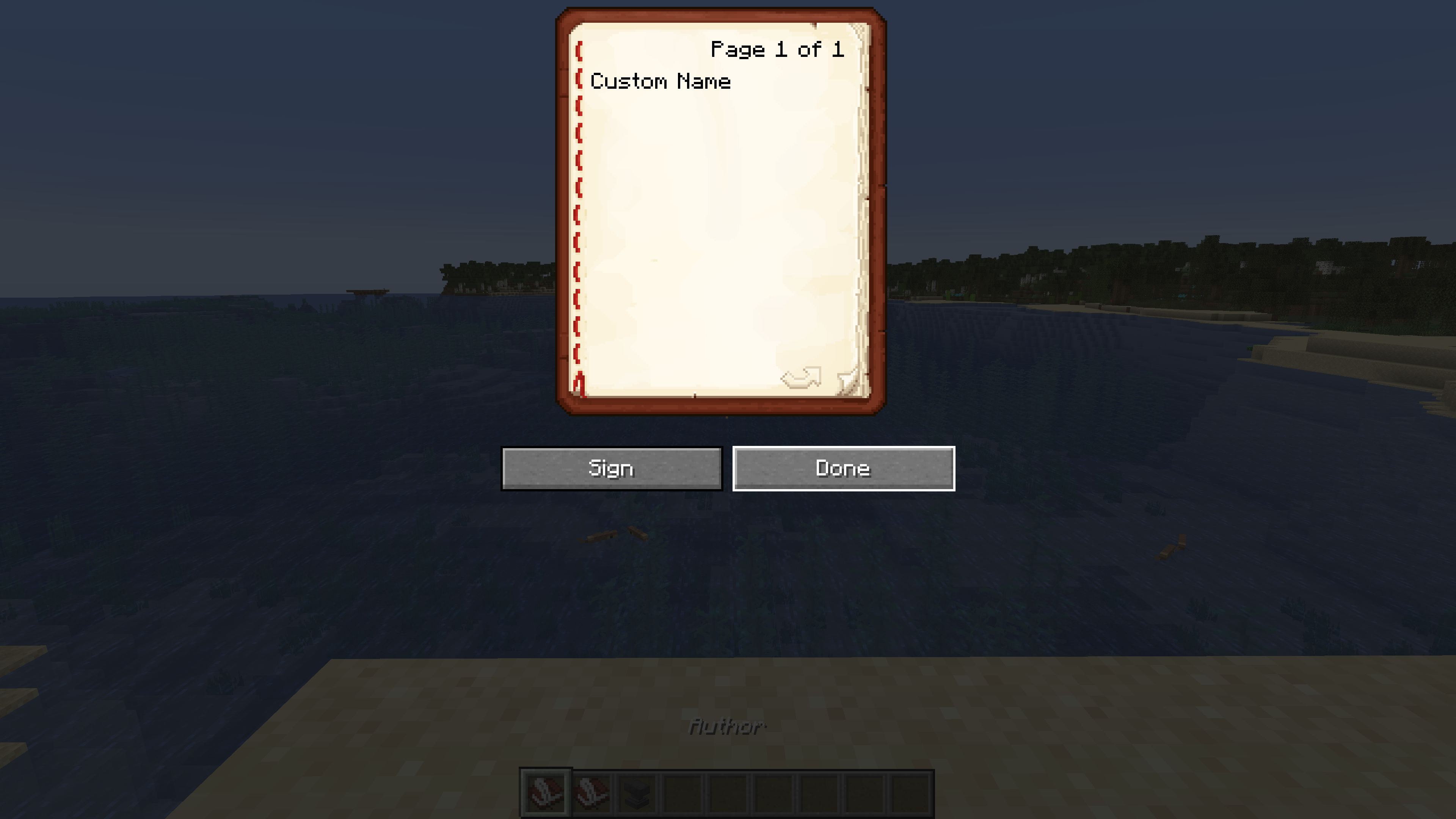
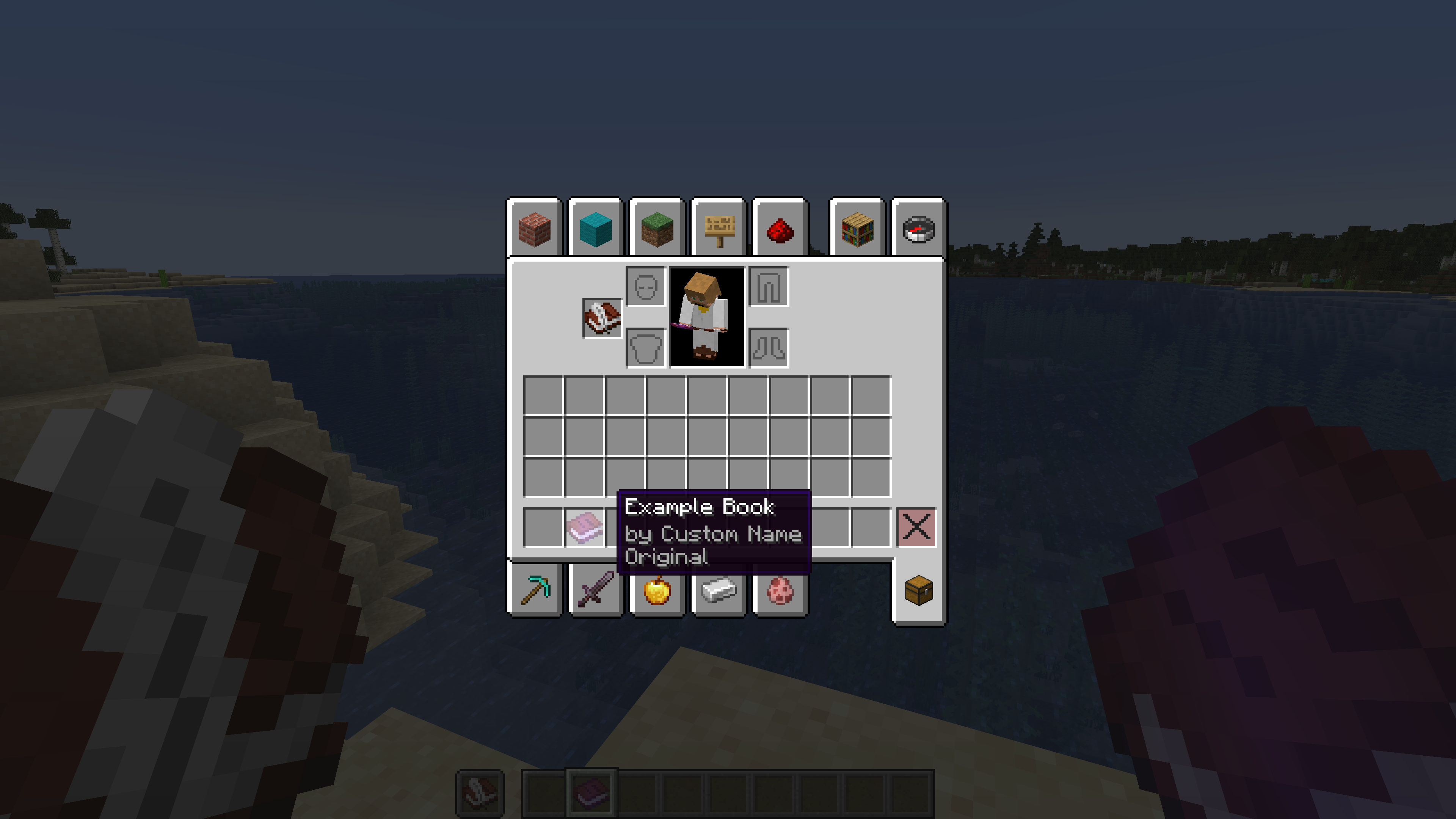
2. On the first page, write the author name, however you want it to display.
3. Put the named book and quill in your offhand, and open a written book that you want to change the author of.
4. And voila, you’re done! The new author name should now display properly.
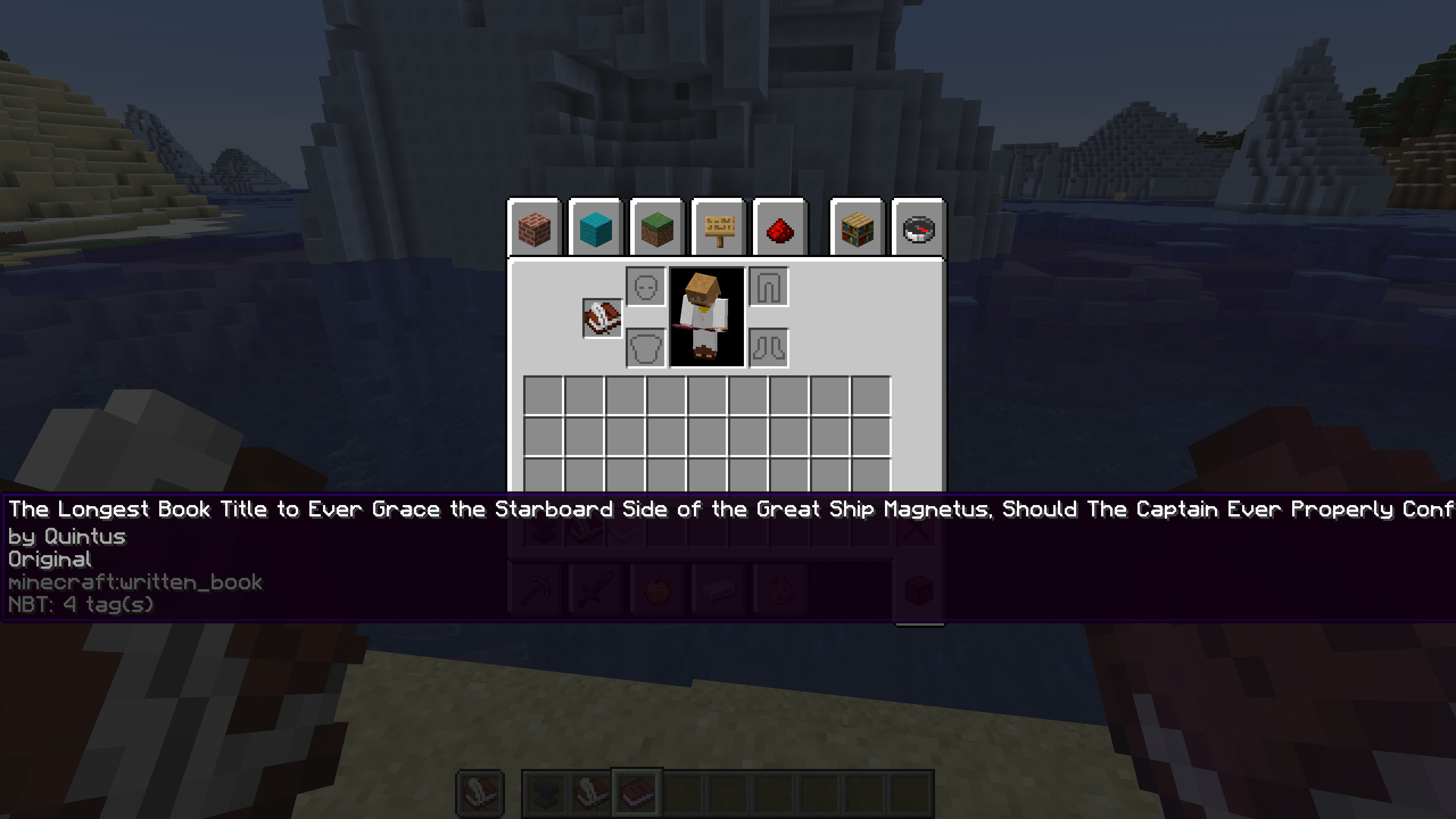
You can change book titles with this same method, only using a book and quill named “Title” instead of “Author”. This method can be used to overcome the vanilla character limit for book titles, allowing you to now make books with titles potentially stretching even beyond the edges of your screen.
Installation
New World:
1. Select Data Packs in the world creation menu (in 1.19.4+, select the More tab at the top of the screen first)
2. Drag and drop the download into the Minecraft window, then select Yes to add the pack
3. Click the arrow on the pack icon to load the pack, and then select Done
4. Load and play your world
Existing World:
1. Navigate to your world folder. You can open it from the worlds menu by selecting your world, Edit,
and then Open World Folder
2. Go into the datapacks folder, and move the download there
3. Load your world
4. Type /reload
Note that if you are installing the datapack into a pre-existing world, you will need to temporarily enable cheats in order to reload the datapack. Cheats do not need to be enabled after reloading, and are not necessary for new worlds.
常见问题
Custom Book Author 支持哪些 Minecraft 版本?
Custom Book Author 支持 Minecraft Java 版 1.18–1.19.4,共 8 个版本。下载时注意选择和你游戏版本一致的文件。
Custom Book Author 怎么安装?
新建世界时在「数据包」里把下载的 .zip 拖进去;已有的存档,把文件放进存档目录下的 datapacks 文件夹,进游戏输入 /reload 即可生效。服务器同样放在世界目录的 datapacks 里。

评论
登录后评论和评分