
截图
介绍
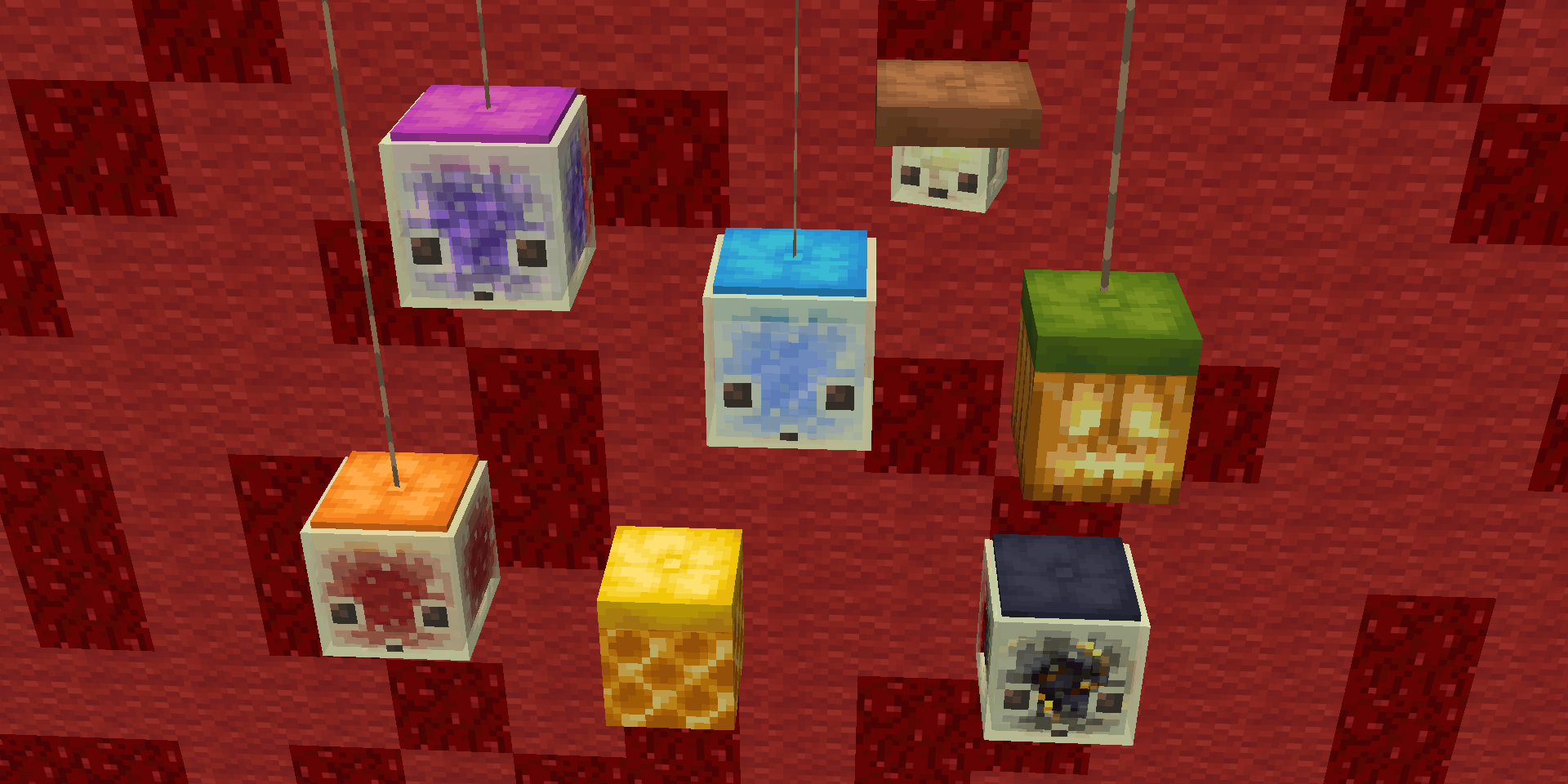
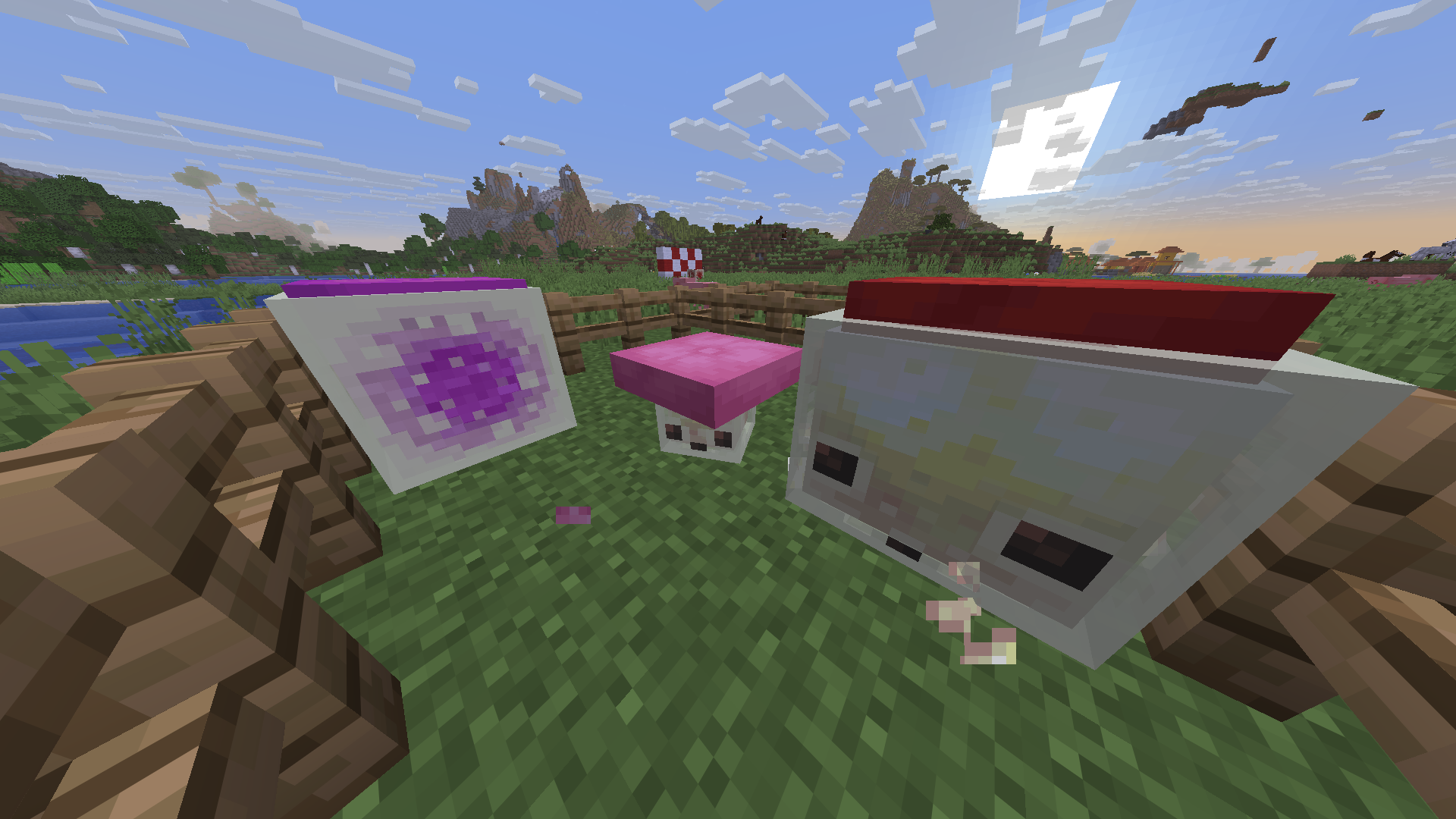
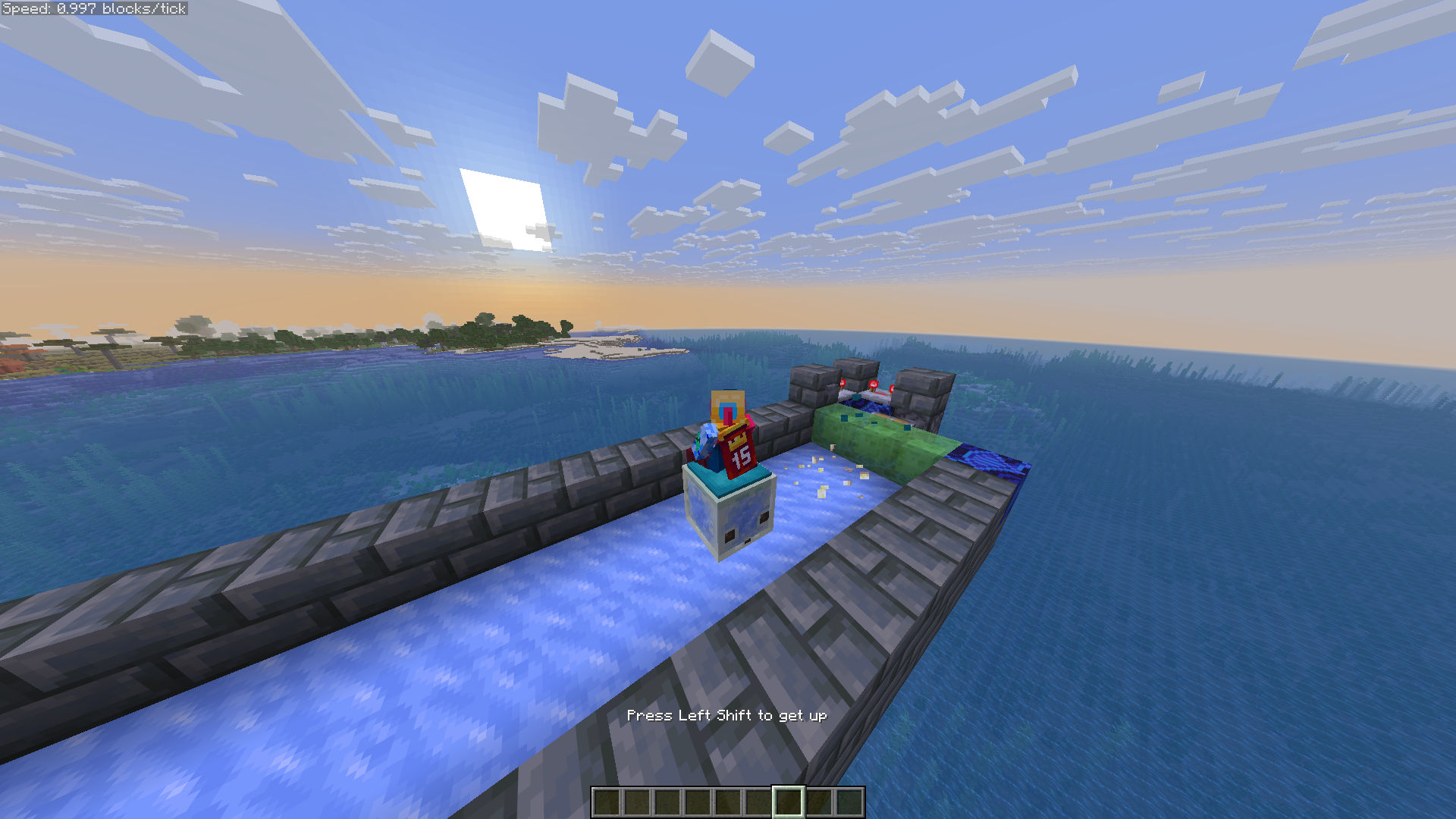
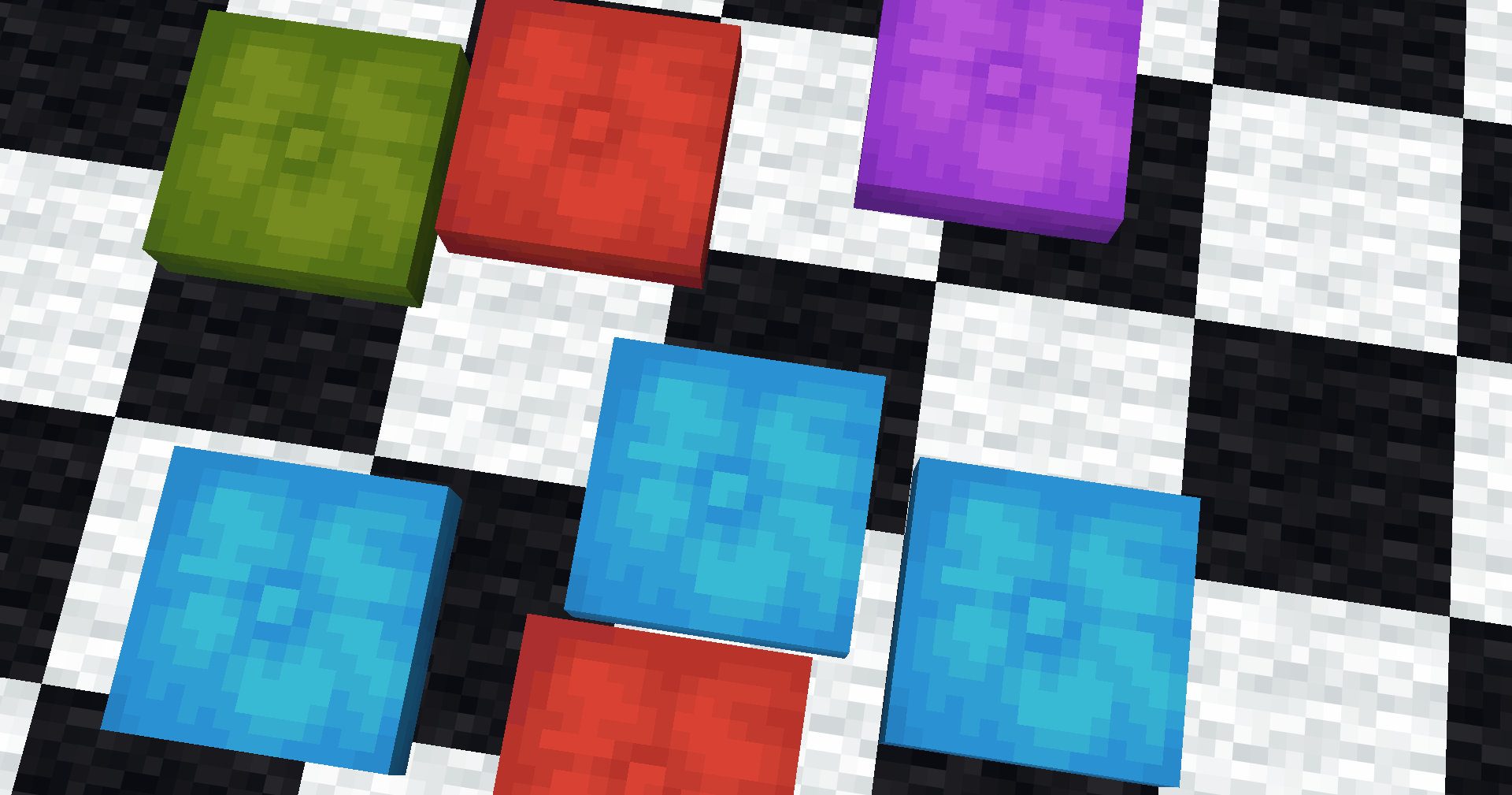
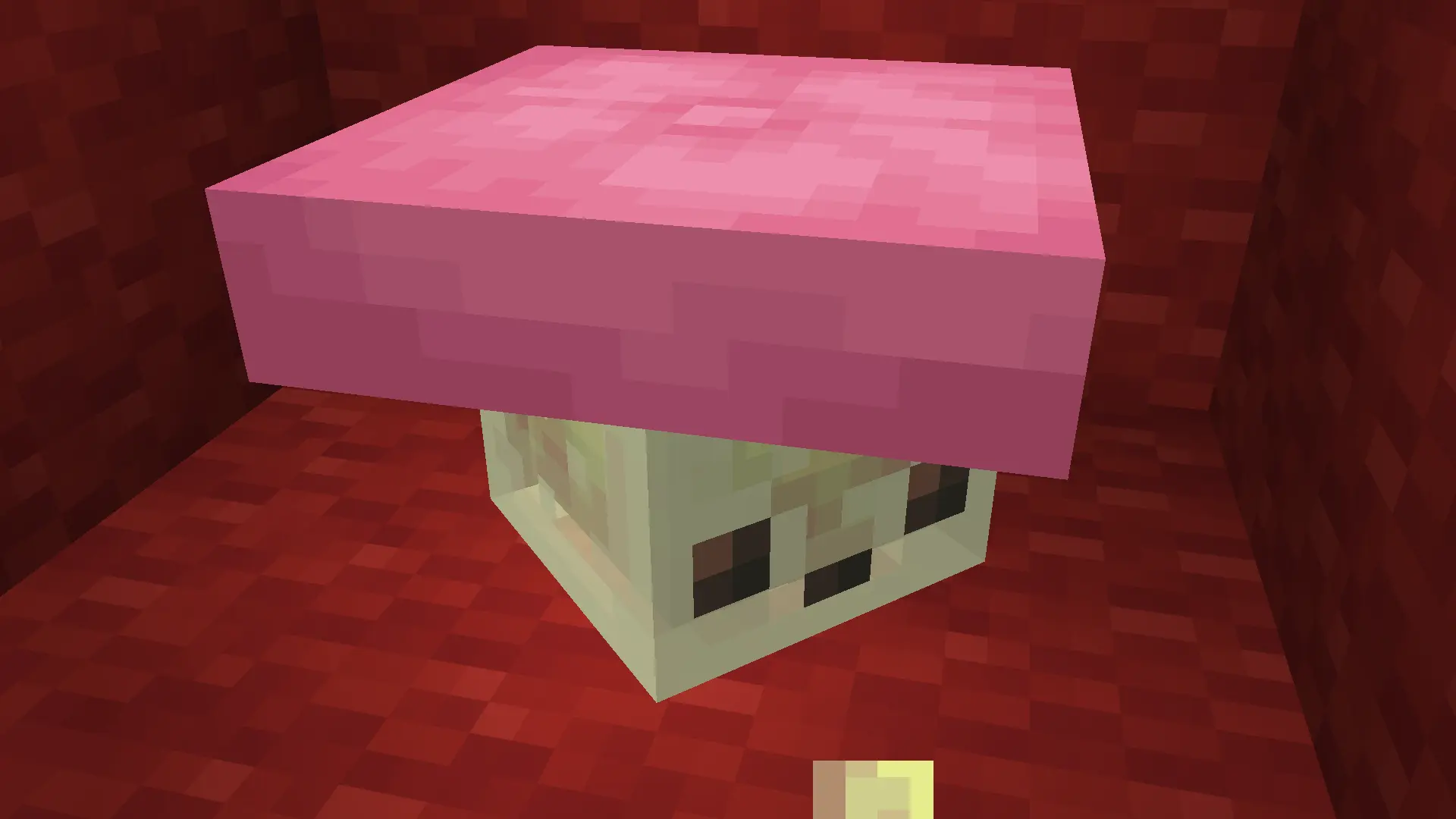
Throw a Cushion on a Sulfur Cube to make it mountable!
Works with Small Cubes too
To remove the cushion either put the cube into a bucket or shoot a projectile (arrow,egg,snowball) to destroy the cushion.
Known issues/limitations:
Its not possible to make cushions not pop off when not on a block so they pop off every few seconds for a tick.
When multiple cubes hang out close to each other the cushions could move to a diffrent cube because of this.
If you really want to its possible to place Cushions not aligned to X and Z grid – just right click with a cushion on a Sulfur Cube that already has a Cushion on top of it.
The data pack is safe to uninstall. Just keep in mind that all of the cushions on the sulfur cubes will pop off and disappear after 5 minutes.
If you don’t want to install for Fabric, here is how to install the pack:
Install the data pack
Download the .ZIP, then put it in .minecraft/saves//datapacks/
On Windows just click Windows+R, type %appdata%, go to Roaming, then .minecraft
If you aren’t using the official launcher, Minecraft’s folder might be diffrent.
In that case open the resouce pack selector from the settings, click “Open Pack Folder” and go 1 folder up.
常见问题
Cushions on Sulfur Cubes 支持哪些 Minecraft 版本?
Cushions on Sulfur Cubes 支持 Minecraft Java 版 26.3,可用的加载器:Fabric。下载时注意选择和你游戏版本一致的文件。
Cushions on Sulfur Cubes 怎么安装?
新建世界时在「数据包」里把下载的 .zip 拖进去;已有的存档,把文件放进存档目录下的 datapacks 文件夹,进游戏输入 /reload 即可生效。服务器同样放在世界目录的 datapacks 里。
Bojlier 的其他作品
查看全部 →
Dark Mode for JEI
Darkens JEI for recent versions of the game!

Huge Sulfur Cube Expansion
Adds 24 unique Sulfur Cube Archetypes, the ability to control their sizes and an Advancement tree showing how to get all of them.

Flashbangs & Smokes
Adds craftable Flashbang and Smoke grenades inspired by CS2!

Infinite Invisibility Potions
Adds potions for granting and removing Infinite Invisibility. Great for building and decoration.
评论
登录后评论和评分