
Constant Size Change
Every 5 second, the player's size will change. You can either make a player grow or shrink.
介绍
Constant Size Change
This datapack allows you to make a player grow or shrink constantly.
Other attributes like speed or jumping are scaled with the player size!
How to use?
⚠️ YOU NEED OPERATOR PERMISSIONS
To make a player shrink or grow, you need to type this command in chat to open the settings menu.
/function csc_settings:configOn the screen click on:
Make a Player Grow or Make a Player Shrink and then enter their username
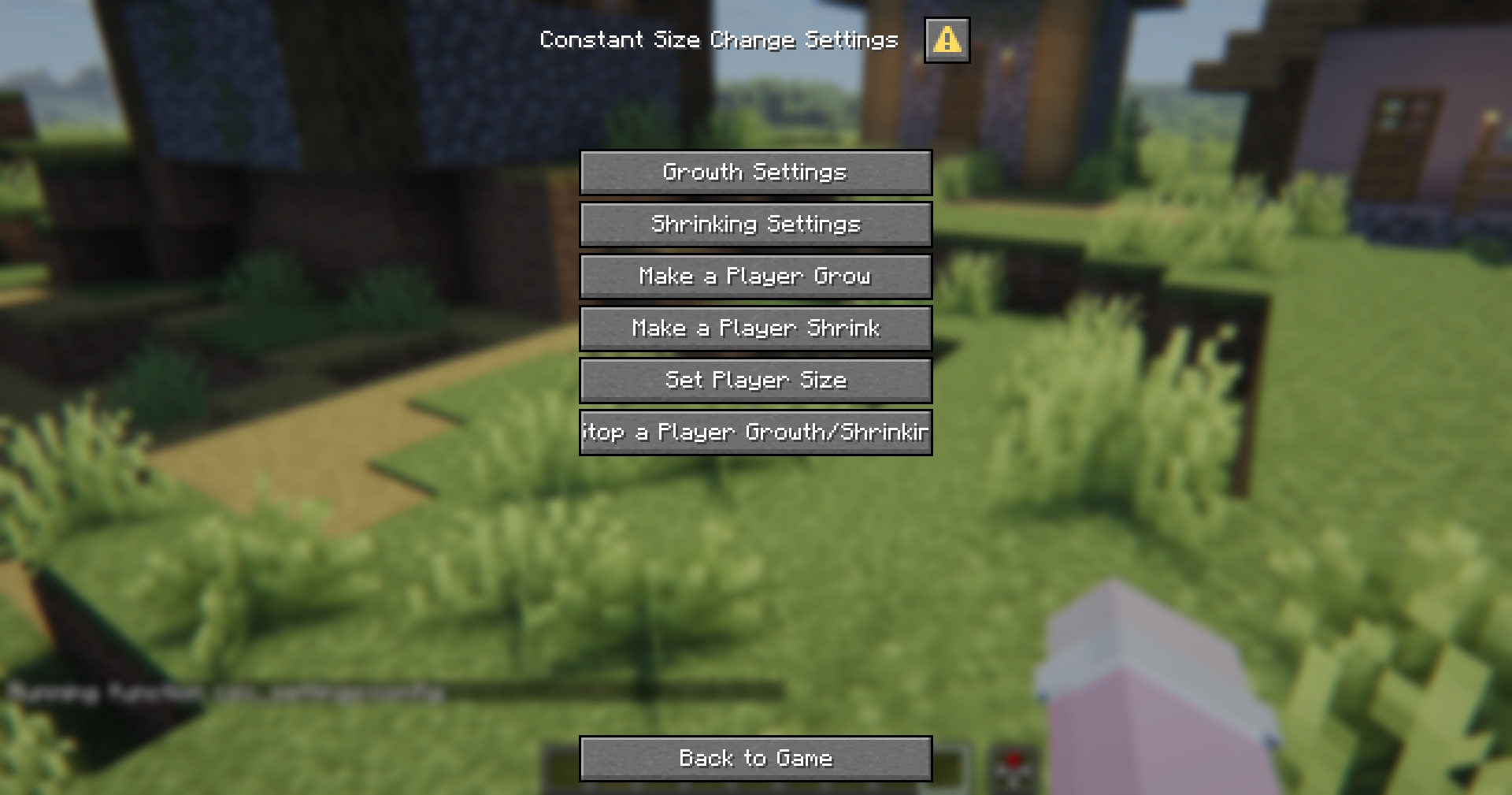
On this screen, you can also change the growth/shrink amount per ticks or reset a player’s size.
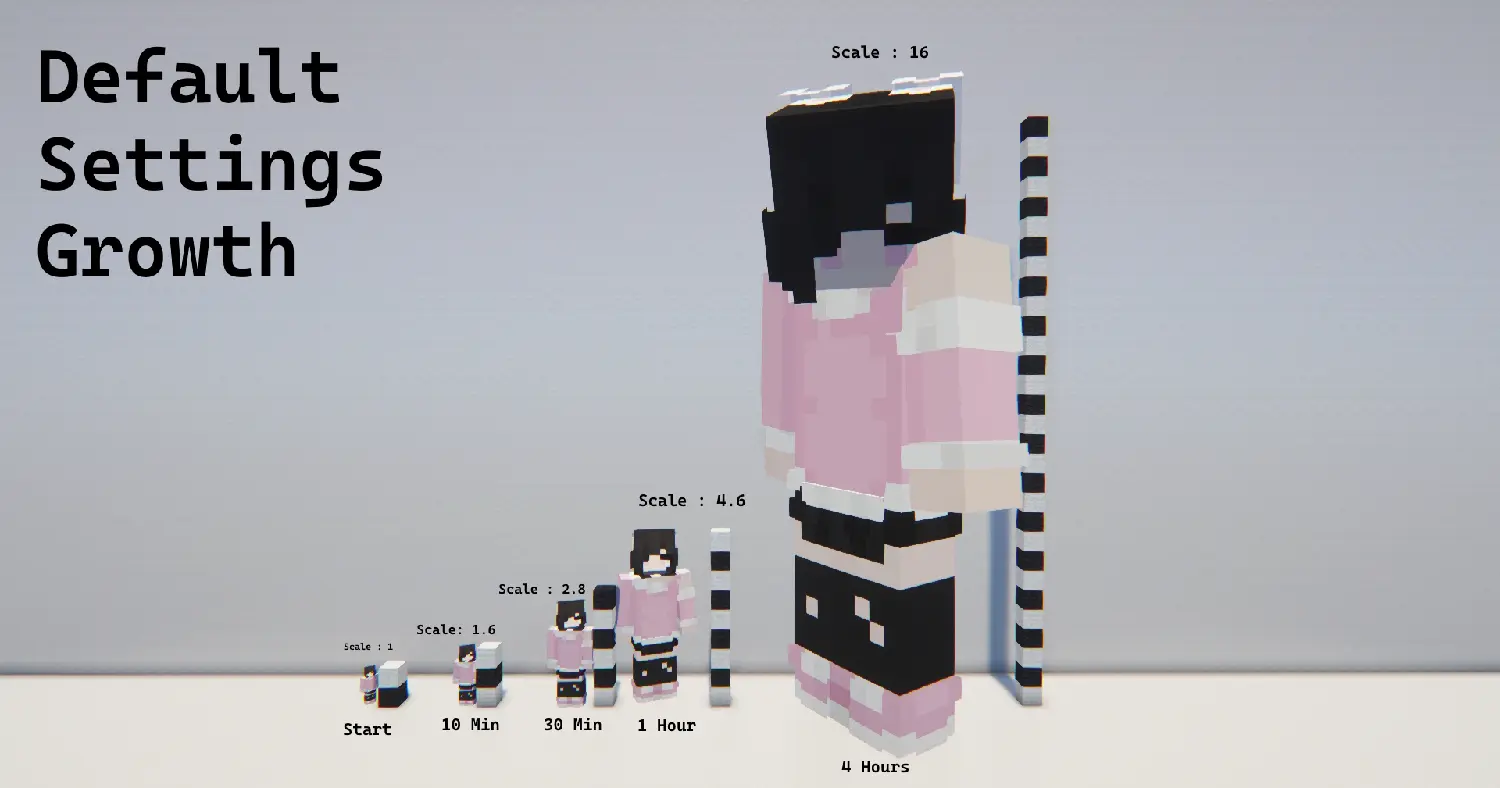
Default Settings
Growth: 0.5 / 100 ticks (5 seconds)
| Time | Size |
|–|–|
| Initial | 1 |
| 10 Minutes | 1.6 |
| 30 Minutes | 2.8 |
| 1 Hour | 4.6 |
| 4.4 Hours | 16 |
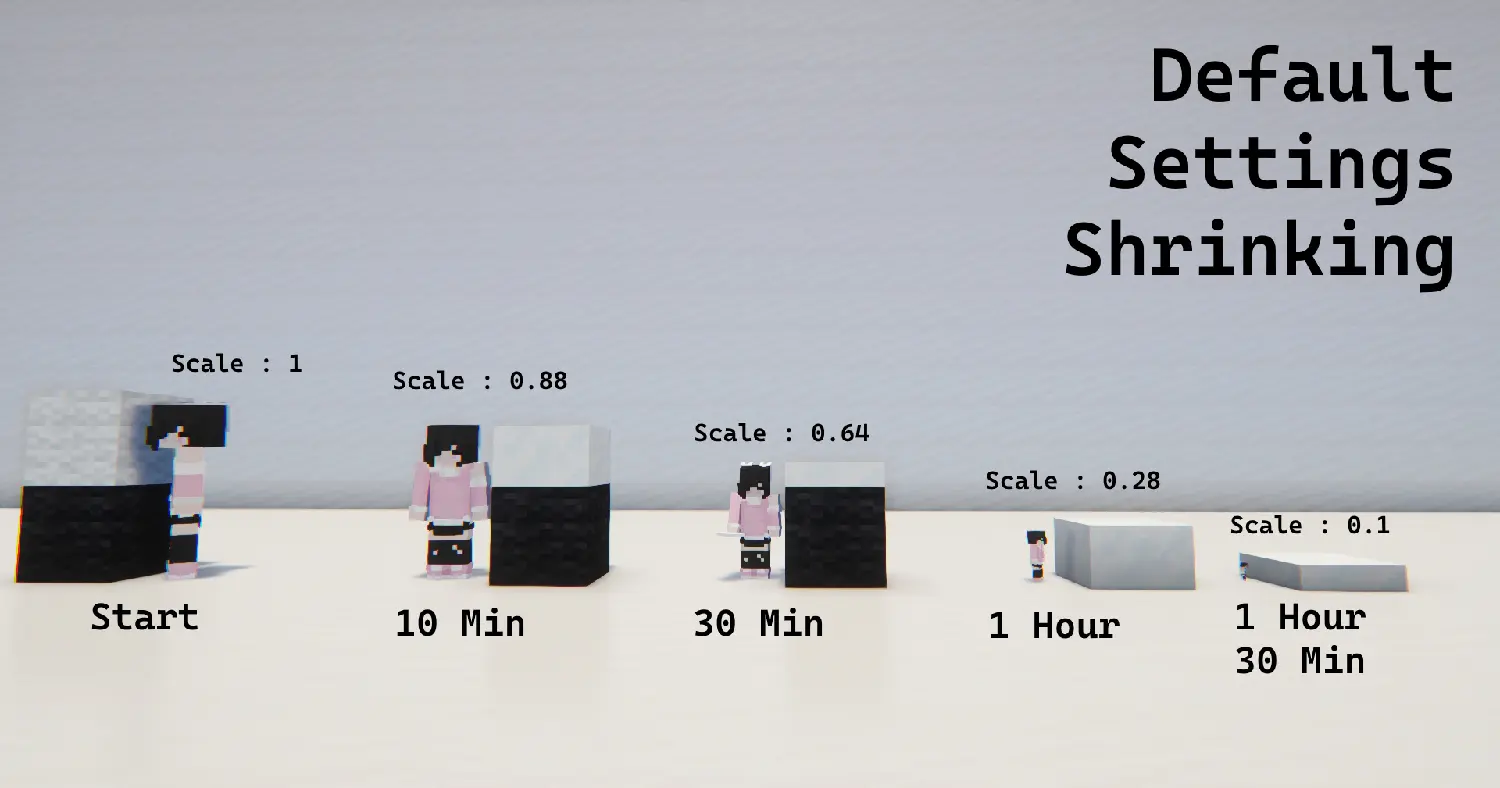
Shrinking: 0.1 / 100 ticks (5 seconds)
| Time | Size |
|–|–|
| Initial | 1 |
| 10 Minutes | 0.88 |
| 30 Minutes | 0.64 |
| 1 Hour | 0.28 |
| 1.30 Hour | 0.1 |
常见问题
Constant Size Change 支持哪些 Minecraft 版本?
Constant Size Change 支持 Minecraft Java 版 1.21.11–26.2,共 5 个版本。下载时注意选择和你游戏版本一致的文件。
Constant Size Change 怎么安装?
新建世界时在「数据包」里把下载的 .zip 拖进去;已有的存档,把文件放进存档目录下的 datapacks 文件夹,进游戏输入 /reload 即可生效。服务器同样放在世界目录的 datapacks 里。

评论
登录后评论和评分