
Checkmate
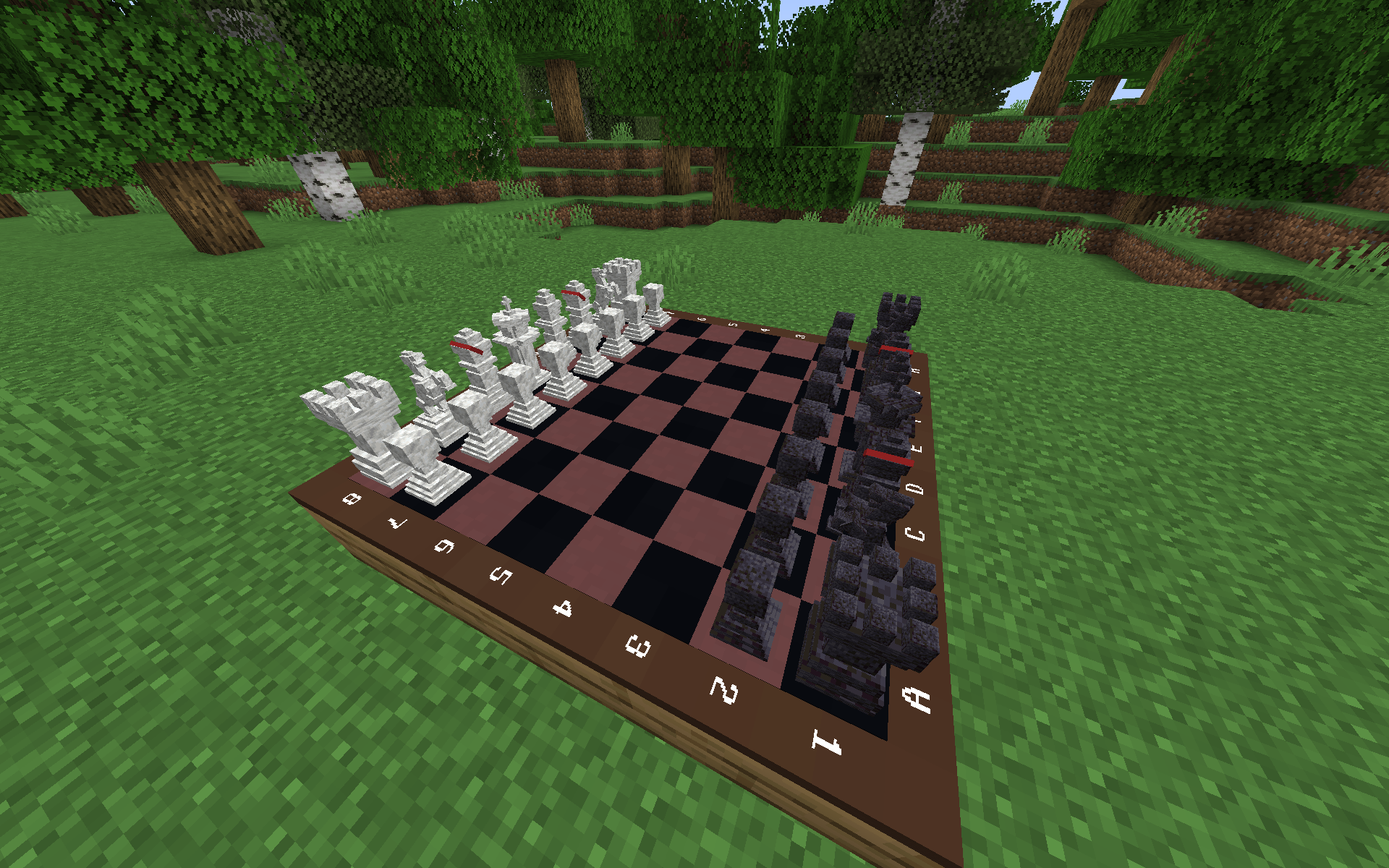
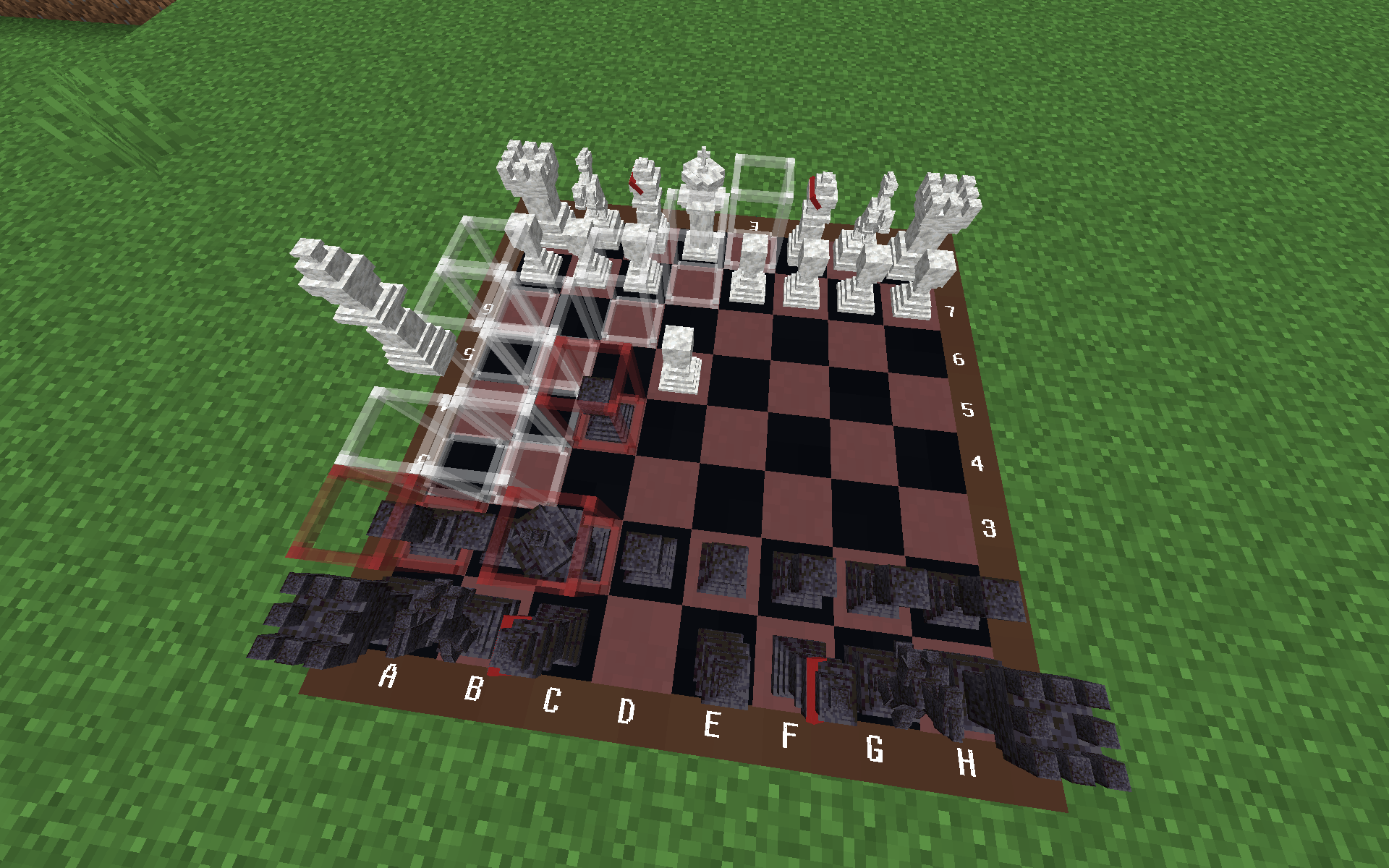
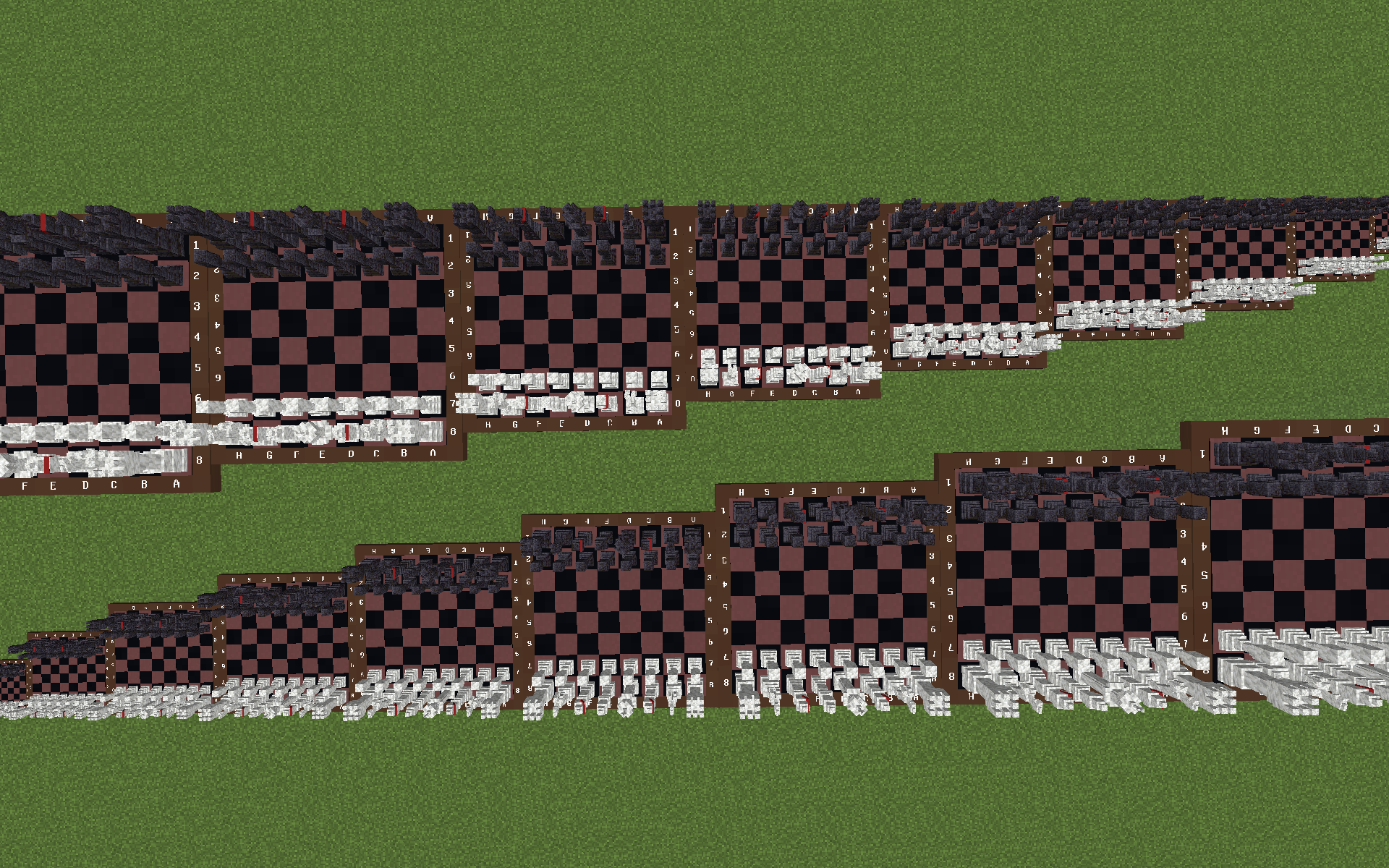
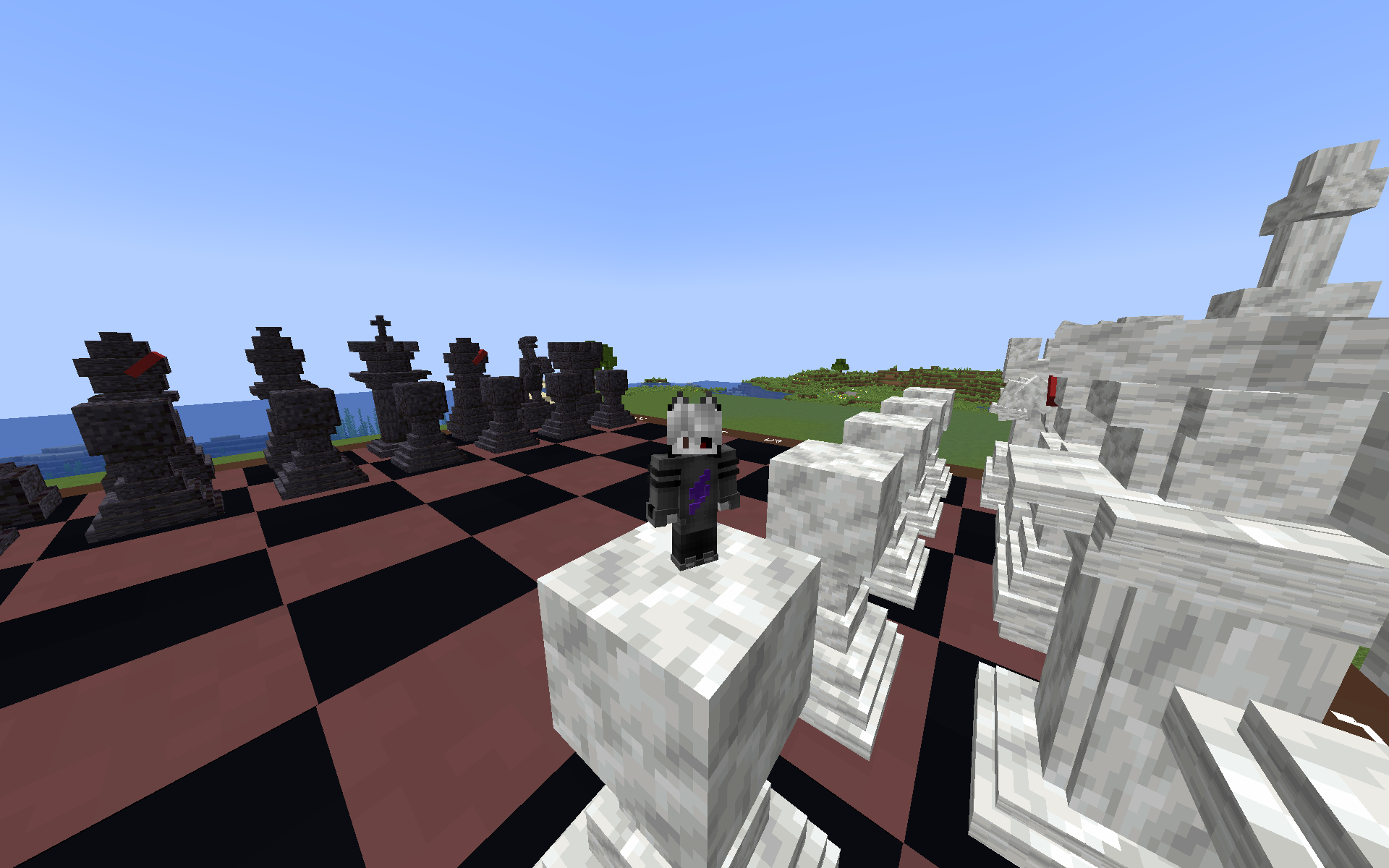
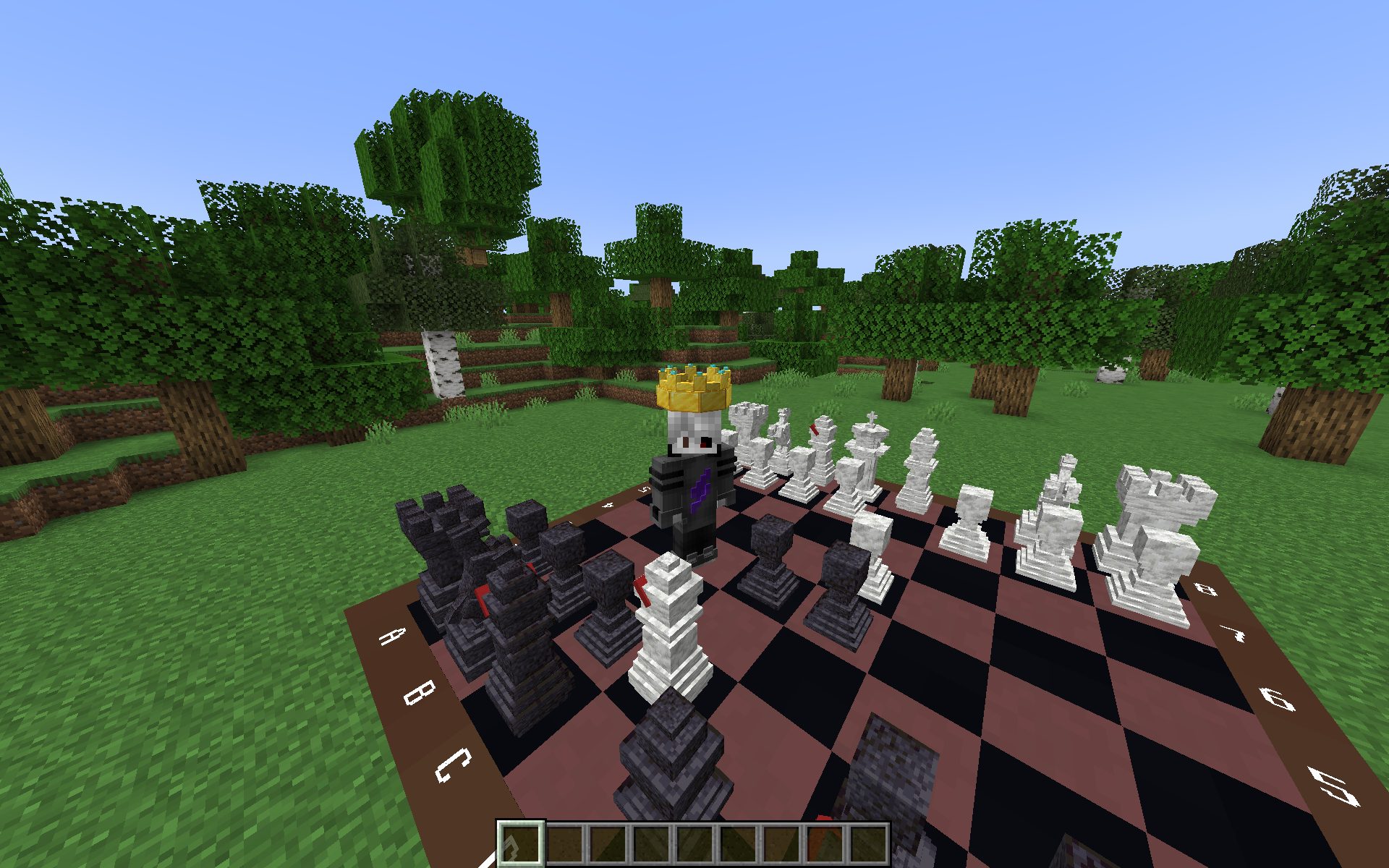
Gives you the opportunity to play a chess game of any size anywhere in the minecraft world.
截图
介绍
Chess
Playing Minecraft is a pleasure for many, so why not combine it with chess, an ancient game that has existed for over one and a half thousand years?
Mechanics
How to Obtain the Chessboard?
There are two ways to get the chess set:
- Crafting Craft the chess set using 9 items:
- Chiseled Deepslate
- Polished Deepslate Wall
- Polished Diorite
- Diorite Wall
- Redstone
- 2x Black Terracotta
- Brown Terracotta
- Command If commands are enabled in the accessibility settings, use the following command:
/function main:give_item
Operating Modes
Adjusting Chessboard and Piece Sizes
You can adjust the size of the chessboard and pieces (the default size is 1). You can increase or decrease it as follows:
- To Increase Size:
- Pick up the chess set after obtaining it.
- Hold down the Shift key.
- Move the mouse cursor above the middle of the screen.
- Right-click.
- To Decrease Size:
- Perform the same steps as increasing the size, but move the mouse cursor below the middle of the screen.

Playing Chess
To play chess:
- Right-click on the chessboard while Shift is not pressed.

Picking Up the Chessboard
To pick up the chessboard:
- Hold down the Shift key.
- Look straight up while standing near the chessboard.
Once picked up, the chessboard will appear in your inventory.

Currently, the rules of the chessboard do not match the most common ones, which will be corrected in the future.
At the moment, there is a datapack, which is also a resourcepack!
常见问题
Checkmate 支持哪些 Minecraft 版本?
Checkmate 支持 Minecraft Java 版 1.21–1.21.3,共 4 个版本,可用的加载器:Fabric。下载时注意选择和你游戏版本一致的文件。
Checkmate 怎么安装?
新建世界时在「数据包」里把下载的 .zip 拖进去;已有的存档,把文件放进存档目录下的 datapacks 文件夹,进游戏输入 /reload 即可生效。服务器同样放在世界目录的 datapacks 里。

评论
登录后评论和评分