
Challenges Setlist
This datapack adds a collection of commands you can toggle to play the game with an added challenge, either in singleplayer or multiplayer [1.21.3-26.3]
截图
介绍
Ever wanted to do multiple minecraft challenges at once? Well look no further this datapack is for you!
This datapack allows you to toggle challenges on and off and also combine them, you may also use it in both singleplayer and multiplayer, it will be updated with more challenges over time. Until then, please report any bugs you may find
Features so far:
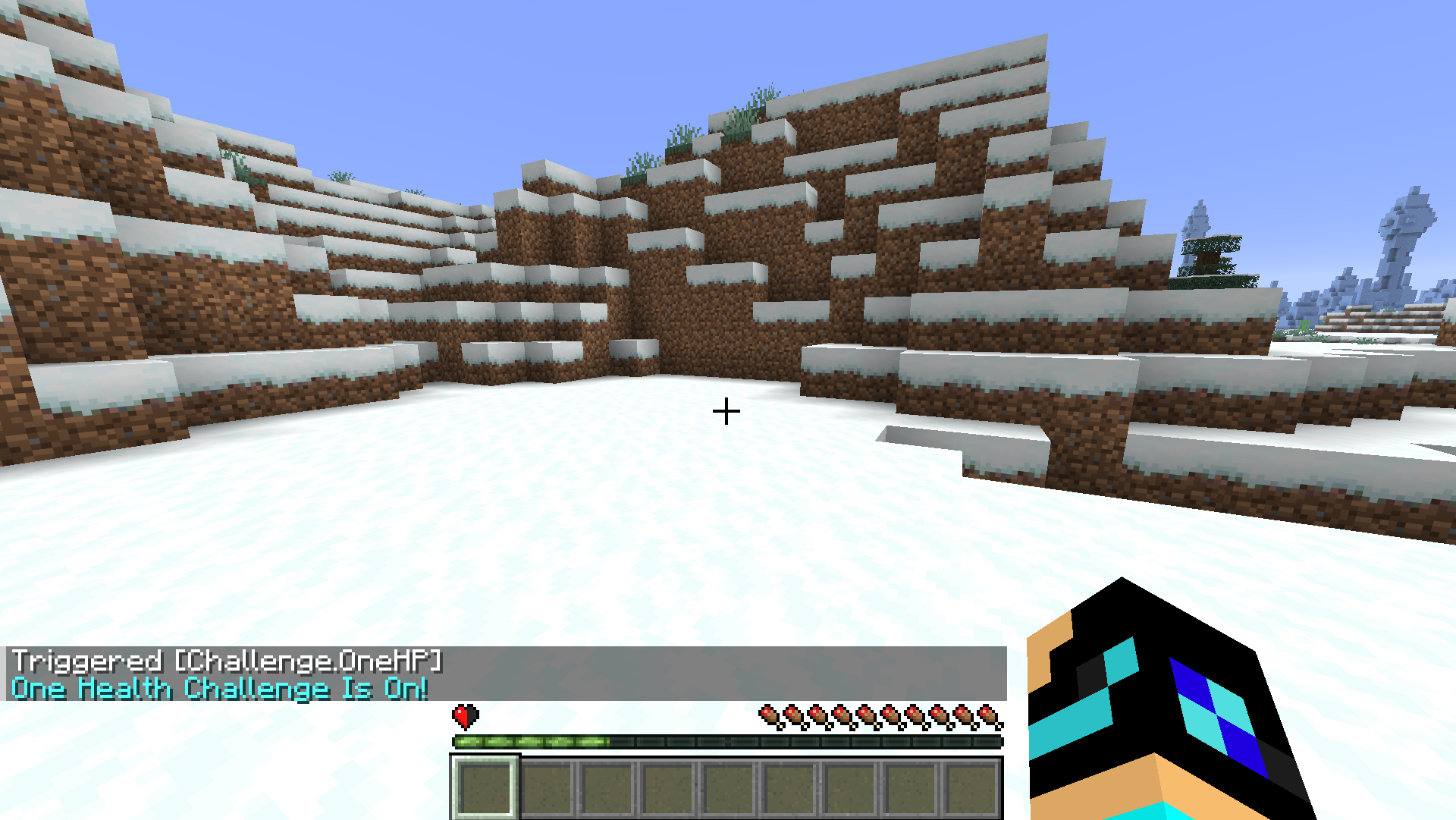
- One health challenge: Type ‘/trigger Challenge.OneHp’ to play the game with only half a heart. You can use the same command to toggle it on and off
- No jump challenge: Type ‘/trigger Challenge.NoJump’ to play the game without the ability to jump. You can use the same command to toggle it on and off
- Max fall damage challenge: Type ‘/trigger Challenge.MaxFallDamage’ to play the game with max fall damage. This means that if you take fall damage you pretty much die no matter what. You can use the same command to toggle it on and off
- Mobs explode: Type ‘/trigger Challenge.MobsExplode’ to cause most mobs you get close to explode and die. You can use the same command to toggle it on and off. (Note: this does not work for the ender dragon or the wither)
- Linked death challenge [MULTIPLAYER]: Type ‘/trigger Challenge.LinkedDeath’ to toggle the challenge on and off. If a player dies who has this challenge on then it will kill all the other players who also have this challenge on
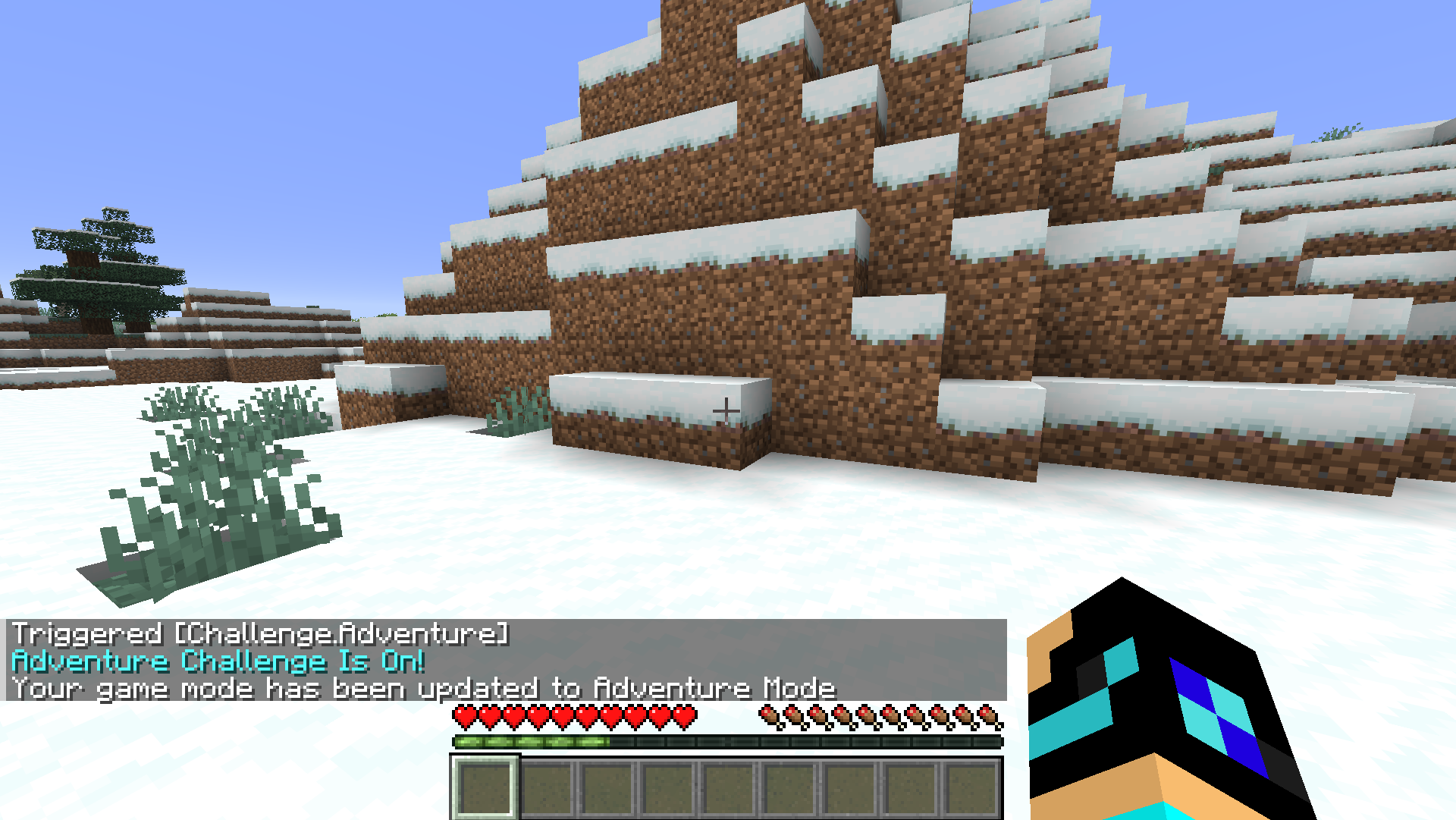
- Adventure challenge: Type ‘/trigger Challenge.Adventure’ to play the game in adventure mode. You can use the same command to toggle it on and off
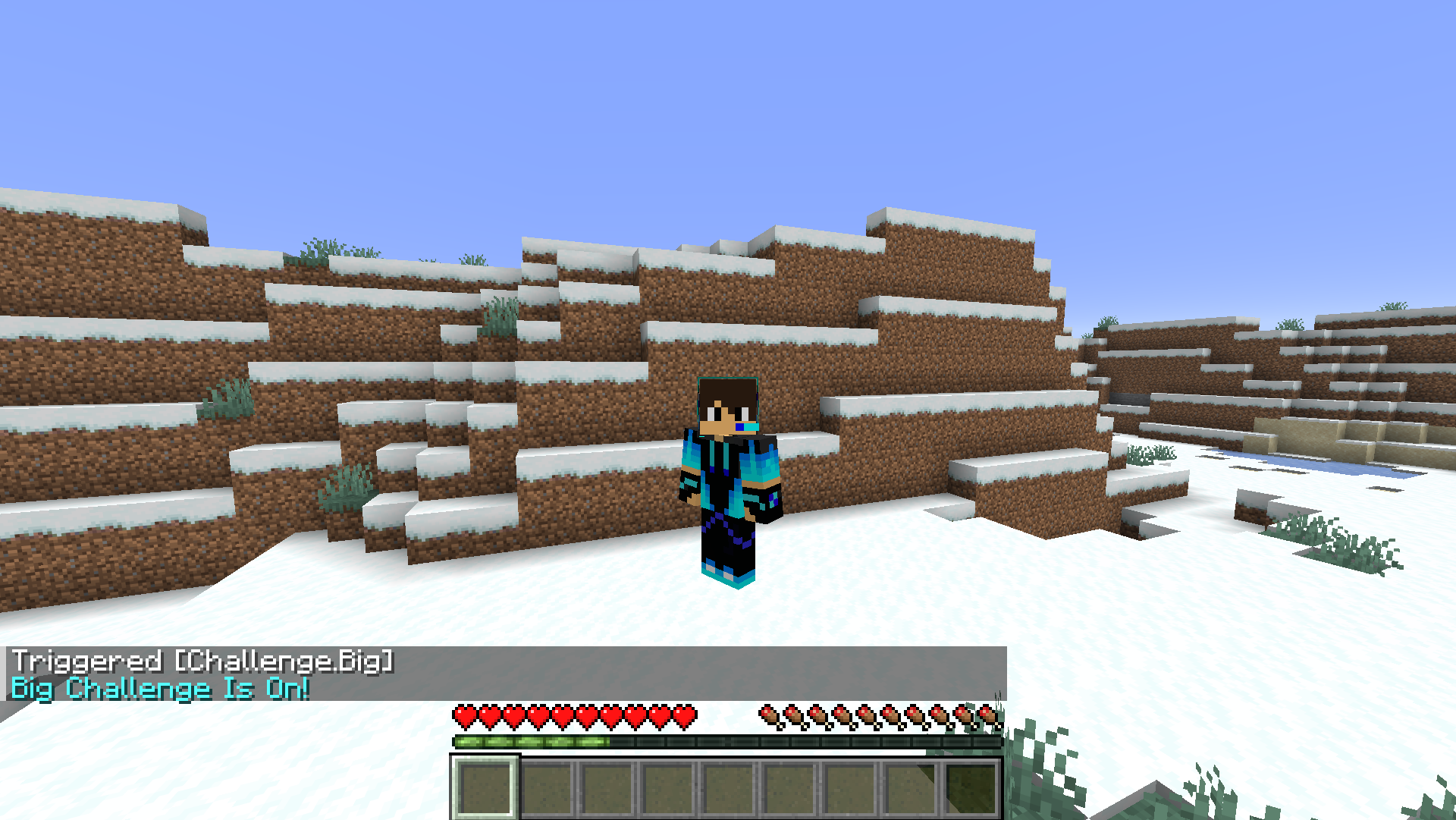
- Big challenge: Type ‘/trigger Challenge.Big’ to play the game in 2x size. You can use the same command to toggle it on and off
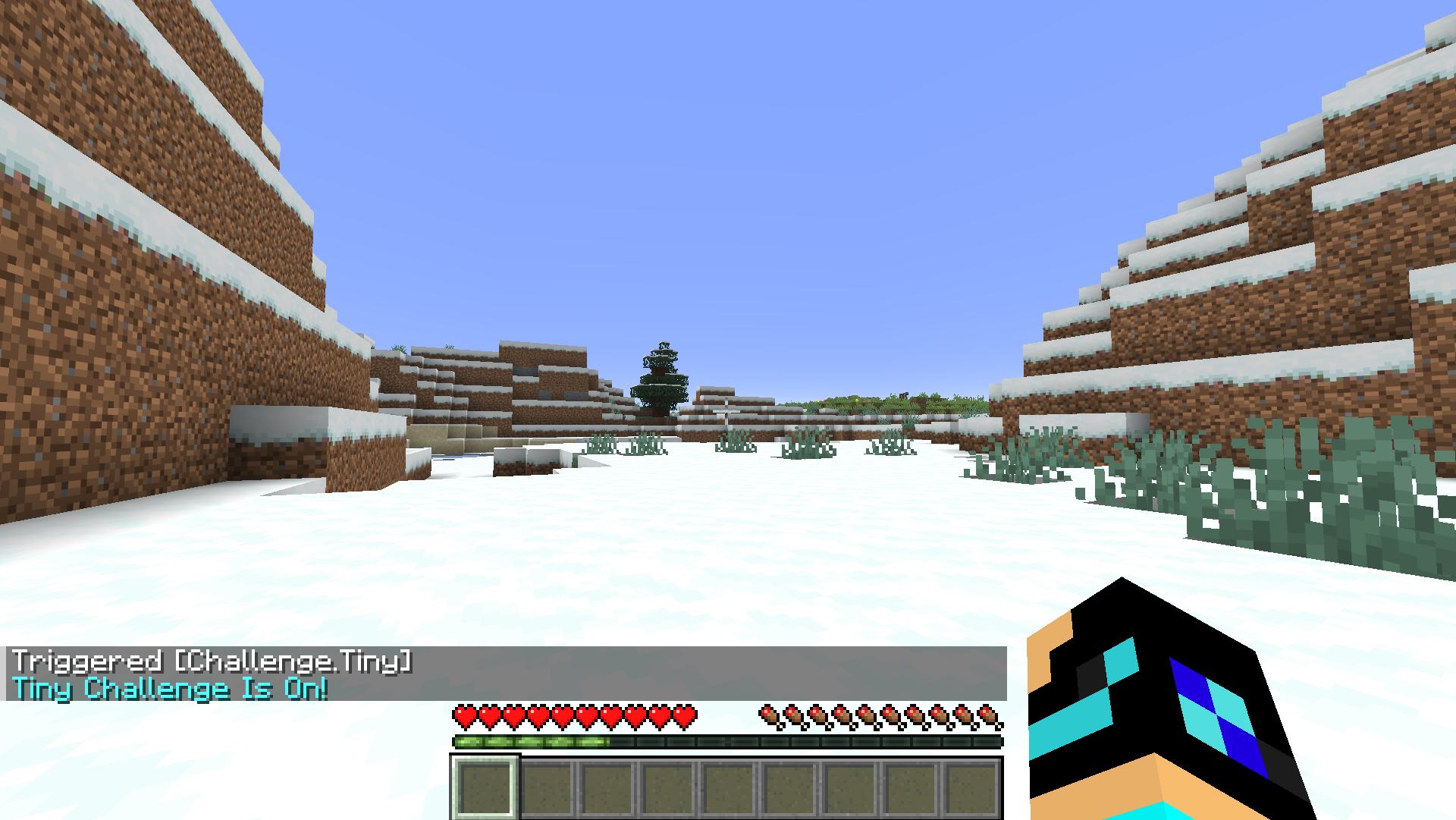
- Tiny challenge: Type ‘/trigger Challenge.Tiny’ to play the game in 0.5x size. You can use the same command to toggle it on and off
- No tools challenge: Type ‘/trigger Challenge.NoTools’ to play the game without any tools, they will be removed from your inventory. You can use the same command to toggle it on and off (Note: if you turn on this challenge every tool on you will be removed from you)
- No armor challenge: Type ‘/trigger Challenge.NoArmor’ to play the game without any armor, it will be removed from your inventory. You can use the same command to toggle it on and off (Note: if you turn on this challenge every armor piece on you will be removed from you)
- Speed challenge: Type ‘/trigger Challenge.Speed’ to play the game at 10x walking speed. You can use the same command to toggle it on and off
- Frog challenge: Type ‘/trigger Challenge.Frog’ to play the game at 10x jump height. You can use the same command to toggle it on and off
Also by typing ‘/trigger Challenge.Help’ you will get help on what these commands do
常见问题
Challenges Setlist 支持哪些 Minecraft 版本?
Challenges Setlist 支持 Minecraft Java 版 1.21.3–26.3,共 14 个版本。下载时注意选择和你游戏版本一致的文件。
Challenges Setlist 怎么安装?
新建世界时在「数据包」里把下载的 .zip 拖进去;已有的存档,把文件放进存档目录下的 datapacks 文件夹,进游戏输入 /reload 即可生效。服务器同样放在世界目录的 datapacks 里。
orp888 的其他作品
查看全部 →
InfoBar
This datapack adds an actionbar with information about your location. Includes coords, biome and compass
Quest Leveling
This datapack adds a leveling system to minecraft, you can level up and get skill points to spend and get stronger. Can also be played in multiplayer [1.21.3-26.3]

Command Setlist
This datapack adds a collection of new minecraft commands that help and entertain players on a server or singleplayer world [1.21.3-26.3]

Recipes I Wish Existed
This datapack changes recipes to be better, including cheaper cost, more items crafted, and more alternative recipes [1.21.4-26.3]
评论
登录后评论和评分