
截图

介绍

 [
 ]()
Cardboard Chalkbox
For those who don’t like getting lost in caves, there’s the Chalk Mod. And for those who love being engineers, there’s the Create Mod…
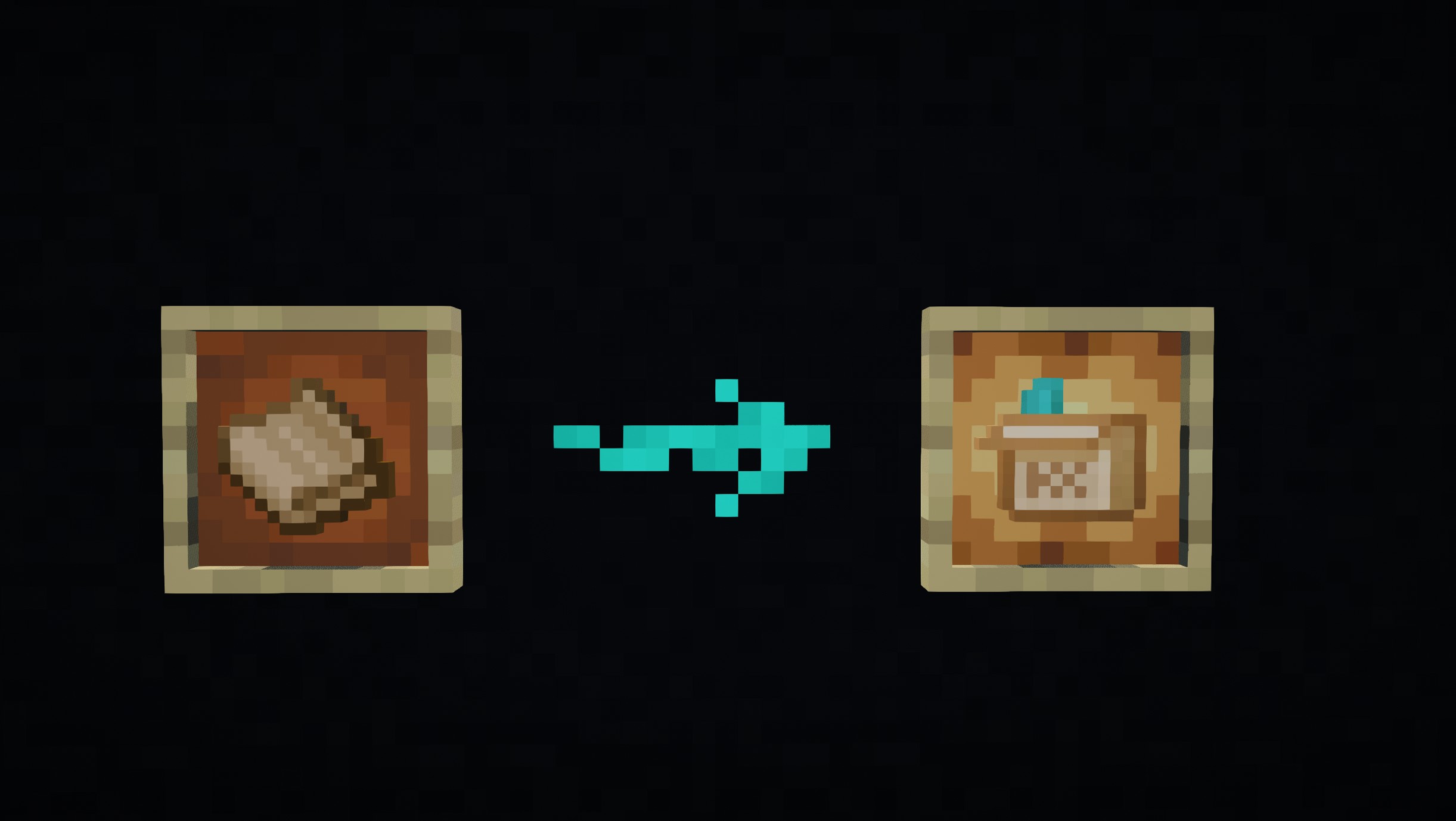
so since Create 6.0 brought cardboard, why not include its recipe in Chalk?
Here’s my datapack for this purpose.
Installation:
Just place it in your datapack folder.
But for those who don’t know how to do it:
- Go to where you have Minecraft installed.
- Find the saves folder.
- You’ll see folders with the names of your worlds; choose the one you want to use the datapack on.
- Place the file in the datapacks folder.
Something like this: C:\User\ .minecraft\saves\new_world\datapacks
Just leave it there, done!
This datapack includes the recipe unlock from the Create’s cardboard achievement, and it’s included in the recipe list of the original Chalk mod.
Therefore, you need both for this datapack to work.
常见问题
Cardboard Chalkbox 支持哪些 Minecraft 版本?
Cardboard Chalkbox 支持 Minecraft Java 版 1.21–1.21.1,共 2 个版本,可用的加载器:NeoForge。下载时注意选择和你游戏版本一致的文件。
Cardboard Chalkbox 怎么安装?
新建世界时在「数据包」里把下载的 .zip 拖进去;已有的存档,把文件放进存档目录下的 datapacks 文件夹,进游戏输入 /reload 即可生效。服务器同样放在世界目录的 datapacks 里。
kentapainter 的其他作品
查看全部 →
Tom’s storage Create style
Create Styled Tom's Simple Storage. Reviving this texture pack.

Create: Simple storage recipes
Recipes for Tom's Simple Storage to match and use the Create mod.

Create: Oxidized plus
Datapack allowing oxidizing Copper things Using Spouts

K’s DARK GUI – Basic
Simple plain, square texture pack, but DARK vanilla
评论
登录后评论和评分