
Candy’s Player Colors
Conveniently let players change the color of their chat name, nametag, and waypoint using teams!
截图
介绍
About
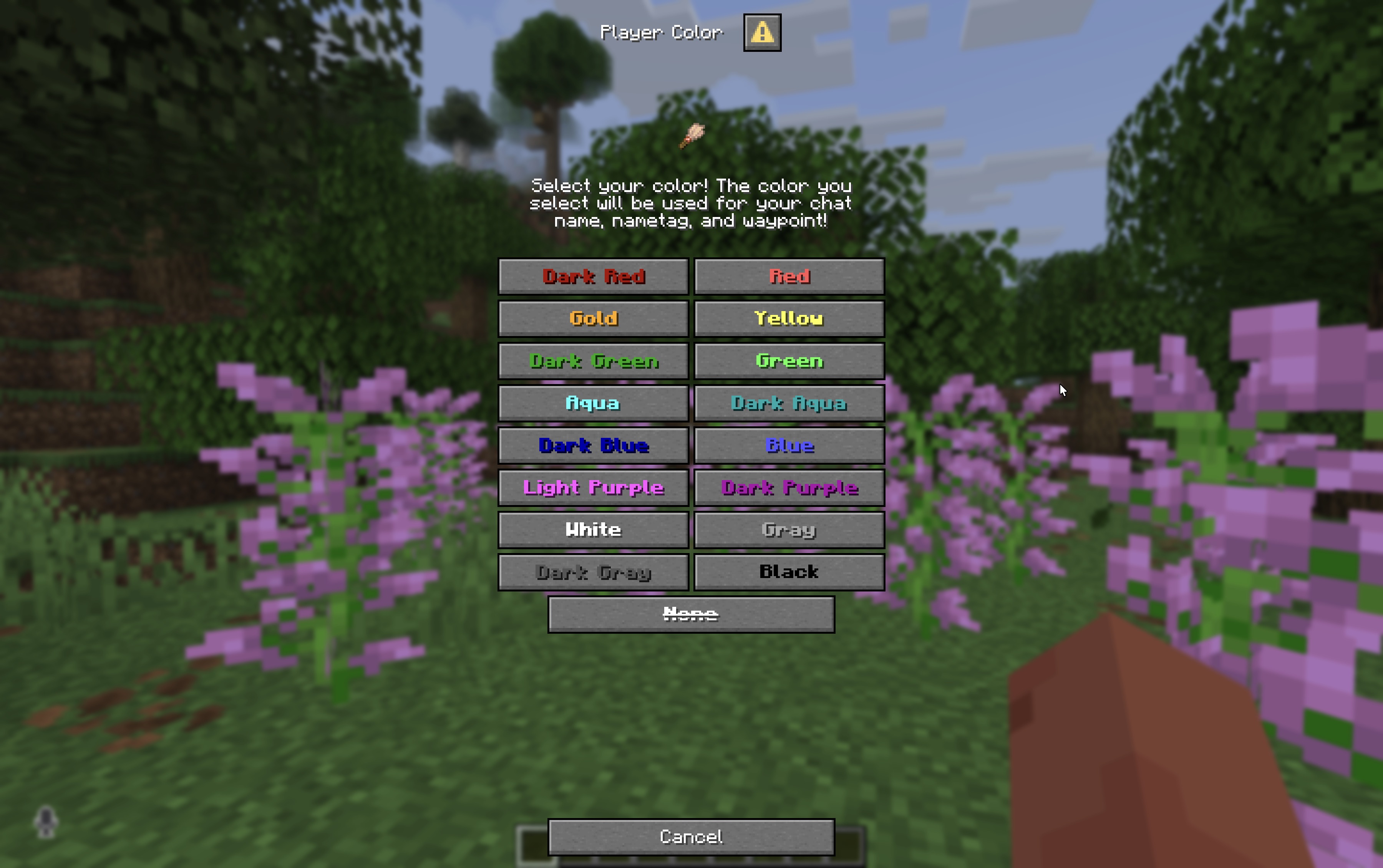
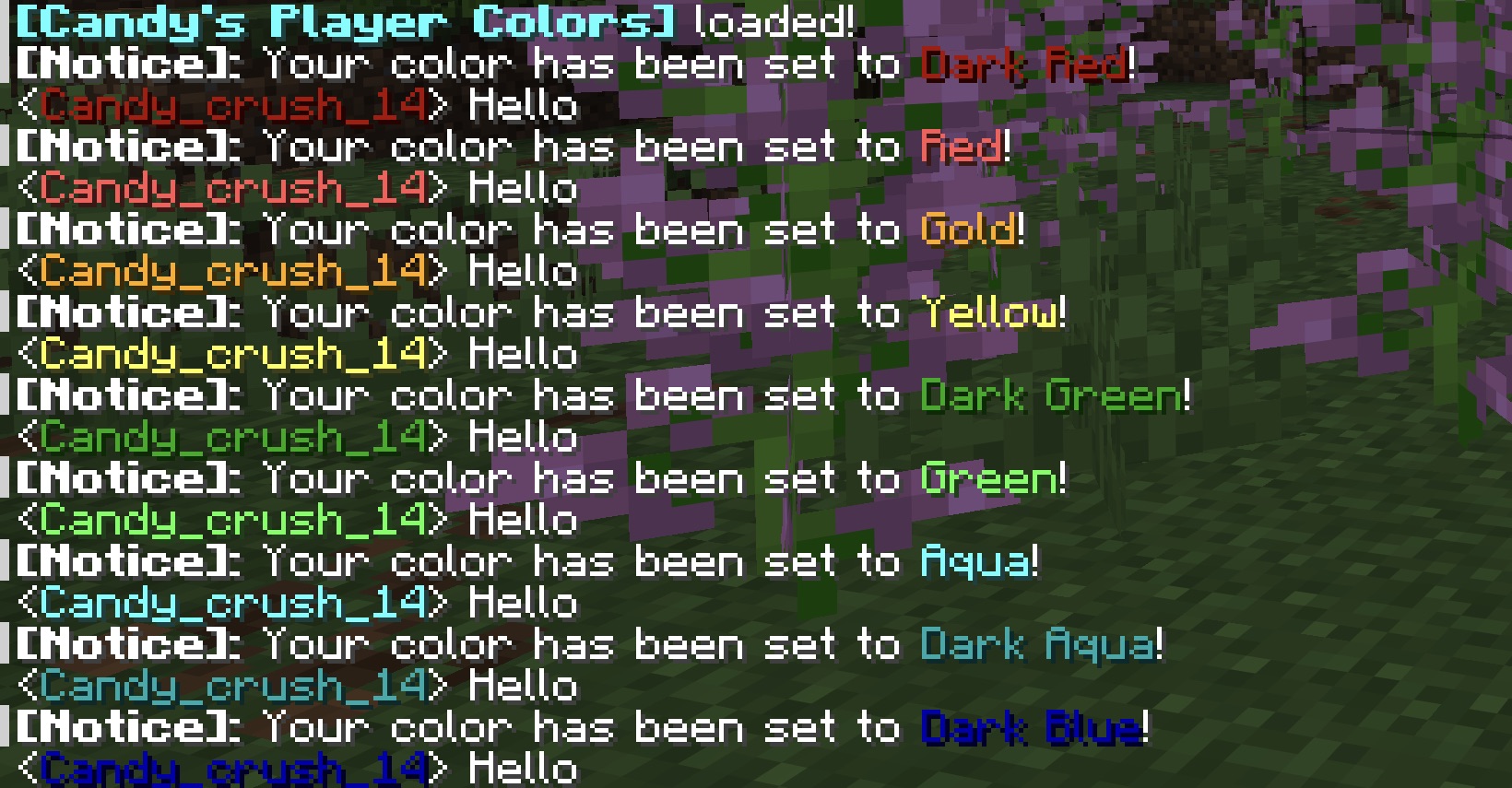
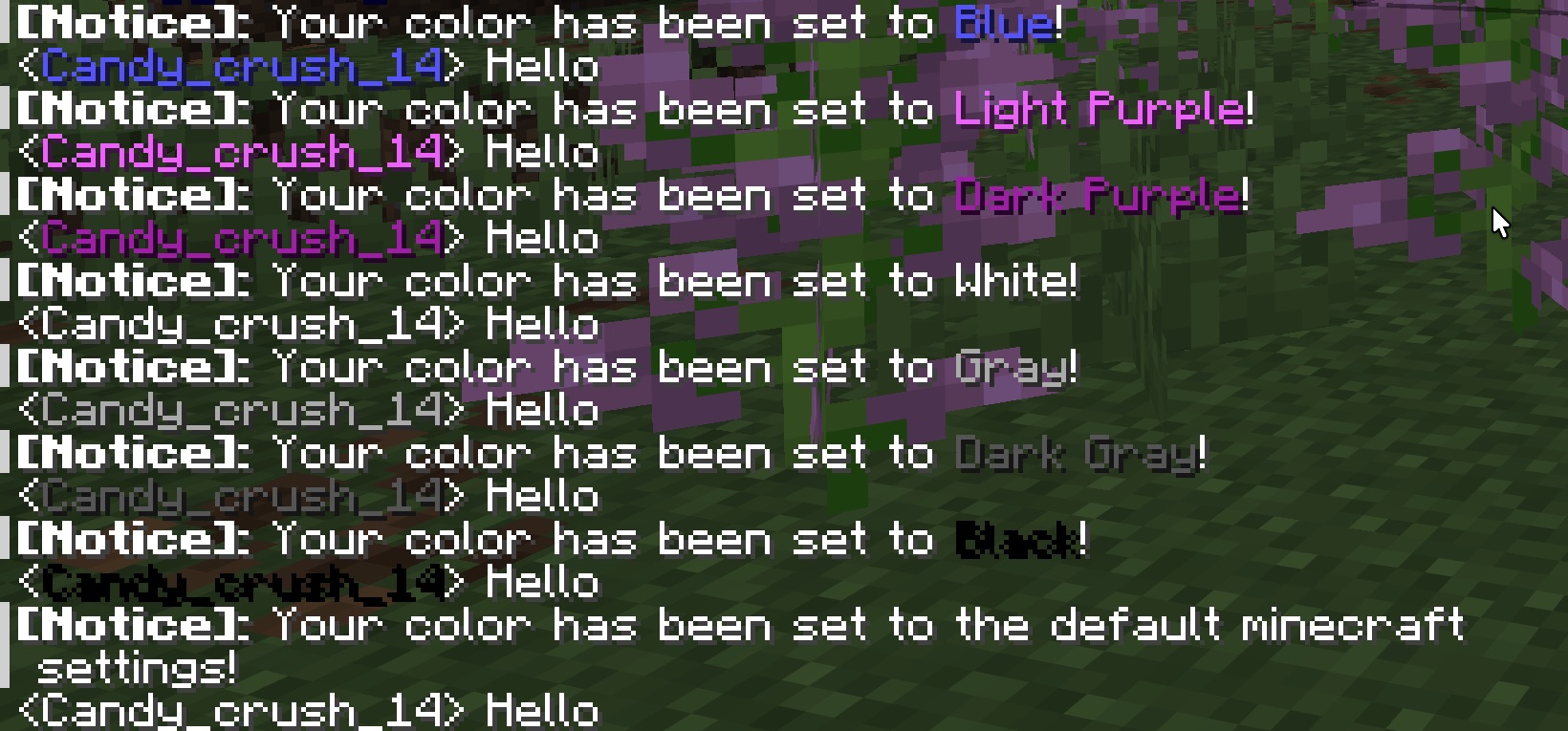
Candy’s Player Colors is a datapack that allows you and other players to conveniently change the color for your chat name, nametag, and waypoint! The way the datapack achieves this is by having players join a team corresponding to the color they pick!
To use it either select the “Player Color” button in options or type “/trigger playerColor“ in chat! A Dialog pop-up will appear letting you select the color you want! (Or no color if thats what you want ^^)
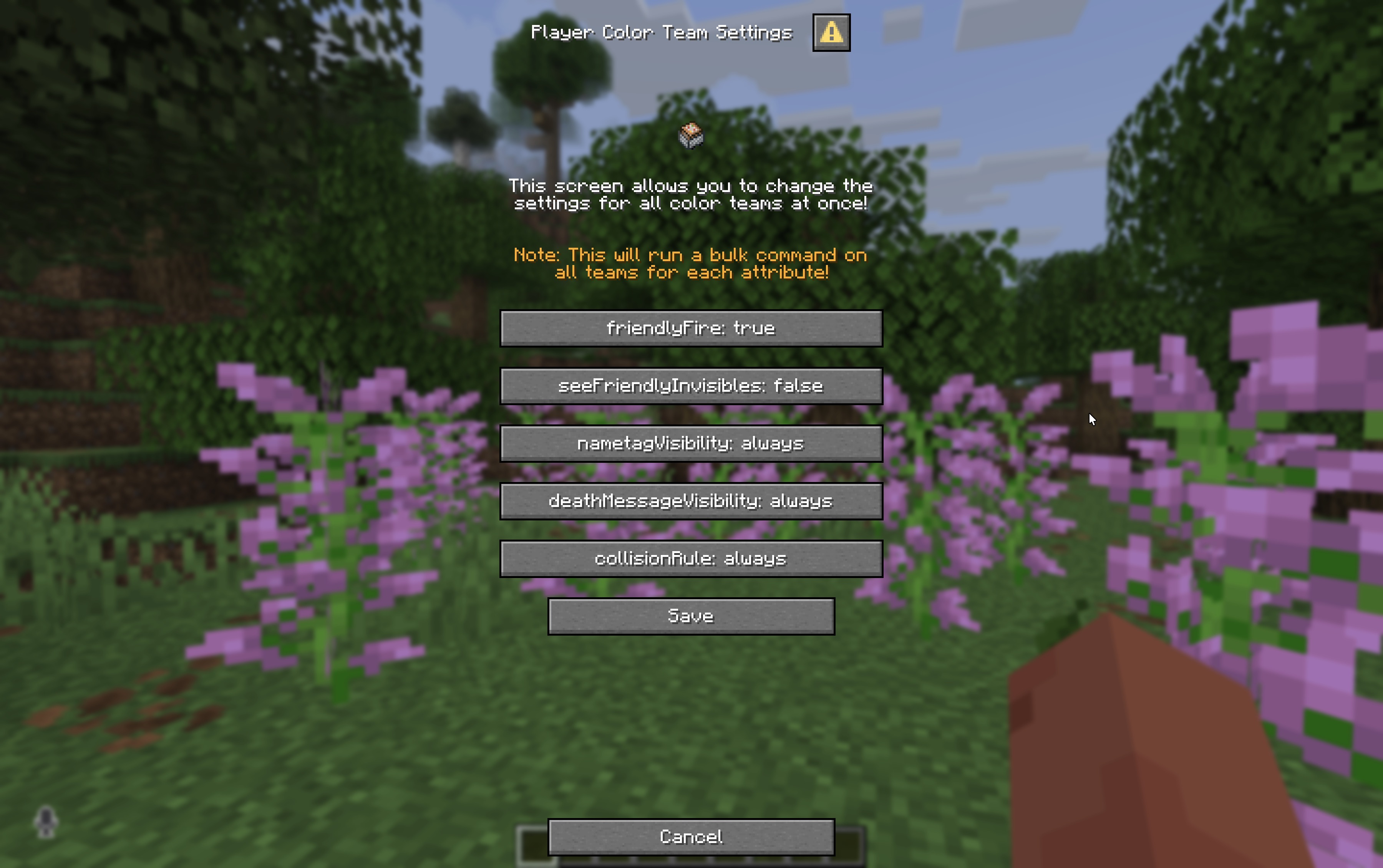
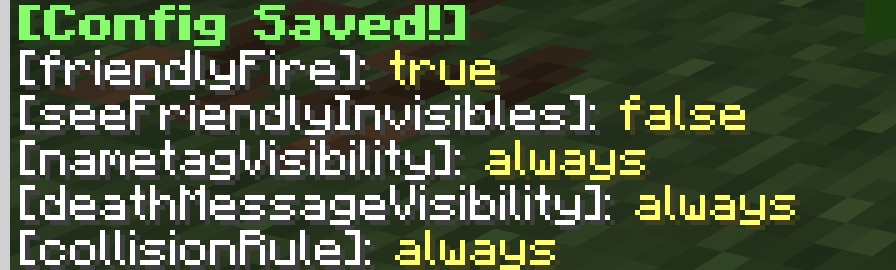
The datapack also sets “seeFriendlyInvisibles` for each team automatically to `false`, so there is no need to change it for a typical multiplayer survival world! Plus the datapack allows you to easily change the config for each team! Simply type`/function candy_player_colors:config“ and a dialog will appear, letting you change what you want!
Features Overview
- Easy to use Selection using Dialogs!
- A selection of 16 colors!
- A config screen to change settings for all colors!
- Sound effects! (Yippe!)
Datapack Config
friendlyFire
- true (default)
- false
seeFriendlyInvisibles
- false (default)
- true
nametagVisibility
- always (default)
- never
- hideForOtherTeams
- hideForOwnTeam
deathMessageVisibility
- always (default)
- never
- hideForOtherTeams
- hideForOwnTeam
collisionRule
- always (default)
- never
- pushOtherTeams
- pushOwnTeam
常见问题
Candy’s Player Colors 支持哪些 Minecraft 版本?
Candy’s Player Colors 支持 Minecraft Java 版 26.2–26.3,共 2 个版本。下载时注意选择和你游戏版本一致的文件。
Candy’s Player Colors 怎么安装?
新建世界时在「数据包」里把下载的 .zip 拖进去;已有的存档,把文件放进存档目录下的 datapacks 文件夹,进游戏输入 /reload 即可生效。服务器同样放在世界目录的 datapacks 里。
评论
登录后评论和评分