
截图
介绍
 Cadaver
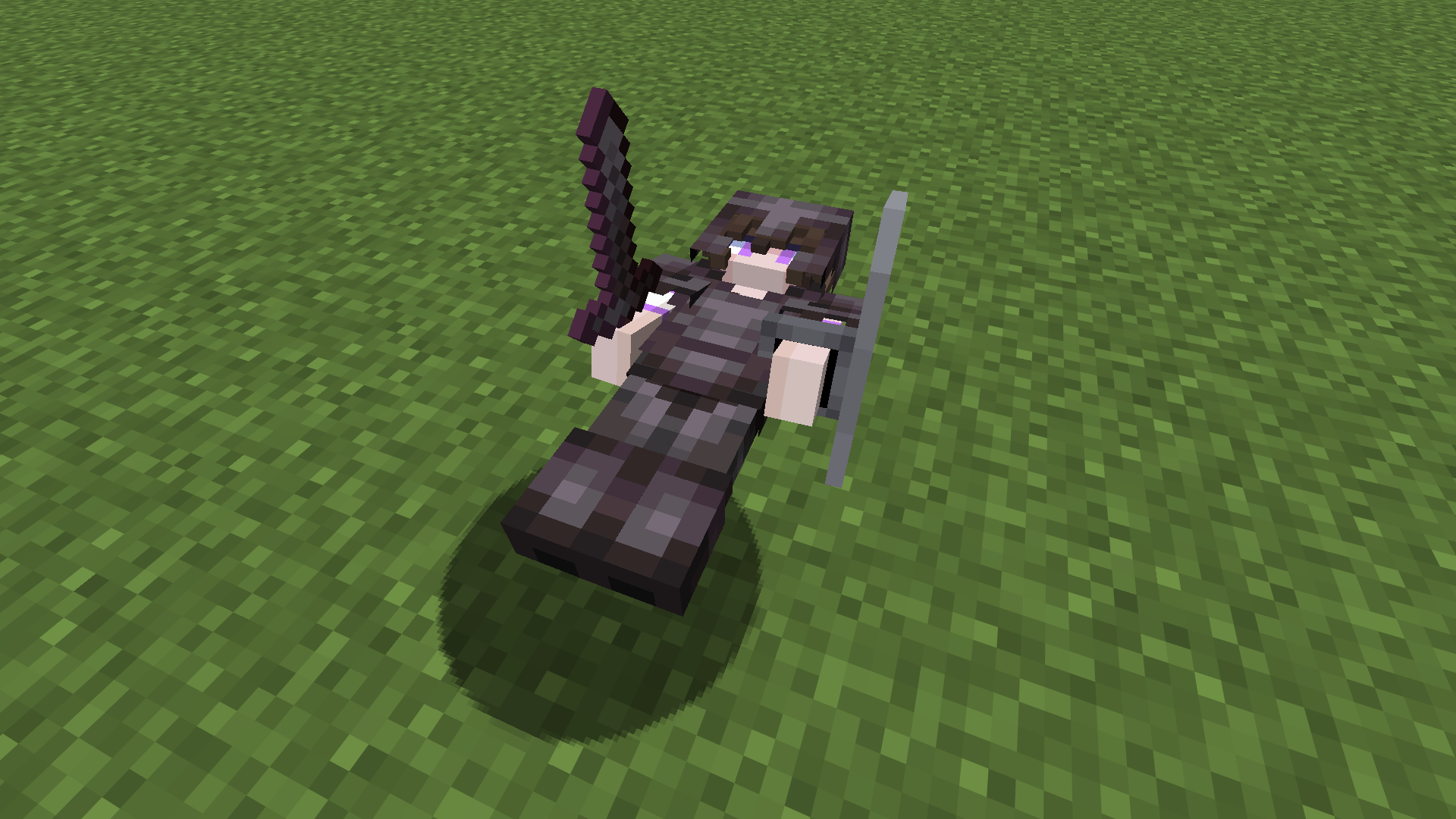
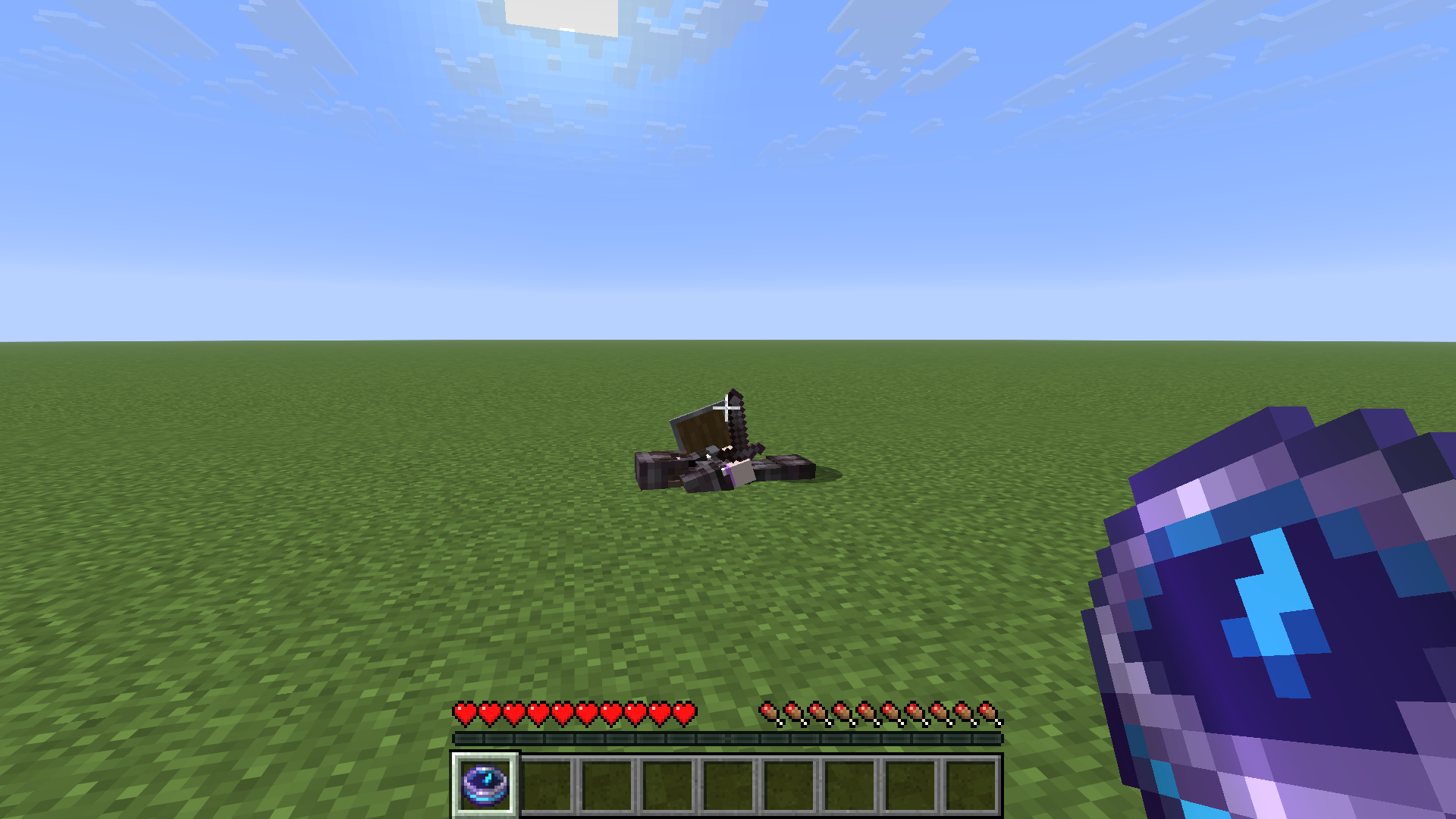
_Your corpse is left behind when you die, safely containing all of your items!_
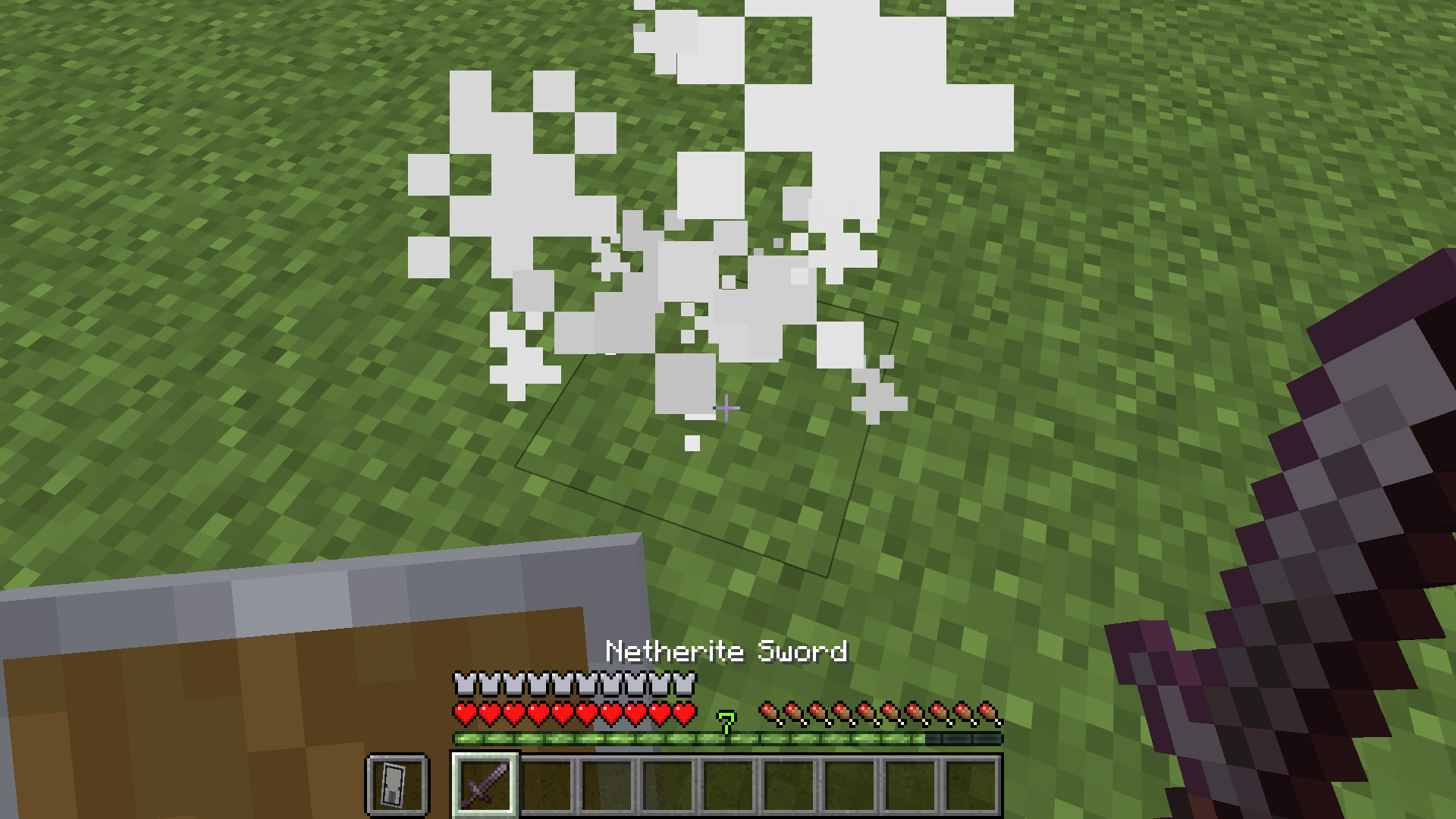
This datapack makes your body drop on the ground when you die. It will stay there until you rick-click on it, which will grant you your items back, putting them in their original slots if possible (otherwise dropping them on the ground).
Other players cannot take your items, nor can they otherwise break or move your cadaver.
Warning
This datapack only supports Vanilla inventories!
That means you’ll lose all of your items if you put them in Curios, Trinkets, or other modded inventories/slots!
Installation
- Simply grab
§5Cadaver.zipfrom here (Modrinth) _OR_ from the latest GitHub release by clicking the big “Download Here” button and put it into your world’sdatpacksfolder! - You can configure the datapack by running
/function cadaver:config(requires OP).
Compatibility
- Cadaver doesn’t support any modded inventories or inventory slots.
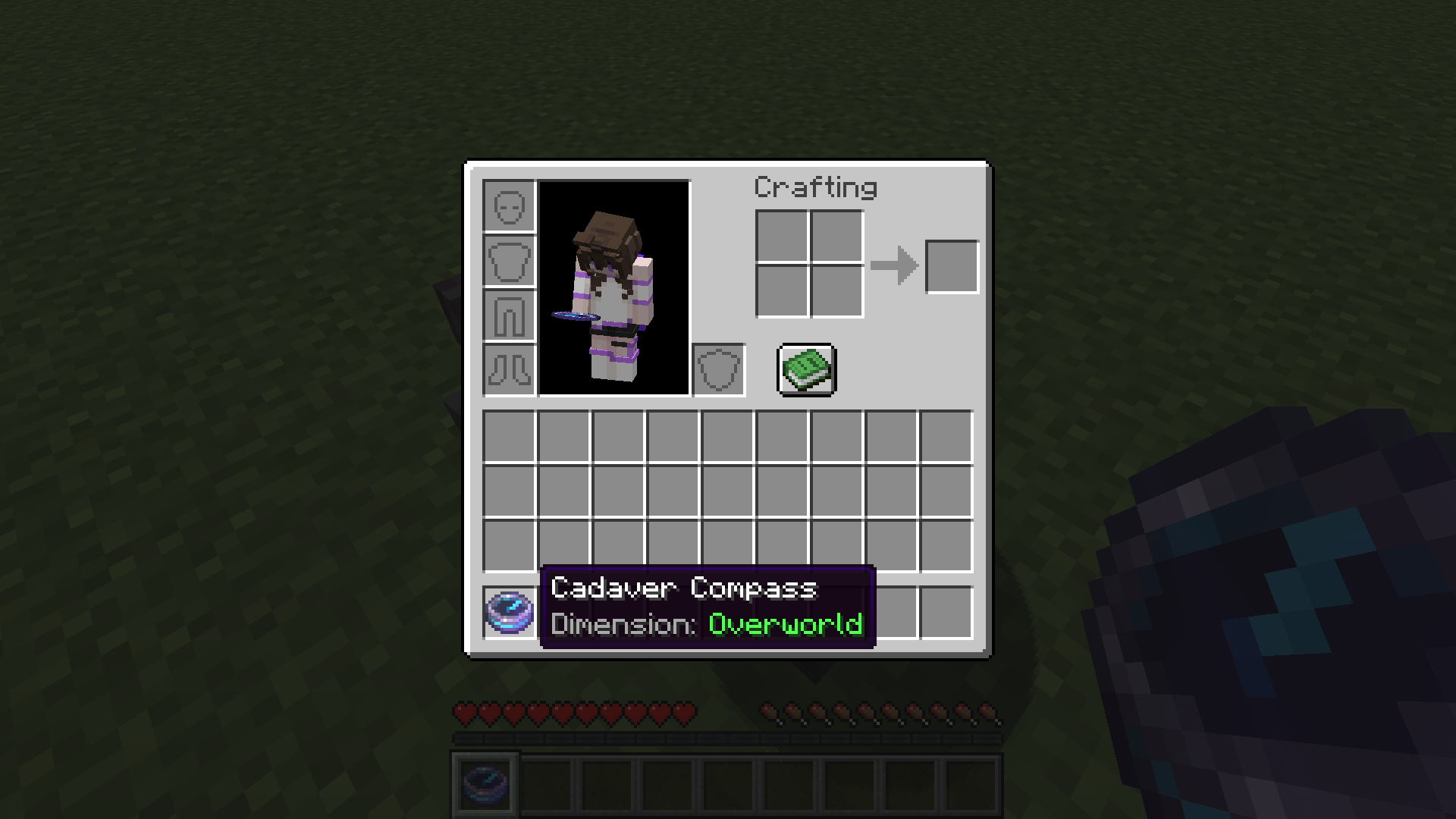
- Cadaver doesn’t fully support any custom dimensions! The cadaver will still spawn and work, but the Cadaver Compass won’t point in the right direction, and will say it’s in an “Unknown” dimension.
- Additionally, this datapack was made for and tested on version
26.1.1, but should work on past/future26.1.Xversions (and potentially26.X.X, too). It should also work on>=1.21.9versions, but I guarantee no support!
License
This datapack is licensed under the MIT license.
I encourage anyone to use this as a base to create their own datapacks! That is, if you can read my awful code 😉
Issues
Please submit any issues/bugs you encouter over on GitHub! Please try not to submit duplicates 🙂
Side-note: This is my first time uploading something to Modrinth. If I’m doing something wrong, please let me know! 🙂
常见问题
Cadaver 支持哪些 Minecraft 版本?
Cadaver 支持 Minecraft Java 版 1.21.9–26.1.1,共 5 个版本。下载时注意选择和你游戏版本一致的文件。
Cadaver 怎么安装?
新建世界时在「数据包」里把下载的 .zip 拖进去;已有的存档,把文件放进存档目录下的 datapacks 文件夹,进游戏输入 /reload 即可生效。服务器同样放在世界目录的 datapacks 里。
评论
登录后评论和评分