But the World Floods
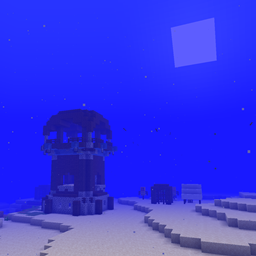
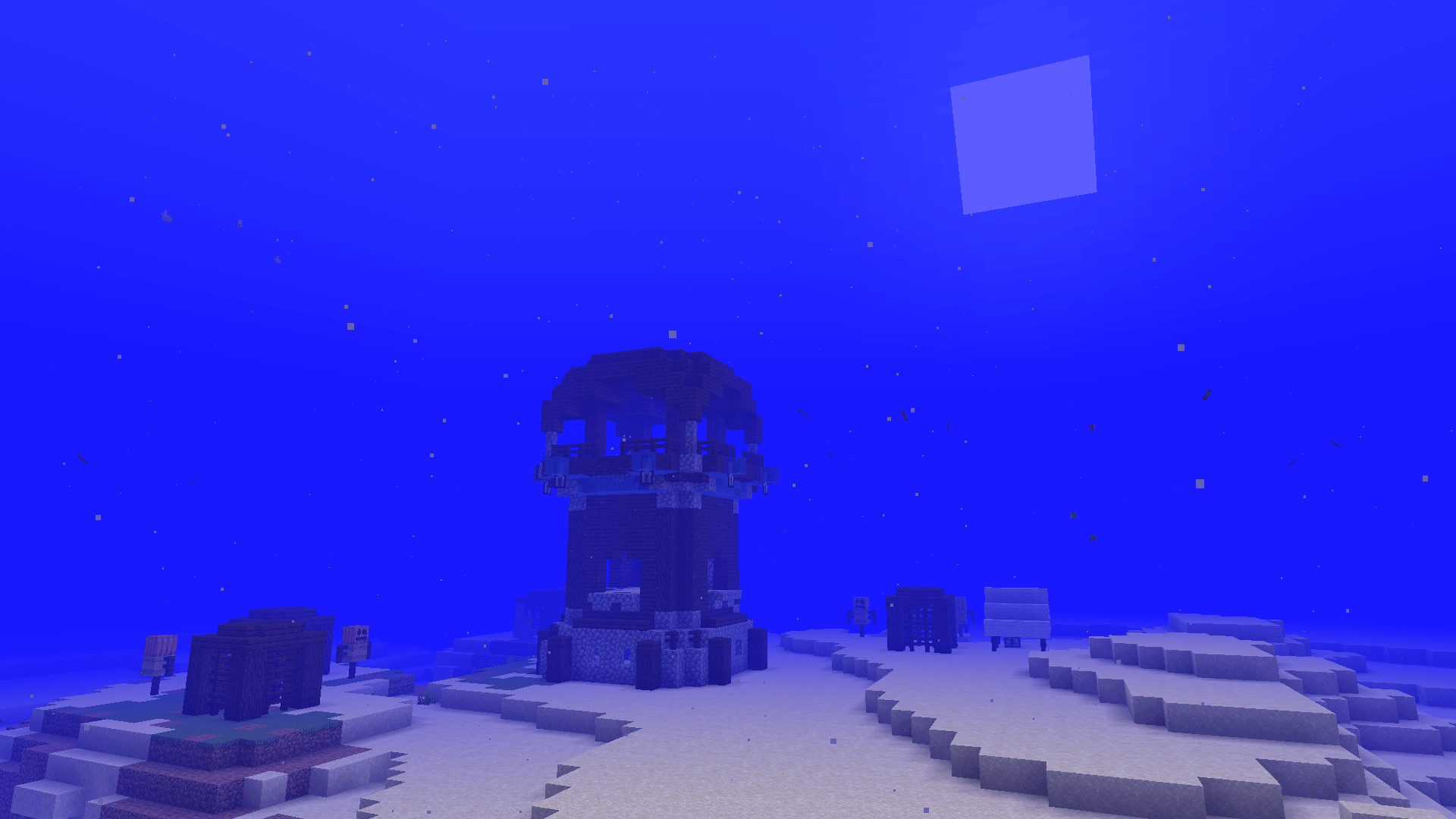
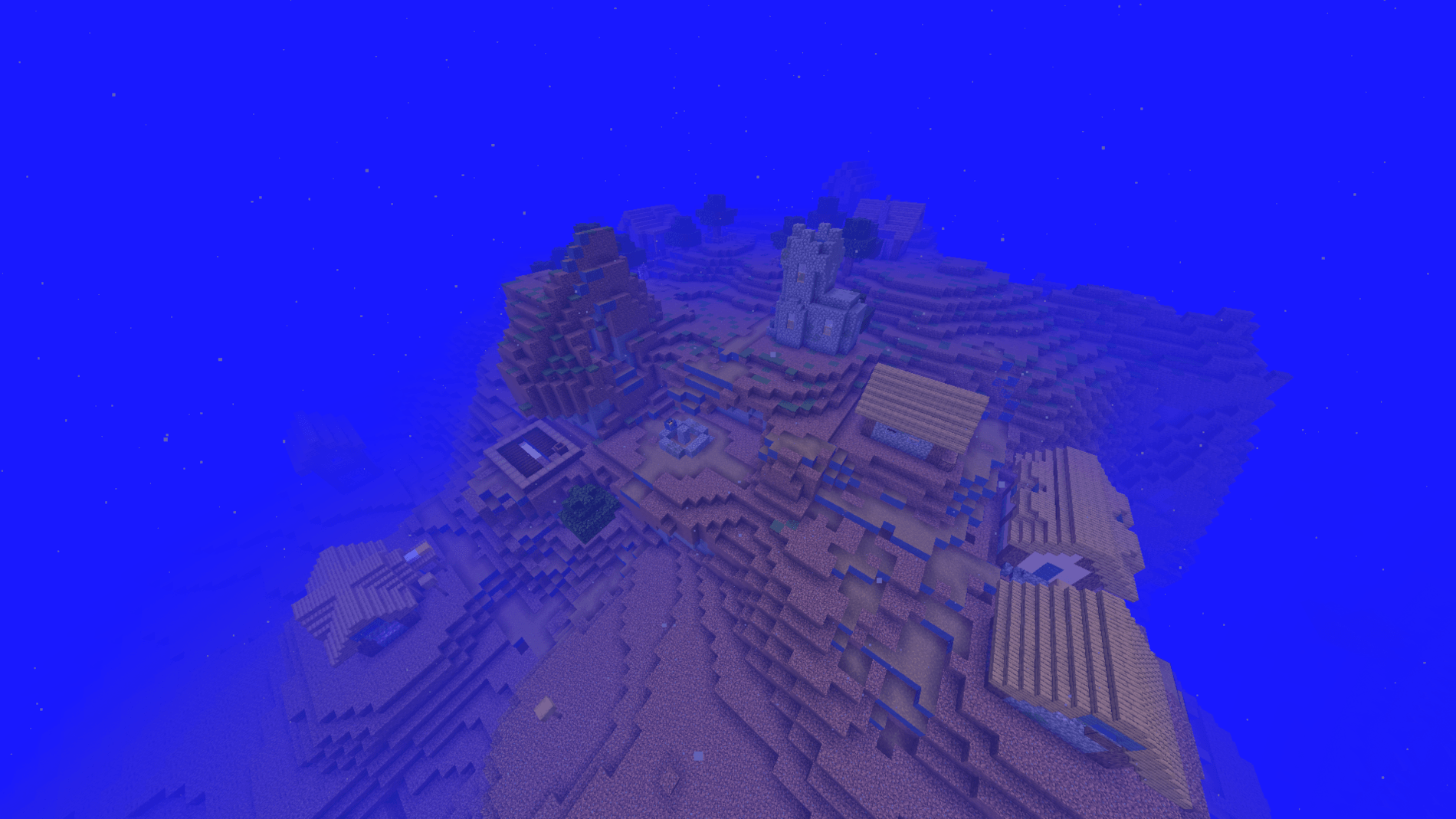
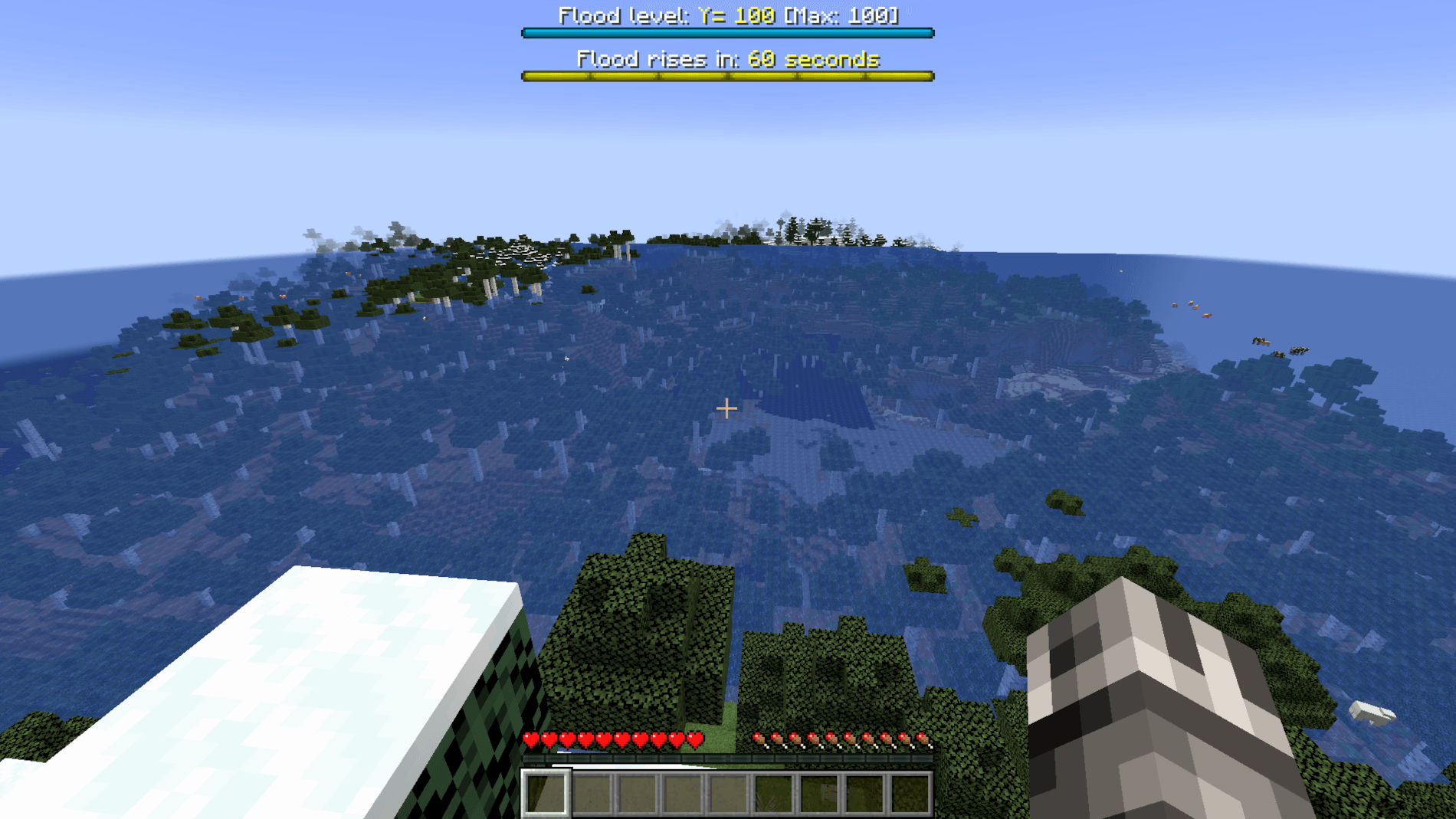
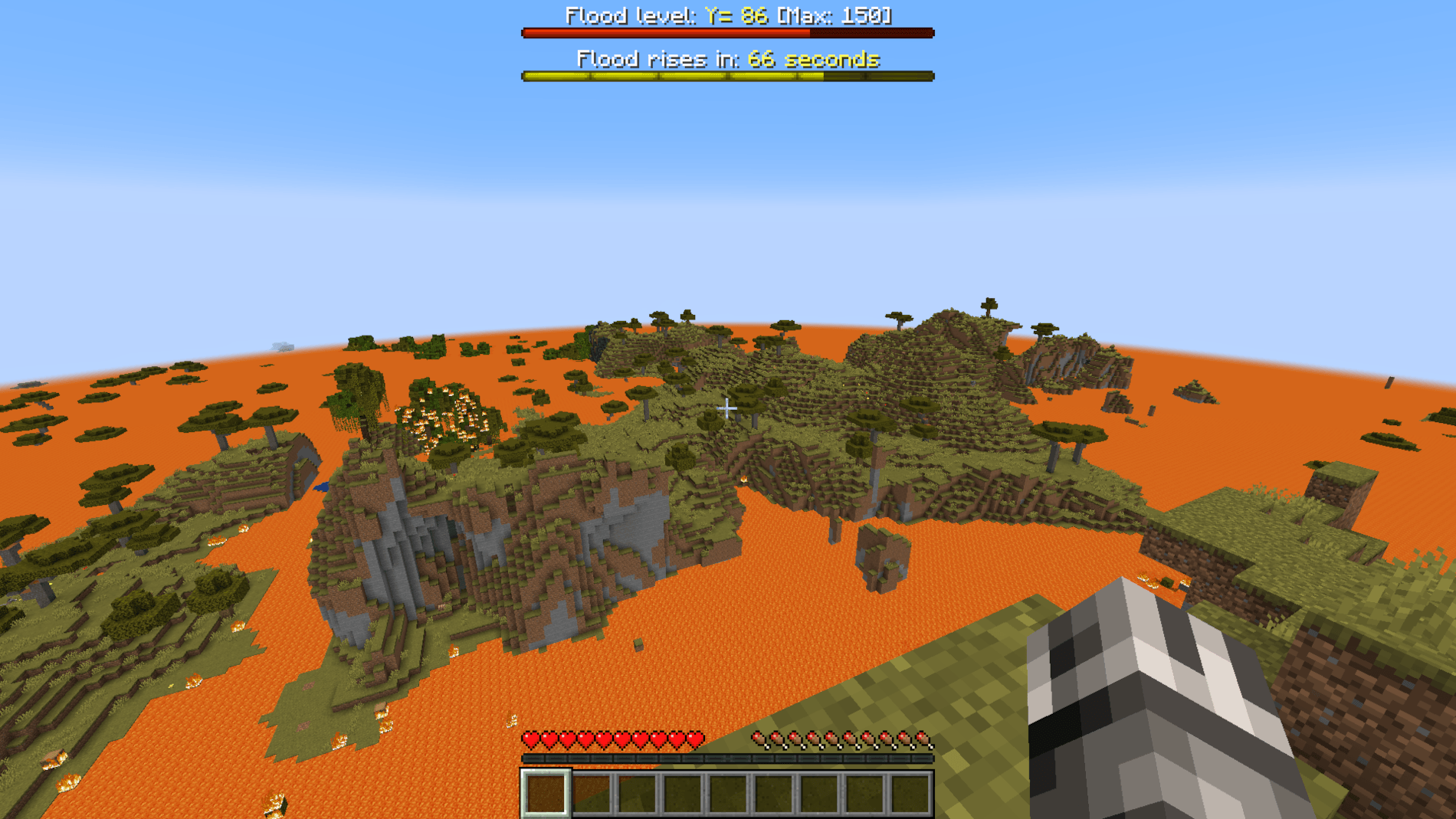
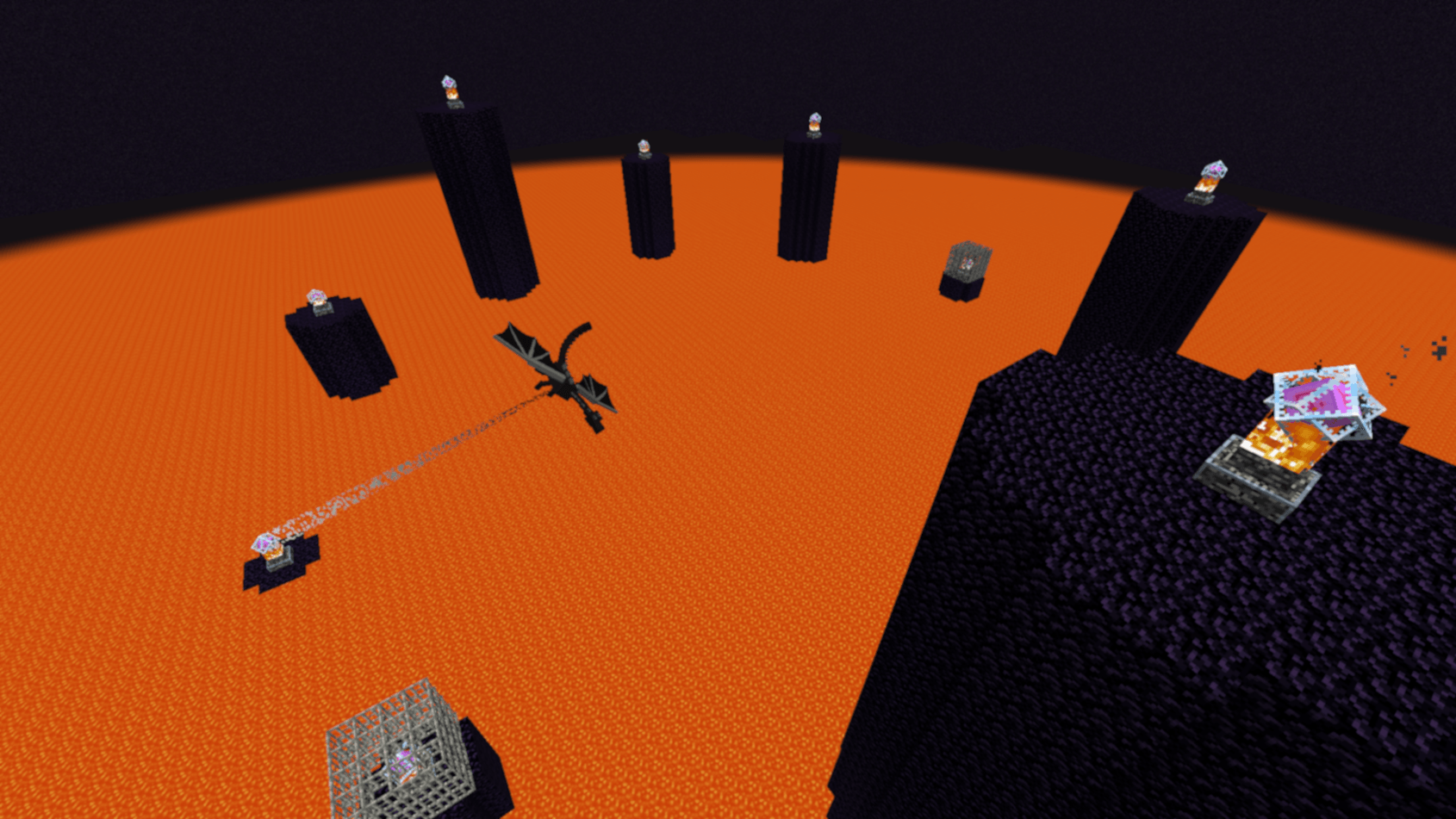
In this challenge, the world floods over time. Race to the end of the game and beat the dragon before it's too late!
截图
介绍
Overview
In this challenge, the world floods over time. Race to the end of the game and beat the dragon before it’s too late!
I don’t recommend using this pack in a world you intend to keep, since the world will pretty much be irreversibly destroyed by the end.
If you’d like to make a video or content using this pack, go for it! If you do so, you must provide credit to me (Ambiguous Chameleon) and provide a link to this pack in the description and/or comments. Thank you!
Cheats & Commands
Depending on how these options are set, and your render distance, the world might struggle to keep up with all the block updates!
What causes the flood to rise further. Either whenever a player takes damage, or after x amount of seconds pass. Default is time
/trigger ac.world_floods.cause.damage
/trigger ac.world_floods.cause.time
When time is selected as the causal factor, sets how often (in seconds) a flood rise occurs. Default is 60
/trigger ac.world_floods.set_time_interval set x
Manually triggers the flood to rise
/trigger ac.world_floods.rise
How many blocks the flood rises by when it is triggered. Default is 1
/trigger ac.world_floods.set_amount set x
Changes what block the flood is made of, based on your equipped mainhand item. Held buckets of water, lava, and powder snow change it to that respective block. Default flood block is water
(In 1.20.1 and lower, this command instead acts as a toggle between water and lava as the flood block)
/trigger ac.world_floods.set_block
Raises the flood to height of x
/trigger ac.world_floods.set_level set x
Sets the maximum height the flood can reach. Default is 100
/trigger ac.world_floods.set_level_max set x
Toggles visibility of the bossbars
/trigger ac.world_floods.toggle_bossbar
Uninstalls data pack
/function ac_cheat:uninstall常见问题
But the World Floods 支持哪些 Minecraft 版本?
But the World Floods 支持 Minecraft Java 版 1.20–26.2,共 23 个版本。下载时注意选择和你游戏版本一致的文件。
But the World Floods 怎么安装?
新建世界时在「数据包」里把下载的 .zip 拖进去;已有的存档,把文件放进存档目录下的 datapacks 文件夹,进游戏输入 /reload 即可生效。服务器同样放在世界目录的 datapacks 里。
Ambiguous_Chameleon 的其他作品
查看全部 →
But the Floor Changes Every Day
Every time a day passes, the entire floor changes to a different block.

But Chunks are Random
Every chunk randomizes into a different block
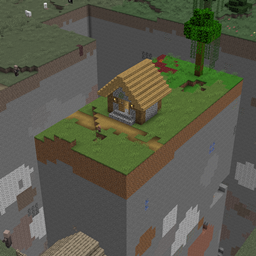
But Taking Damage Deletes the Chunk
Taking damage will delete the chunk you are in

Mjolnir & Captain America’s Shield
This pack adds legendary weapons from the Marvel Universe!
评论
登录后评论和评分