
Biome Intros
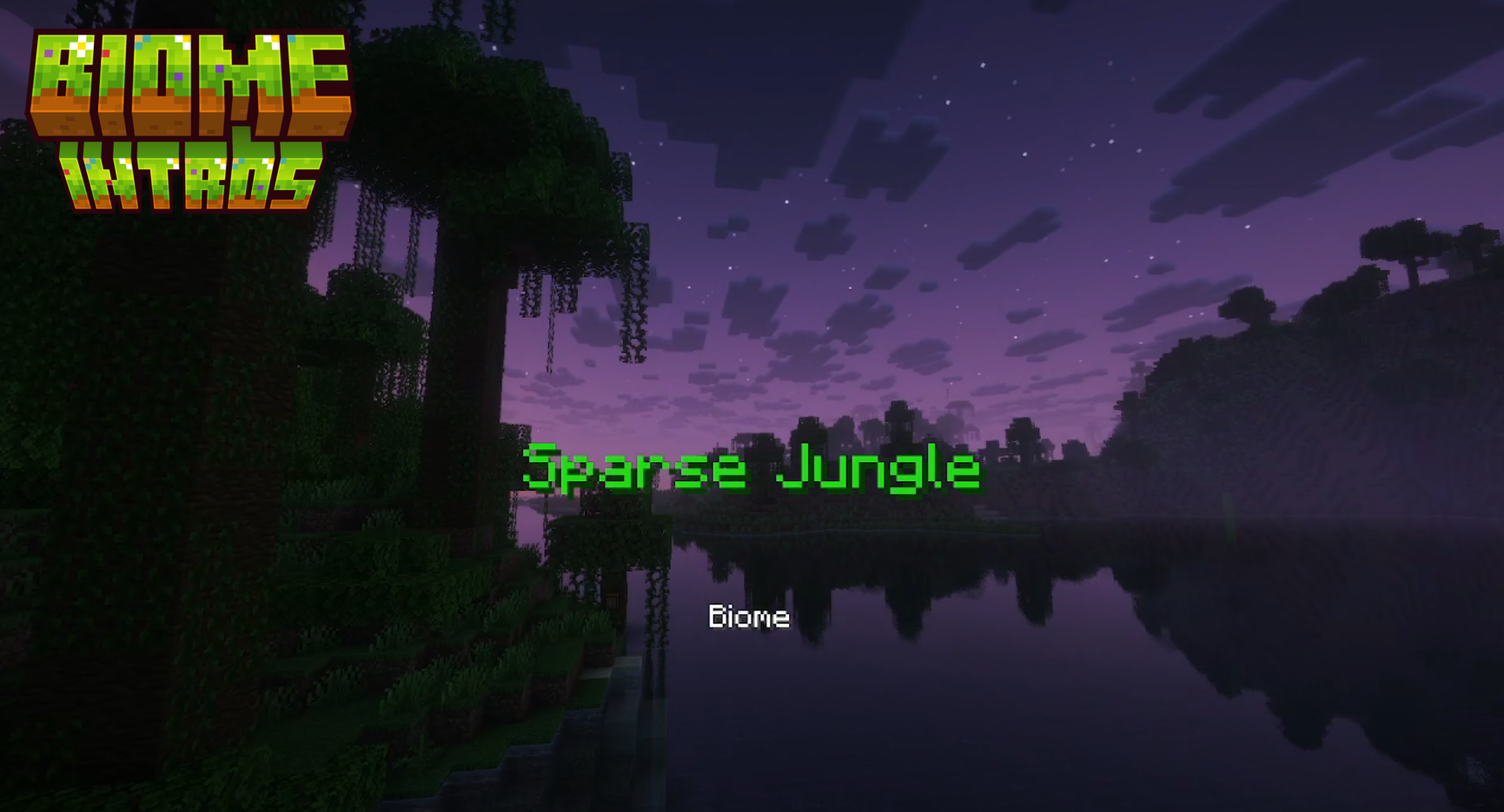
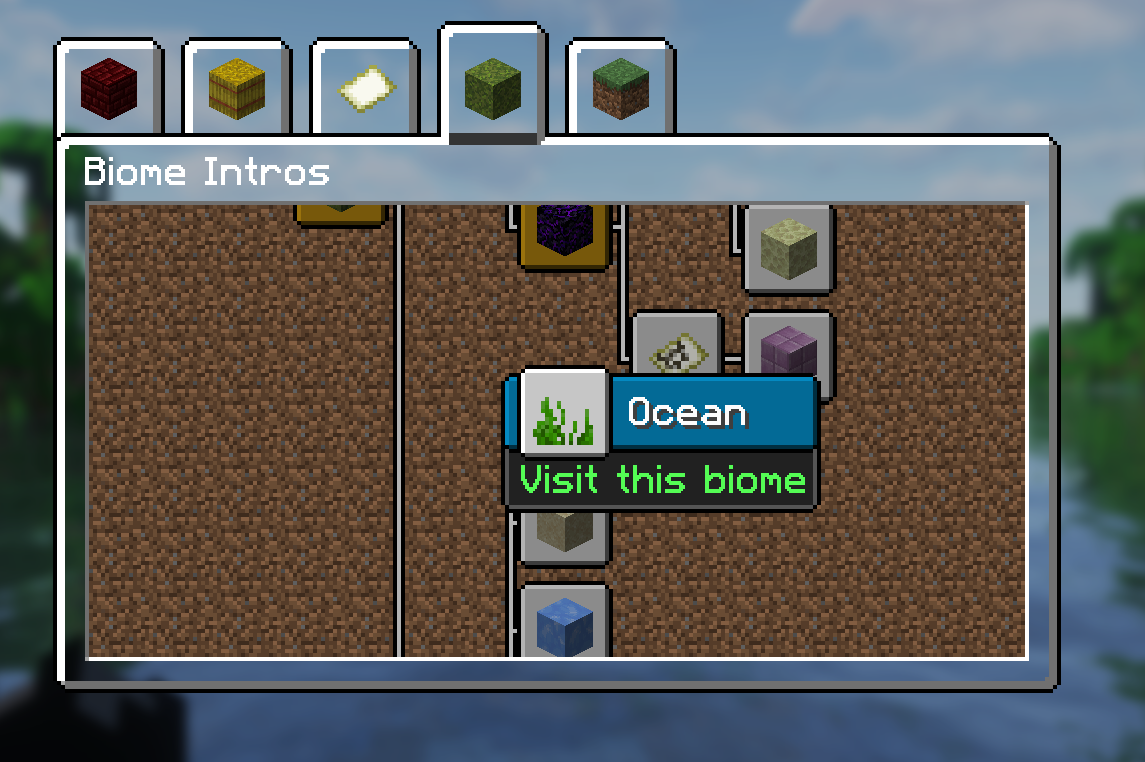
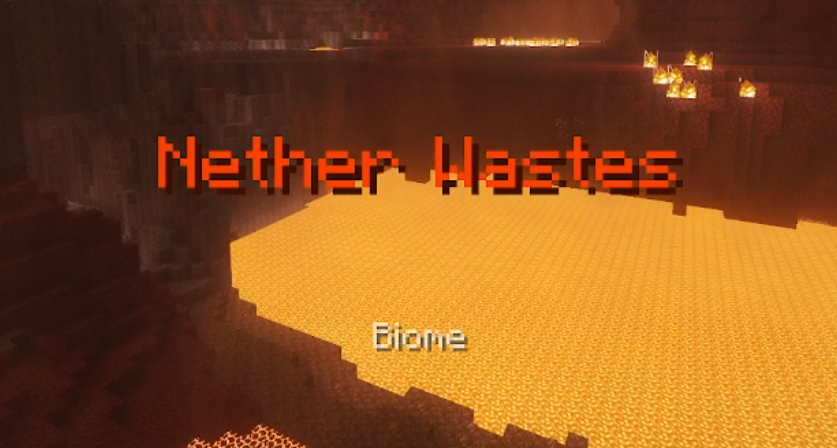
See an invitation to every biome or structure you come across, and review past encounters in the advancements screen, all in vanilla.
截图
介绍
(Not to be confused with the Custom Biome Intros plugin – this is a data and resource pack and is not related!)
Biome Intros
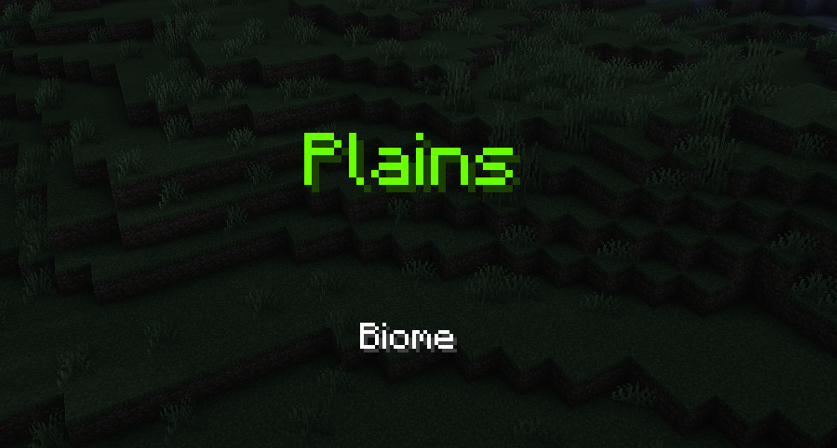
This data pack is the data pack that gives you a warm welcome when you enter a biome for the first time in Minecraft.
With all of the 79 biomes across all 3 dimensions supported, you can hear a little whoosh and a message inviting you into the biomes or structures you come across.
Screenshots:

This pack has support for other dimensions as well!

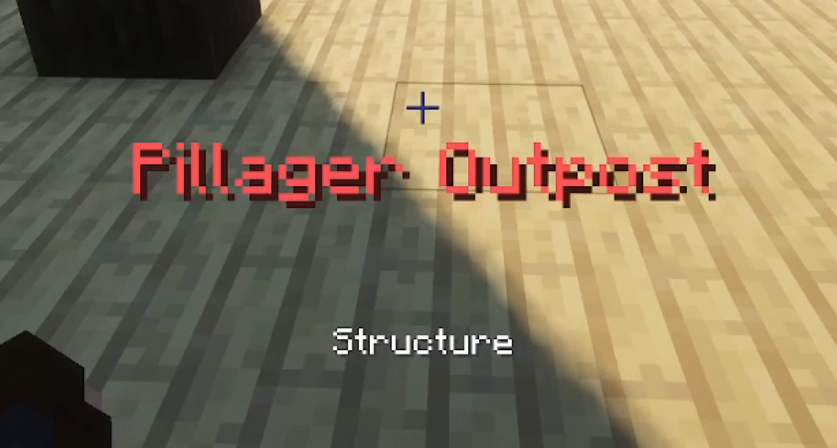
And structures!

And don’t think this pack is not compatible with other mods and data packs! As long as the mod or data pack adds a biome to this pack’s tags, or includes a biome in a vanilla tag that this pack references, it’ll fit right in.
Technical
Each biome and structure has its own advancement, tag and function to show the displays.
You can use the functions in commands and your own data packs if you want to make displays with your own triggers and other processes alongside them.
Thank you for downloading/installing!
Get Biome Intros (Lang): https://modrinth.com/resourcepack/biome-intros-lang
⚠️ Dependencies ⚠️
Biome Intros (DP) requires “Biome Intros (Lang)” (RP) to show translations of the biome names.
To give an example of a translation code, here’s the plains biome code inside the “en_au.json“ within the resource pack:
{
  "advancement.biome_intros.biome.plains": "Plains"
}
Upcoming
- Specific village support
- Igloo support
- Abandoned Camp support (26.3)
- Removal of trail ruins support
常见问题
Biome Intros 支持哪些 Minecraft 版本?
Biome Intros 支持 Minecraft Java 版 1.21–26.2,共 11 个版本。下载时注意选择和你游戏版本一致的文件。
Biome Intros 怎么安装?
新建世界时在「数据包」里把下载的 .zip 拖进去;已有的存档,把文件放进存档目录下的 datapacks 文件夹,进游戏输入 /reload 即可生效。服务器同样放在世界目录的 datapacks 里。
Xhaelen 的其他作品
查看全部 →
Biome Intros (Lang)
Provides the translation keys for the Biome Intros data pack, made by Xhaelan.

Programmatic Command Blocks
Replaces the off-centre command block texture eyesore with an industrial and techy style that is actually symmetrical.

Specific Songs
Makes all songs from the soundtrack availible for the /playsound command.

Passengers from Spawn Eggs
Makes the Passenger NBT work for entities in spawn eggs.
评论
登录后评论和评分