
截图

介绍
中文介绍正在准备中,下面暂时显示原文。
—- YOU MAY WANT TO KNOW —-
- The commands get executed from your feet position
- The command will stop at a certain distance, so your world will not crash. But don’t forget to check if the shape your in is closed
—- OTHER THINGS YOU MAY WANT TO KNOW —-
This datapack contains two main functions : fill2d and fill3d.
These functions makes filling area or volume much easier. Here are two precise explanations :
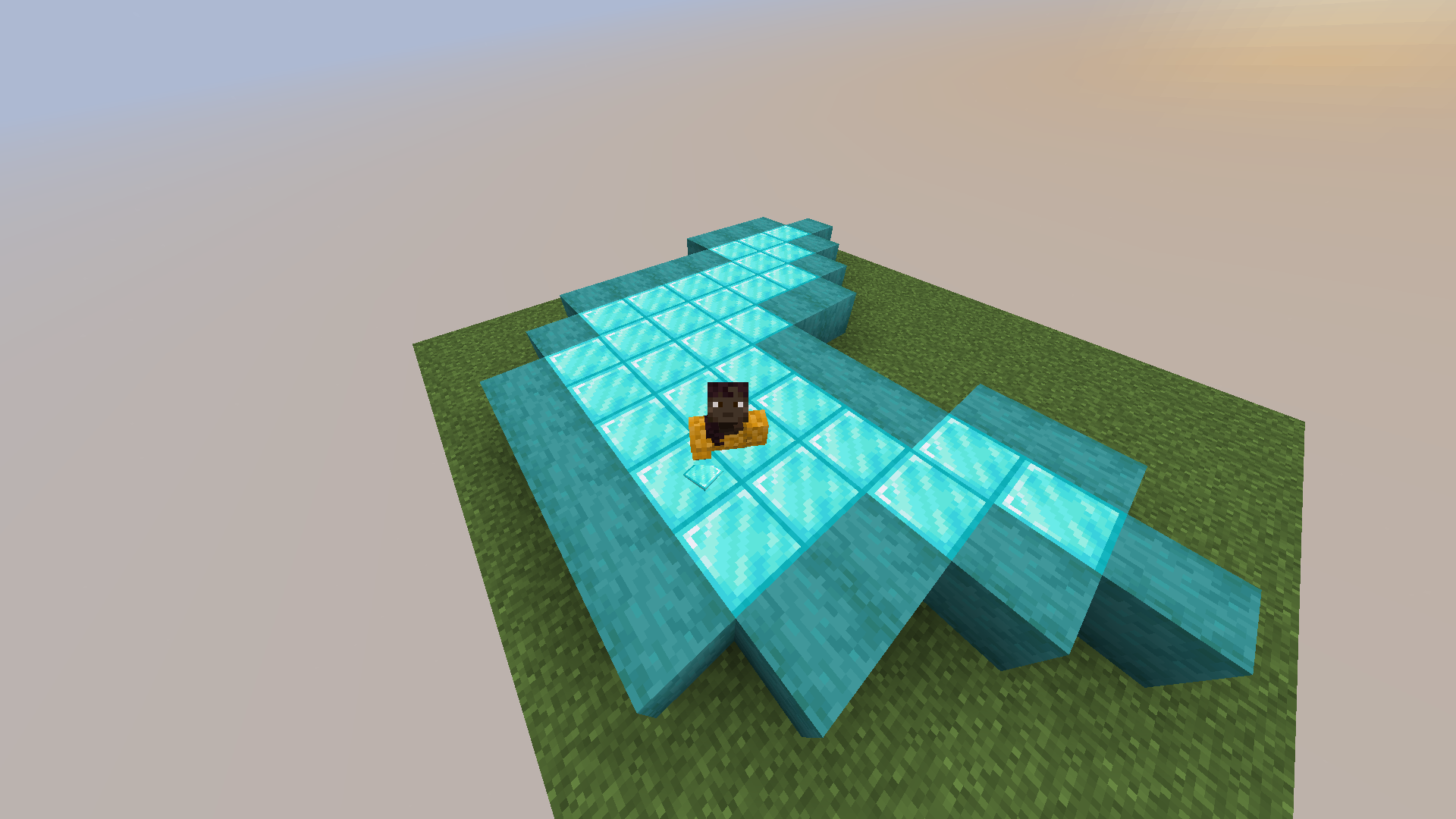
- Type “/function bf:fill2d” with the block you want the shape to get filled with in your main hand. It has to be a closed shape like on the exemple below.
- Type “/function bf:fill3d” with the same conditions and be sure to be in a 3D closed shape.
Here is an example of what you can do :
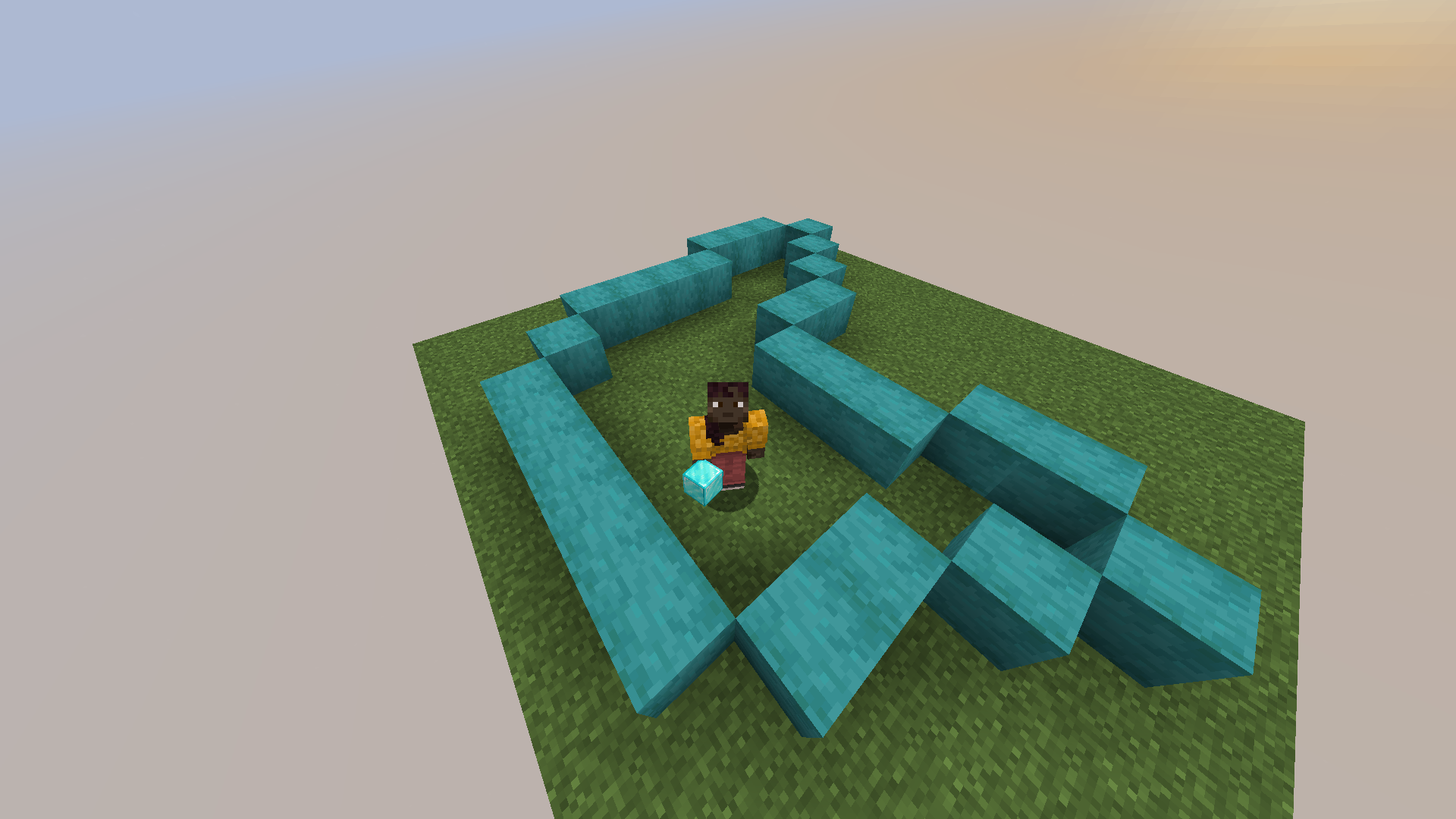
Then, by typing “/function bf:fill2d” with the block I want to use to fill the closed shape in my main hand, I get :
Todo list :
- DONE : A way to undo in case you forgot to close your shape or if you misplaced your player when executing one of the commands
- A function to change the limit of blocks for the commands
- A function to make it possible to fill with random block from your inventory
- Make it possible to fill vertical 2D closed shapes
- Make other versions available (cause not everyone uses snapshots to play ahah)
- Maybe some of your ideas… 🙂
常见问题
BetterFill 支持哪些 Minecraft 版本?
BetterFill 支持 Minecraft Java 版 1.21.5–1.21.11,共 7 个版本。下载时注意选择和你游戏版本一致的文件。
BetterFill 怎么安装?
新建世界时在「数据包」里把下载的 .zip 拖进去;已有的存档,把文件放进存档目录下的 datapacks 文件夹,进游戏输入 /reload 即可生效。服务器同样放在世界目录的 datapacks 里。


评论
登录后评论和评分