
Bedrock Bridging
Adds a Bedrock-like bridging functionality to Java, complete with a toggle feature
截图
介绍

Bedrock Bridging
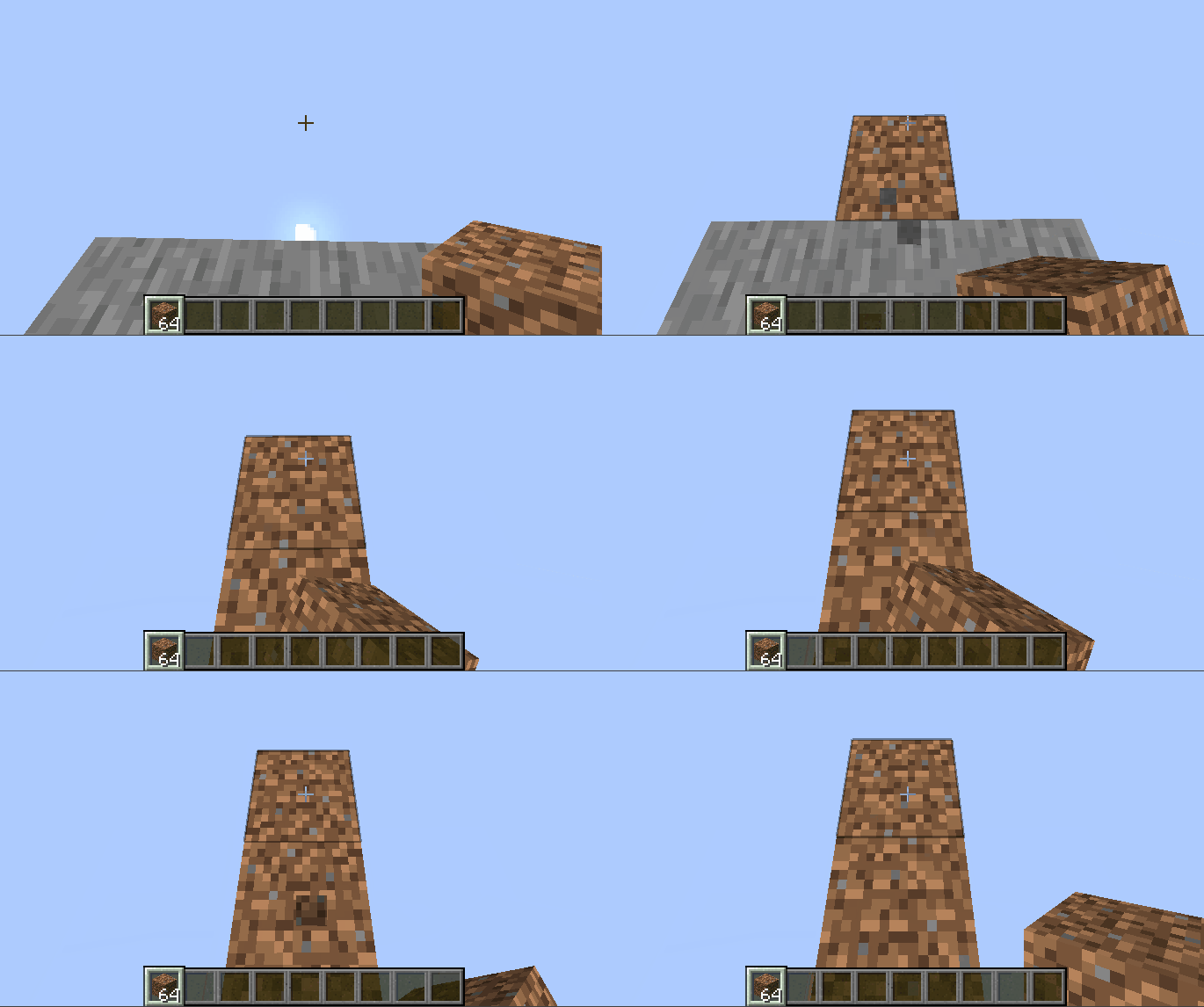
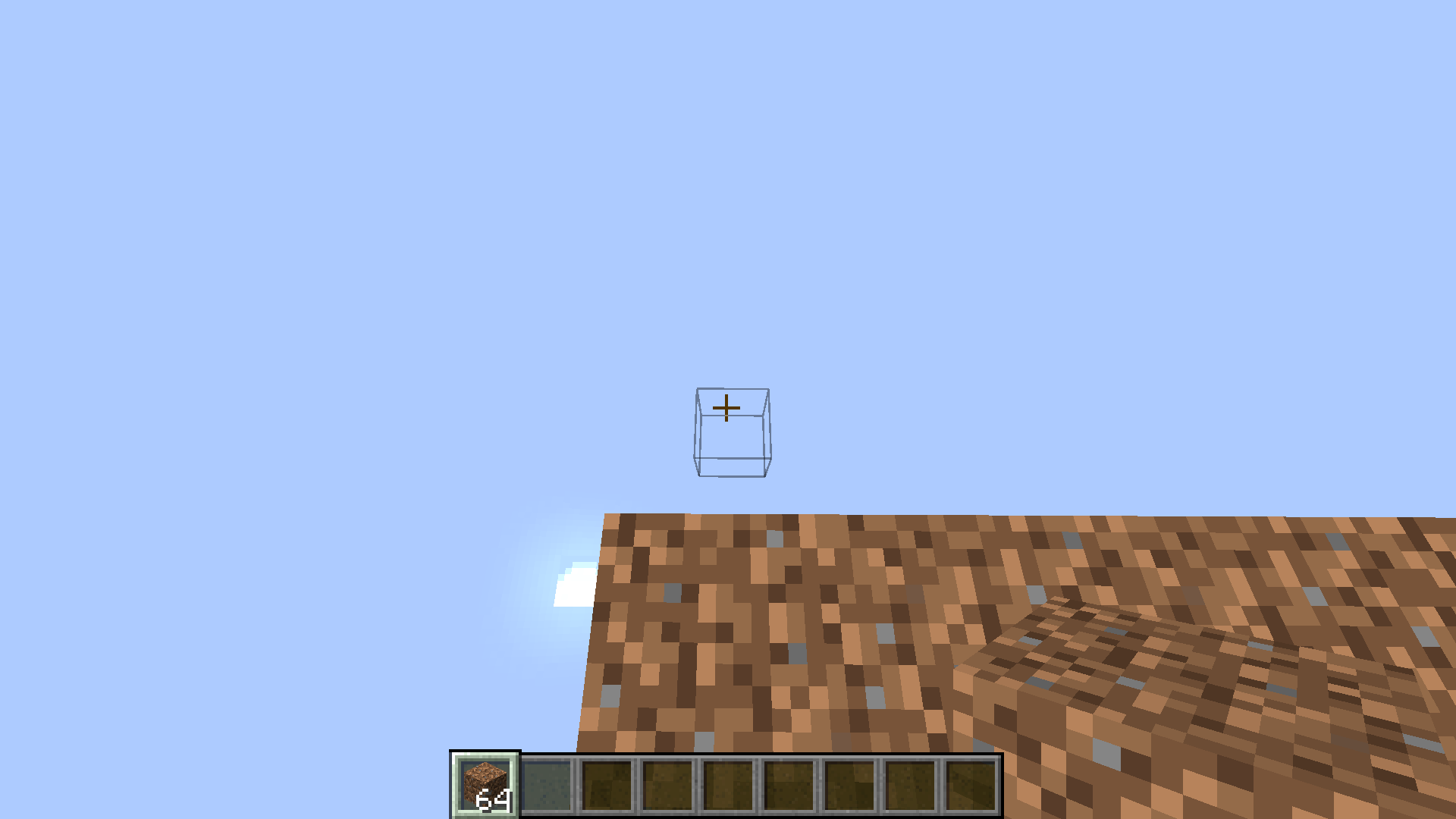
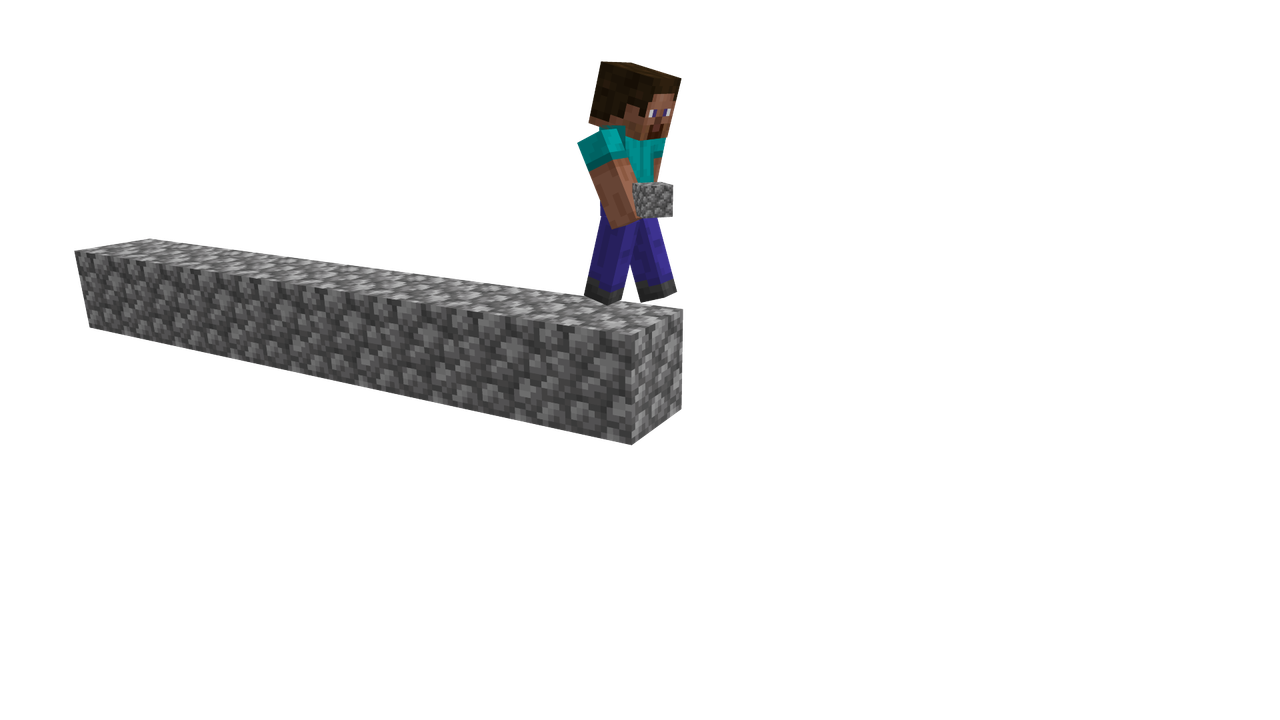
Bedrock Bridging is a Minecraft data pack that brings the famous Bedrock Edition bridging mechanics to Java! Now you can place blocks in mid-air while bridging, just like in Bedrock, making speedbridging, stacked bridging, and advanced techniques easier, quicker and more fun.
How to Use:
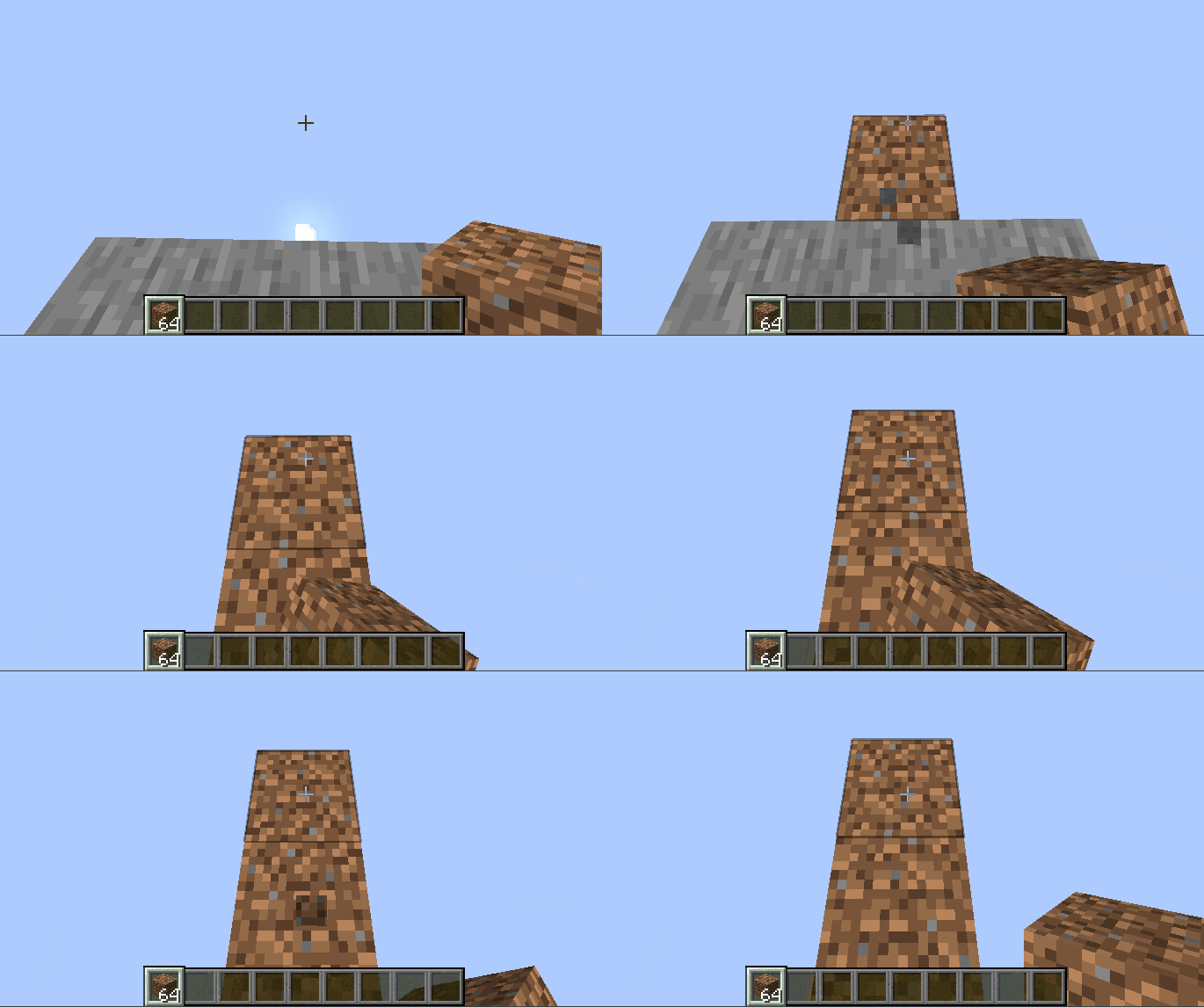
- Stand on a block and look at where you want to place your next block.
- A subtle outline will appear, showing where the block will be placed.
- Right-click to place the block exactly where the outline indicates.
 \
Commands:
- /function bedrock_bridging:on — Enable bridging manually.
- /function bedrock_bridging:off — Disable bridging.
- /trigger bedrock_bridging — Toggle bridging without cheats; applies only to the player who runs it.
Features:
- Easy toggle on/off functionality.
- Clear outline for precise block placement.
- Works seamlessly in multiplayer or for individual players.
- Supports multiple bridging styles:
- Sprint bridge / butterfly click: Run and butterfly click to sprint-bridge.
- Walking bridge: Place blocks while moving normally forward.
- Stacking: Double-click and jump while moving forward to place stacked blocks quickly.
FAQ:
Can I speed-bridge with this?\
Whilst the main Bedrock sprint-jumping speedbridging technique isn’t possible, there are others that are as explained above.
Does this affect my normal Java bridging techniques?\
Not at all! Your preferred Java bridging styles work exactly the same.
Will this tank my FPS?\
Absolutely not! Designed to be as lightweight and efficient as possible.
Can I use this on my Minecraft server?\
Of course! It does have a few bugs on multiplayer, but I have tried to resolve them in the latest version.
The latest version has been completely rewritten for multiplayer compatibility and includes bugfixes to make the experience stable, precise, and enjoyable for everyone on a server, however there are likely still bugs. If you encounter one, it really helps out to report it to the issue tracker.
Source code and issue tracker:\
Source here and issue tracker here.
常见问题
Bedrock Bridging 支持哪些 Minecraft 版本?
Bedrock Bridging 支持 Minecraft Java 版 1.20–26.2,共 23 个版本,可用的加载器:Fabric / Forge / NeoForge / Quilt。下载时注意选择和你游戏版本一致的文件。
Bedrock Bridging 怎么安装?
新建世界时在「数据包」里把下载的 .zip 拖进去;已有的存档,把文件放进存档目录下的 datapacks 文件夹,进游戏输入 /reload 即可生效。服务器同样放在世界目录的 datapacks 里。
sniffercraft34 的其他作品
查看全部 →
Vanilla Connected Glass
无需 OptiFine、兼容任意资源包的连接玻璃!

Full Light
在 Minecraft 中使用 Optifine 或 Polytone 体验全亮效果!

No Fire Overlay
Removes the annoying fire overlay that takes up your screen
Too Much XP (TME)
Yeets the laggy XP orbs, whilst still maintaining a high level count
评论
登录后评论和评分