
截图
介绍

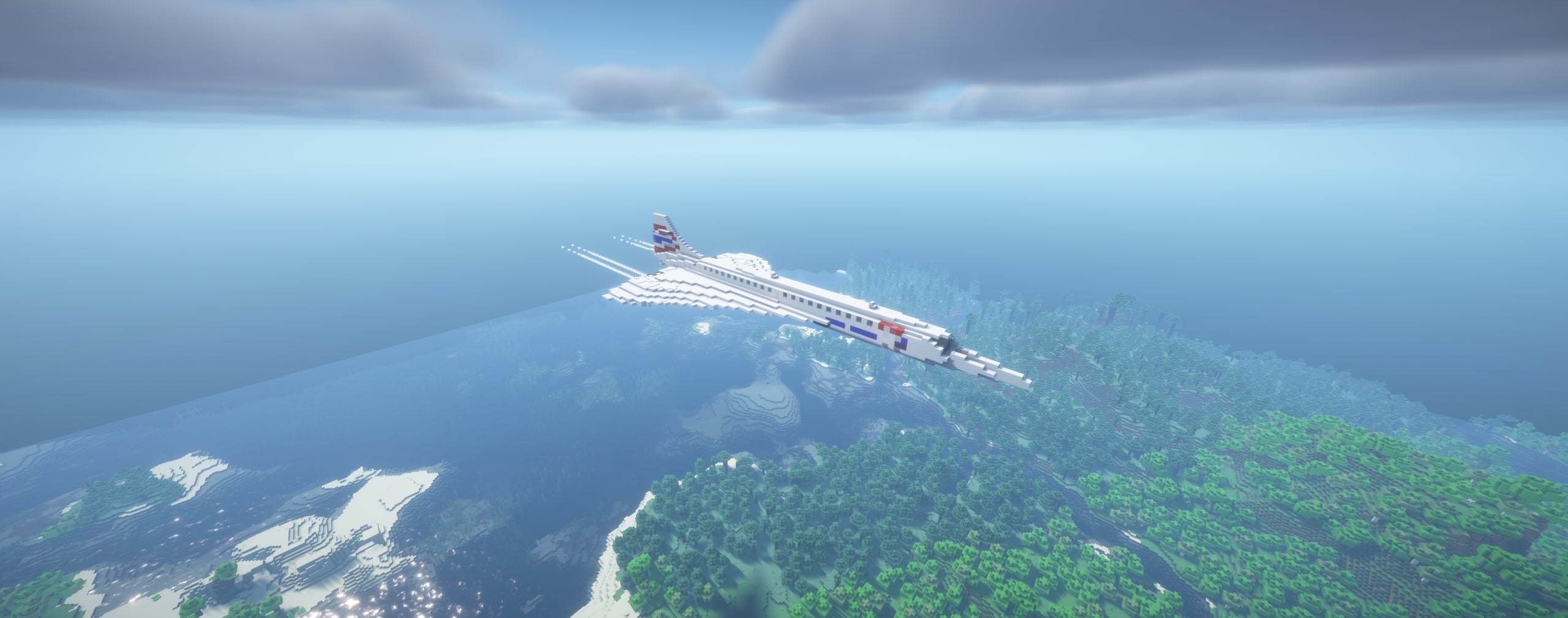
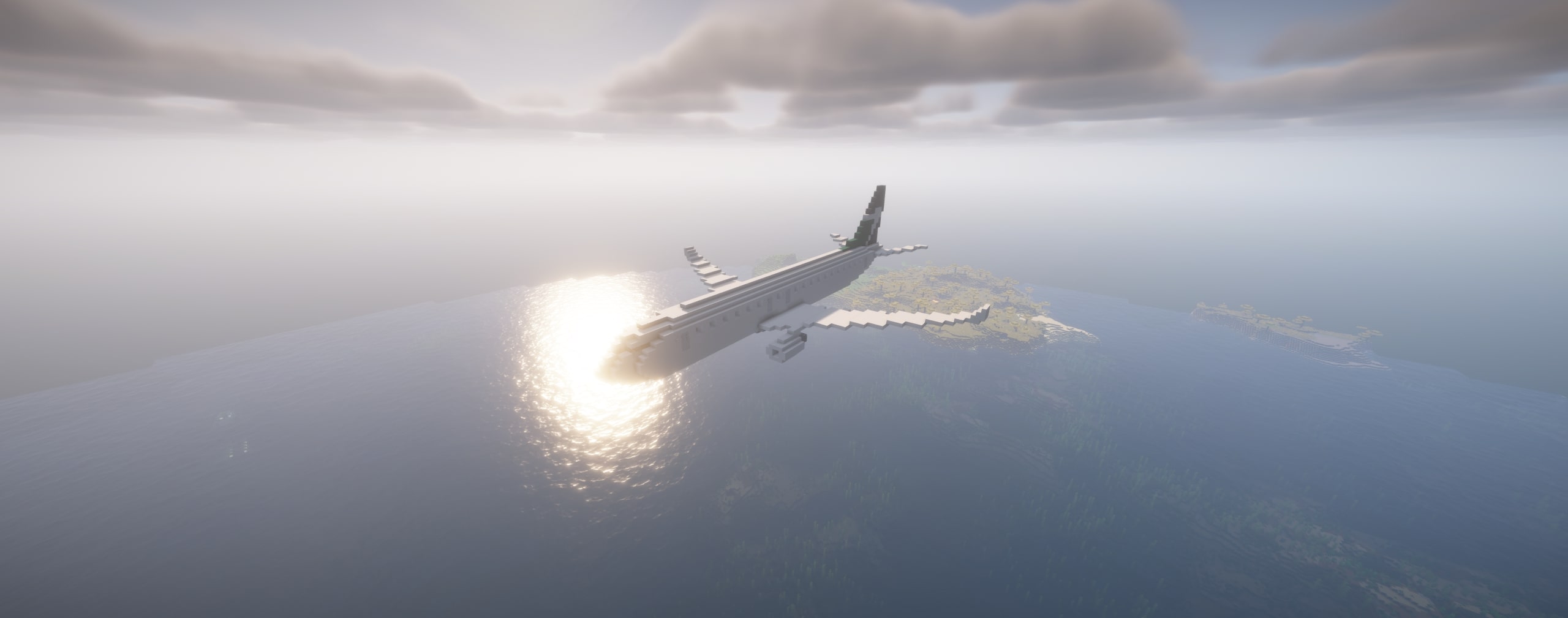
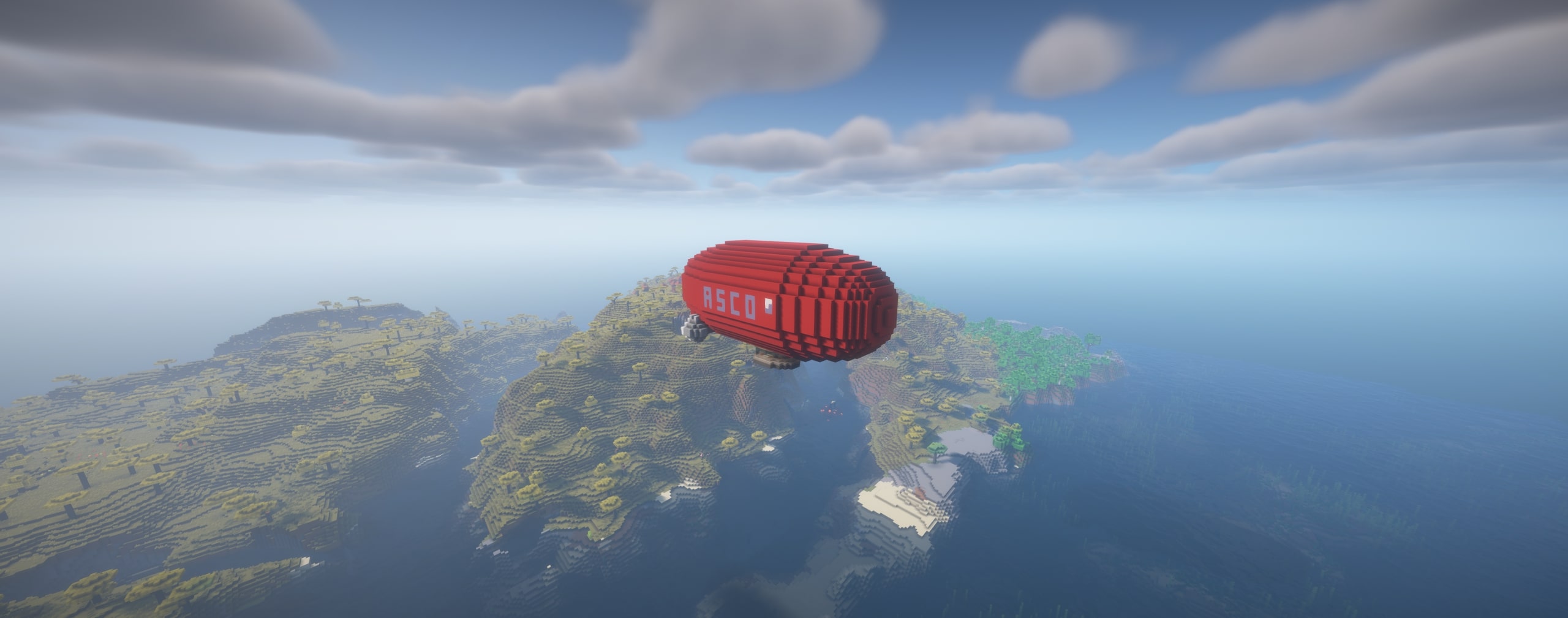
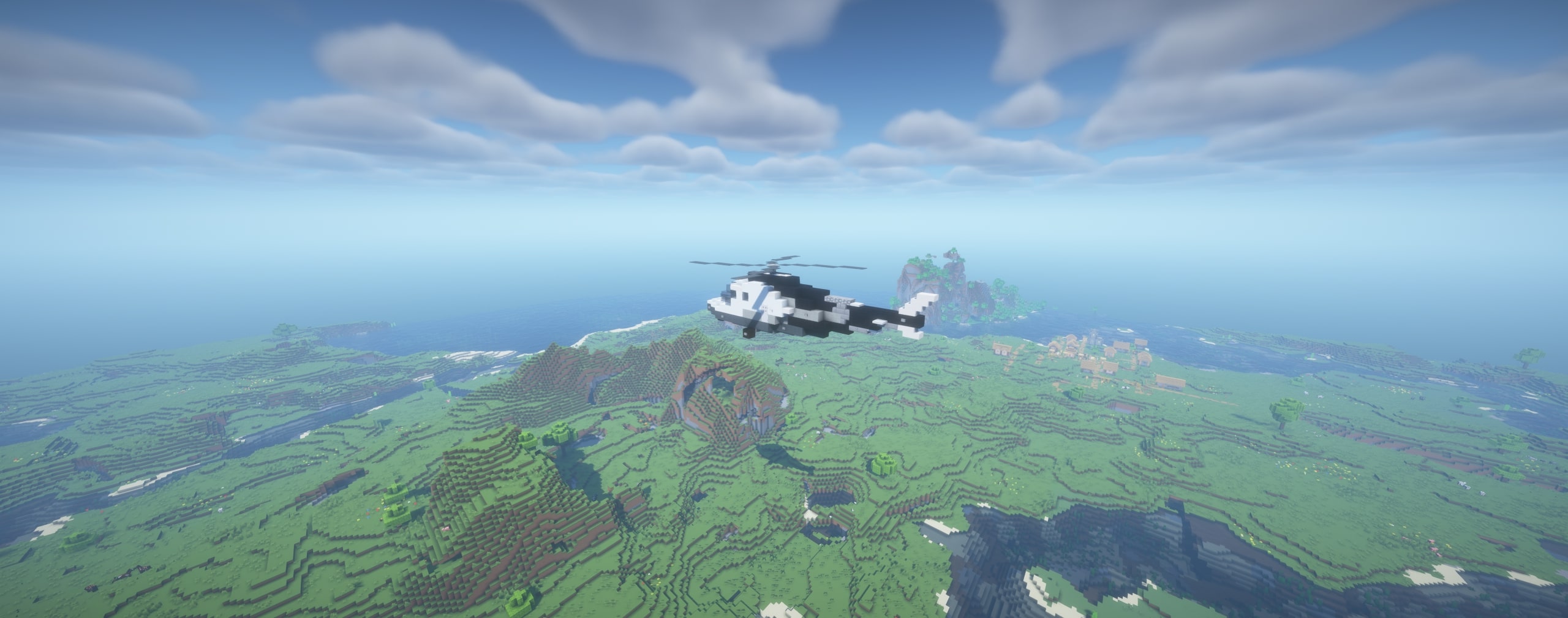
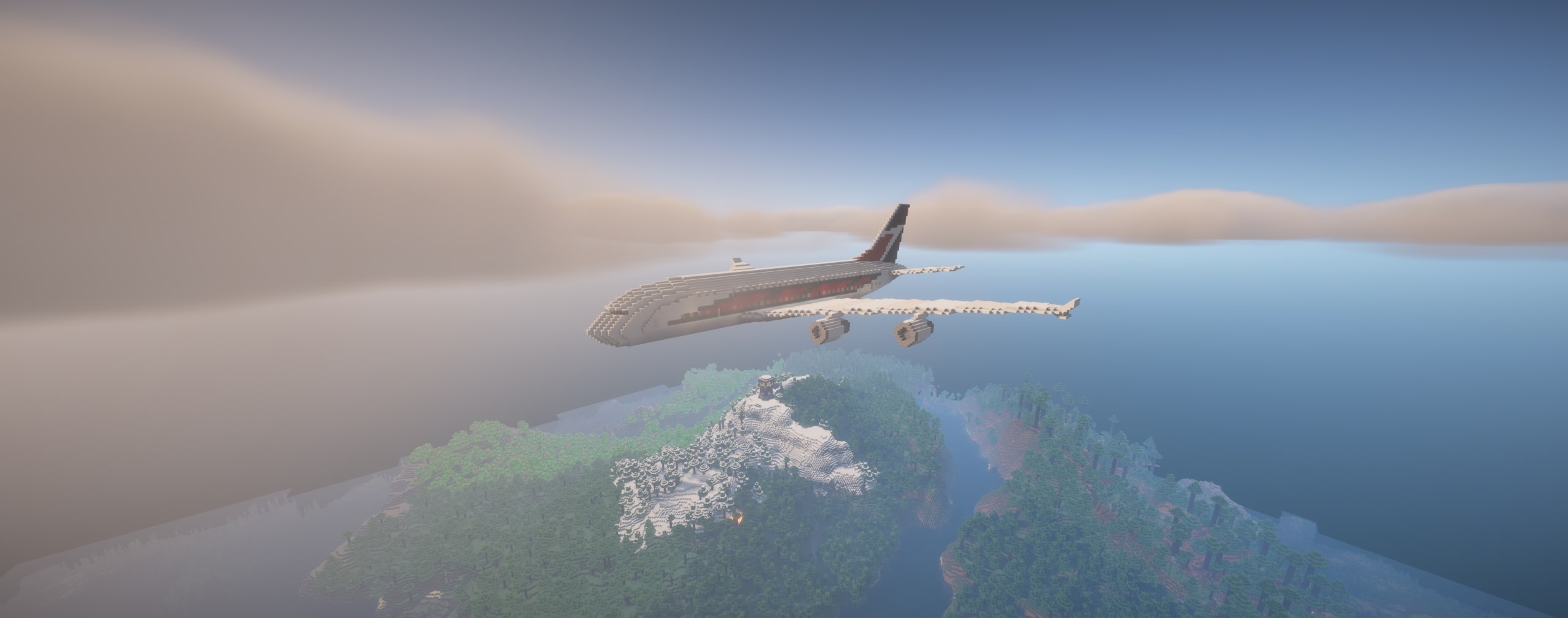
The AshPlanes Datapack brings the Overworld to life by generating various types of flying aircraft, making the skies feel more dynamic and immersive. Whether you’re exploring, building a modern city, or just enjoying the scenery, this datapack adds a realistic touch to your Minecraft world.
✈️ Features:
✔ Randomly Spawning Aircraft – Different flying vehicles appear naturally in the Overworld.
✔ Diverse Air Fleet – Includes commercial airliners, Concorde, helicopters, and airships.
✔ Automatic Functionality – No commands needed; everything runs seamlessly in the background.
🌍 Spawn Mechanics:
Aircraft spawn randomly at various locations across the Overworld.
They appear at different altitudes, ensuring a natural, realistic feel.
Works in singleplayer and multiplayer without issues.
⚙️ How to Install:
Download the AshPlanes Datapack.
Open your Minecraft world folder (.minecraft/saves/Your_World_Name).
Place the datapack file into the datapacks folder inside your world folder.
Launch Minecraft and enter your world.
Type /reload (if already in the world) to activate the datapack.
🗺️ Model Credits:
All aircraft models used in this datapack are taken from the Matts Minecity map. Full credit for these amazing models goes to the original creators of that map – I only created the datapack that brings them to life dynamically.
That’s it! Now enjoy realistic flying aircraft across your Minecraft skies! 🚁🛩️🌍
💬 Got ideas for new aircraft? Join my Discord and let me know what I should add next!
Also check out:
Ash US Air Force Planes Datapack

Ash Russian Air Force Planes Datapack

Ash Sailships Datapack

Ash Ships Datapack

Ash US Navy Ships Datapack

常见问题
Ash Planes 支持哪些 Minecraft 版本?
Ash Planes 支持 Minecraft Java 版 1.18–26.3,共 32 个版本。下载时注意选择和你游戏版本一致的文件。
Ash Planes 怎么安装?
新建世界时在「数据包」里把下载的 .zip 拖进去;已有的存档,把文件放进存档目录下的 datapacks 文件夹,进游戏输入 /reload 即可生效。服务器同样放在世界目录的 datapacks 里。
AshKiano 的其他作品
查看全部 →
NightVisionAlways
Instant Night Vision anywhere with a single press.
NightVisionAlways
Instant Night Vision anywhere with a single press.

ItemPickupNotifier
Clean pop-up notifications for every item pickup.

ClickThroug
Open chests through signs and frames effortlessly.
评论
登录后评论和评分