
截图
介绍
Arrows Dropping Datapack
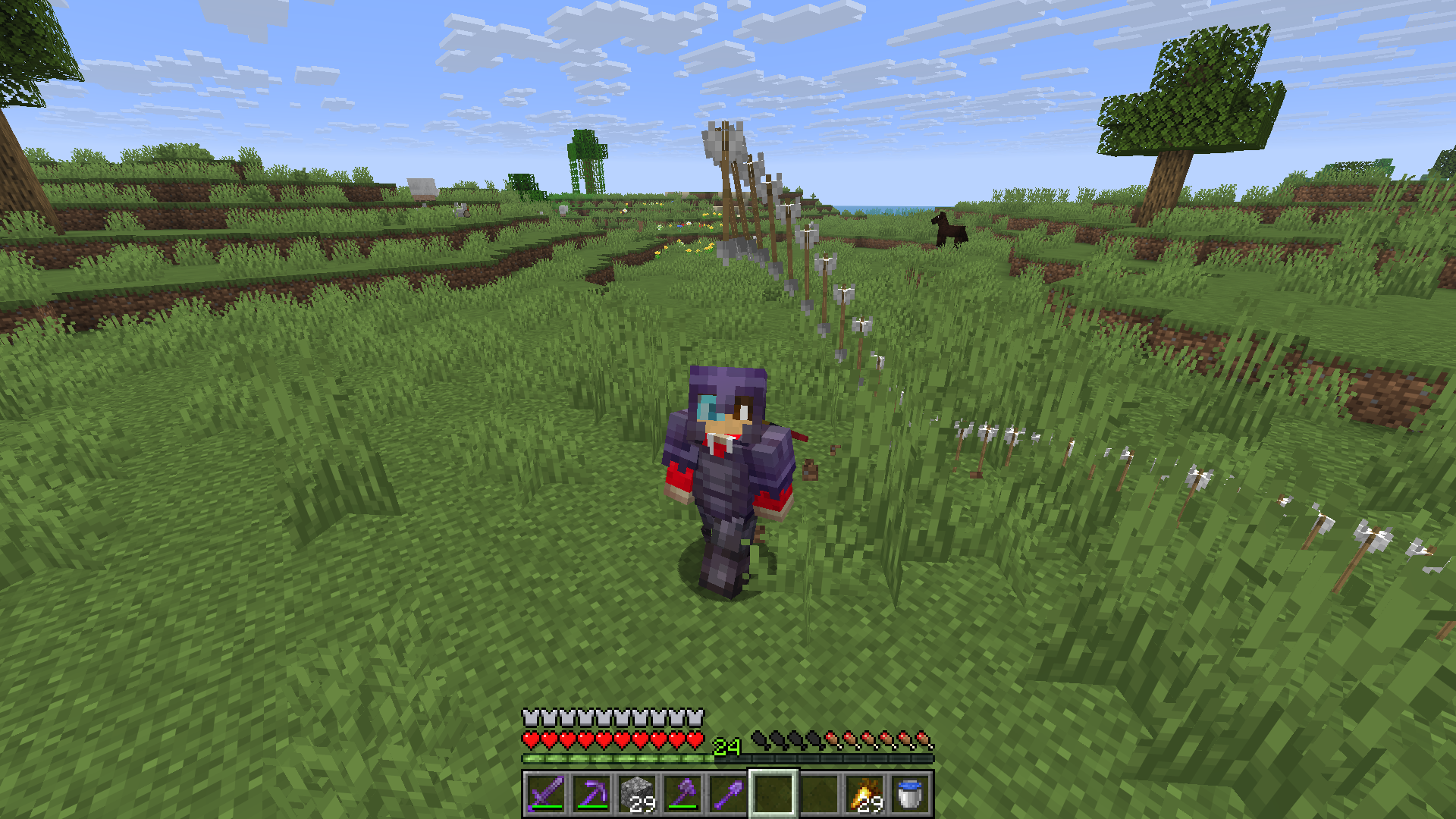
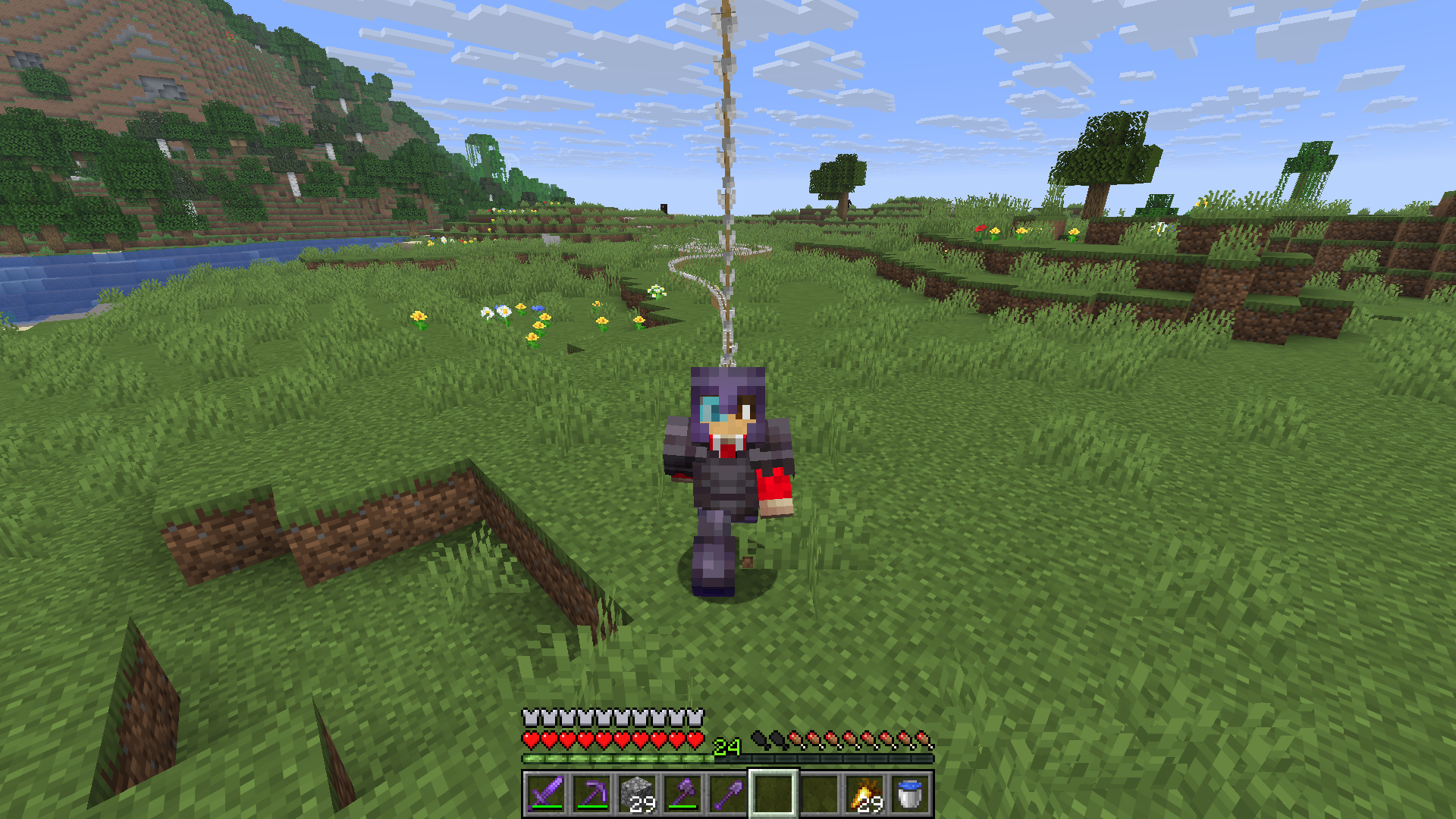
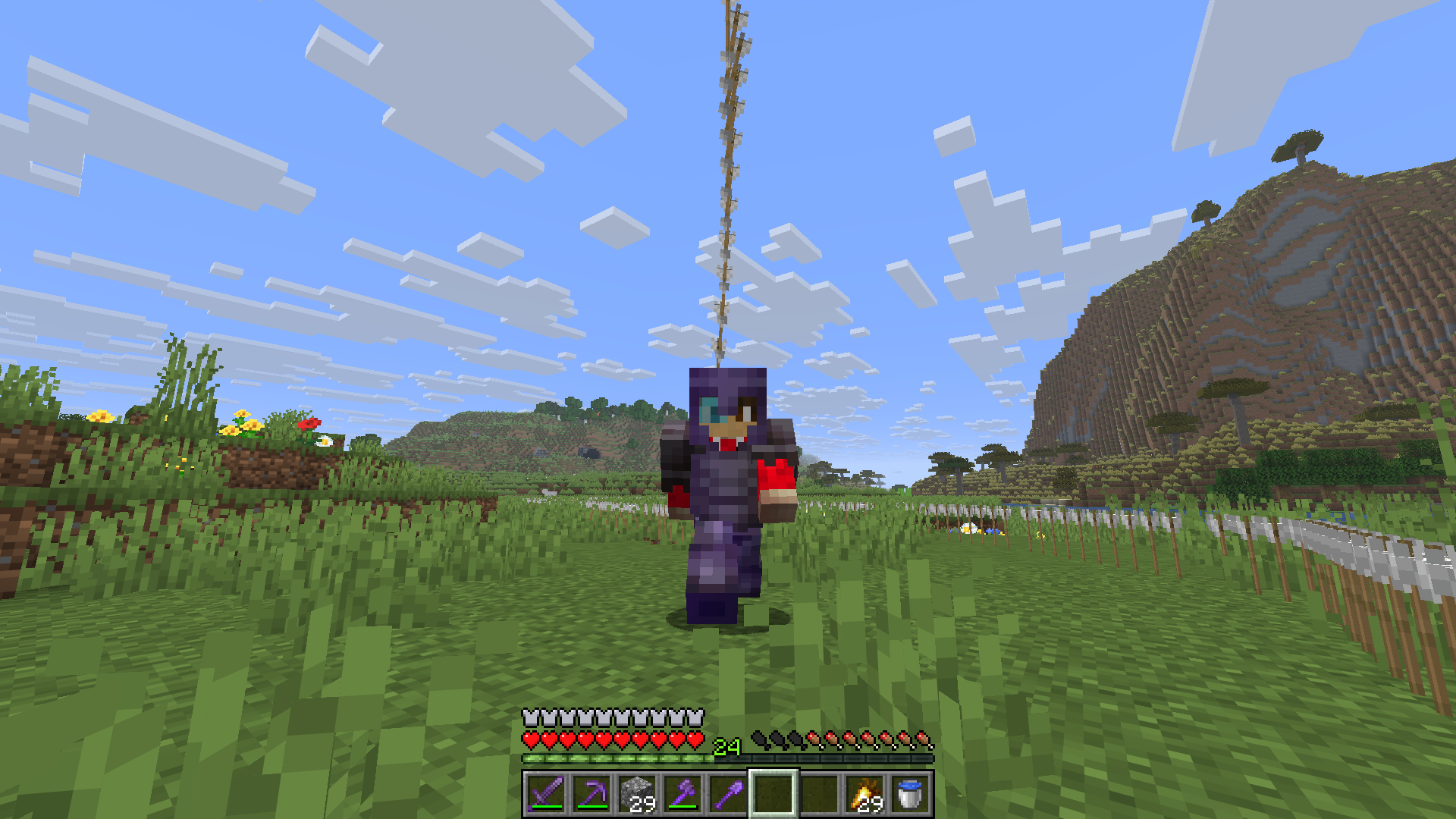
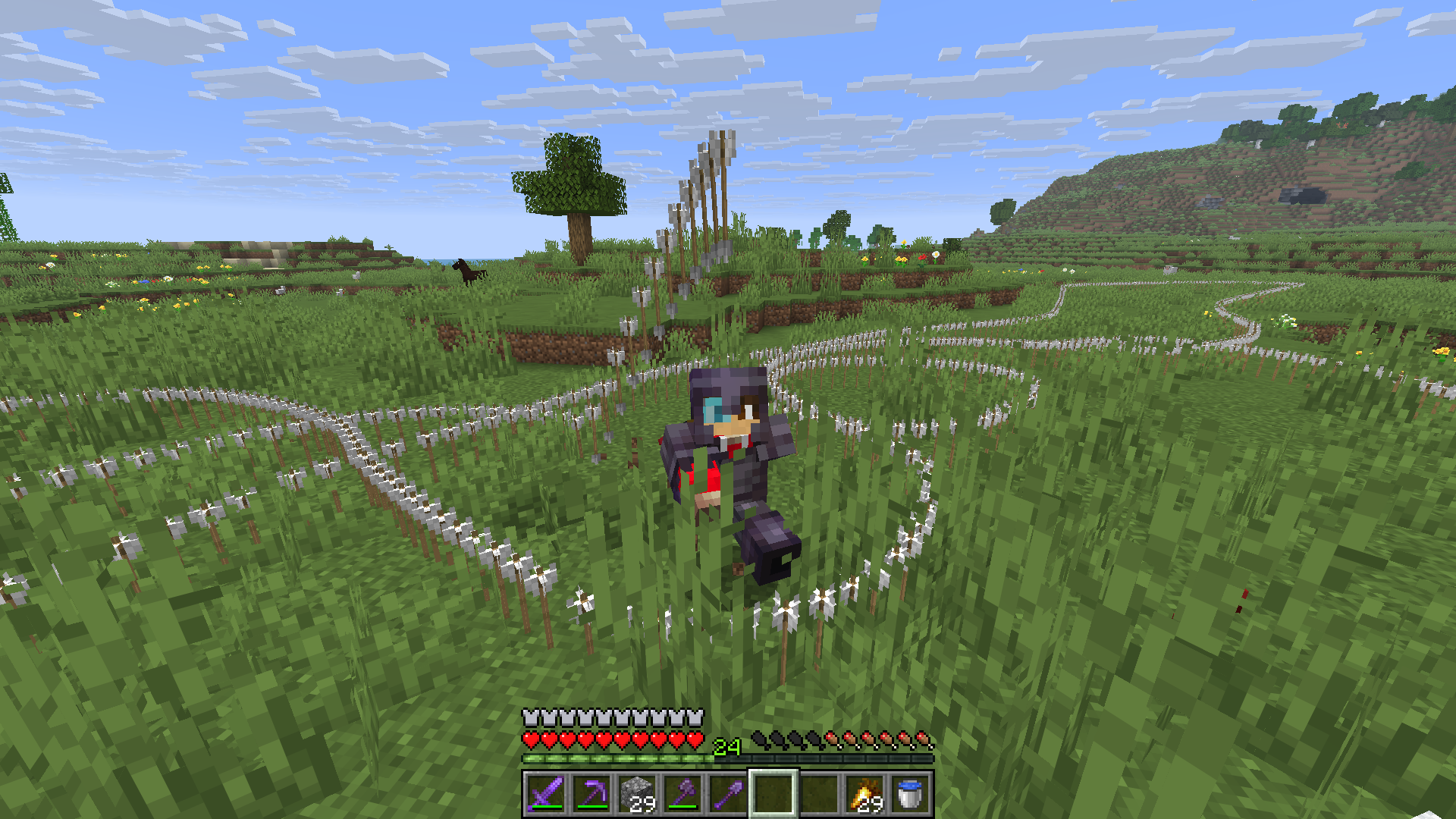
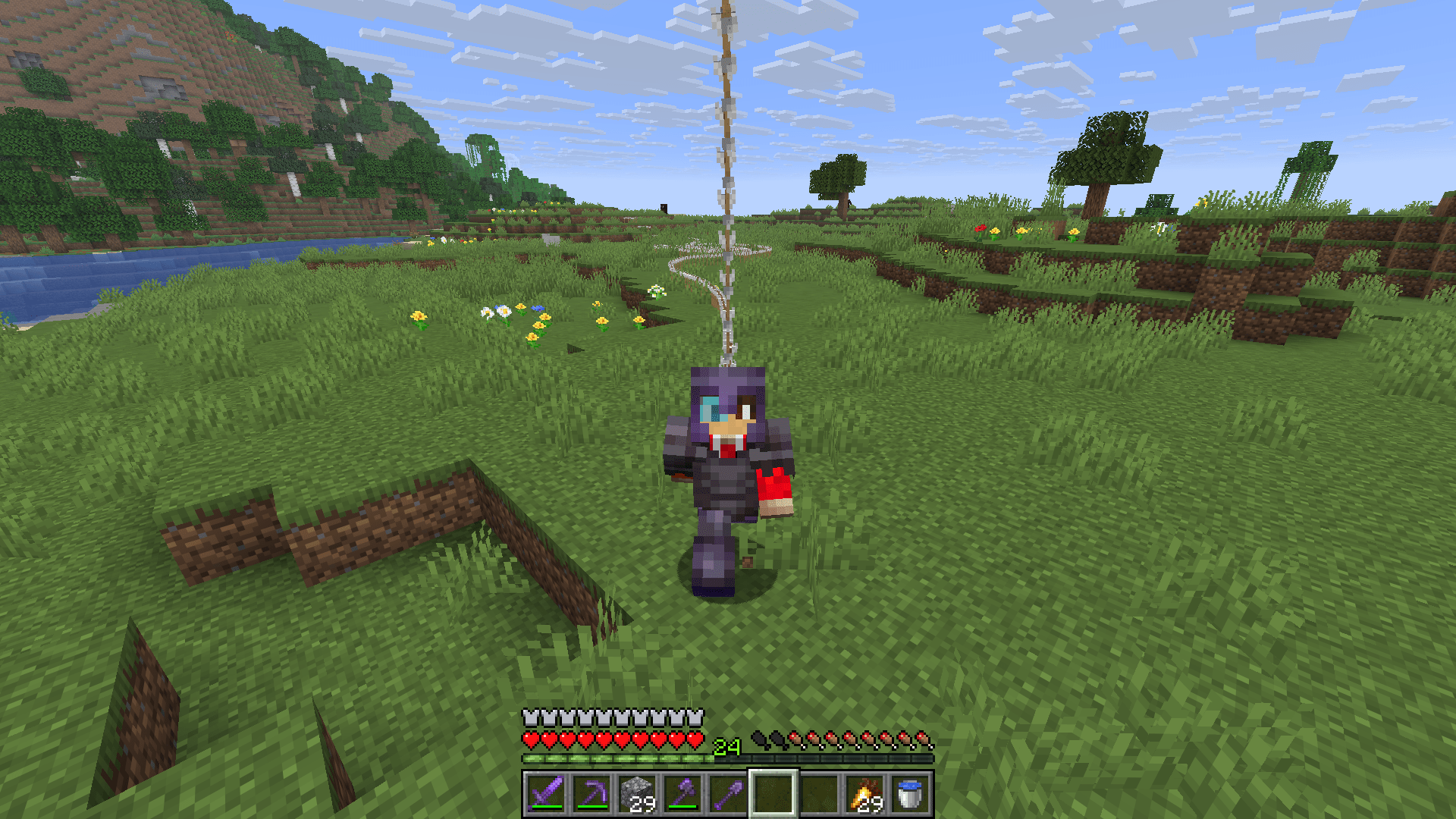
This small challenge datapack spawns arrows above your head, so watch out!
Don’t know how to install a datapack?
Check out the wiki article: Minecraft Wiki | How to import a datapack
Installing:
When the datapack is installed and the world is reloaded, it initializes itself automatically:
Spoiler

Datapack commands:
This datapack uses the /function command to control it’s behavior.
Start
/function start:arrowsdroppingStop
/function stop:arrowsdroppingOpen config
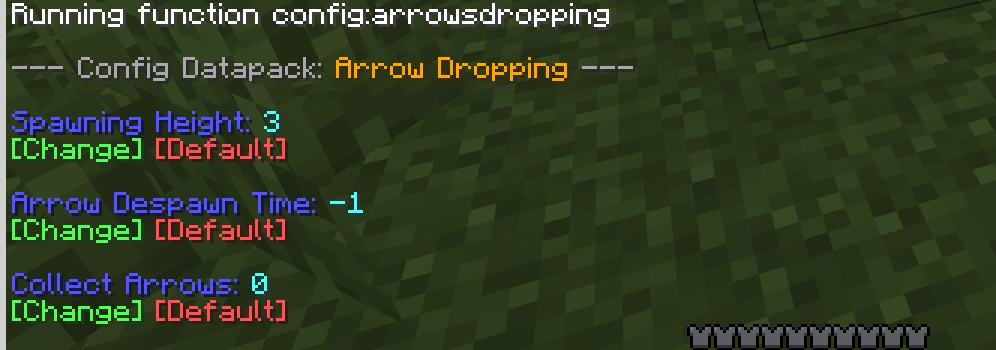
/function config:arrowsdroppingSpoiler
Help
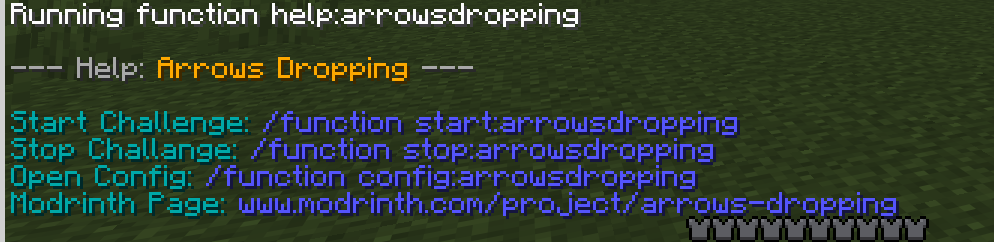
/function help:arrowsdroppingSpoiler
Uninstalling
The datapack automatically removes everything it needs to run and disables itself.
Just run:
/function uninstall:arrows_droppingKnown Bugs:
- 1.21.6-1.21.8:
– When you put in the datapack while creating the world it doesn’t show the message, but it did initialize!
常见问题
Arrows Dropping 支持哪些 Minecraft 版本?
Arrows Dropping 支持 Minecraft Java 版 1.21.6–1.21.11,共 6 个版本。下载时注意选择和你游戏版本一致的文件。
Arrows Dropping 怎么安装?
新建世界时在「数据包」里把下载的 .zip 拖进去;已有的存档,把文件放进存档目录下的 datapacks 文件夹,进游戏输入 /reload 即可生效。服务器同样放在世界目录的 datapacks 里。
GruenerAdler 的其他作品
查看全部 →
Pumpkin Overlay – Frame
Replaces the Pumpkin Overlay with a Orange Border

Readable/Unencrypted EnchantingTable Letters
Makes the particles and the font of the enchanting table readable

Waxed Copper Overlay
A subtle golden overlay for waxed copper blocks
Waxed Copper Overlay
A subtle golden overlay for waxed copper blocks
评论
登录后评论和评分