
截图
介绍

This datapack adds vanilla style QOL improvements to allays that allow them to better complete their vanilla purposes. This datapack is a must-have if you have a world with allays, and a great vanilla+ mod to play with in all worlds.
Included Features
Allays remember noteblocks when far away
Allays will no longer forget their note block when they are too far away for too long (usually distracted by items) instead they will only forget their note block when they are close enough to hear it and tell that it’s not playing.
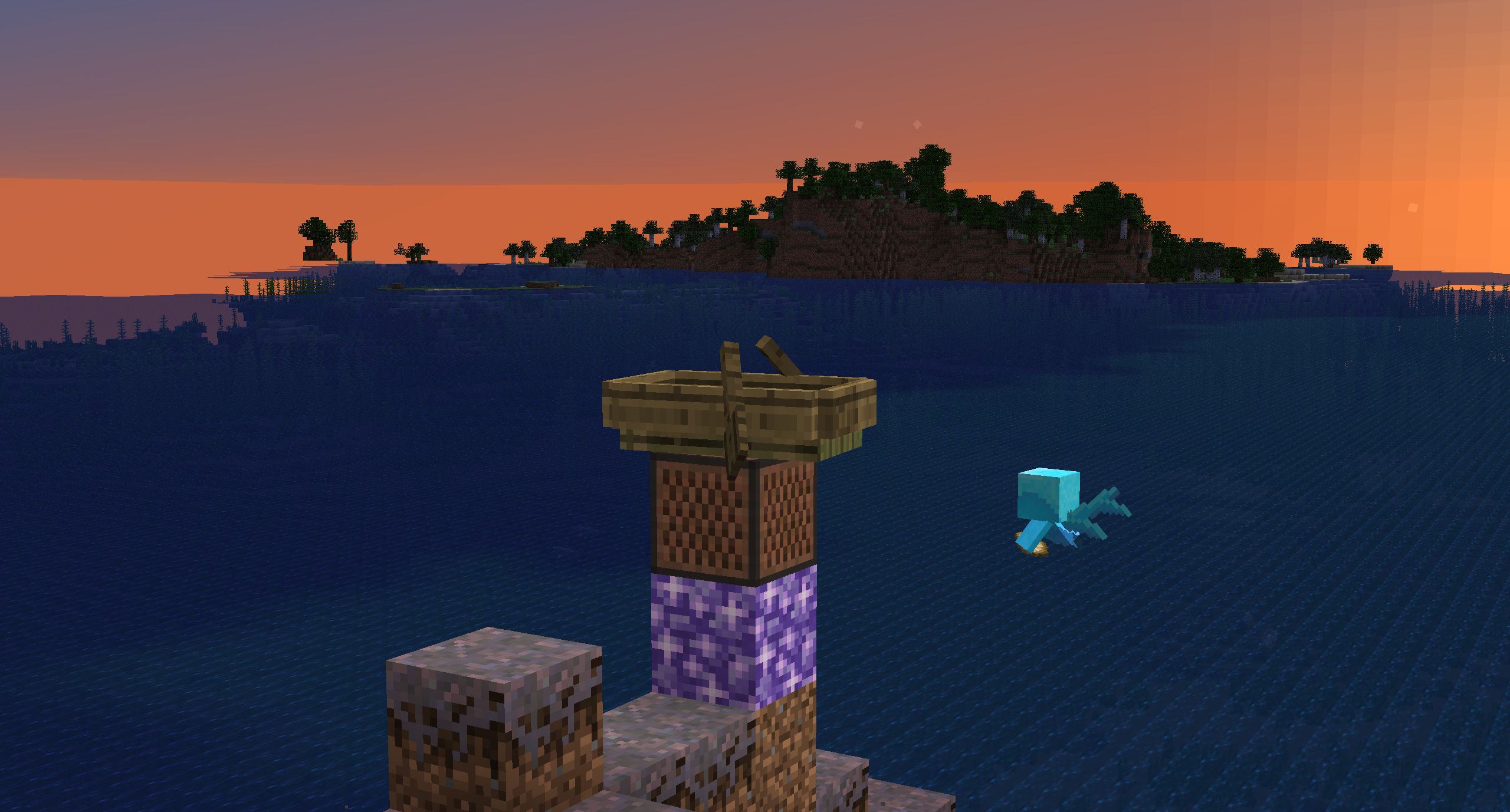
Amethyst noteblocks
Placing an amethyst block under a note block will cause the allays to never* forget that noteblock, meaning you can make an allays stay in an area without the constant ringing of note blocks.
You can make them forget a noteblock by punching them.
Allays can teleport
If an allays is too far away from their owner and not following them anymore, they will teleport to them. (like how a wolf will teleport).
Untamed allays stay near the ground
Untamed allays will no longer fly too high into the sky to be given an item.
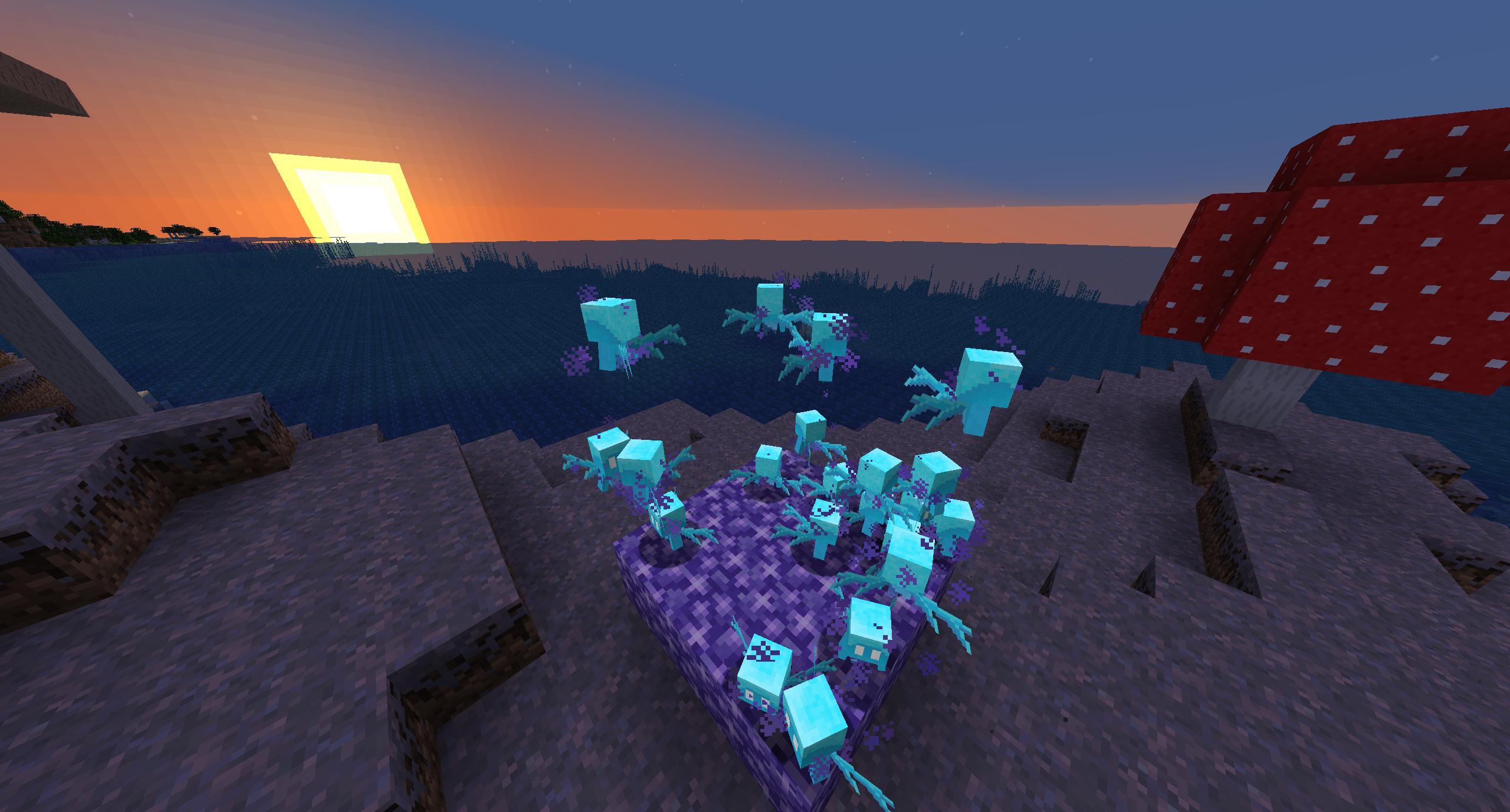
Amethyst pads
Store untamed allays by pushing them above an amethyst block. They will have amethyst particles and will not move from that spot until you give them an item.
Auto-dismount
Allays with items will automatically dismount other entities, so they won’t get stuck in boats or minecarts.
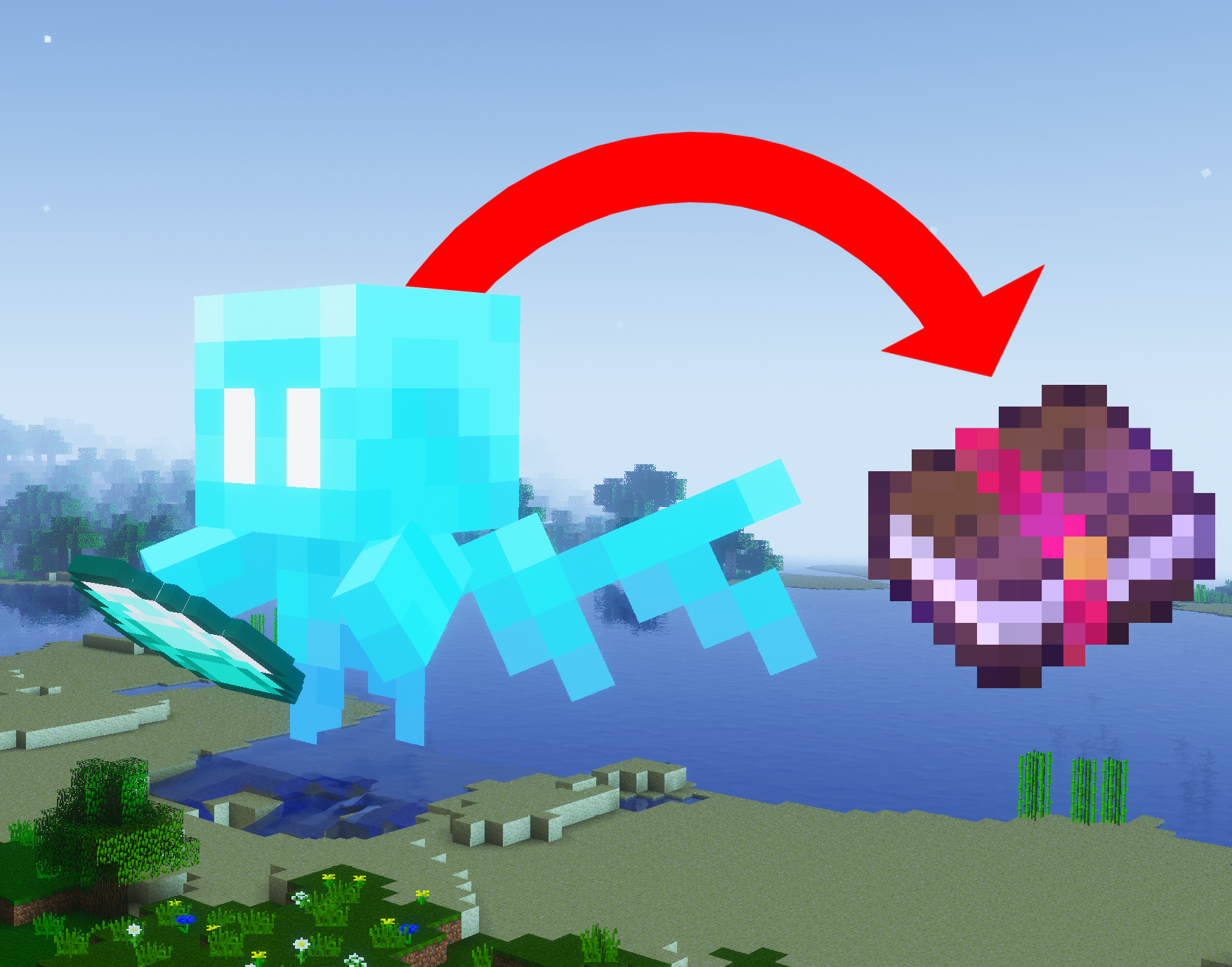
Allay books
Allay can be stored in books for easy transportation or to reduce lag. Drop a book on an allay to store it in that book. Drop an allay book on the ground to release the allay.
Configuration
Almost every feature can be turned on/off by gamerules.
You can change gamerules in a world by running /function allay_upgrades:gamerules
You can change gamerules in every world by modifying/overwriting the function “allay_upgrades:default_gamerules”
常见问题
Allay Upgrades 支持哪些 Minecraft 版本?
Allay Upgrades 支持 Minecraft Java 版 1.19.4–1.21.5,共 14 个版本,可用的加载器:Fabric / Forge / NeoForge / Quilt。下载时注意选择和你游戏版本一致的文件。
Allay Upgrades 怎么安装?
新建世界时在「数据包」里把下载的 .zip 拖进去;已有的存档,把文件放进存档目录下的 datapacks 文件夹,进游戏输入 /reload 即可生效。服务器同样放在世界目录的 datapacks 里。
EMD123 的其他作品
查看全部 →
Ships
新增船只地牢,并允许灾厄村民使用船只。

Better Trees
原版风格的主世界树木改进。

Better Lush Caves
Some much-needed upgrades for the lush cave biome, and some changes to moss.

Deeper Dark
A New Sculk-Filled Dimension for You to Explore.
评论
登录后评论和评分