
截图
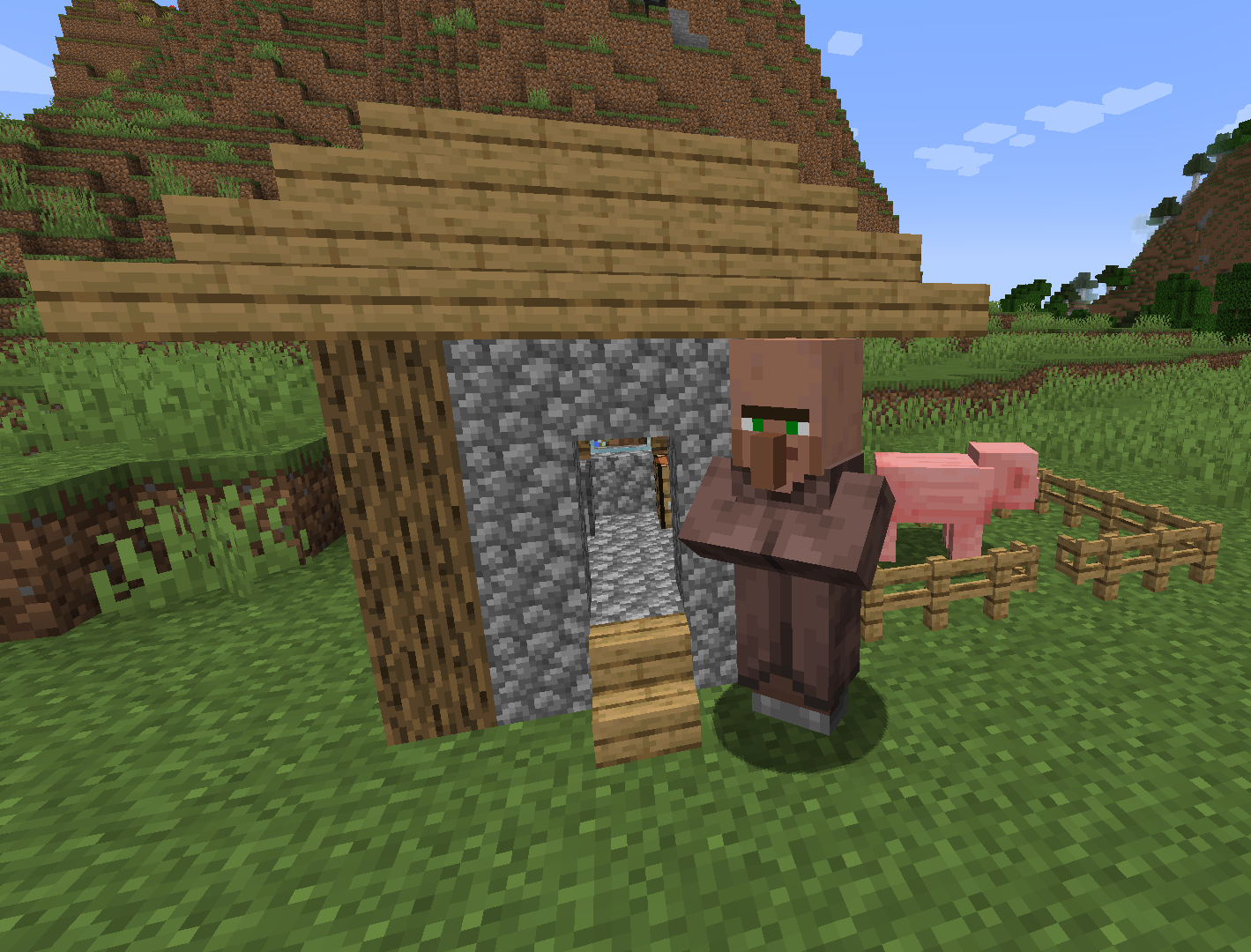
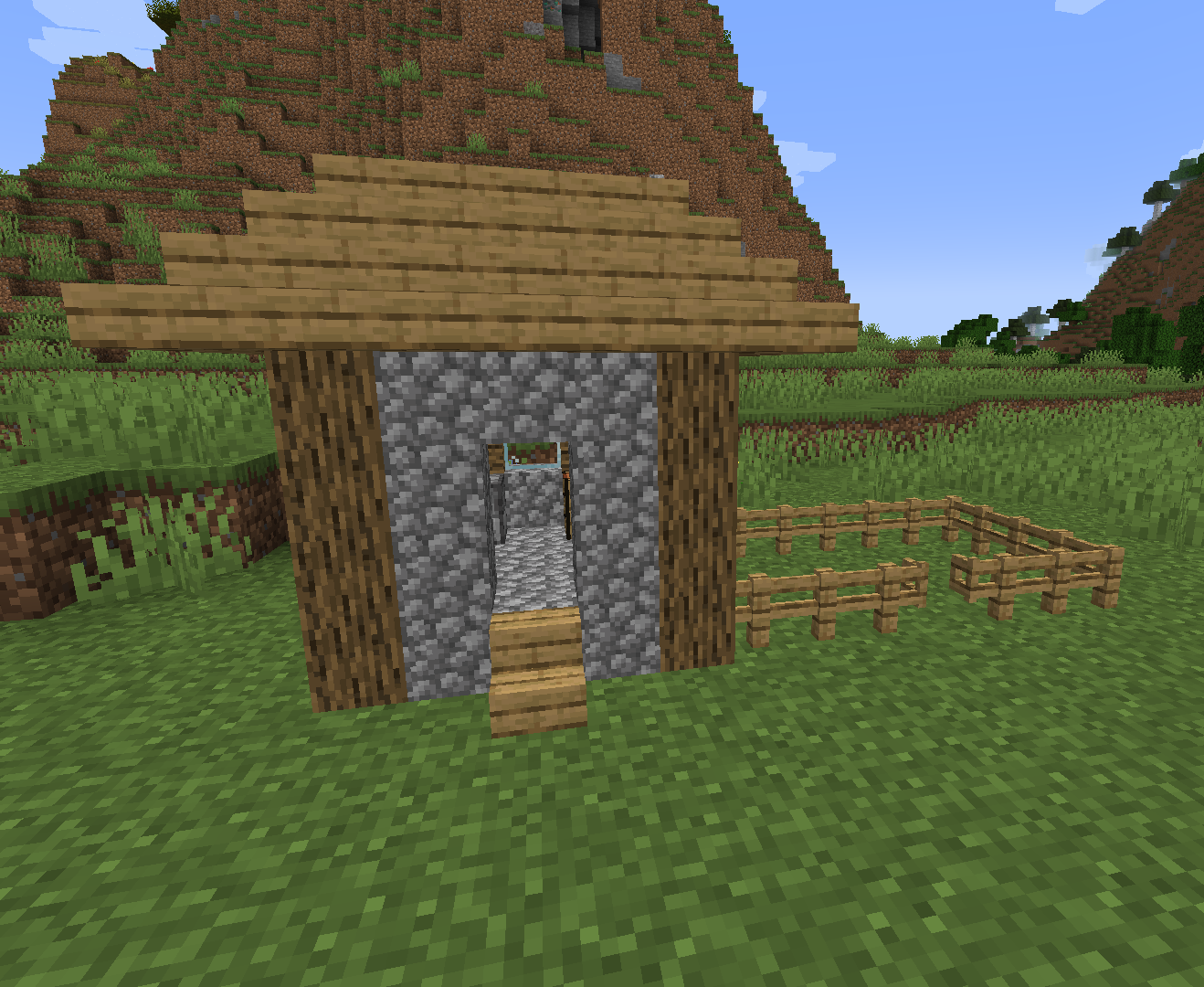
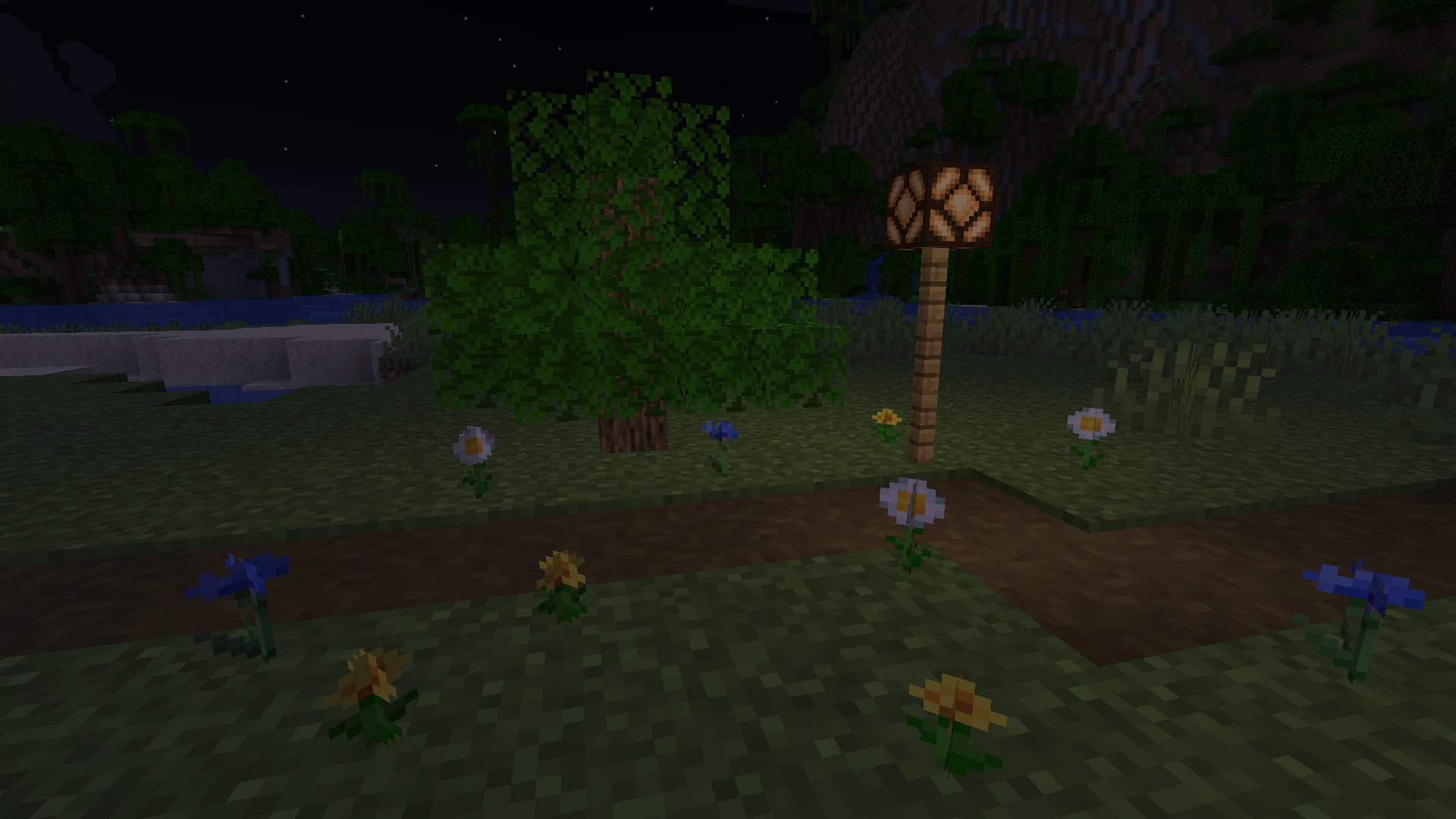
介绍
How to use
First, you need to craft a Minifying Brush like this:

Then just hold the brush, put the block you want to place in your offhand and start building!
Changing block states
Some blocks, such as stairs and fences, have certain block states that define their appearance. When placing these blocks, they will always come with their default states.
To change them, while crouching and holding the brush, left-click on the block to activate the editing mode. Then, not crouching, left-click to cycle through their properties, and right-click to change the value of the selected property. Remember to deactivate it when you’re done, by doing the same as to activate it.
Doing this for several blocks that need the same states is quite tedious. To make it easier, you can, with the block in edit mode, crouch and right-click to copy the state of that block to the brush. To paste, just crouch and right-click another block that you want to have the state you copied (you don’t need to crouch if you don’t have any blocks in your offhand).
Limitations
- The collision boxes of the miniblocks can be a bit buggy.
- Although the resource pack is optional, you will see some shulkers for a few seconds when placing miniblocks and inside blocks with transparency if you don’t use it. But if you use it, all the red shulker boxes will become invisible. There is an alternate texture in
assets/minecraft/textures/entity/shulkerthat will bring back red shulker boxes, with the side-effect of seeing red shulkers for a few seconds when placing miniblocks.
常见问题
Actual MiniBlocks 支持哪些 Minecraft 版本?
Actual MiniBlocks 支持 Minecraft Java 版 1.21–1.21.1,共 2 个版本。下载时注意选择和你游戏版本一致的文件。
Actual MiniBlocks 怎么安装?
新建世界时在「数据包」里把下载的 .zip 拖进去;已有的存档,把文件放进存档目录下的 datapacks 文件夹,进游戏输入 /reload 即可生效。服务器同样放在世界目录的 datapacks 里。
评论
登录后评论和评分