
3D-Model-Editor
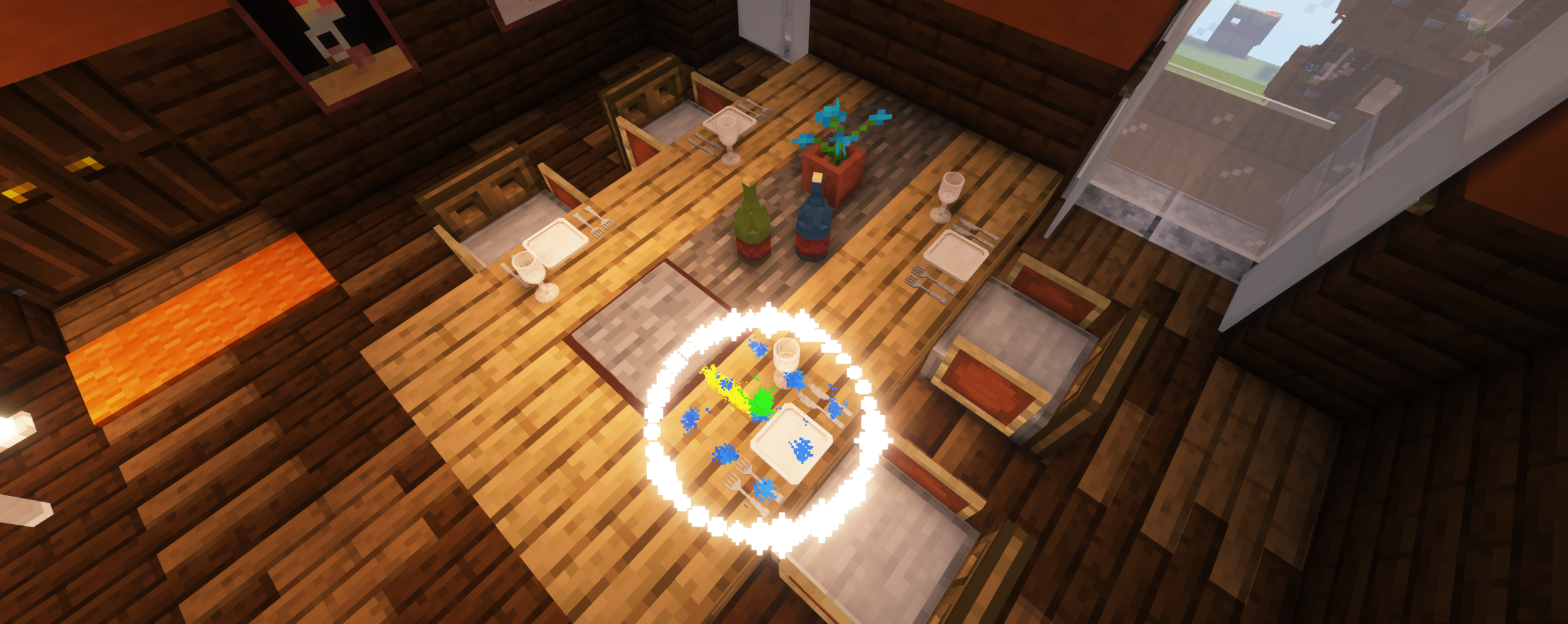
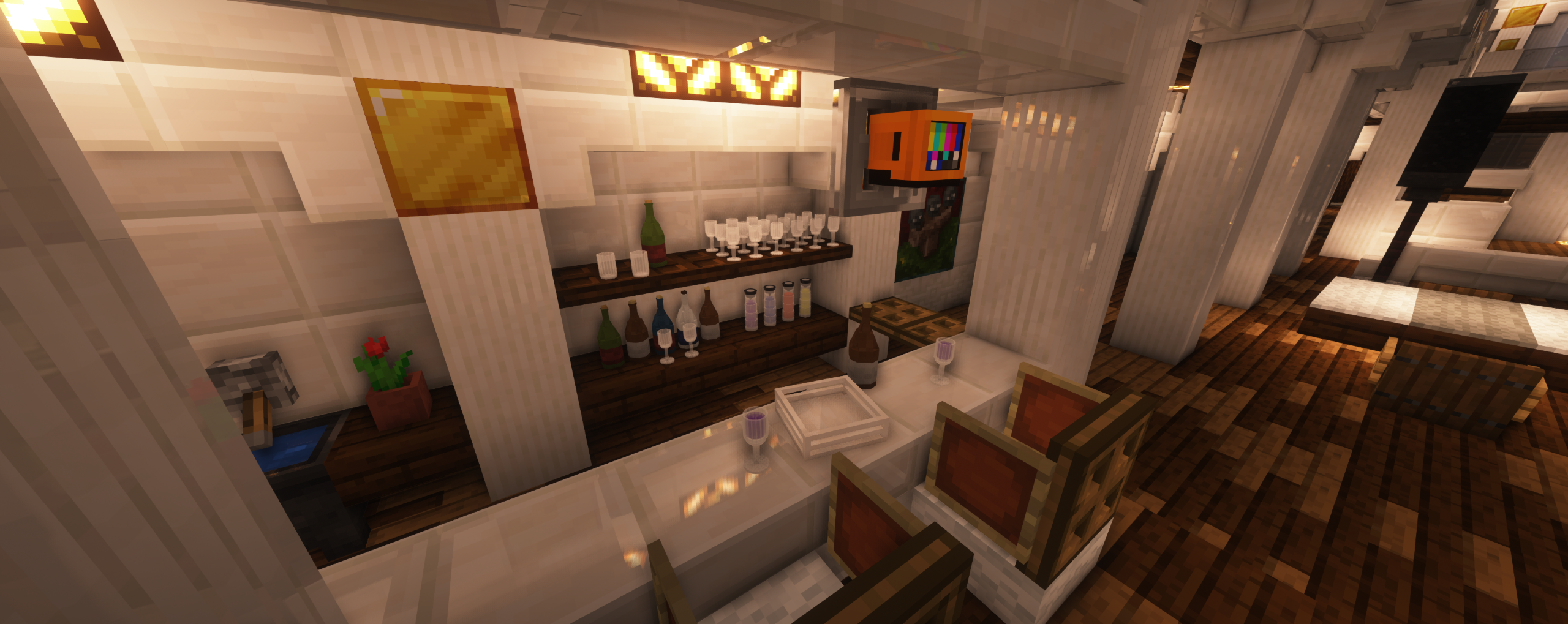
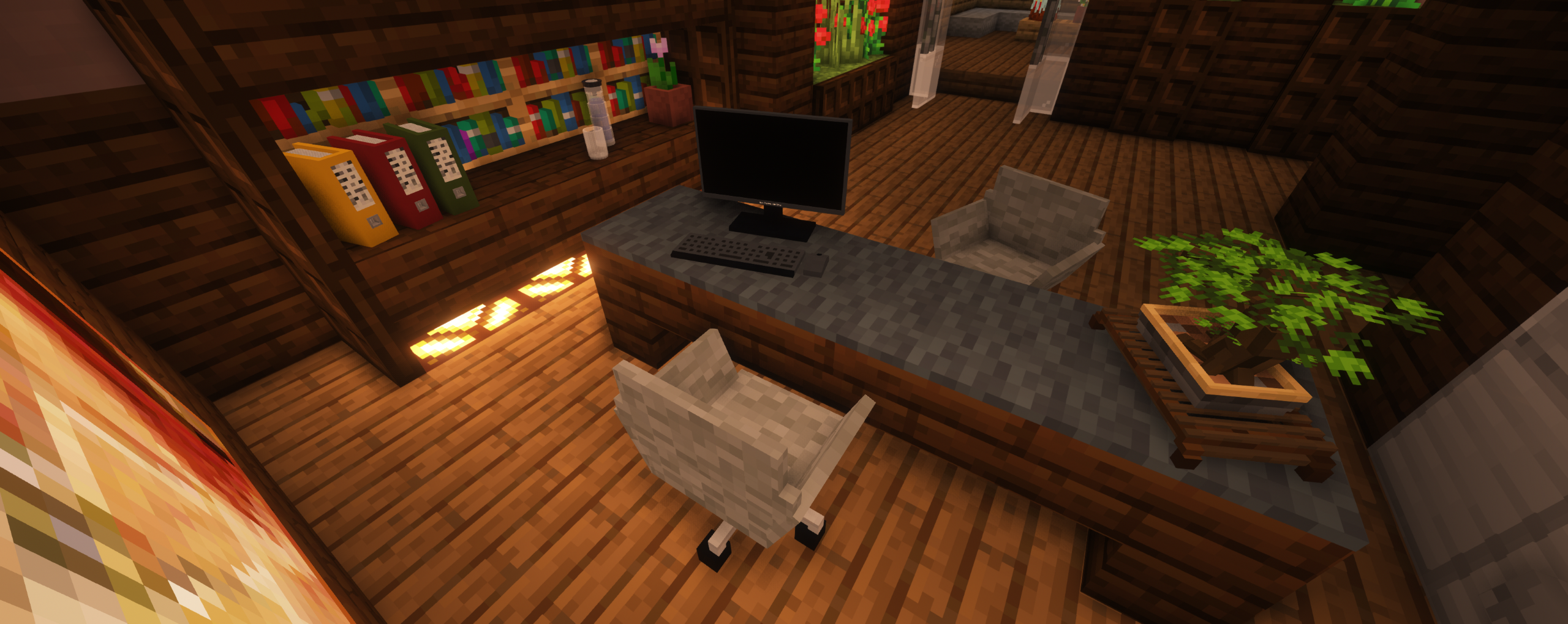
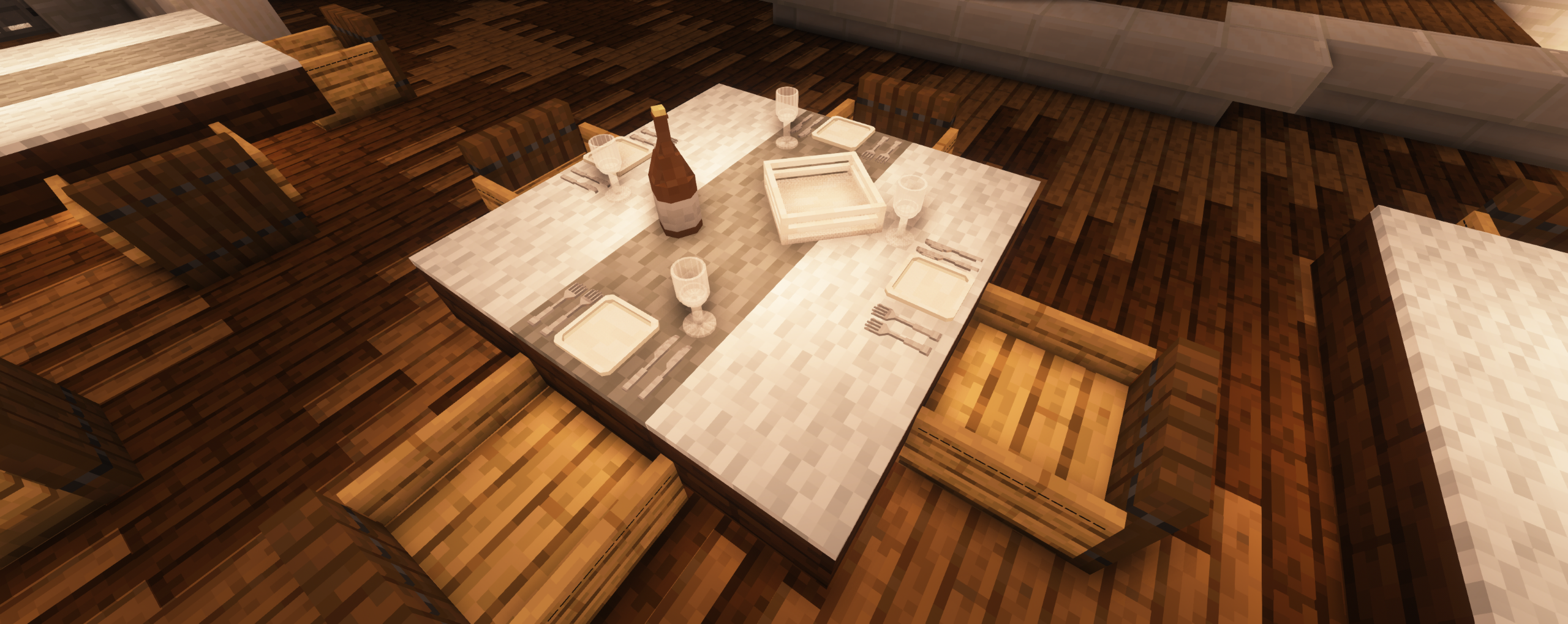
Allows you to place up to 9 different 3D models on each block to decorate your builds! Includes over 1000 models including variants and an integrated tutorial.
截图


介绍
✨ Features
- 1090+ different 3D models including variants
- place up to 9 models per Minecraft block
- individually customizable (rotation & block type)
- integrated tutorial
⚠️ Do not forget to download the required resource pack ⚠️
📖 Start
To activate the data pack, type in the command:
/reload
# or
/datapack enable "file/3D-Editor Datapack"
To get the items, type in the command:
/trigger bm1_3d_items_trg📃 Models
In the latest version there are over 1090 different models available for decoration. Some of them even have some variants you can work with!
👨🏼💻 ChatGUI
Work faster with the brand-new Chat GUI to customize your models directly from the chat!
⚙️ Settings
Enable addons or customize the data pack to match your workflow!
🏫 Integrated Tutorial
Learn how to use the data pack directly from the data pack itself!
🌍 Server resources
# Version 4.1.2
resource-pack=https://download.mc-packs.net/pack/41d6ad34a6c877542363f90a50de6d4441bee4ce.zip
resource-pack-sha1=41d6ad34a6c877542363f90a50de6d4441bee4ce
Credit to mc-packs.net
🚩 Known problems
The datapack does not work on a server:
- In S4p0’s case, only a .rar file instead of a .zip file worked for the datapack file itself
The item command does not work:
- Some users experience the issue that the item command cannot be triggered, in this case I recommend uninstalling the datapack using the official function and activating it again!
🌍 Official website
🆘 Help/Bugreports
Contact us via Planet Minecraft or e-mail:
[email protected]
👨🏼⚖️ Legal Terms
What you are allowed to do:
- Change this data pack for your own use
- Look at my code to learn how I do things
What you are not allowed to do:
- Upload this data pack to another website (Not even a changed version)
- Impersonate the creator

常见问题
3D-Model-Editor 支持哪些 Minecraft 版本?
3D-Model-Editor 支持 Minecraft Java 版 1.20–1.20.2,共 3 个版本。下载时注意选择和你游戏版本一致的文件。
3D-Model-Editor 怎么安装?
新建世界时在「数据包」里把下载的 .zip 拖进去;已有的存档,把文件放进存档目录下的 datapacks 文件夹,进游戏输入 /reload 即可生效。服务器同样放在世界目录的 datapacks 里。
评论
登录后评论和评分