
截图

介绍
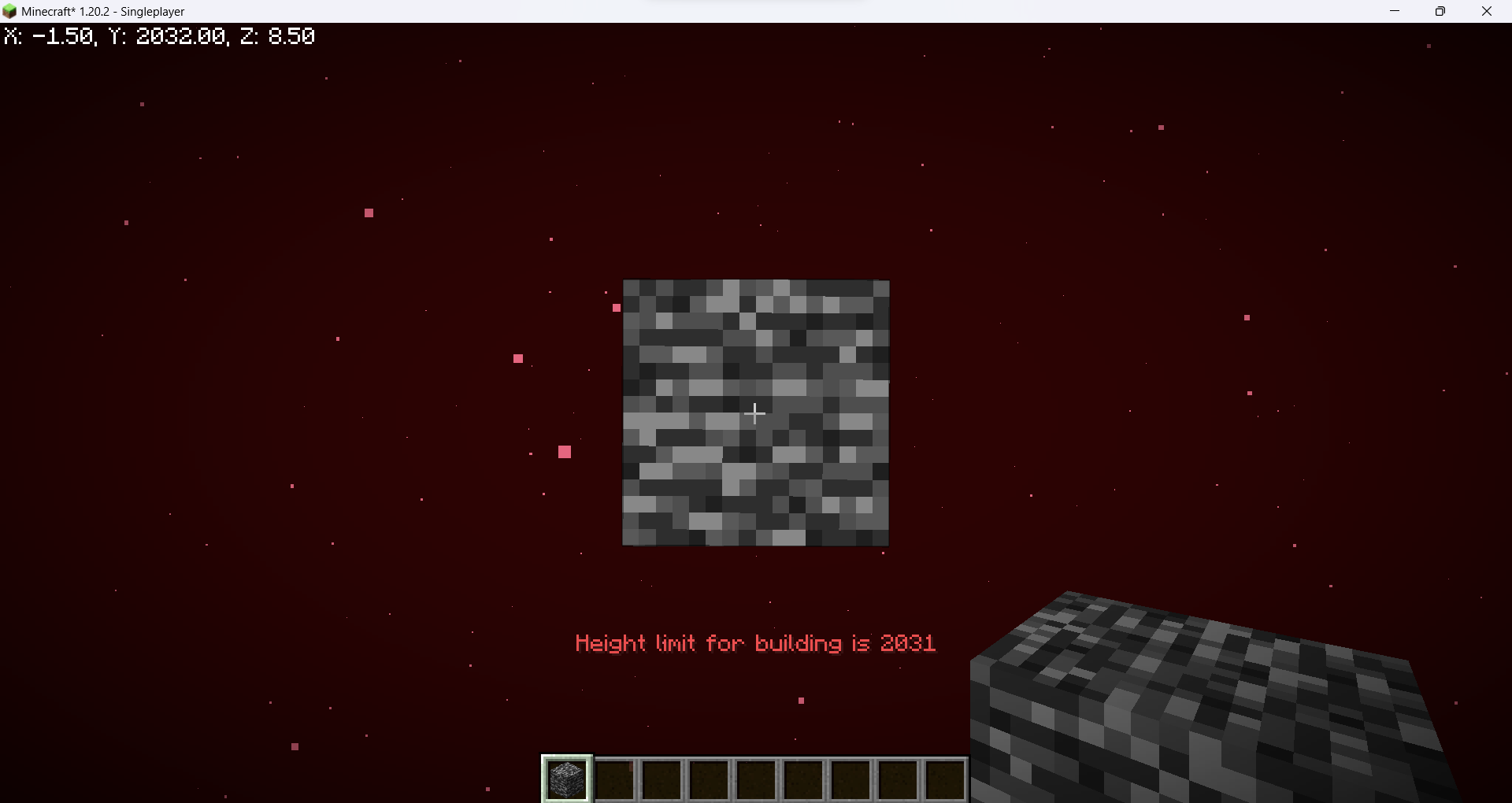
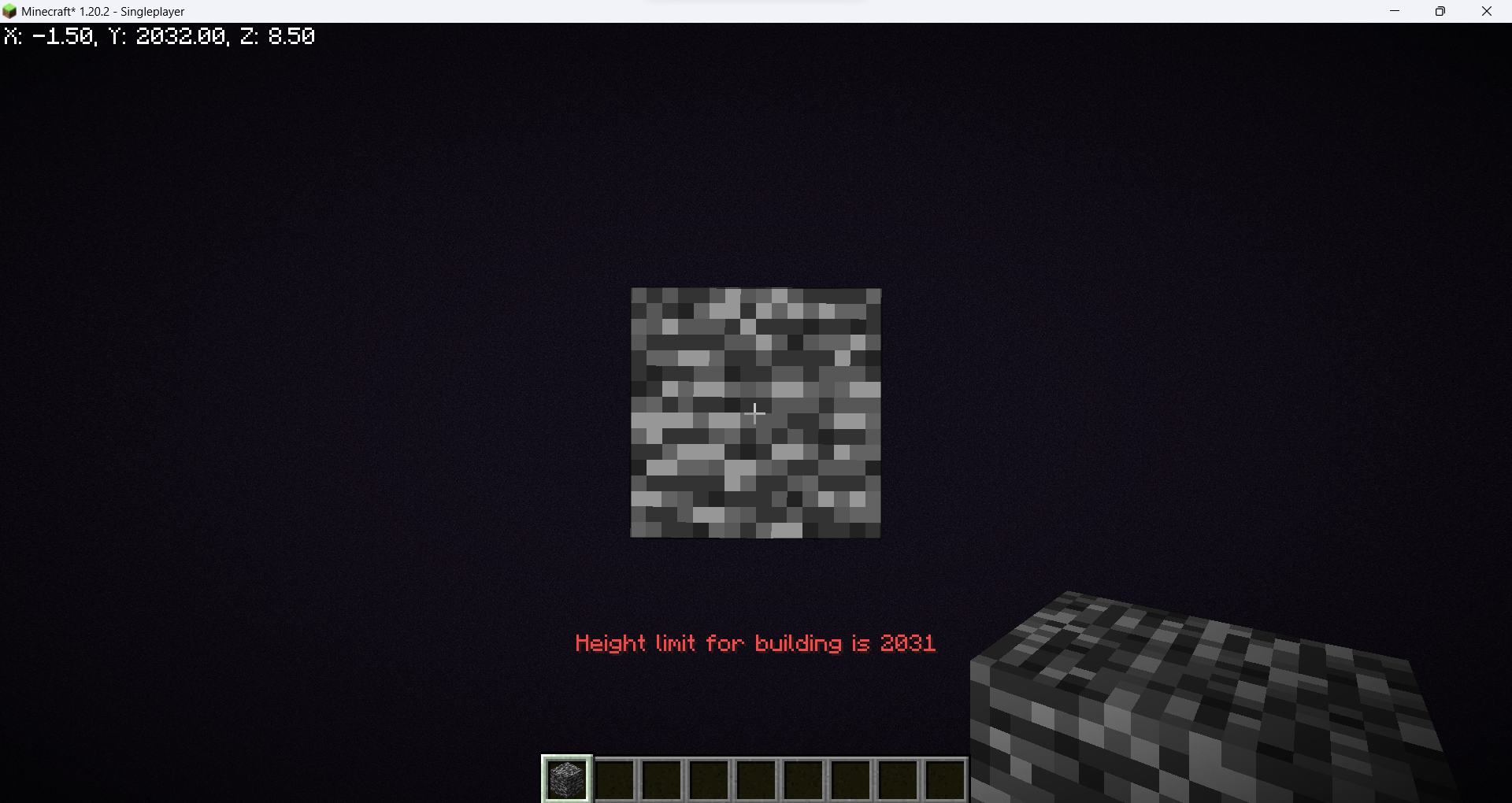
Increase the build limit to Y=2031 in all dimensions.
WARNING: Starting with Minecraft 1.21.2 removing the datapack/mod will corrupt your world! You can find a tutorial on how to remove it safely here.
Does this support custom world generation mods/datapacks?
This datapack doesn’t change world generation by itself, but custom world generation mods/datapacks may hardcode the world height. A notable example is Tectonic. The mod version of it is not supported, but if you’re using the datapack version you go to /data/minecraft/dimension_type/overworld.json inside the Tectonic datapack folder and change “logical_height” and “height” to 2096.
Does this work with existing worlds?
Officially no, but you can follow this tutorial to transfer existing chunks to a world made with this datapack.
What happens to existing worlds if I remove the mod/datapack?
Removing the datapack/mod in 1.17-1.21.1 will make everything above normal build limit disappear, but since 1.21.2 it will corrupt the world, thus the warning at the top.
If you still don’t have a server host I recommend BisectHosting. They have 20 server locations, advanced DDoS protection, an user-friendly panel for server management and if you use promo code OBYDUX you get 25% off.

常见问题
2032 World Height 支持哪些 Minecraft 版本?
2032 World Height 支持 Minecraft Java 版 1.17–26.3,共 34 个版本,可用的加载器:Fabric / Forge / NeoForge / Quilt。下载时注意选择和你游戏版本一致的文件。
2032 World Height 怎么安装?
新建世界时在「数据包」里把下载的 .zip 拖进去;已有的存档,把文件放进存档目录下的 datapacks 文件夹,进游戏输入 /reload 即可生效。服务器同样放在世界目录的 datapacks 里。
评论
登录后评论和评分