
1.8 vs 1.9+ PvP
This data pack adds back 1.8 pvp while still keeping the option to stay in 1.9+ pvp. This lets you block with swords and changes saturation for each respective version. Players that have just joined are given an option to select their pvp version
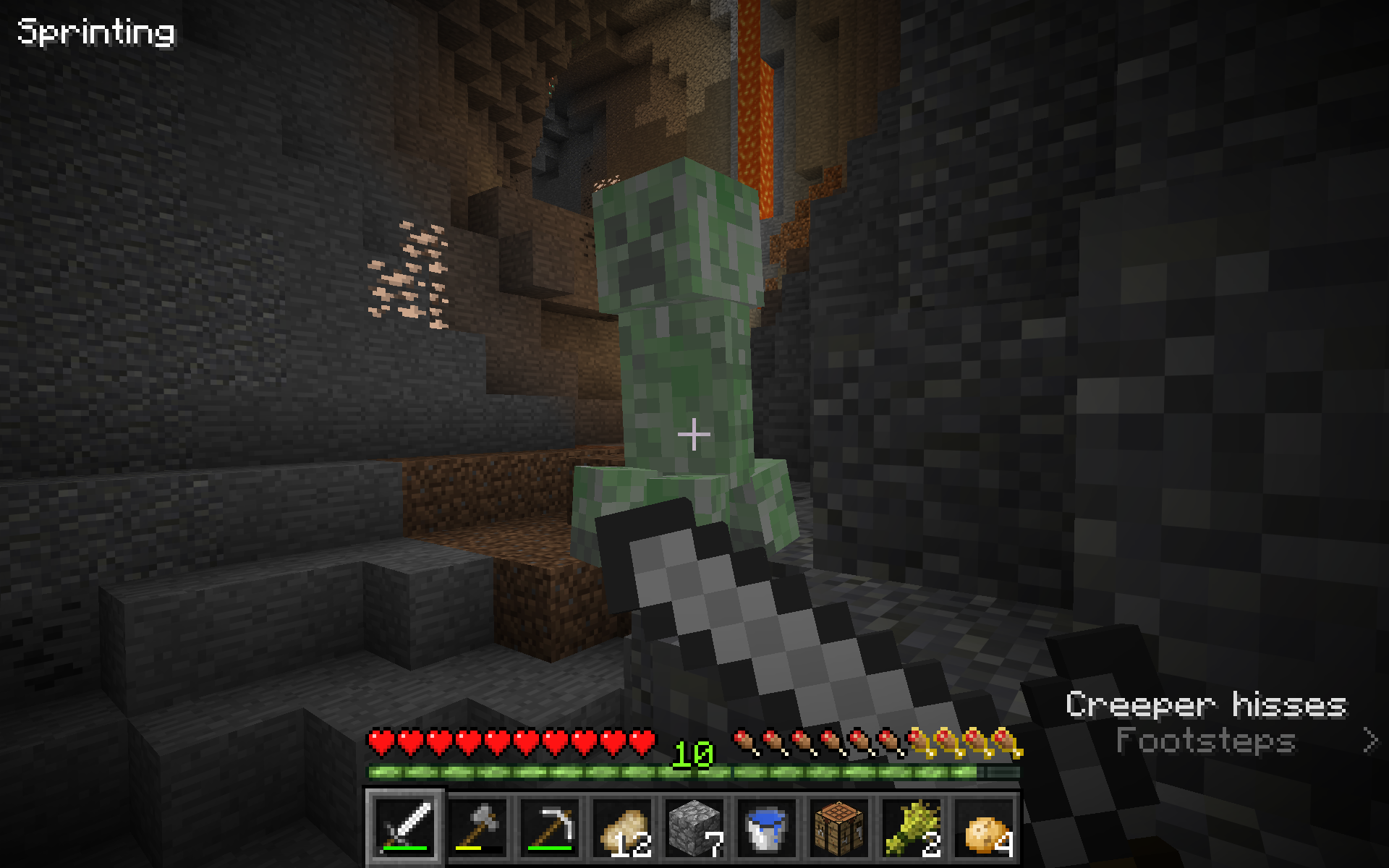
截图
介绍
Description
This data pack adds back 1.8 pvp while still keeping the option to stay in 1.9+ pvp. This lets you block with swords (1.8 only) and changes saturation for each respective version. Players that have just joined are given an option to select their pvp version. 1.9+ pvp stays around the same. 1.8 pvp players get sword blocking, no attack cooldowns, and weaker axes, but can’t use their offhand.
1.8 pvp mechanics
- Sword blocking
- Roughly 50% damage reduction
- Reduced knockback while airborne
- No attack cooldowns
- Old axe damage
- No saturation healing
- No offhand
- Old Enchanted Golden Apples
Config:
- Offhand for 1.8
- Shields for 1.8
- Netherite for 1.8
- Enchanted Golden Apple crafting for 1.8
- 1.8 knockback
- Natural Regeneration (for UHC)
- Different ways to set pvp style
- Player’s choice (default)
- All 1.8
- All 1.9+ (at this point why did you download the pack?)
- No automatic assigning
- For use on servers that want to select for the players
- Enchanted Golden Apple versions (1.8, 1.9+, bedrock)
Note:
Everything in this data pack functions as close to acutal Minecraft. Obtained through testing and information on the Minecraft wiki.
For Multiplayer
For use on servers, set rate-limit=0 and network-compression-threshold=-1 in the server.properties file to advoid attack voiding. 1.8 PvP works best on low ping.
To-do:
- Testing with a pro 1.8 player to find small quirks
- Vertical Knockback while target is in the air (only while 1.8 players hit things)
- No sweep hits for 1.8 players
常见问题
1.8 vs 1.9+ PvP 支持哪些 Minecraft 版本?
1.8 vs 1.9+ PvP 支持 Minecraft Java 版 1.21.6–1.21.11,共 6 个版本。下载时注意选择和你游戏版本一致的文件。
1.8 vs 1.9+ PvP 怎么安装?
新建世界时在「数据包」里把下载的 .zip 拖进去;已有的存档,把文件放进存档目录下的 datapacks 文件夹,进游戏输入 /reload 即可生效。服务器同样放在世界目录的 datapacks 里。

评论
登录后评论和评分