
HoloMobInfo
A clean high-tech mob info overlay with animated holographic panels, health bars, stats, and drop previews.
截图
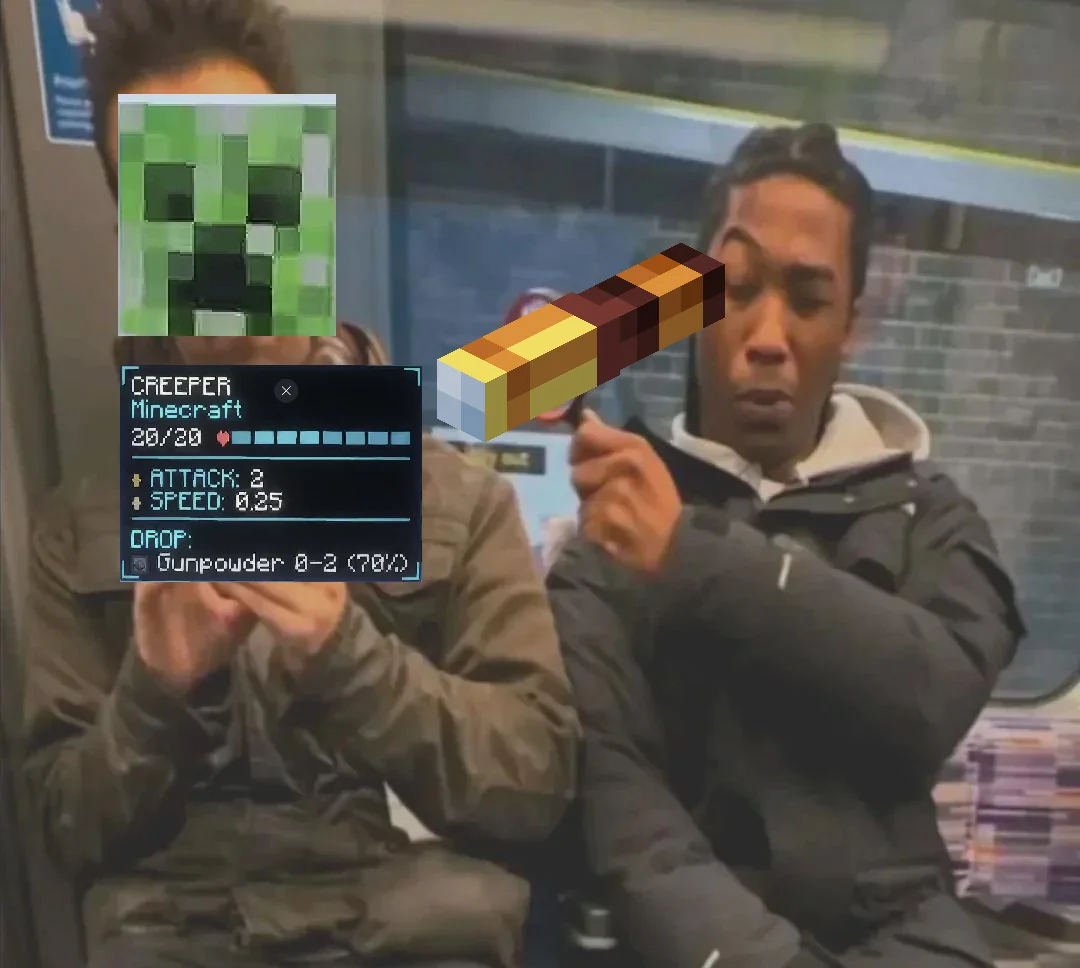
介绍
HoloMobInfo
HoloMobInfo adds clean holographic information panels above mobs, turning simple health bars into a compact high-tech overlay.
Instead of opening menus or guessing mob stats, you can see the most important information directly in the world: health, name, mod source, combat stats, movement speed, and optional drop information.


Features
- Holographic mob health panels
- Compact and expanded panel states
- Smooth animated transitions
- Optional attack damage, armor, and movement speed stats
- Optional server-backed mob drop scanning
- Lightweight and readable high-tech visual style
Drop Information
_When supported by the server, HoloMobInfo can scan a mob’s loot table and display possible drops directly in the expanded panel._
_On multiplayer servers, install the mod on both the client and the server to enable full drop syncing._
Configuration
The mod includes options for:
- Max display distance
- Attack damage visibility
- Armor visibility
- Movement speed visibility
- Drop visibility
- Mod source visibility
- Panel scale
- Animation speed
- Collapse delay
- Color theme
Available themes:
- Cyan
- Green
- Red
- Minimal
Compatibility
HoloMobInfo is designed as a lightweight information overlay. It does not change mob behavior, combat mechanics, loot tables, world generation, or progression.
It is suitable for vanilla-style playthroughs, RPG modpacks, tech modpacks, adventure packs, and client-side quality-of-life setups.
Notes
Fabric versions require Fabric API.
_For the best multiplayer experience, install HoloMobInfo on both the client and the server. Client-only usage is still useful for basic mob information, but server-backed drop scanning requires server support._
常见问题
HoloMobInfo 支持哪些 Minecraft 版本?
HoloMobInfo 支持 Minecraft Java 版 1.19.2–1.21.1,共 3 个版本,可用的加载器:Fabric / Forge / NeoForge。下载时注意选择和你游戏版本一致的文件。
HoloMobInfo 怎么安装?
先用 PCL2 或 HMCL 启动器安装对应版本的 Fabric / Forge / NeoForge,再把下载的 .jar 文件放进游戏目录的 mods 文件夹,重新启动游戏即可。开启了版本隔离的,mods 文件夹在 versions/版本名 下面。运行环境:客户端 / 服务端。
R1eq 的其他作品
查看全部 →
Cinematic Respawn
Smooth cinematic death-to-respawn transition.

Belt Slot
Adds a dedicated belt utility slot for torches, totems, compasses, potions, spyglasses, and other supported items, with HUD, inventory, player rendering.

Crampedness
Smooth first-person item retraction near blocks and entities.

CyberHUD
Replaces Minecraft's vanilla HUD icons with clean sci-fi/cyberpunk status bars.
评论
登录后评论和评分