
Phoenix Slot Machine
Casino style vintage 5-liner slot machine where you can play for various Minecraft valuable items
截图
介绍
Phoenix Slot Machine
This mod adds vintage slot machine called Phoenix where you can play for various prices.
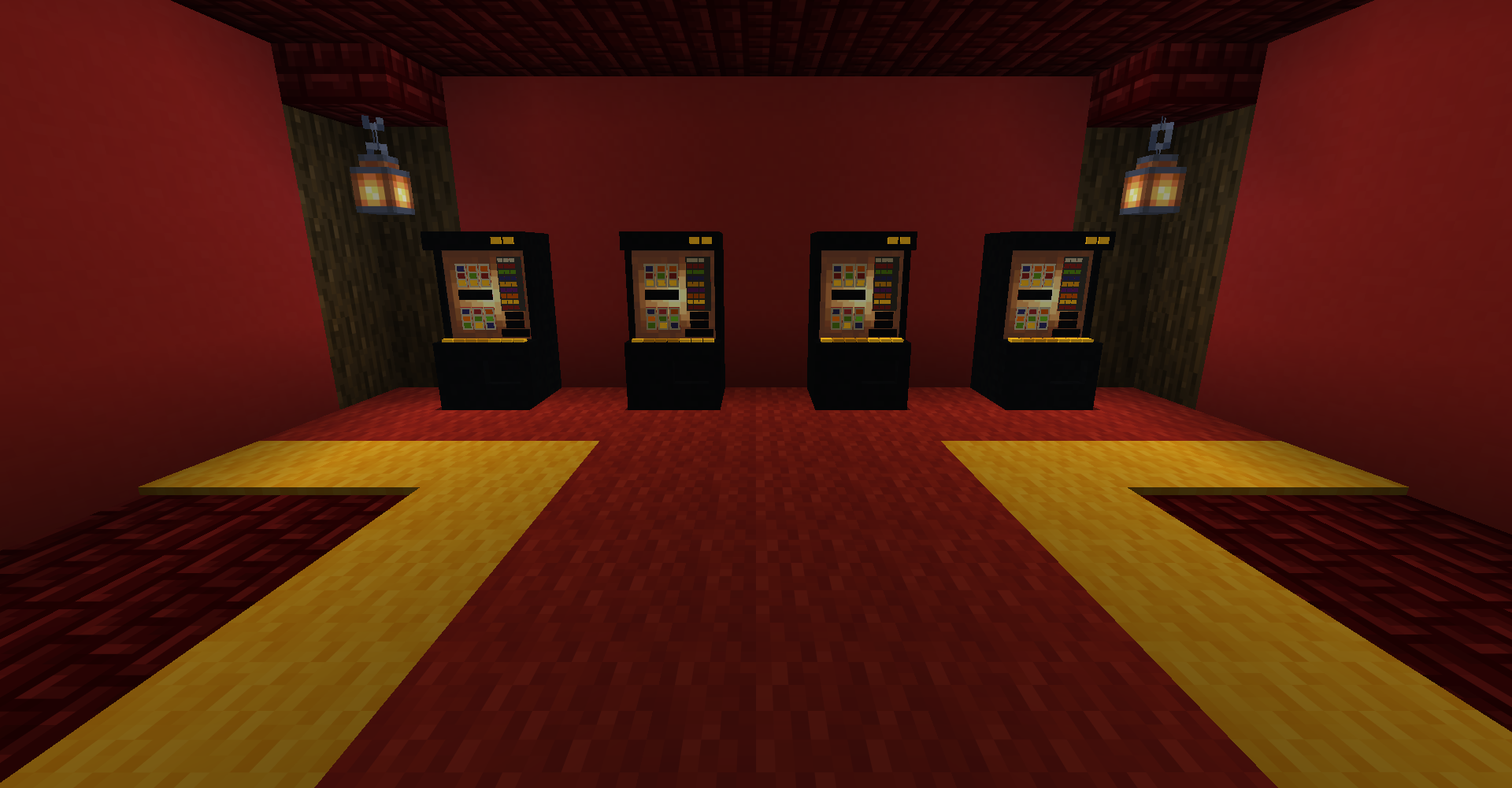
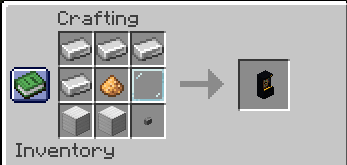
Simply place the block, insert valuable metals or gems, and you can play as long as your balance is above zero.
What to insert?
You can by default insert Copper ingot, Iron ingot, Gold Ingot, Emerald, Diamond or Netherite ingot. Each material gives different value.
How to play?
After inserting materials your balance is displayed in bottom right corner. If it is not zero, you can play on lower game.
Winning combinations
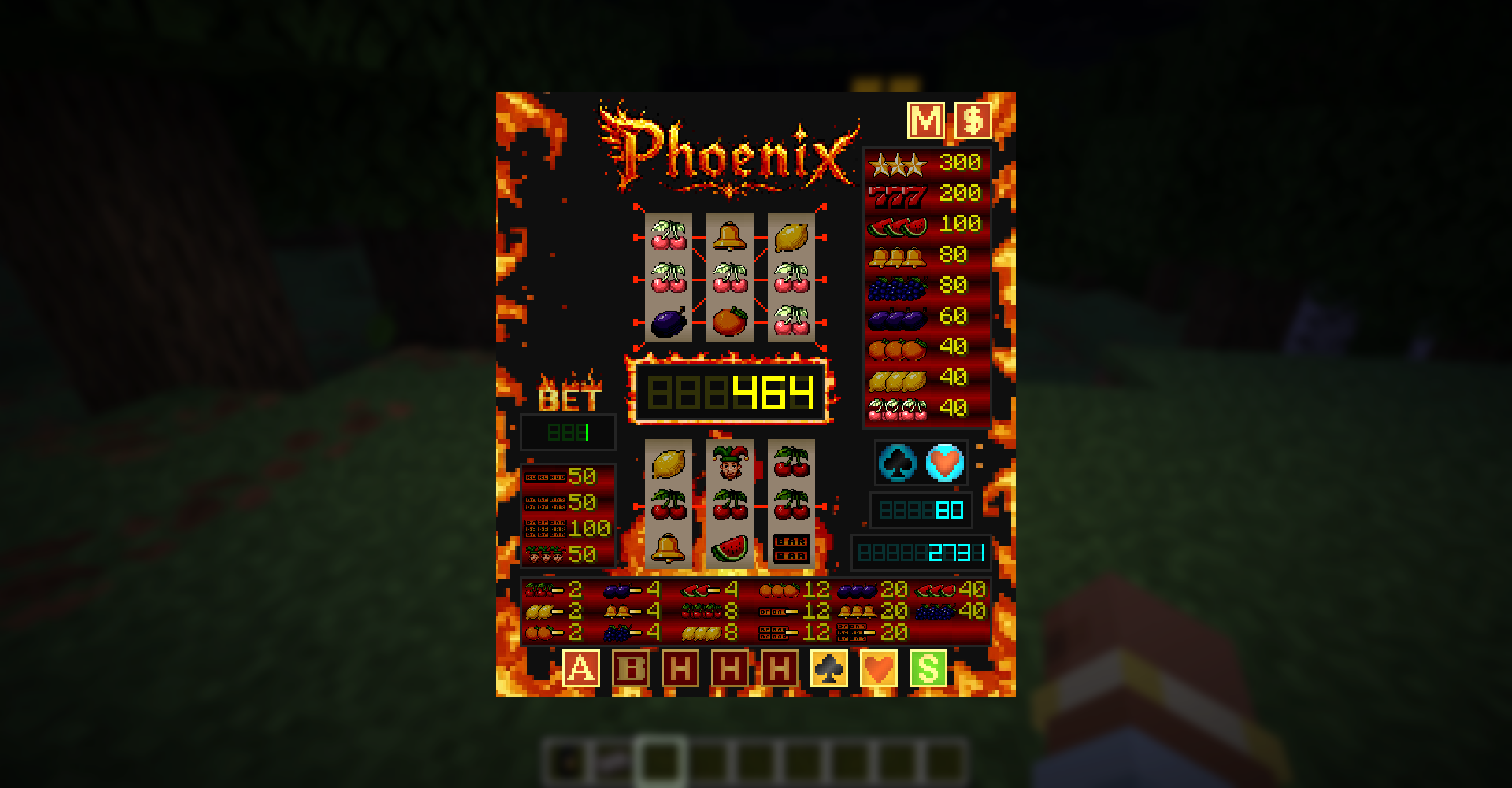
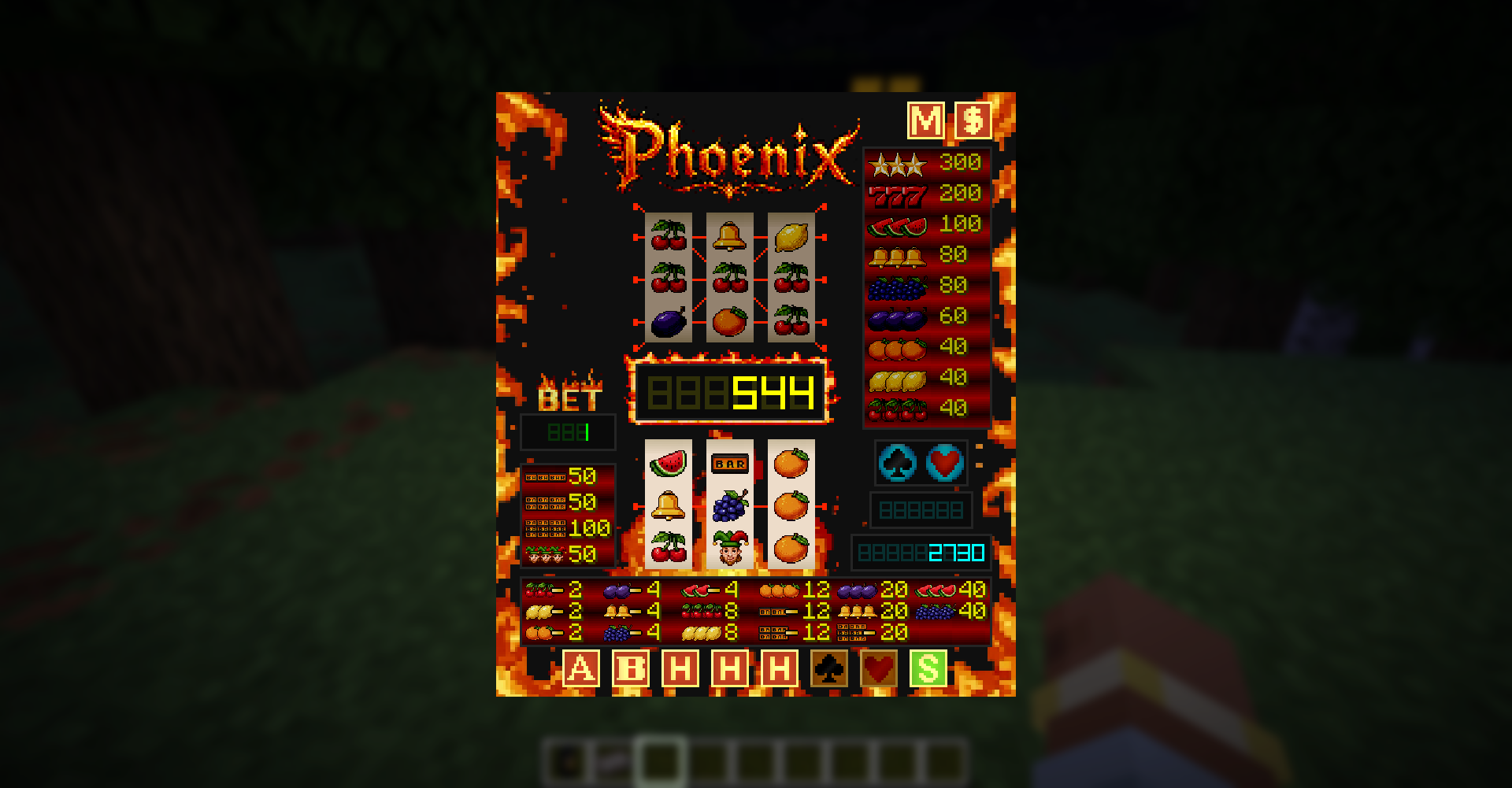
Around the Phoenix GUI you can see several bars with winning combinations you can get. In lower play you can only win with middle line. In advanced play winning combinations are different, more rewarding and there are 5 winning lines.
Advanced play
To play advanced play you need to win something in lower play first. After reaching enough credits in “Multiwin” balance you can switch between playing on lower or advanced play simply pressing “Advanced play” button.
Multiwin
Multiwin is separate balance bar (in middle) from your main deposit balance. This balance is used for playing on advanced play and for payout section.
Bet
The more you bet the more you win. If you get bored for playing for only 1 credit you can multiply your bet by pressing “Bet” button. This also multiplies you winnings.
Hold
Hold buttons are only used for lower play. After you spin and do not get winning combination you can hold up to two cylinders for your next spin. But you can not use hold function after winning spin or two times in row.
Risk
After getting winning combination your winning credits are transferred into “Risk” deposit right above your main balance and the “Risk” minigame is triggered. Now you can double your current winnings by trying to match flashing pictures of Hearts and Clubs by pressing corresponding button. If button you press is matching the flashing picture your winnings get doubled, and you can continue or simply press “Start” button to end Risk minigame and your winnings will be transferred to “Multiwin” balance. But beware, if you miss match symbols you will lose all winnings.
Transfer Multiwin
If you are running low on you main deposit, and you still have some credits in Multiwin, you can transfer some credits from there to your main deposit by clicking on “Transfer Multiwin” button in upper right corner. But be careful, the amount of transferred credits is based on your current bet.
Payout
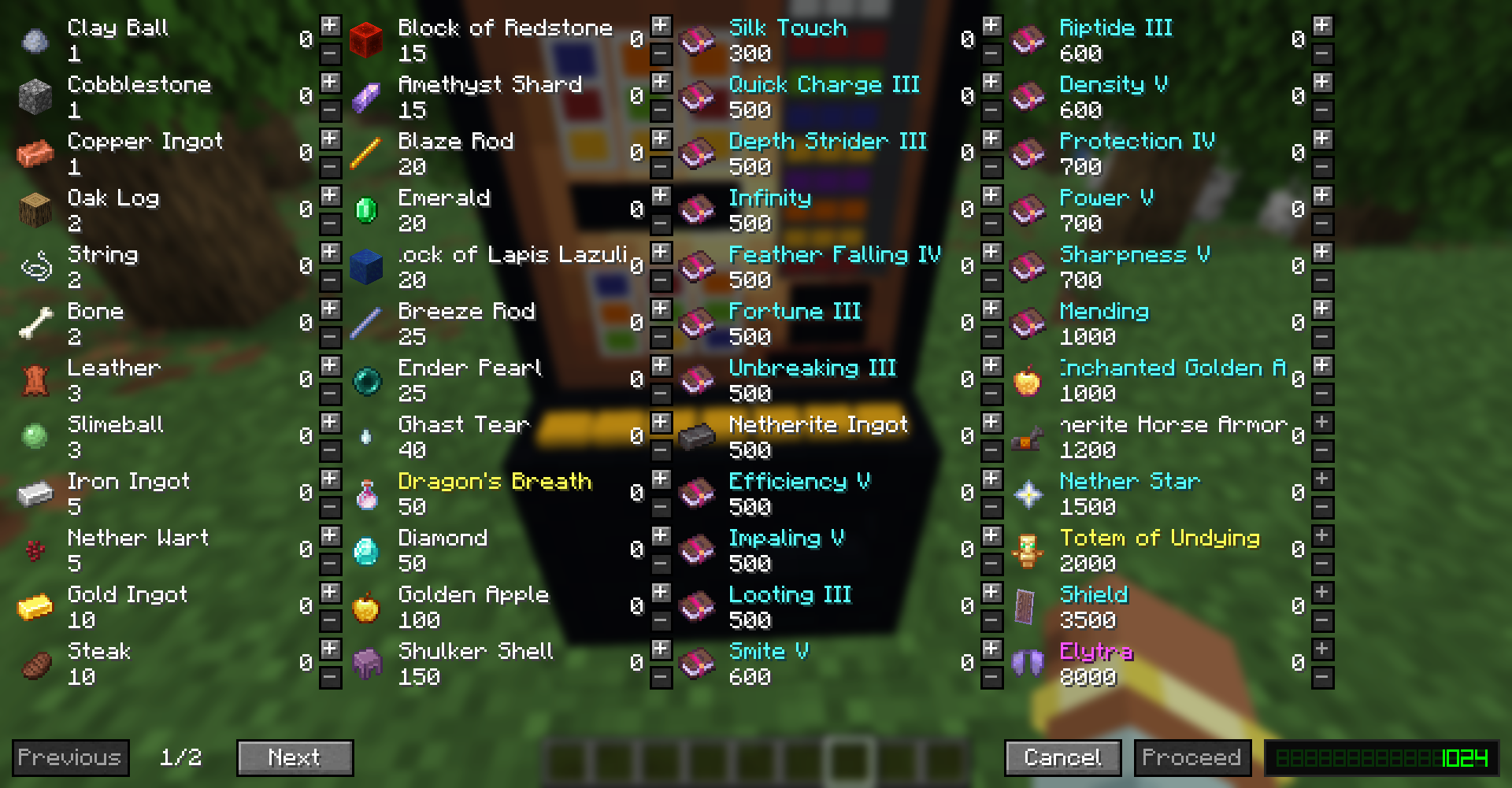
Payout button (in upper right corner) takes you to the Payout section where you can withdraw items for your Multiwin credits.
Joker
Joker is the “wild” symbol that can substitute every symbol in the game giving you higher chance to win. By default, joker can occur only in lower play.
常见问题
Phoenix Slot Machine 支持哪些 Minecraft 版本?
Phoenix Slot Machine 支持 Minecraft Java 版 1.21.1–26.3,共 4 个版本,可用的加载器:Fabric / NeoForge。下载时注意选择和你游戏版本一致的文件。
Phoenix Slot Machine 怎么安装?
先用 PCL2 或 HMCL 启动器安装对应版本的 Fabric / NeoForge,再把下载的 .jar 文件放进游戏目录的 mods 文件夹,重新启动游戏即可。开启了版本隔离的,mods 文件夹在 versions/版本名 下面。运行环境:客户端和服务端都要装。
Toma1O6 的其他作品
查看全部 →
Configuration
用于轻松管理配置的配置前置库

Collectors Album
收集卡牌,用超过100张自定义卡牌填满你的卡册,为你的角色获取额外增益

Medical System
Reworked health system for entities, split hitboxes for head, arms,... Various status effects such as bleeds, fractures and items for healing such as First aid kits and so on

TarkovCraft: Core
Core library for TarkovCraft project providing common functionalities such as skills, attribute system...
评论
登录后评论和评分