
Location Tooltip
A mod that allows players to see and set a location UI element for their world.
截图


介绍
Location Display Mod
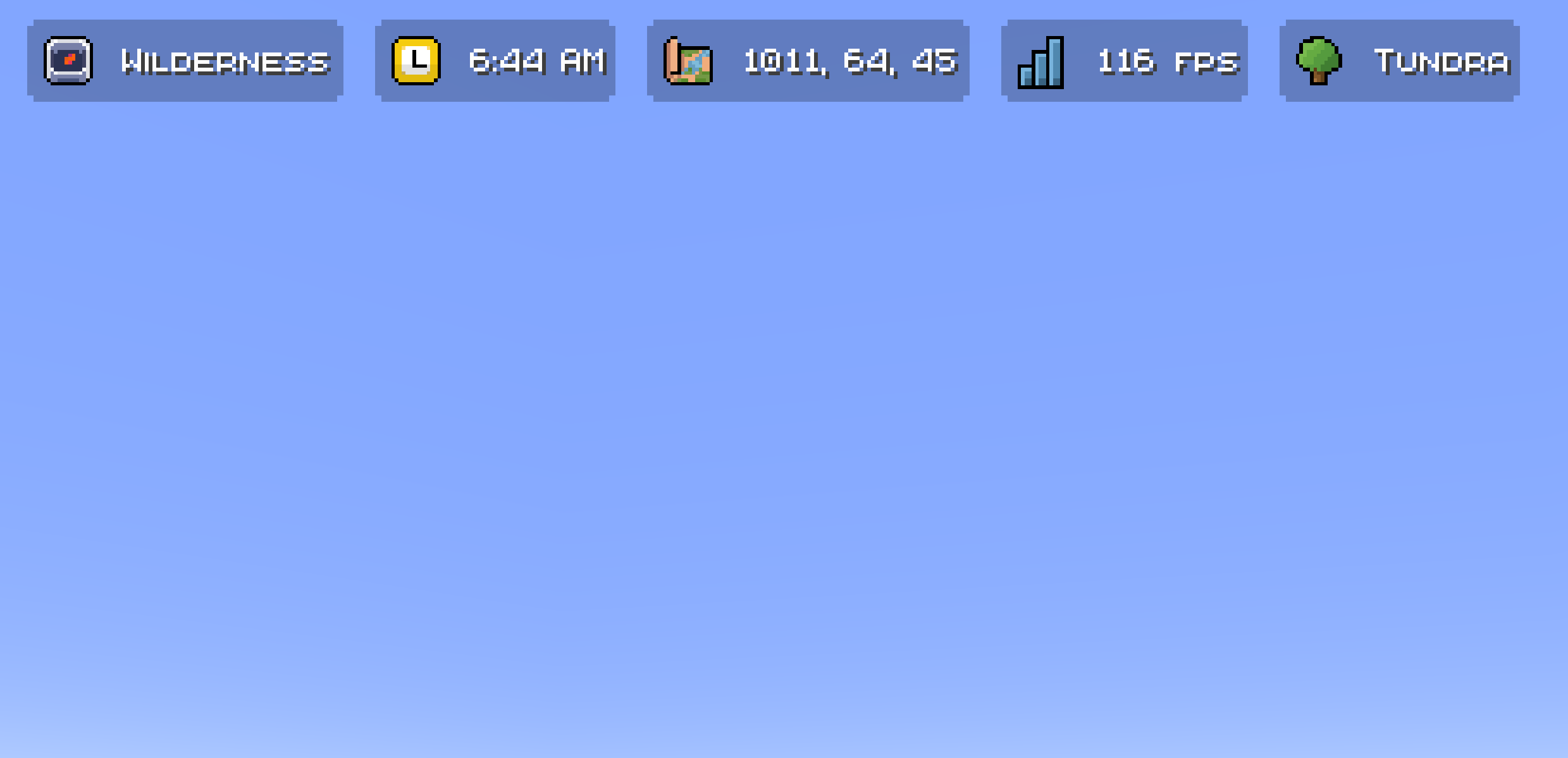
A location display system for Minecraft that shows players their current area at the top of their screen. Works well for servers with shopping districts, themed areas, player shops, and points of interest.
Heavily inspired by the Origin Realms location system.
Overview
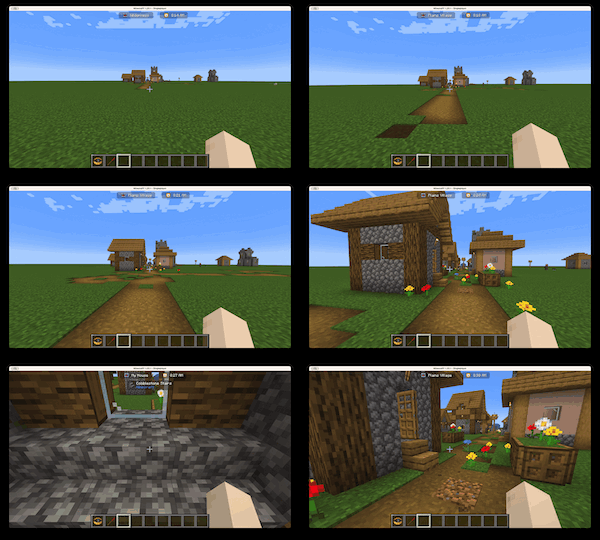
Adds a location indicator to the HUD that automatically updates as you move between defined regions — from “Wilderness” to “Shopping District” to individual shop names.
Features
Location Display
- HUD element at the top of the screen showing your current area
- Fade transitions when crossing region boundaries
- Adjustable color, size, position, and style
Region Management
- Click-and-drag visual editor for defining region boundaries
- Full XYZ boundary support (not just 2D)
- Nested/hierarchical regions with priority-based display
- Region type categories (city, shop, wilderness, dungeon, etc.)
Permissions
- Players can create and name their own regions
- Admin controls for full region management and overrides
- Region ownership tracking
Nested Region Example
Shopping District (Priority: 1)
├── Bob’s Emporium (Priority: 2)
│ ├── Weapons Section (Priority: 3)
│ └── Armor Section (Priority: 3)
└── Alice’s Bakery (Priority: 2)
Roadmap
- ✅ Waypoint system integration
- [ ] Minimap compatibility
- [ ] Sophisticated Core integration
Support
If you find a bug or have a feature request, open an issue.
常见问题
Location Tooltip 支持哪些 Minecraft 版本?
Location Tooltip 支持 Minecraft Java 版 1.20.1–26.2,共 7 个版本,可用的加载器:Fabric。下载时注意选择和你游戏版本一致的文件。
Location Tooltip 怎么安装?
先用 PCL2 或 HMCL 启动器安装对应版本的 Fabric,再把下载的 .jar 文件放进游戏目录的 mods 文件夹,重新启动游戏即可。开启了版本隔离的,mods 文件夹在 versions/版本名 下面。运行环境:客户端 / 服务端。
The Orchard 的其他作品
查看全部 →
Notches Currency
A comprehensive economy mod that introduces a customizable currency system, NPC system, bounties, trading, and so much more!

Notch Apple
Not just Vanilla+, it's Vanilla Enhanced. The official modpack of the Notch Apple Server

Iron Chests Tweaks Compat
Adds the ability to sort Iron Chests with mods like Mouse Tweaks and Inventory Essentials

APP.ly
Bringing APP.ly to life in his own mod! Now everyone can enjoy this little guy!
评论
登录后评论和评分