
Golden Years
A modpack made to replicate the experience of the golden years of minecraft!
截图
介绍
ABOUT THE MODPACK
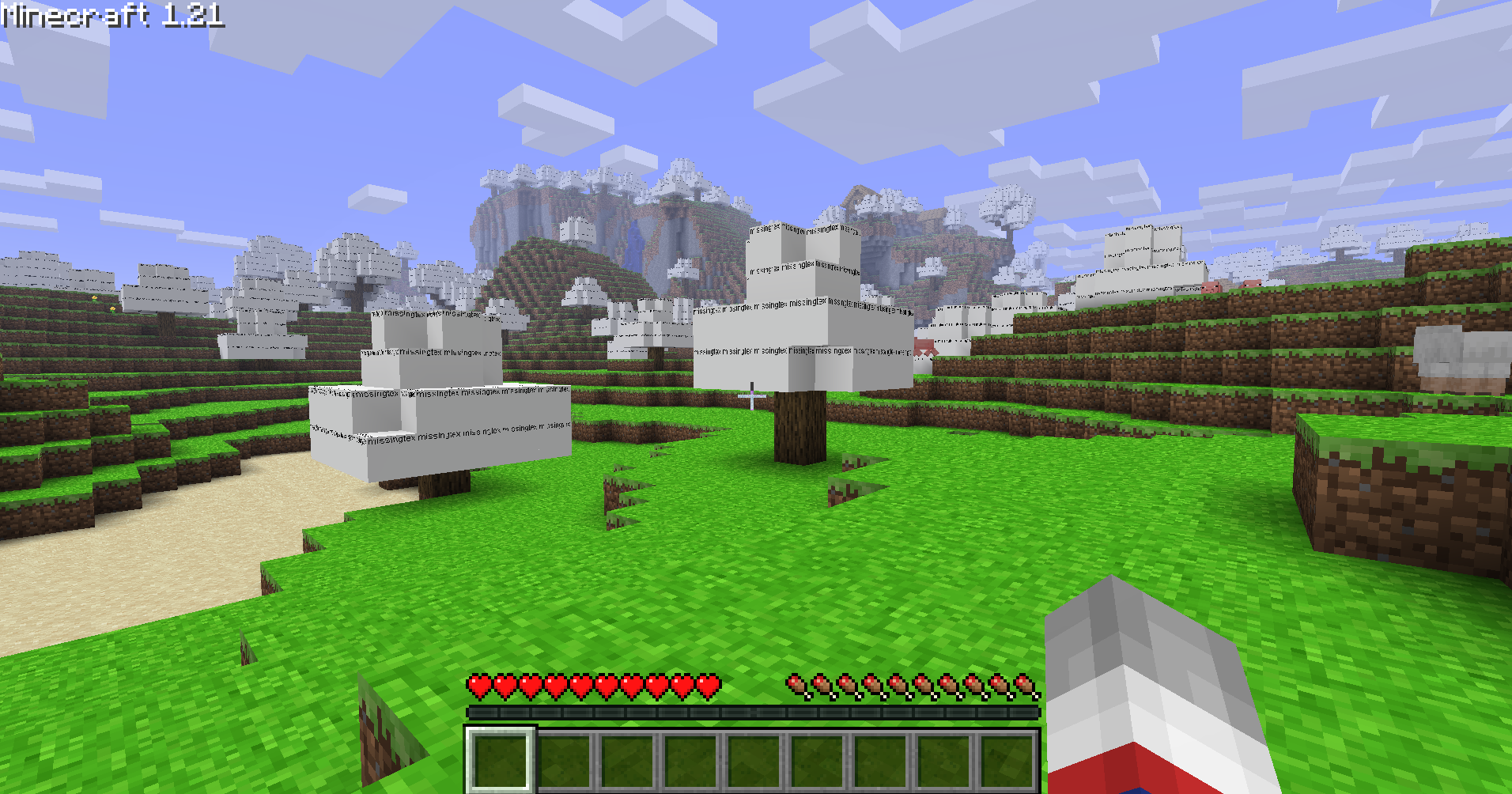
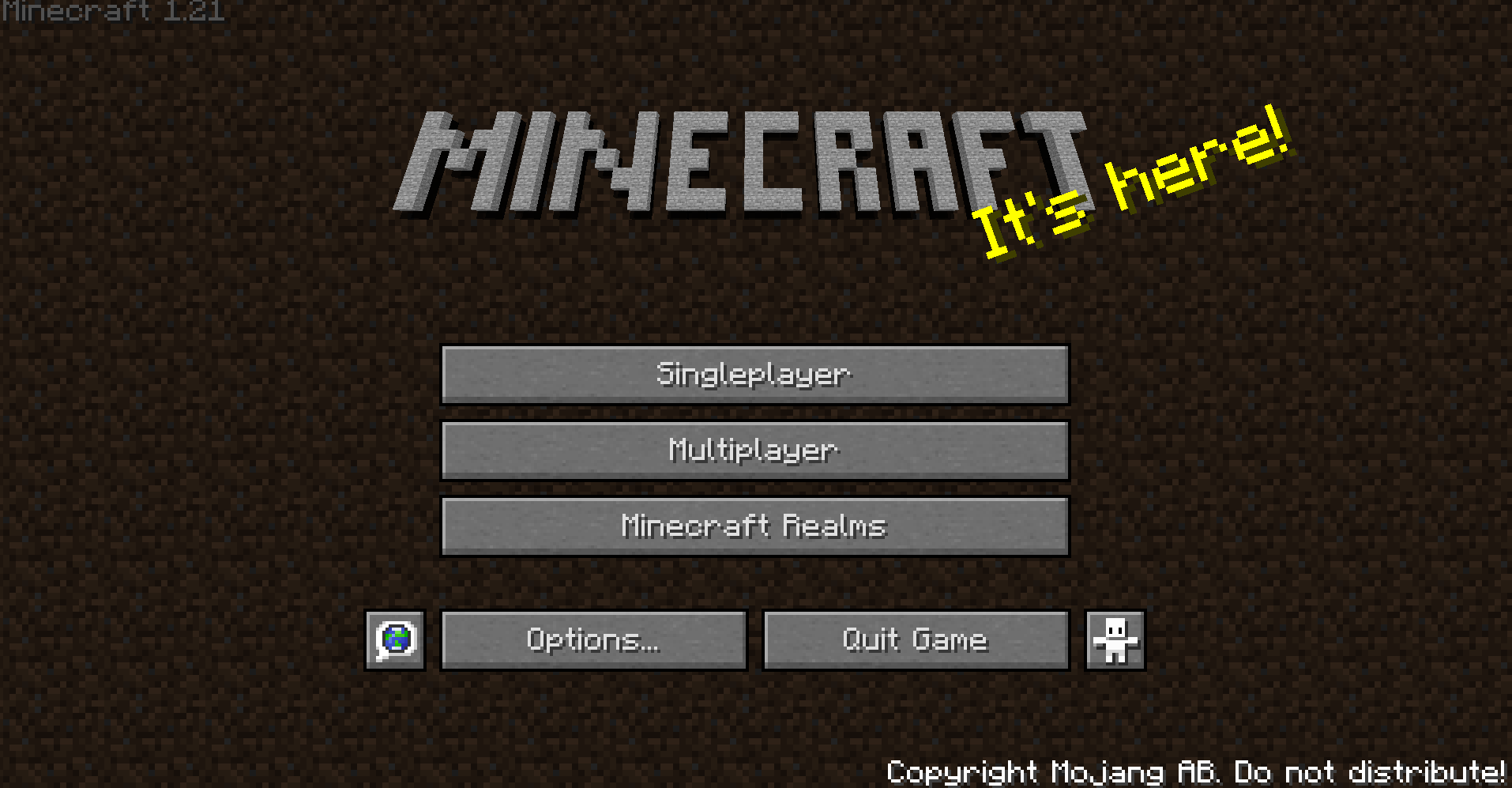
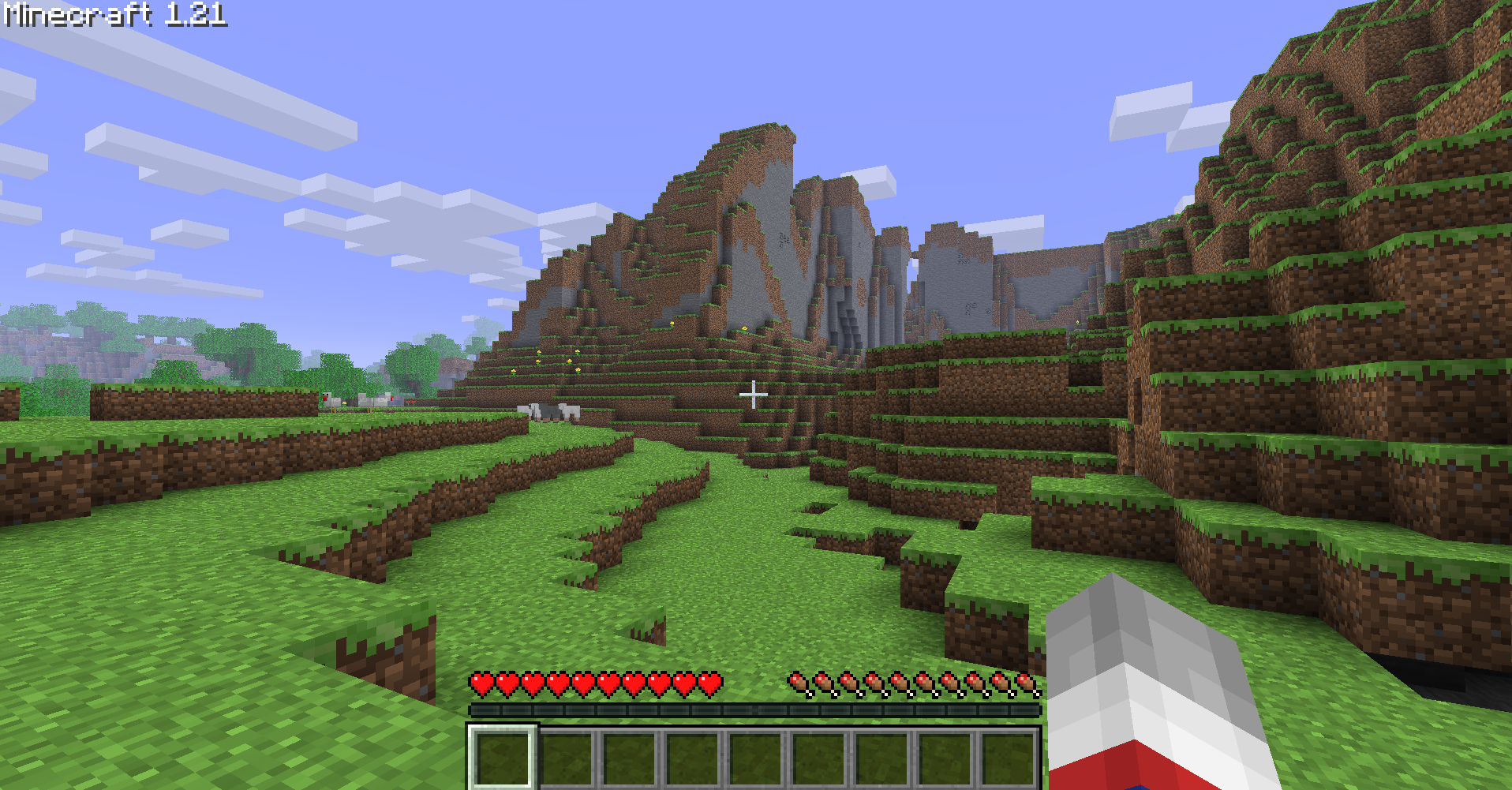
Golden Years uses Nostalgic Tweaks and other mods to faithfully recreate the feel of older versions of Minecraft: Java Edition, while keeping the quality-of-life features and performance improvements of modern Minecraft.
HOW TO INSTALL
Modrinth (Recommended)
The easiest way! Just download the version you want with a few clicks.
Prism Launcher
Prefer more control? Use Prism Launcher! Head to the Modrinth section and search for Golden Years.
FEATURES
Golden Years includes:
⚡ Great Performance
✅ Free Multiplayer
🎨 Legacy Resource Pack Support
🌍 Dedicated Golden Years Server
🖥️ Optimized for the Best Performance Possible
Special Thanks
A huge shout-out to Adrenix, the creator of Legacy Tweaks, the foundation this entire project is built upon!
FAQ
Can I play on any multiplayer server?
Yes! I’ve even played on Hypixel—anti-cheat systems won’t ban you.
Why use this modpack if I can just play the old betas?
Because this modpack brings back the nostalgic look and feel while keeping modern features and improvements. The best of both worlds!
Is there a community server for this modpack?
Yes! Join us on Jayden’s Wacky Saturday.
包含的模组 7 个




绿色边框的模组本站有收录,点进去看中文介绍;其余跳转到 Modrinth。
常见问题
Golden Years 支持哪些 Minecraft 版本?
Golden Years 基于 Minecraft Java 版 1.21,使用 Fabric 加载器。
Golden Years 怎么安装?
点本页「前往下载」拿到整合包文件(Modrinth 的是 .mrpack,CurseForge 的是 .zip),在 PCL2 或 HMCL 启动器里选择「导入整合包」,启动器会自动装好 Minecraft、加载器和全部模组。这个整合包有 7 个模组,建议在启动器里给游戏分配 4–6 GB 内存。
Golden Years 开服需要多大内存?
推荐服务器内存 12 GB。在线人数多、或者建了大量机器和区块加载器时,可以再加 2–4 GB。
怎么和朋友一起玩 Golden Years?
点本页的「一键开服」,选好配置后会自动安装 Golden Years 的服务端,几分钟就能开好。把服务器地址发给朋友,大家用同一个版本的整合包连进去就行。
javabrew 的其他作品
查看全部 →
4J Lite
A project inspired by Jacksthegreat's lite legacy

Raspberry Pi over Pumpkin Pie
This resource pack replaces the pumpkin pie with the Raspberry Pi 4
Raspberry Pi over Pumpkin Pie
This resource pack replaces the pumpkin pie with the Raspberry Pi 4
评论
登录后评论和评分