
截图
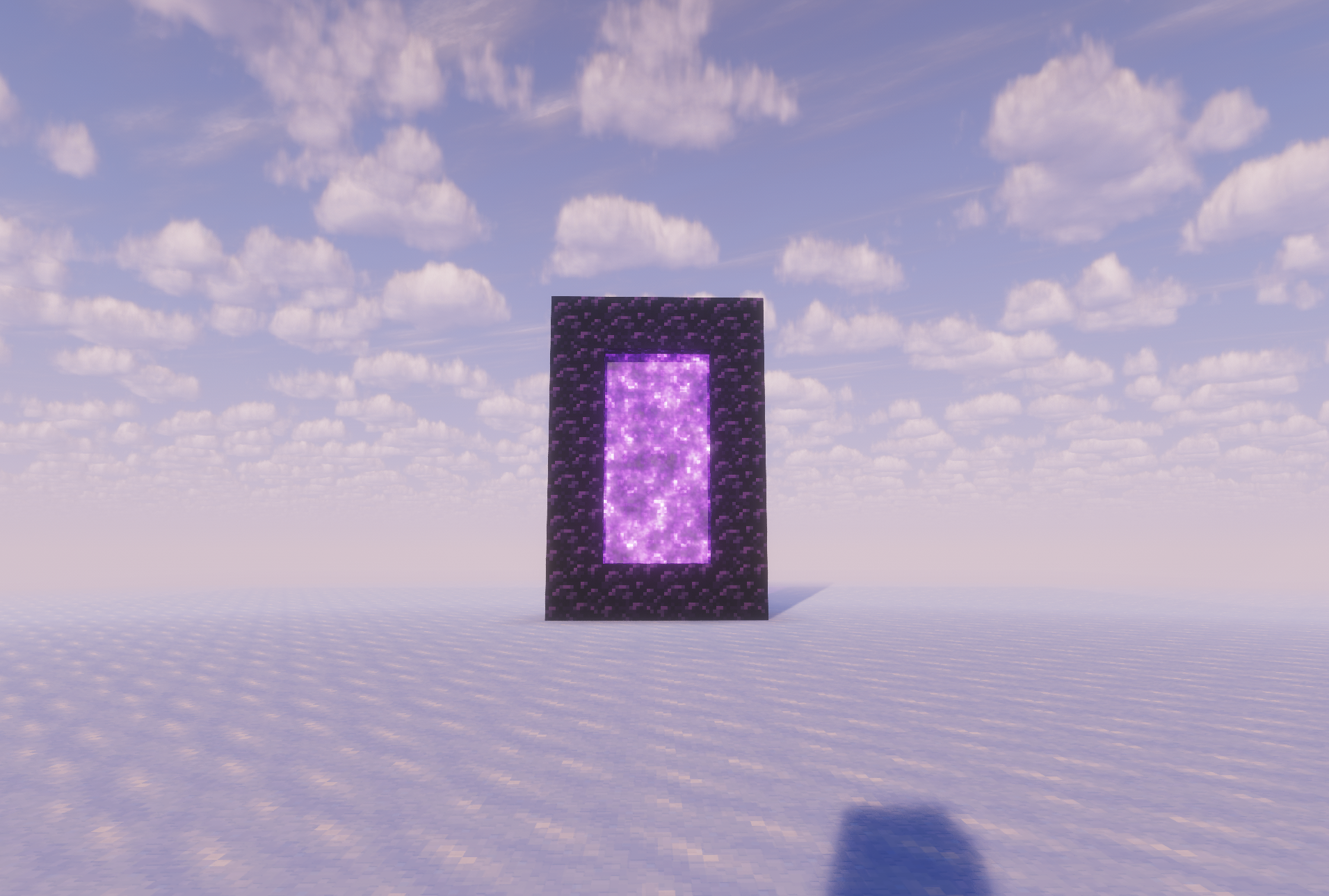
介绍
Portal Extras
How to Use
You need OP permissions and a destination — both a dimension and a set of coordinates.
Format: /portal
Example: /portal overworld 143 85 4321
Modes ————————->
Overworld Travel
/portal overworld
Teleports you to the given coordinates in the Overworld. If you’re currently in the Nether or End, you’ll be moved across dimensions automatically — no need to find a portal block. The X/Y/Z values are the exact destination, so double-check Y (height) to avoid spawning inside terrain. If the chunk isn’t loaded yet, expect a brief pause while it generates.
Nether Travel
/portal nether
Teleports you to the given coordinates in the Nether. Unlike vanilla Nether portals, this does not apply the 1:8 coordinate scaling — the numbers you type are the literal Nether coordinates, not Overworld ones. Useful for jumping directly to a known Nether base or fortress. Be cautious with low Y values around lava oceans.
Player Portal
/portal player [safeSpawn]
Teleports you near another player, offset in the direction they’re facing.
playername — the target player. Must be online.
blocksInFront — how many blocks ahead of them you’ll appear.
safeSpawn (true/false) — when true, the command finds the nearest safe, non-suffocating block so you don’t spawn inside a wall, in lava, or mid-air. Defaults to false.
常见问题
portalextras 支持哪些 Minecraft 版本?
portalextras 支持 Minecraft Java 版 1.21.11–26.1.2,共 2 个版本,可用的加载器:Fabric。下载时注意选择和你游戏版本一致的文件。
portalextras 怎么安装?
先用 PCL2 或 HMCL 启动器安装对应版本的 Fabric,再把下载的 .jar 文件放进游戏目录的 mods 文件夹,重新启动游戏即可。开启了版本隔离的,mods 文件夹在 versions/版本名 下面。运行环境:仅服务端。
评论
登录后评论和评分