
Custom Hit Color
Customize your entity hit color to sharpen visibility and gain an edge in PvP. A tighter alternative if you want it even more compact: Change your hit color, improve your PvP.
截图
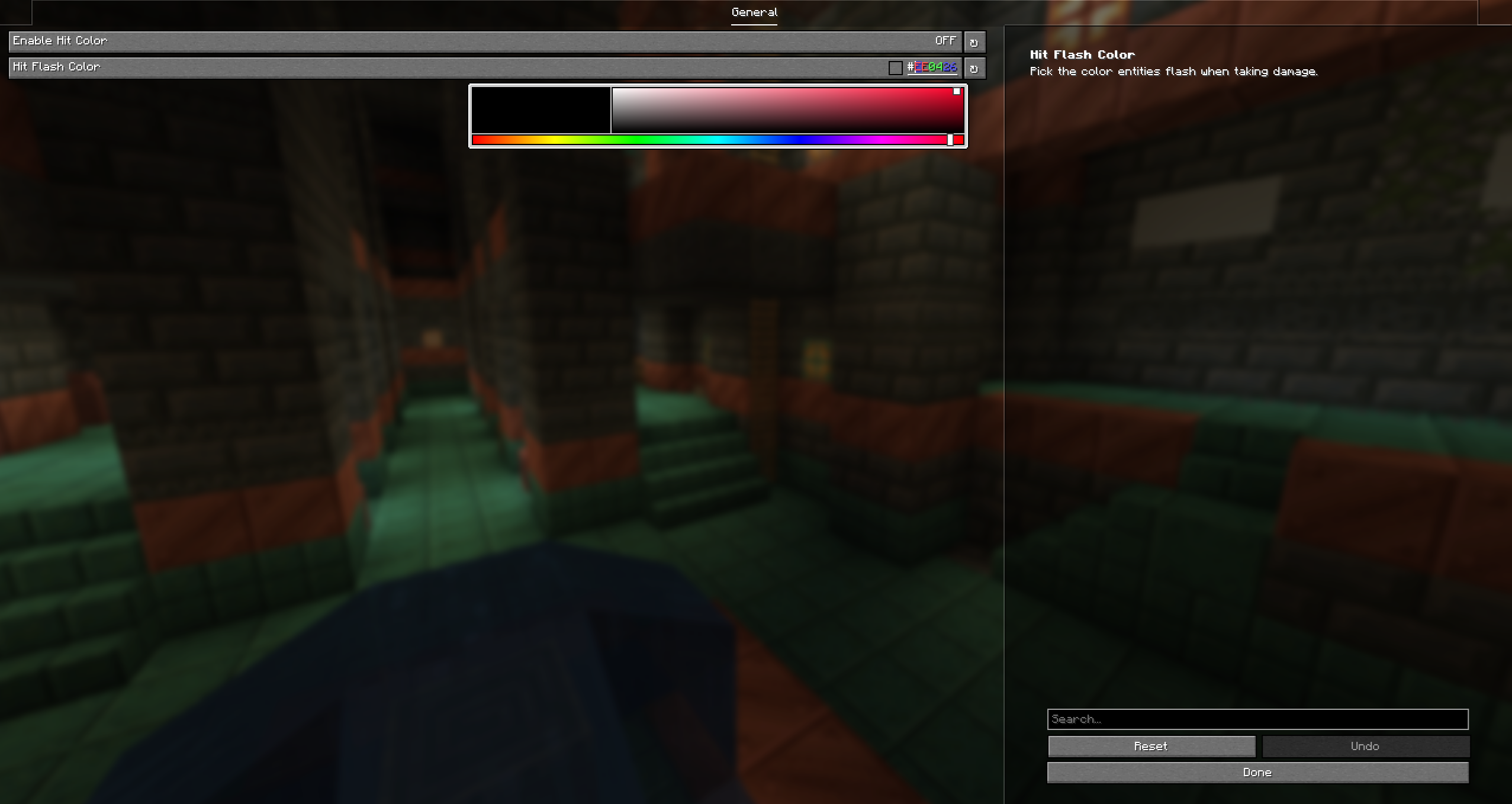
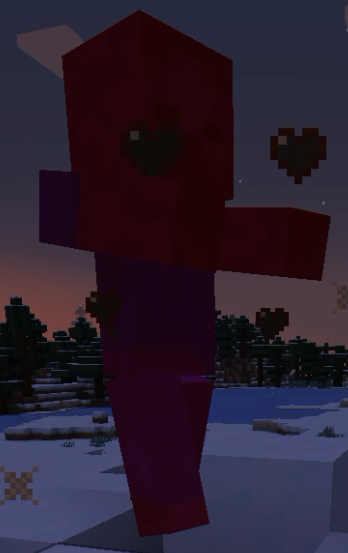
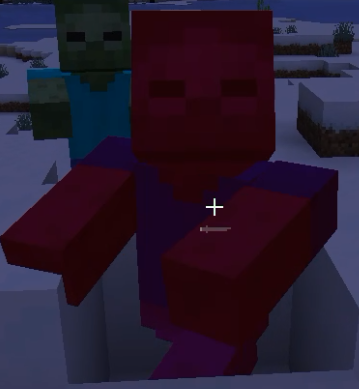
介绍
Custom Hit Color lets you take full control of your PvP experience by changing Minecraft’s default hit color to any color you want.
Tired of the same red hit flash? Whether you prefer a clean white, a sharp cyan, or something fully custom, this mod gives you the flexibility to match your setup and make hits easier to track in the heat of combat.
🎨 Fully customizable — pick any color with an intuitive color picker
⚙️ Easy setup — configure everything directly in ModMenu, no config files needed
⚔️ Built for PvP — designed to improve hit visibility and combat clarity
🧩 Lightweight — client-side only, no impact on performance or server compatibility
Perfect for PvP players, content creators, and anyone who wants a more personalized combat experience.
常见问题
Custom Hit Color 支持哪些 Minecraft 版本?
Custom Hit Color 支持 Minecraft Java 版 1.20–1.21.11,共 19 个版本,可用的加载器:Fabric。下载时注意选择和你游戏版本一致的文件。
Custom Hit Color 怎么安装?
先用 PCL2 或 HMCL 启动器安装对应版本的 Fabric,再把下载的 .jar 文件放进游戏目录的 mods 文件夹,重新启动游戏即可。开启了版本隔离的,mods 文件夹在 versions/版本名 下面。运行环境:仅客户端。
Flixis 的其他作品
查看全部 →
MaceEffect: Kill Effects for Every Weapon
Kill effects for every weapon: explosions, lightning, confetti or a cartoon BONK, real slow-mo, combo ranks, floating popups and a roast for every kill. Mace, sword, axe, trident, spear, fists.
MaceEffect: Kill Effects for Every Weapon
Kill effects for every weapon: explosions, lightning, confetti or a cartoon BONK, real slow-mo, combo ranks, floating popups and a roast for every kill. Mace, sword, axe, trident, spear, fists.

MusicPlayerMod
A sleek, modern music player overlay for Minecraft that displays your currently playing media from Spotify, YouTube Music, and other Windows media sources directly in-game.

CustomMc
CustomMc is a lightweight client mod that lets you personalize Minecraft’s UI, including the window title, loading text, title screen buttons/background, and an in-game watermark, all from an in-game config screen.
评论
登录后评论和评分