
Prism’s KeyStrokes
A fully customizable and animated keystrokes HUD that displays your keyboard and mouse inputs in real time for Minecraft PvP, recordings, and gameplay tracking.
截图

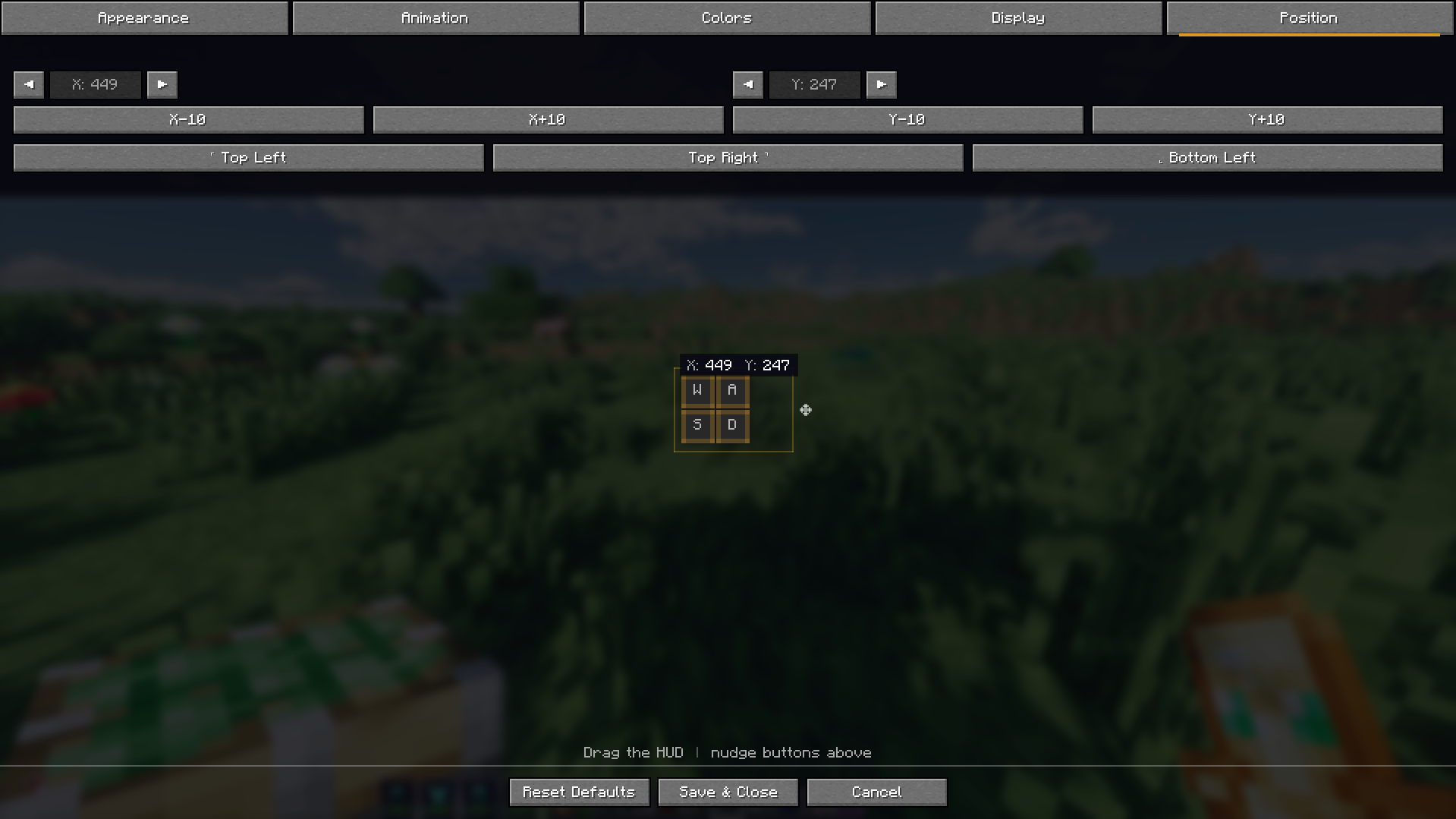
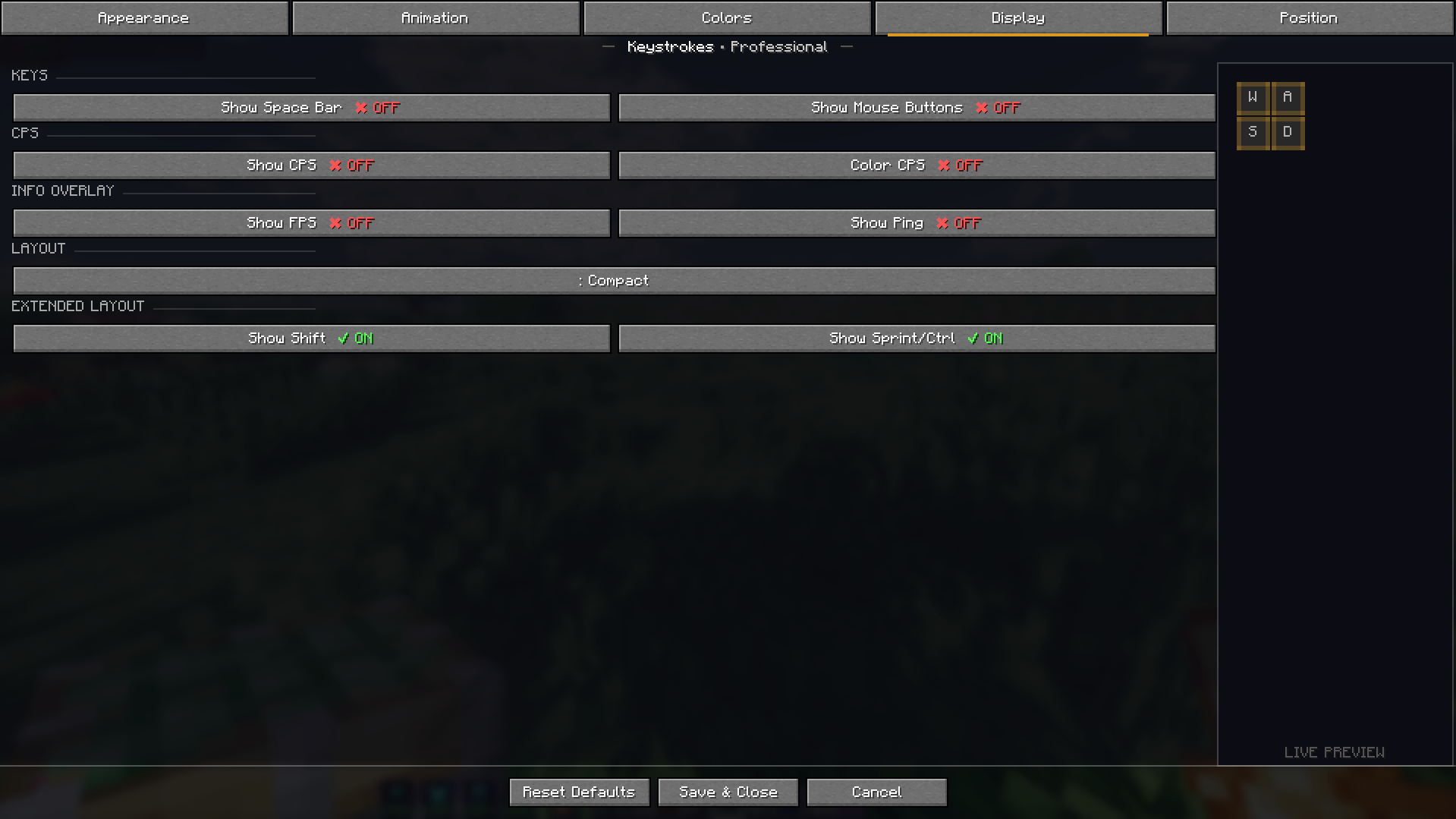
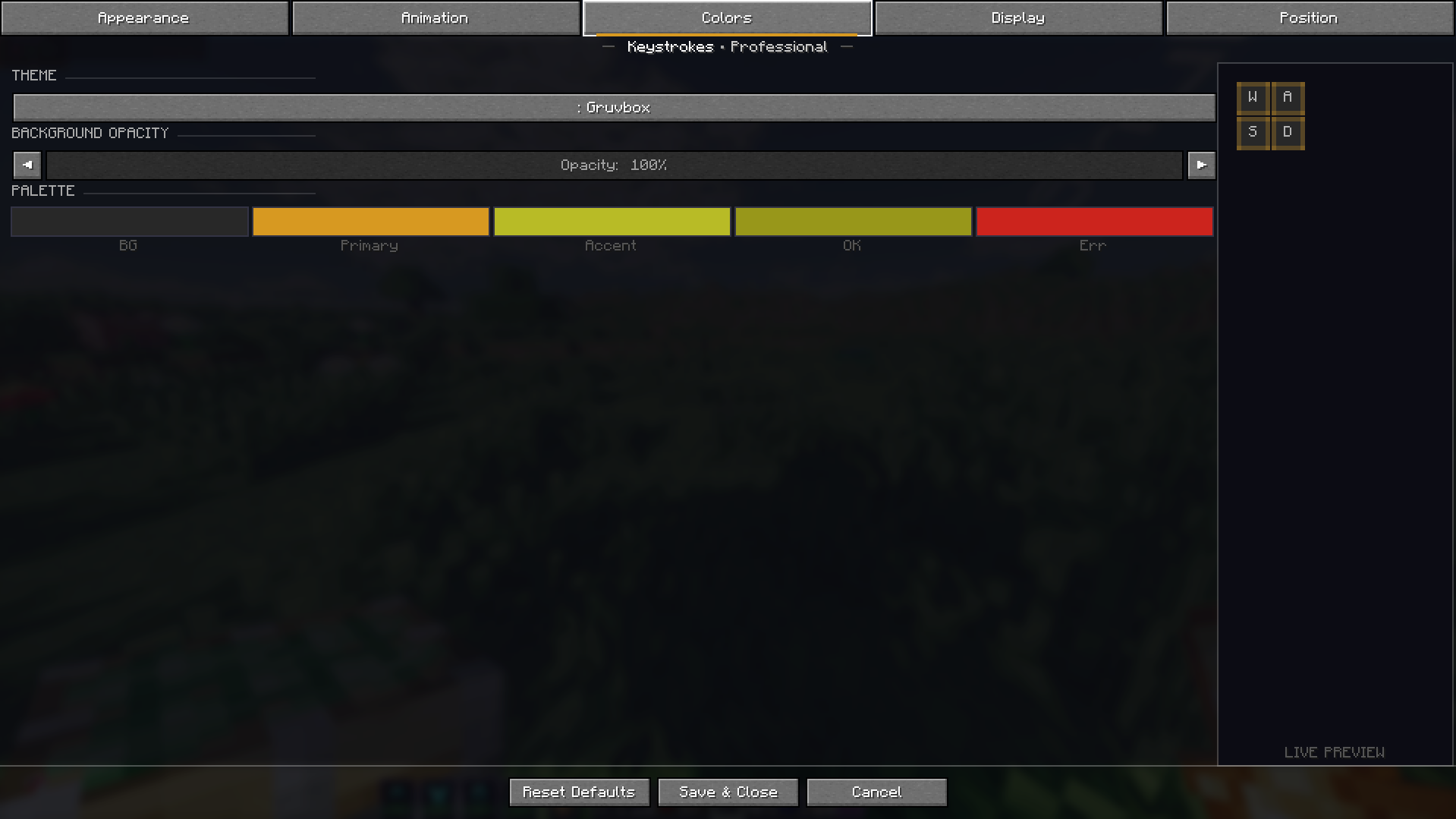
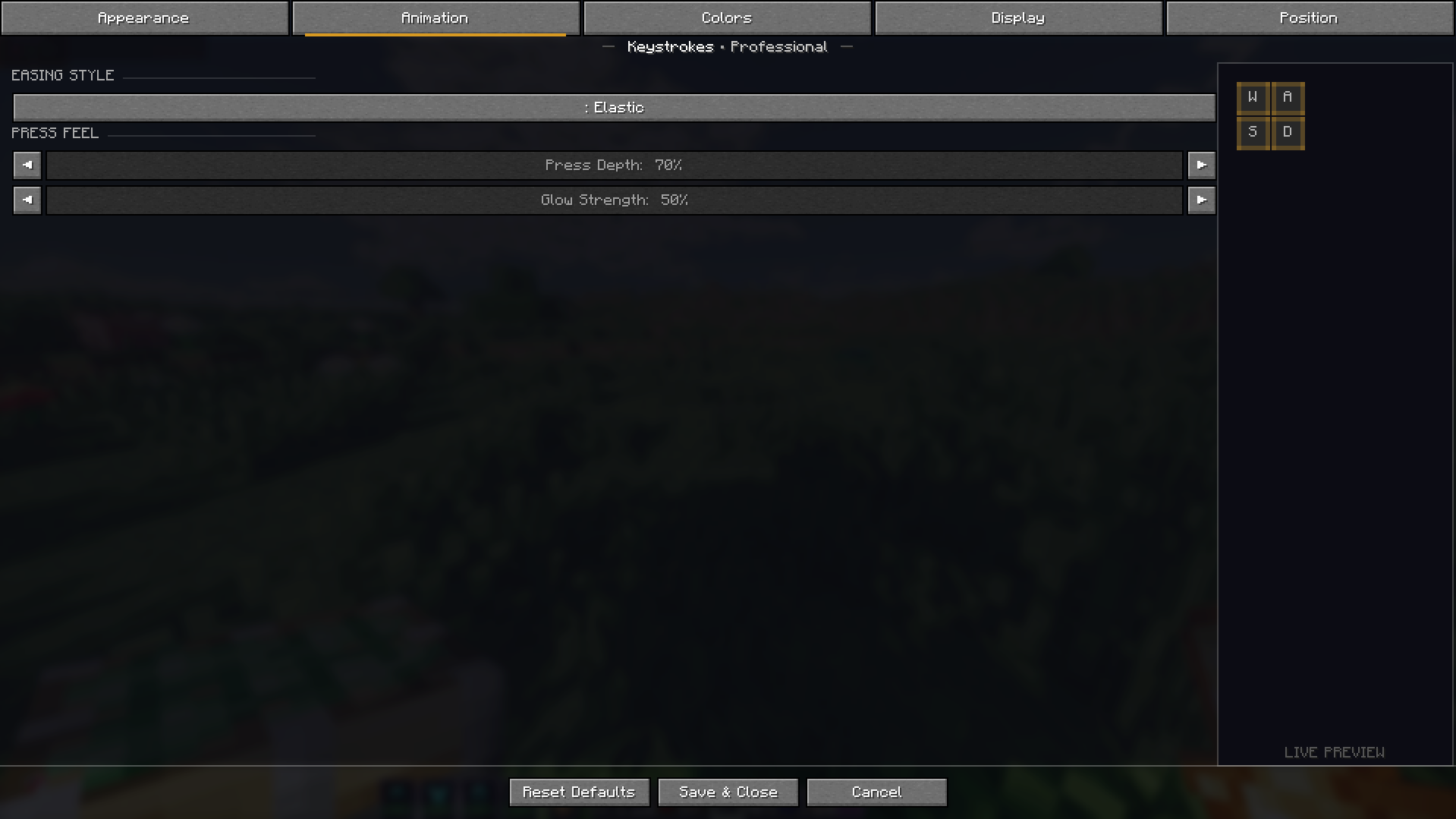
介绍
⌨ Prism’s KeyStrokes
Prism’s KeyStrokes is a modern keystrokes HUD for Minecraft that displays your keyboard and mouse inputs directly on screen with smooth animations and full customization.
Designed for PvP players, content creators, and competitive gameplay, the mod allows you to visualize your inputs in real time while keeping the interface clean and stylish.
With animated key presses and flexible customization options, Prism’s KeyStrokes provides a polished overlay that fits perfectly into any gameplay setup.

✨ Features
◆ Animated Key Press Effects
Smooth animations highlight keys when they are pressed.
◆ Real-Time Input Display
Shows movement keys such as W, A, S, D as you play.
◆ Mouse Click Indicators
Displays Left Click and Right Click activity clearly.
◆ CPS Counter
Track your Clicks Per Second during PvP fights.
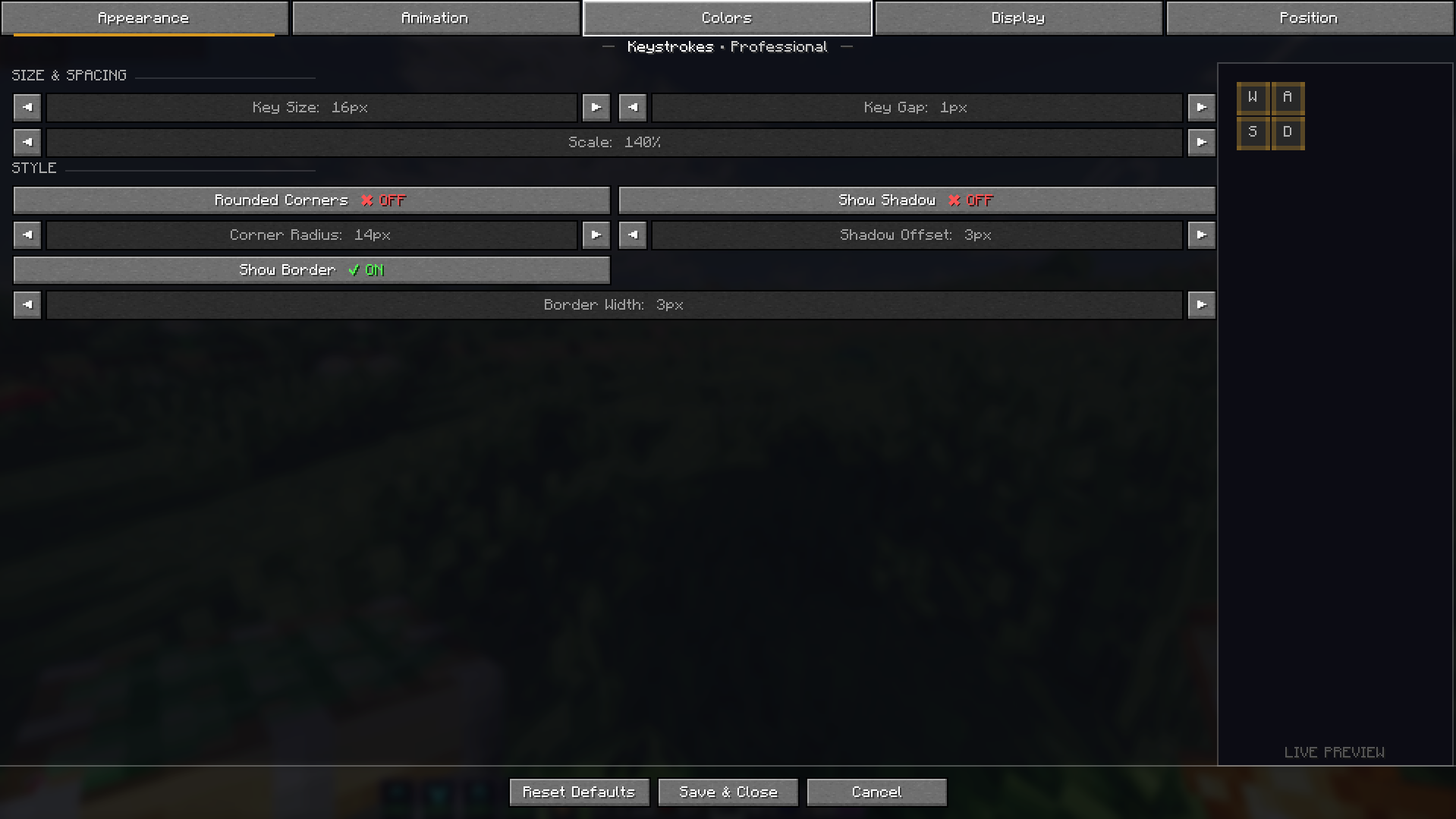
◆ Fully Customizable HUD
Adjust position, layout, and placement of the keystrokes display.
◆ Clean & Modern Design
Minimal overlay that blends naturally with Minecraft’s interface.
◆ Lightweight Performance
Optimized to run smoothly without affecting gameplay performance.

⚙ Installation
- Install a compatible mod loader (Fabric or Forge).
- Download the Prism’s KeyStrokes mod file.
- Place the
.jarfile inside your mods folder. - Launch Minecraft and configure the HUD in-game.
[image]
💡 Customization
Prism’s KeyStrokes is designed to be flexible. You can move the HUD anywhere on your screen and adjust how it appears to match your preferred layout.
[image]
💬 Feedback and suggestions are always welcome.
常见问题
Prism’s KeyStrokes 支持哪些 Minecraft 版本?
Prism’s KeyStrokes 支持 Minecraft Java 版 1.21–1.21.11,共 12 个版本,可用的加载器:Fabric。下载时注意选择和你游戏版本一致的文件。
Prism’s KeyStrokes 怎么安装?
先用 PCL2 或 HMCL 启动器安装对应版本的 Fabric,再把下载的 .jar 文件放进游戏目录的 mods 文件夹,重新启动游戏即可。开启了版本隔离的,mods 文件夹在 versions/版本名 下面。运行环境:仅客户端。
shubham96__ 的其他作品
查看全部 →
Prism Mod Menu
✦ Prism Mod Menu Super Cool Animations ⚡

Minecraft But.. Jumping Gives OP Items!
Every jump gives insanely overpowered loot! Jump more → get crazier items.

🛡️ Instant-Shield-Break
🔍 Auto-breaks enemy shields in nethpot PvP by swapping to an axe at the exact moment of attack, then reverting instantly — all within a single tick. No GUI, no keybinds, always on.
🛡️ Instant-Shield-Break
🔍 Auto-breaks enemy shields in nethpot PvP by swapping to an axe at the exact moment of attack, then reverting instantly — all within a single tick. No GUI, no keybinds, always on.
评论
登录后评论和评分