
截图
介绍
Booyah!
An amalgamation of things about popping balloons with an overly cool sword.
Made for ModFest 26!
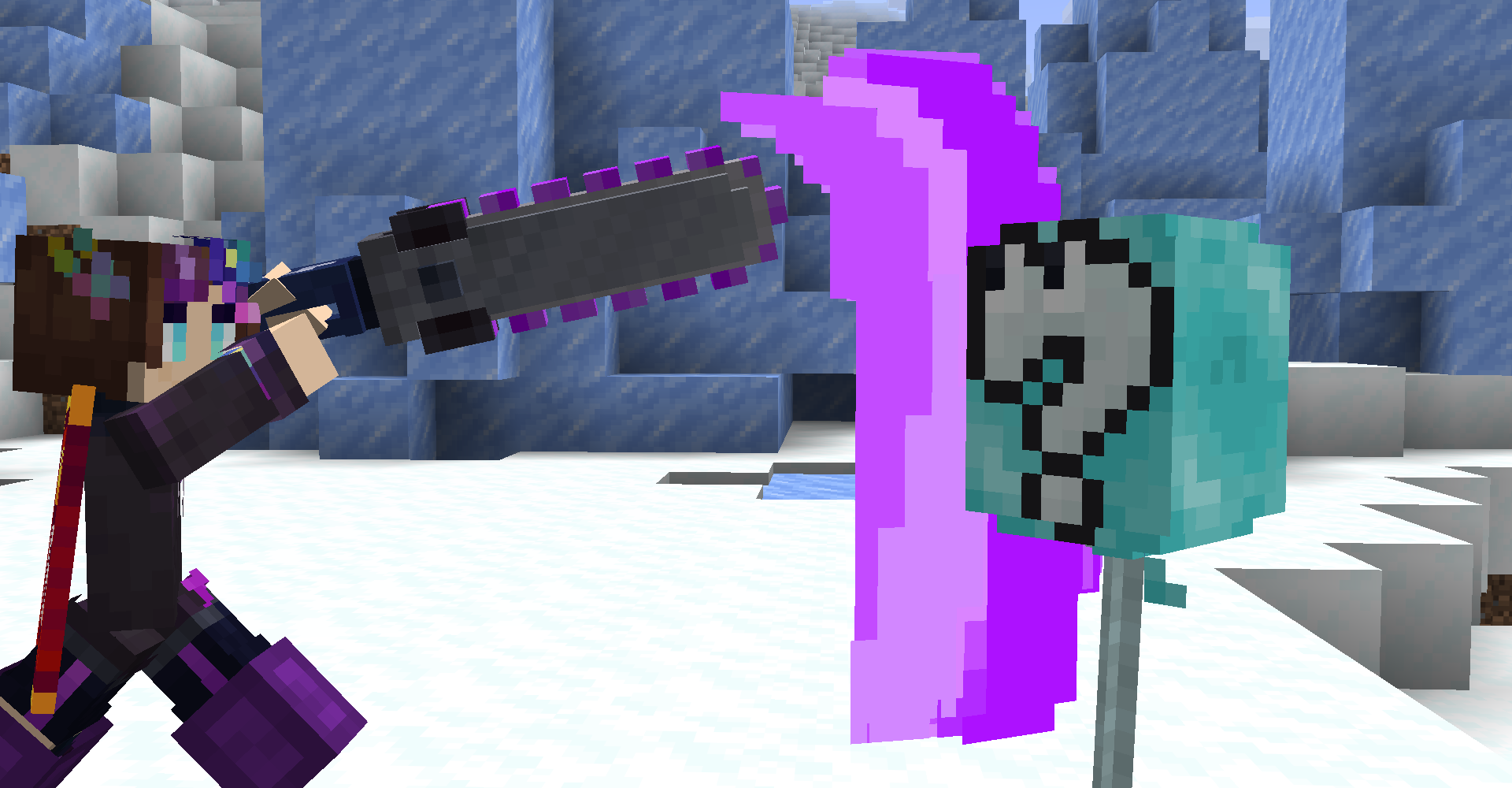
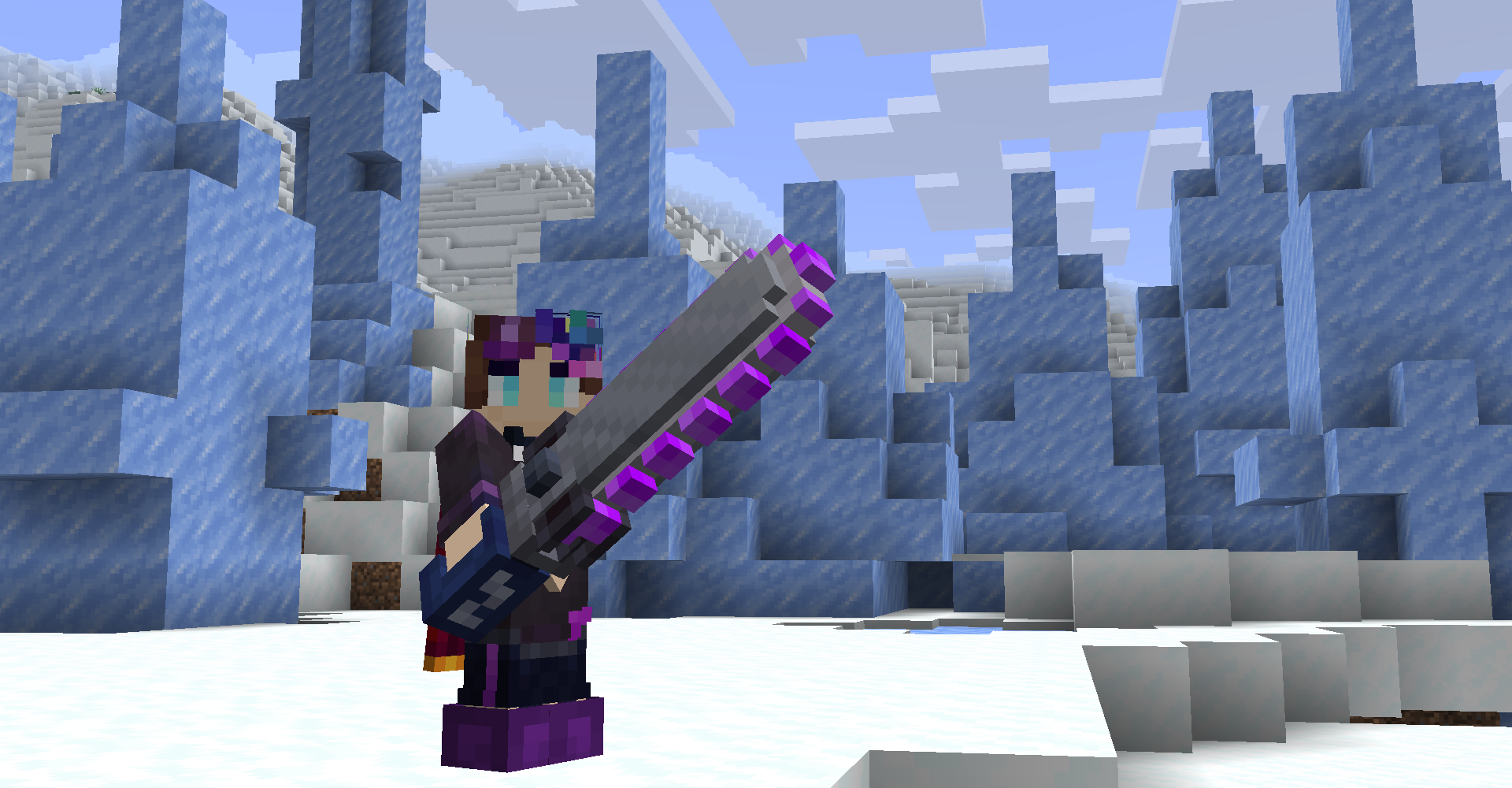
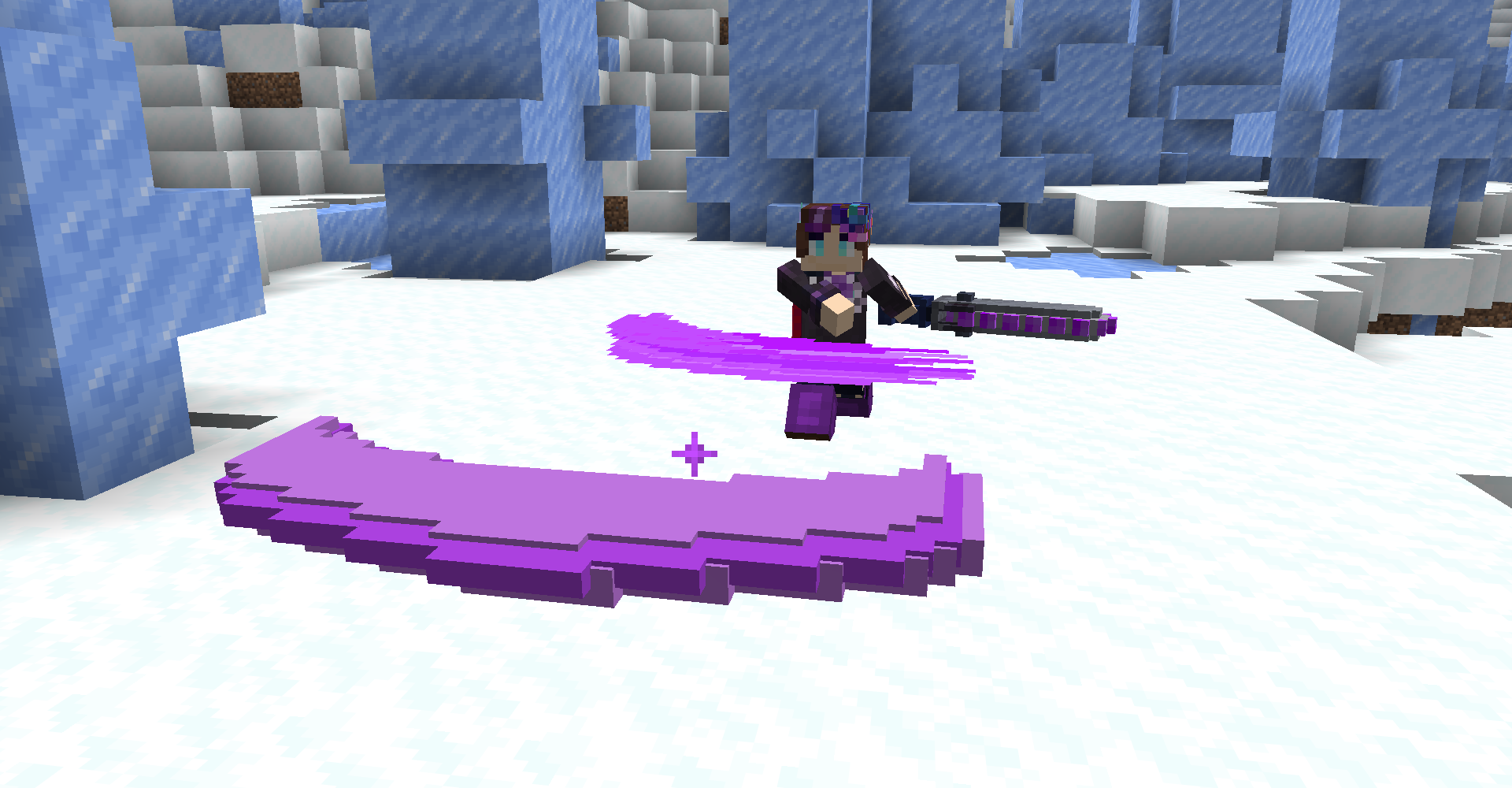
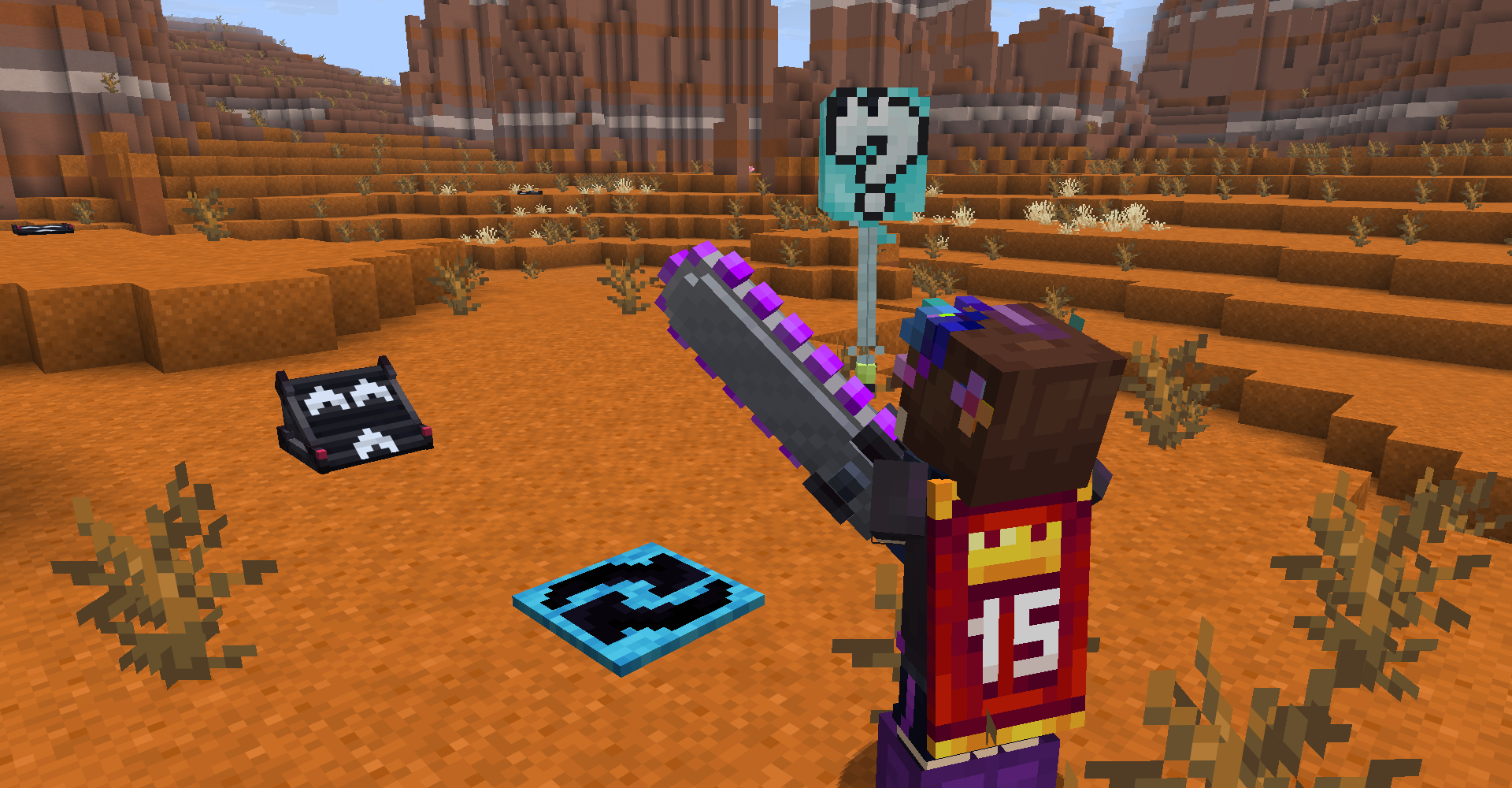
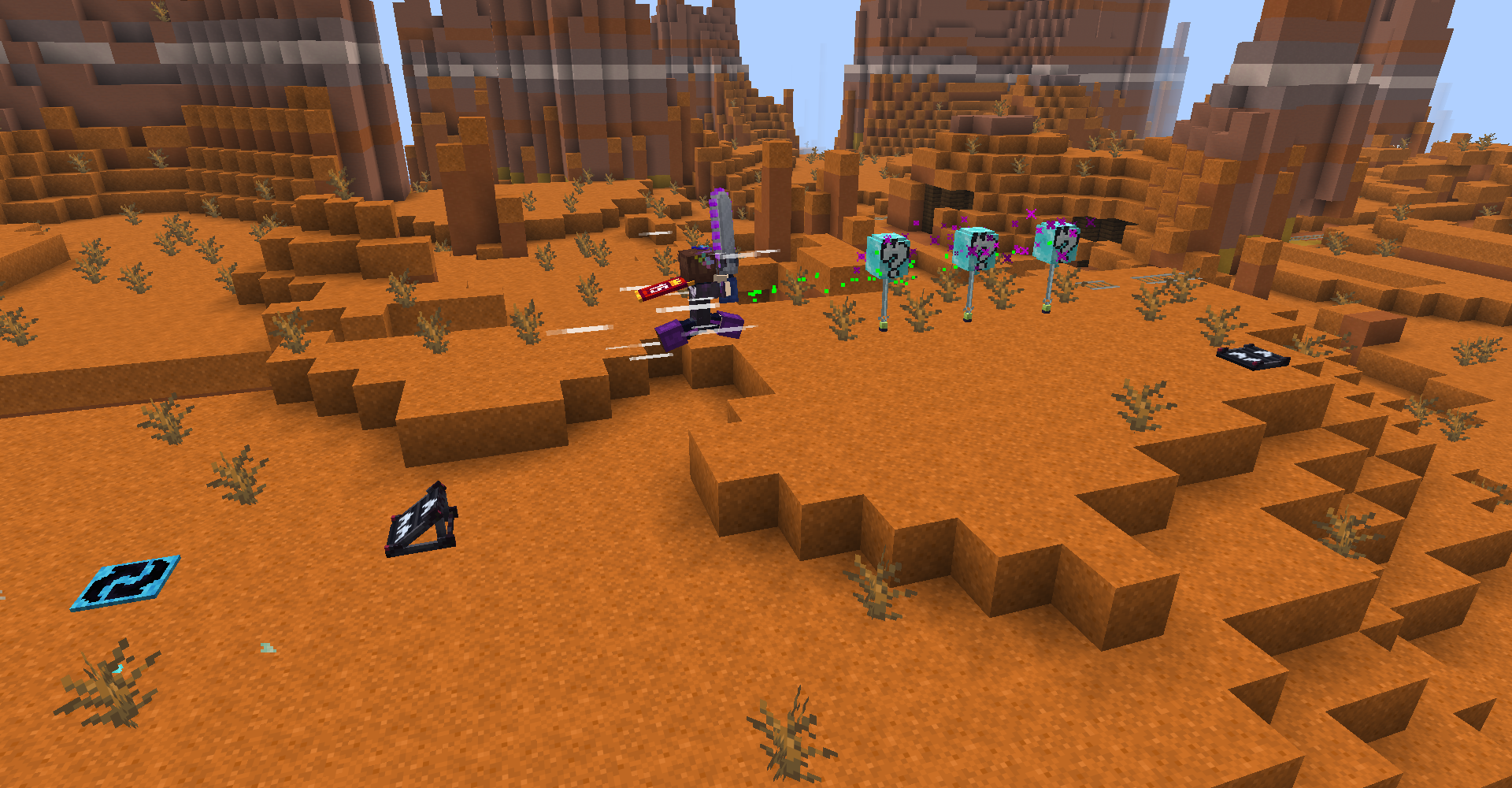
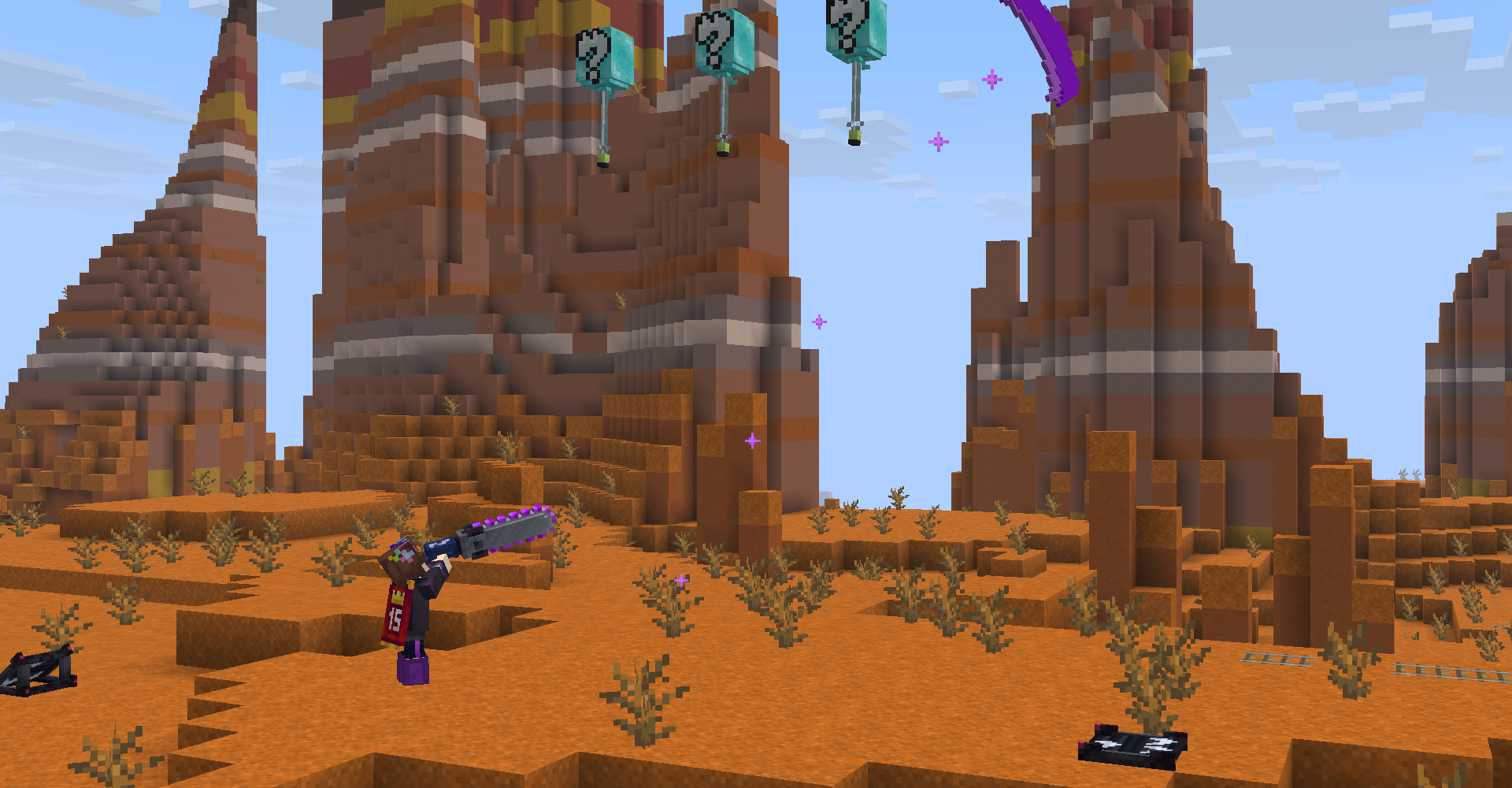
Chase and pop balloons with the Splatana Stamper! Left-click to quickly swing, or charge up a powerful slash & dash with right-click. Both attacks spawn projectiles which help shorten the gap from balloons!
Balloons will float away to despawn after a while, but you can use boost panels to help catch up to them quicker! Boost panels’ horizontal _and_ vertical powers can be modified as well!
Finally, quickly sneak multiple times to Booyah! and celebrate your victory!
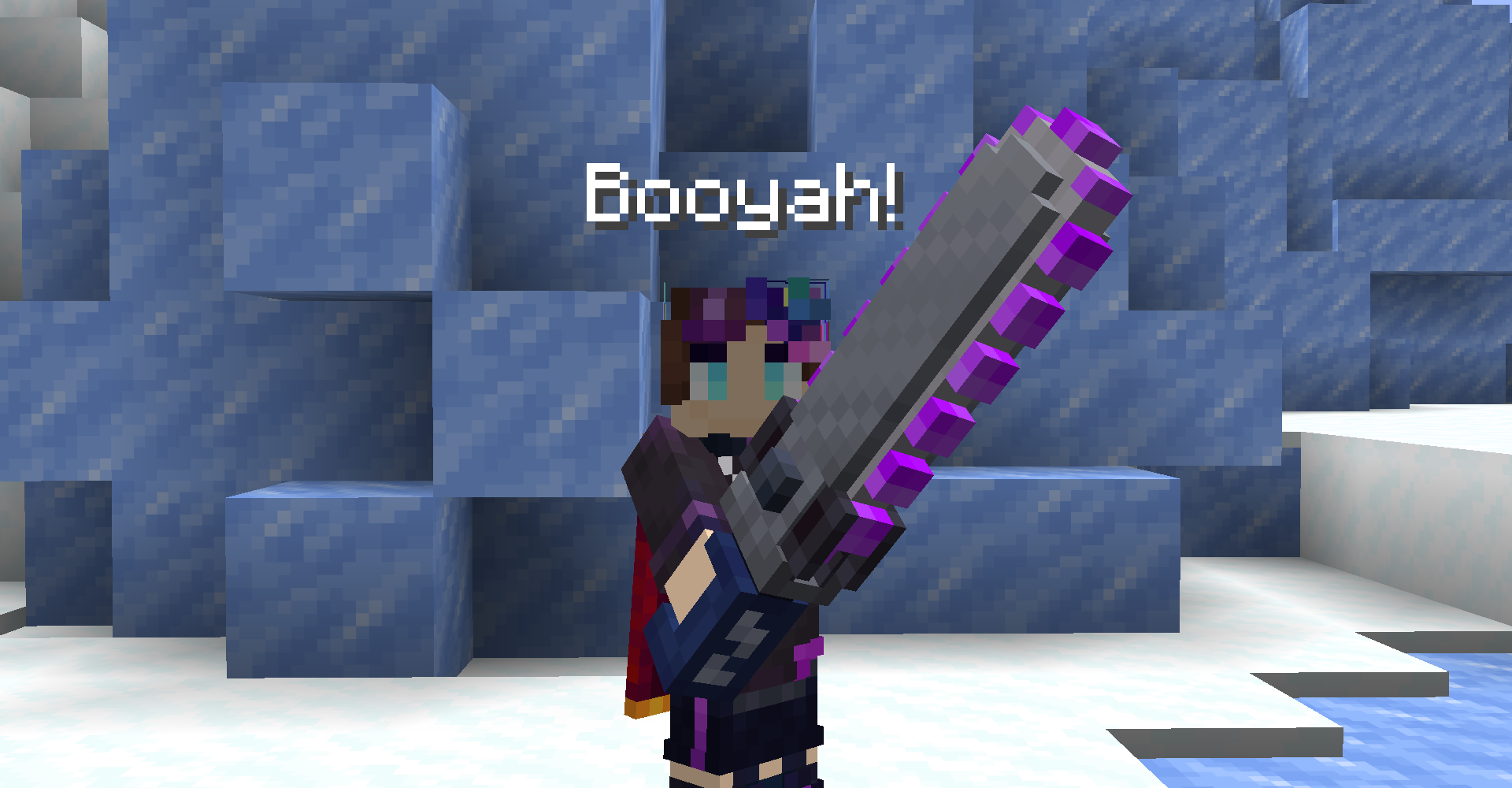
Splatana Stamper
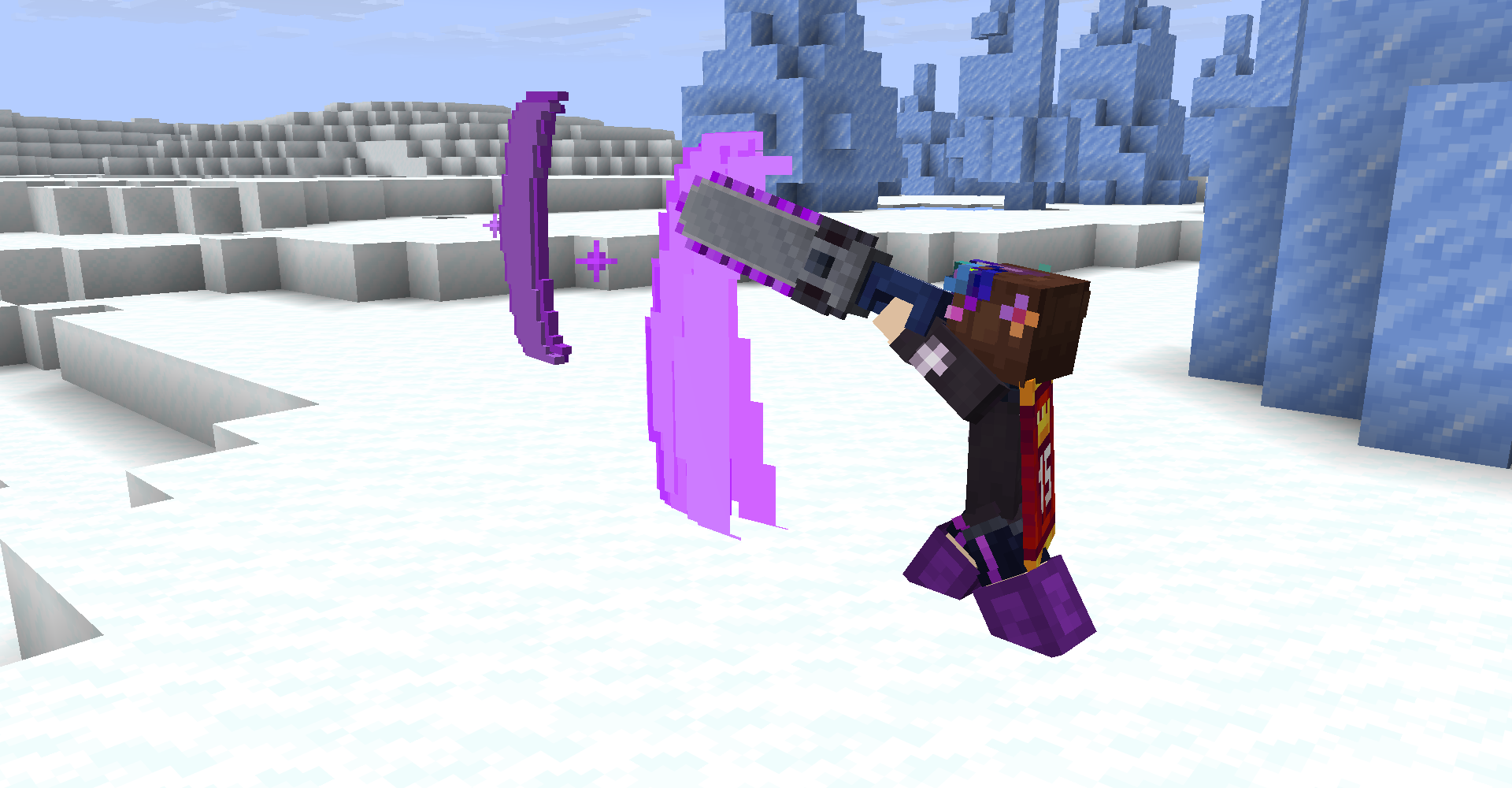
The Splatana Stamper is a powerful weapon with two attack modes. You can either left-click to quickly horizontally swing, or charge a powerful vertical slash with right-click! Vertically slashing will slightly launches you in the direction you’re looking.
Both attacks spawn projectiles where you’re looking to help shorten the gap from your target. They don’t travel far, though, so positioning is important!
As of 1.0.0, Splatana Stampers are available in all dye colors!
Balloon Chases
Balloon Chases are set up via the Balloon Chase Block in Creative mode. Each block provides data about Balloon spawning, and which Balloon Chain the block belongs to.
Once a Balloon is popped, following Balloons will be spawned from the next set of blocks in the Balloon Chain, restarting at the initial block in the Chain once all have been popped or if one despawns!
Balloon Chase Block Cheat Sheet
- Chain ID (String) – The Balloon Chain that the block belongs too.
- Chain Index (Int) – The index in the Balloon Chain that the block belongs too. Multiple blocks can share the same index, and the next set of Balloons will not be spawned until all Balloons from the previous index have been popped.
- Spawn Delay Ticks (Int) – The spawn delay in ticks of this block’s Balloon. It’s recommended to increase the delay slightly for Balloons that spawn far away from the previous Balloon, to help allow the particles to guide the players easier.
- Float Away Ticks (Int) – The amount of ticks it’ll take for this Balloon to begin floating away to despawn.
- Yaw (Float) – The yaw/yRot rotation of the Balloon upon spawning. You can reference the F3 screen for inputs, or use the handy “Face Me!” and “Round 22.5/45/90” buttons.
- Reward Item on Pop (Boolean) – If true, the block can be right-clicked with an item to set its reward to drop upon Balloon pop. The item will only be dropped upon that block’s Balloon being popped, not the entire chain/all entries in the index!
Balloon Chains
Each Balloon Chase is split up into “Balloon Chains,” which manage the actual Balloon entity spawning.
To create a new chain, simply place a Balloon Chase Block and fill in its Chain ID field.
Adding/expanding an existing chain is also the same, simply filling in a block’s Chain ID field.
From there, you can set the index of a block within a chain using the Chain Index field!
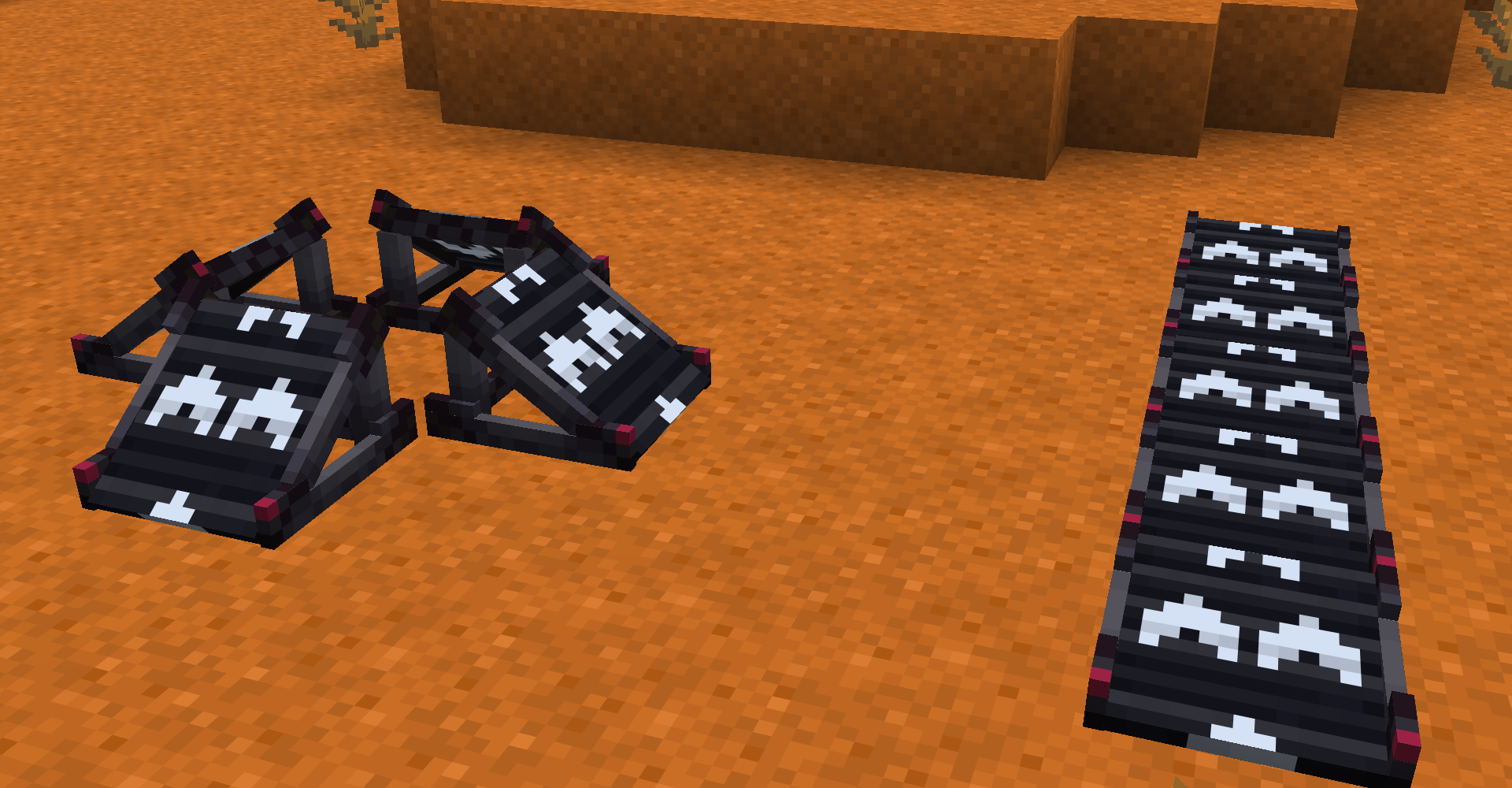
Boosters
Boosters boost you in the direction they’re facing.
You can cycle through their horizontal and vertical powers by right-clicking and shift-right-clicking respectively.
You can also elevate them by right-clicking them with a Booster Block in hand, which also adds a little extra power. Besides that, it is mostly just for looks to help set a player’s expectations for where they’re going.
Magical Box
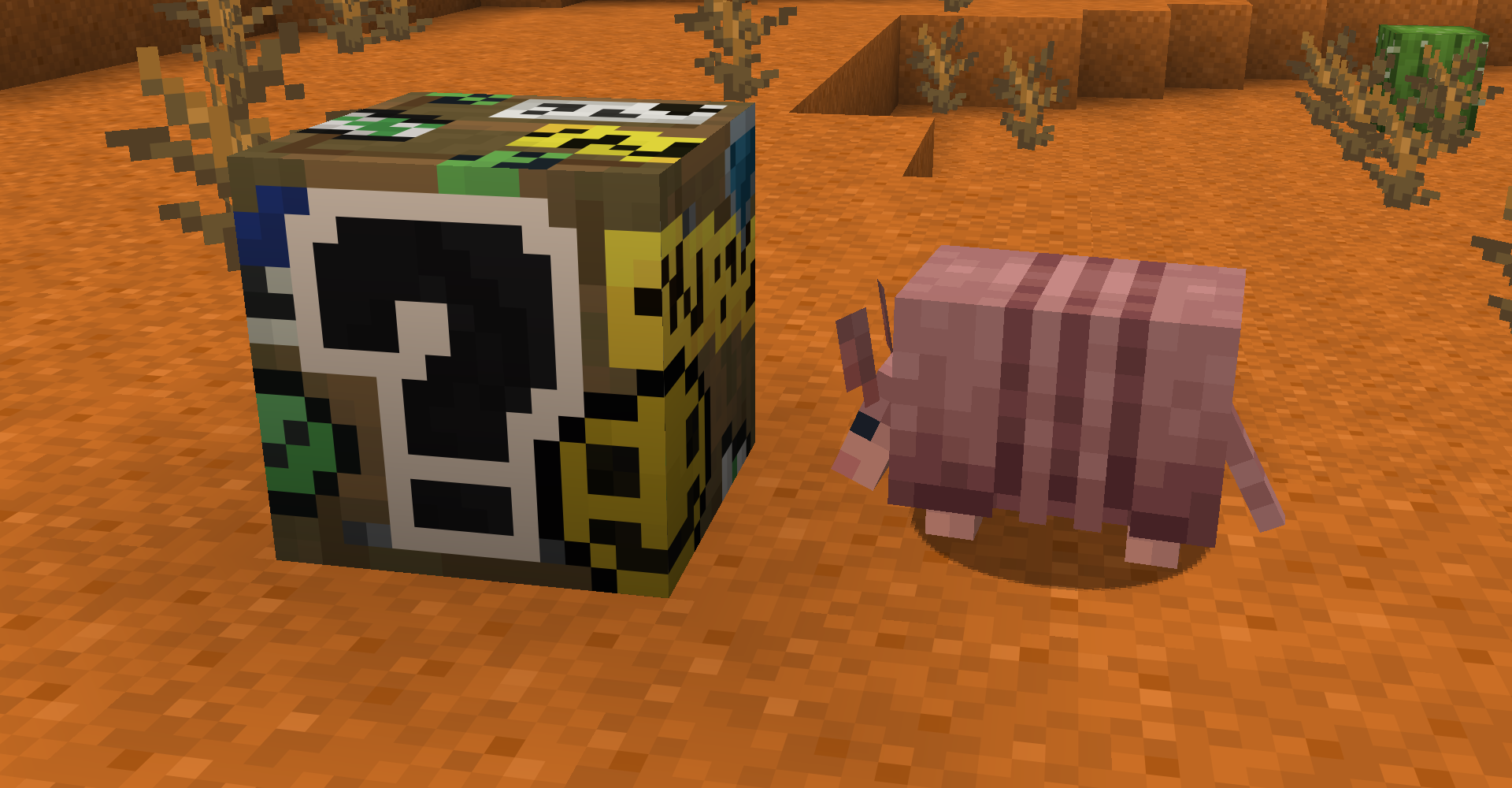
The Magical Box is the most jaw-dropping, heart-stopping, mind-bending paraphernalia you’ve ever seen!
Upon closing, the Magical Box will regenerate its items, making it perfect for handing out a plethora of items at once!
You can edit the Magical Box’s stock items by opening it in Creative mode.
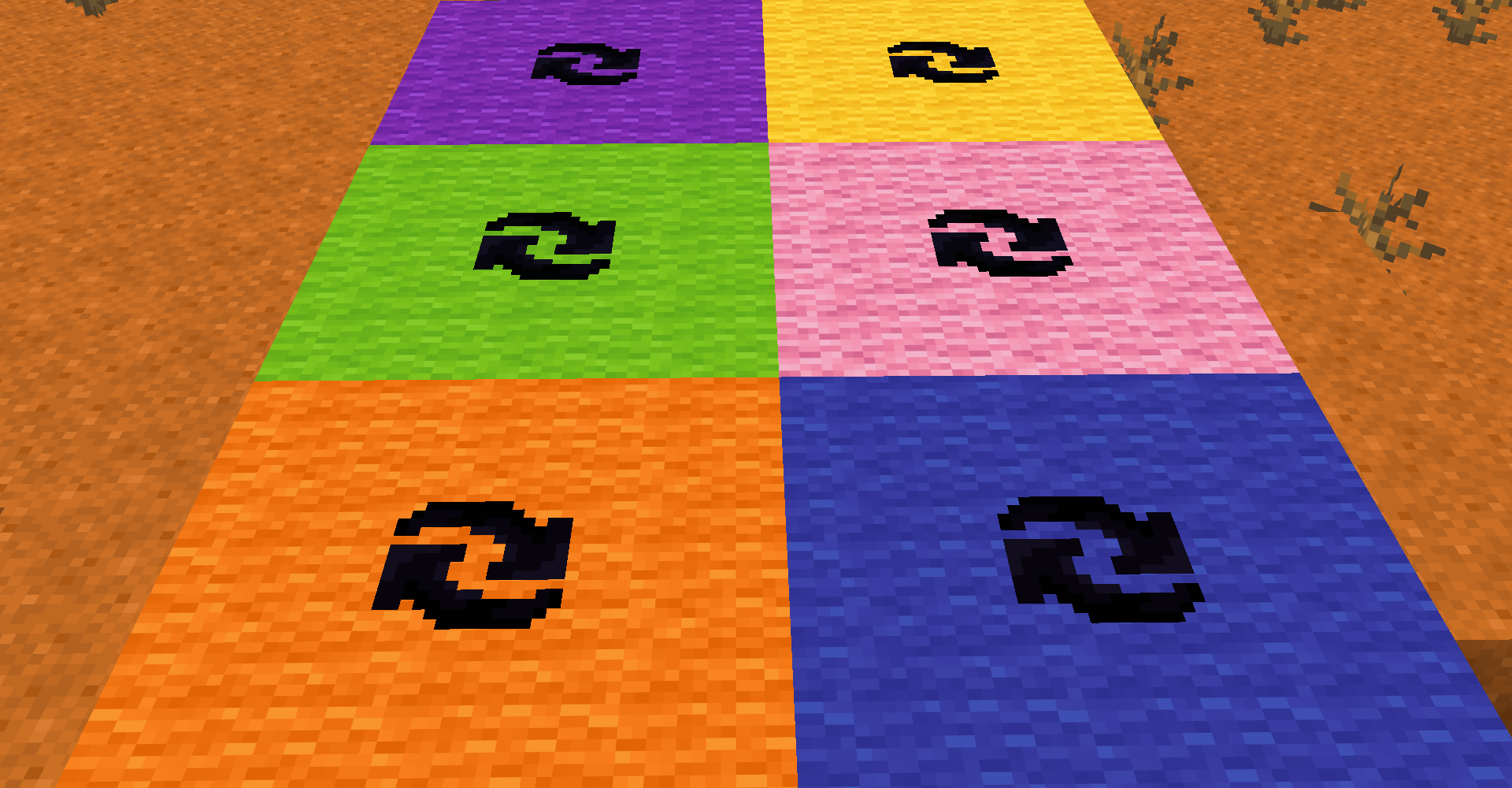
Circle Carpets
The Circle Carpets are a nice decoration block intended to help display where a Balloon Chase starts. It does not have any actual functionality though.
They are available in all dye colors, but do not have a crafting recipe.
Booyah!
You can Booyah! by quickly sneaking multiple times in a row. It can be seen by other players, and yourself in third person!
A simple config is also available for activating Booyah!’s, including the amount sneaks it takes and the ticks between sneaks.
Street Art Compat
As of Booyah! 1.0.1, compatibility with Street Art is possible!
You can make your Splatana Stamper paint by simply adding the street_art:content Item Component!
Examples
/give @s booyah:splatana_stamper_purple[street_art:content="purple"]/give @s booyah:splatana_stamper_yellow[street_art:content="yellow"]/give @s booyah:splatana_stamper_pink[street_art:content="pink"]/give @s booyah:splatana_stamper_lime[street_art:content="lime"]/give @s booyah:splatana_stamper_orange[street_art:content="orange"]/give @s booyah:splatana_stamper_blue[street_art:content="blue"]
常见问题
Booyah! 支持哪些 Minecraft 版本?
Booyah! 支持 Minecraft Java 版 26.1.2,可用的加载器:Fabric。下载时注意选择和你游戏版本一致的文件。
Booyah! 怎么安装?
先用 PCL2 或 HMCL 启动器安装对应版本的 Fabric,再把下载的 .jar 文件放进游戏目录的 mods 文件夹,重新启动游戏即可。开启了版本隔离的,mods 文件夹在 versions/版本名 下面。运行环境:客户端和服务端都要装。
Superkat32 的其他作品
查看全部 →
Explosive Enhancement
让爆炸动画看起来更酷。
Broken Lead Warner
Let's you know if your lead breaks!
You Were Slain
Customize the death screen unlike ever before!

Postmortal Particles
Overhauls the totem of undying particle effect.
评论
登录后评论和评分