
截图

介绍
Saddle Arrows
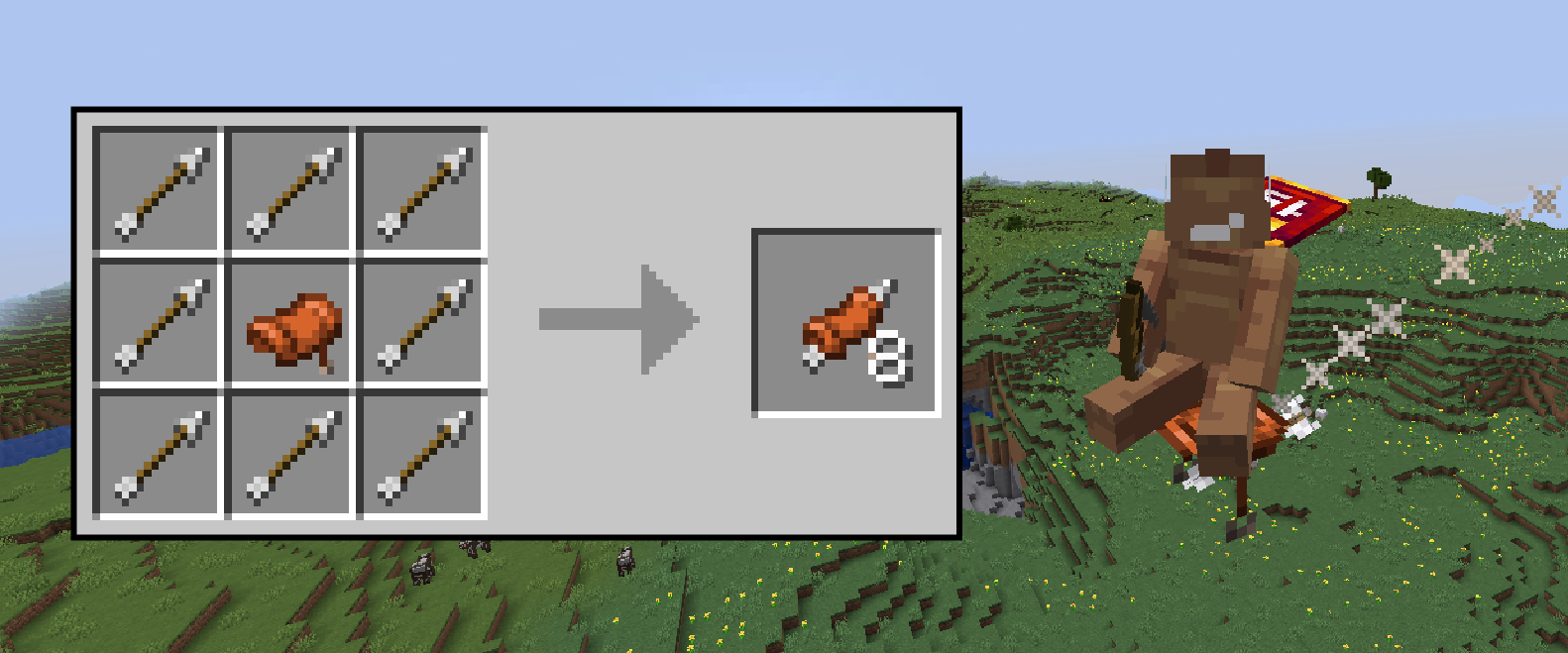
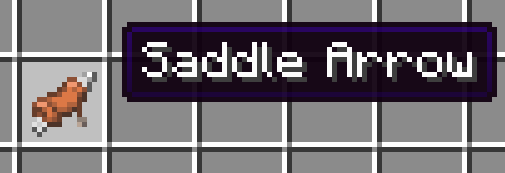
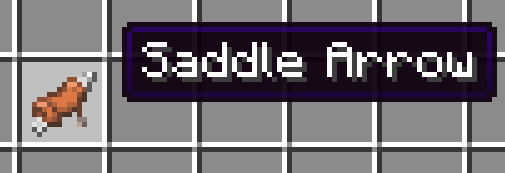
This survival-friendly configurable datapack provides a new crafting recipe for saddle arrows, which requires 1 saddle in the center and 8 regular arrows in all other slots.
By shooting the arrow, the player will automatically mount the arrow and fly with it.
Versions: 1.20.5 — 1.21.4
Languages supported: English, Ukrainian, Russian.

How to get the arrow in creative
To get the saddle arrow without getting a crafting table, run this command:\
/loot give @s loot saddlarr:saddle_arrow
Config
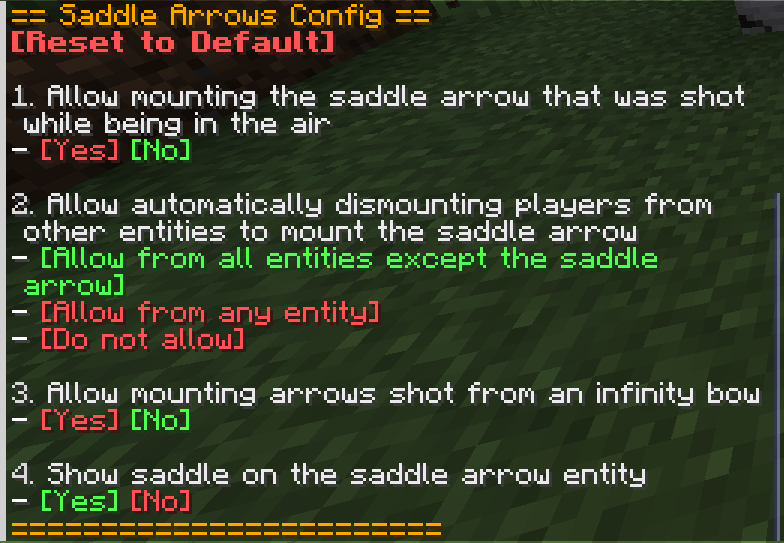
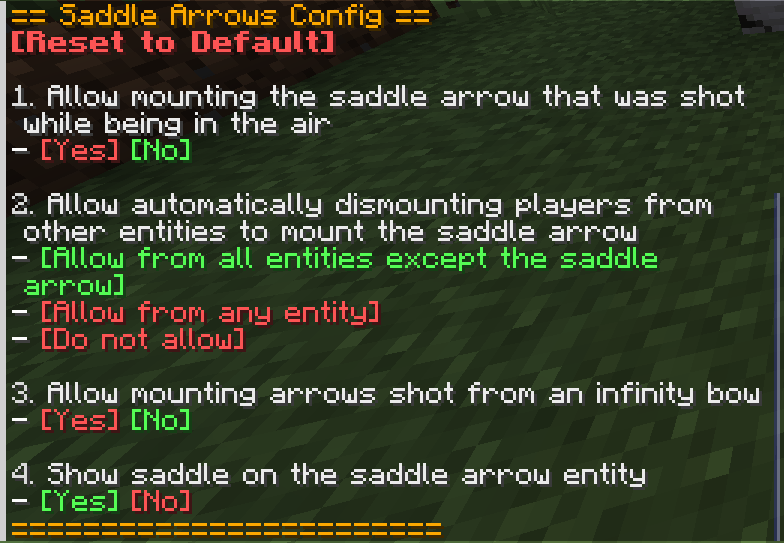
To balance the arrows for survival, there were put some restrictions on use of the arrows, but if you just wanna have fun, you can disable them. To open the config, run this command:\
/function saddlarr:admin/config
The config has 4 settings, as you can see on the screenshot:
Uninstallation
Before deleting the pack, consider running uninstall function to remove all the scoreboards and data storages from your world:\
/function saddlarr:admin/uninstall
Credits
My friends amandin and bth123 for constructive feedback
Enjoy!
常见问题
Saddle Arrows 支持哪些 Minecraft 版本?
Saddle Arrows 支持 Minecraft Java 版 1.20.5–1.21.11,共 14 个版本,可用的加载器:Fabric / Forge / NeoForge / Quilt。下载时注意选择和你游戏版本一致的文件。
Saddle Arrows 怎么安装?
先用 PCL2 或 HMCL 启动器安装对应版本的 Fabric / Forge / NeoForge / Quilt,再把下载的 .jar 文件放进游戏目录的 mods 文件夹,重新启动游戏即可。开启了版本隔离的,mods 文件夹在 versions/版本名 下面。运行环境:客户端 / 服务端。
SuperAnt_ 的其他作品
查看全部 →
No Dark Inventory Overlay
Removes dark background overlay from inventories and pause menu

Remove Damage Overlay
Removes hit color (tint) from all entities!

Custom Damage Overlay Color
Change hit color (tint) of all entities to ANY color!

No Light — No Color!
Blocks gradually turn black and white as light levels decrease.
评论
登录后评论和评分