介绍
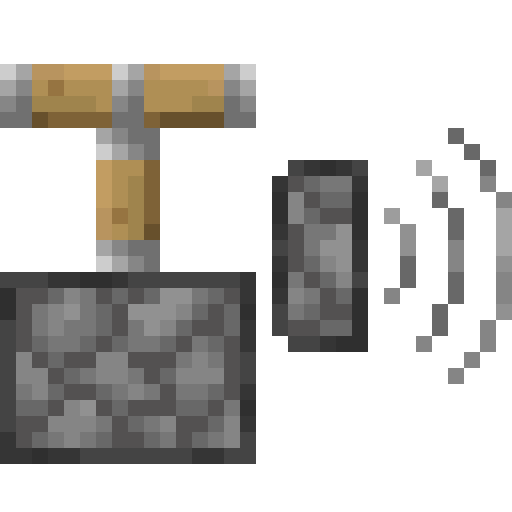
Piston Sound Mod
In Minecraft 1.21 Minecraft Pistons can only be heard at a range of 8 blocks instead of the old 16 block range.
This mod reverts the distance back to 16 blocks.
The mod is client side only.
How the mod works
The mod is made to work in environments where the server doesn’t have this mod, which means the server will not send the sound packets itself to players further away than 8 blocks.
To fix that, the mod ignores all piston sound packets and uses the packets for rendering which are sent to players further away than 8 blocks.
As a result you won’t hear it when the server plays the piston extend and retract sounds when they are not produced by a piston.
常见问题
Piston Sound Mod 支持哪些 Minecraft 版本?
Piston Sound Mod 支持 Minecraft Java 版 1.21–26.3,共 17 个版本,可用的加载器:Fabric。下载时注意选择和你游戏版本一致的文件。
Piston Sound Mod 怎么安装?
先用 PCL2 或 HMCL 启动器安装对应版本的 Fabric,再把下载的 .jar 文件放进游戏目录的 mods 文件夹,重新启动游戏即可。开启了版本隔离的,mods 文件夹在 versions/版本名 下面。运行环境:仅客户端。
mopsy14 的其他作品
查看全部 →
Discord Statusbot
A discord bot, that shows the status of your server! Made for Spigot, NeoForge, Fabric, Forge, Bungee, and many more.
Piston Sound Mod
Brings back the old 16 block range of piston sounds.

Gardenia
Gardenia. It's a project thats strictly a deco mod, adding multiple new plants, some tools and building block to decorate your gardens!

NEXO
A Fabric mod that unleashes the power of nuclear technology.
评论
登录后评论和评分