
Top Down View
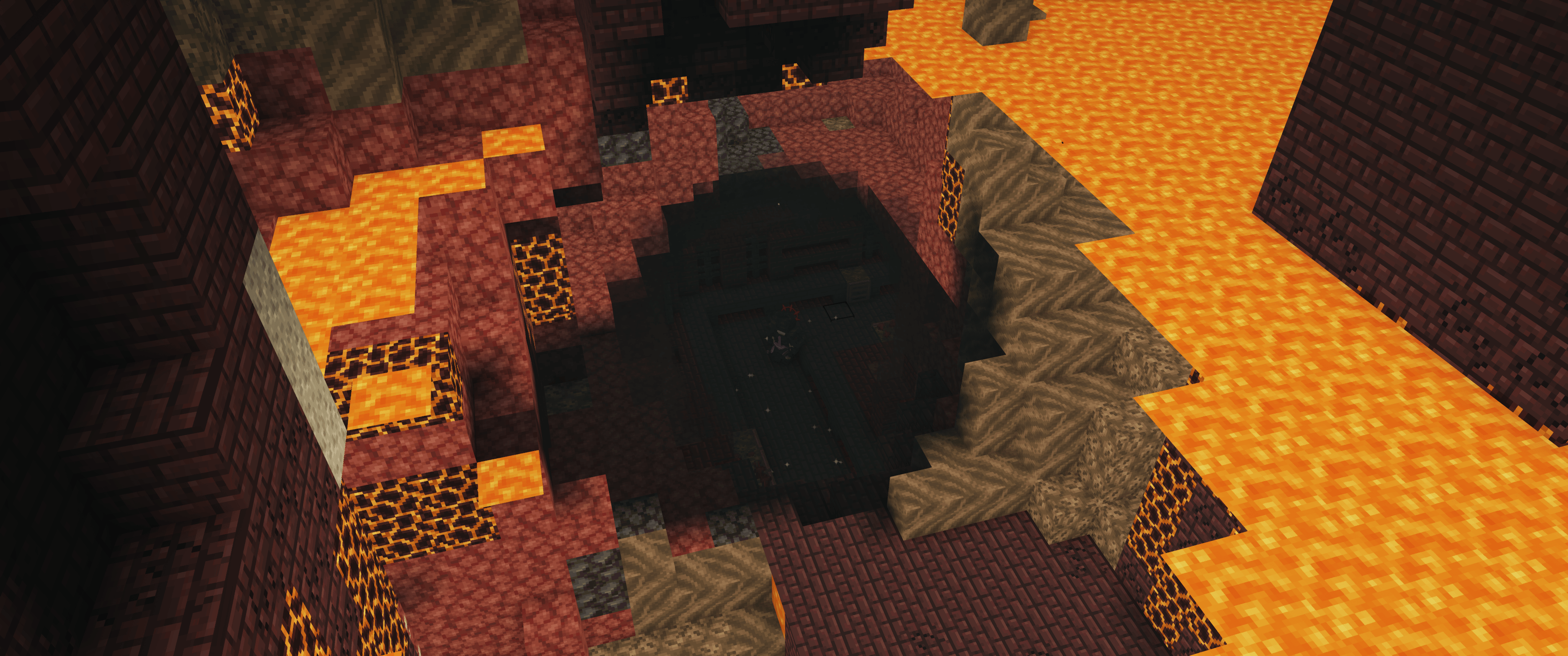
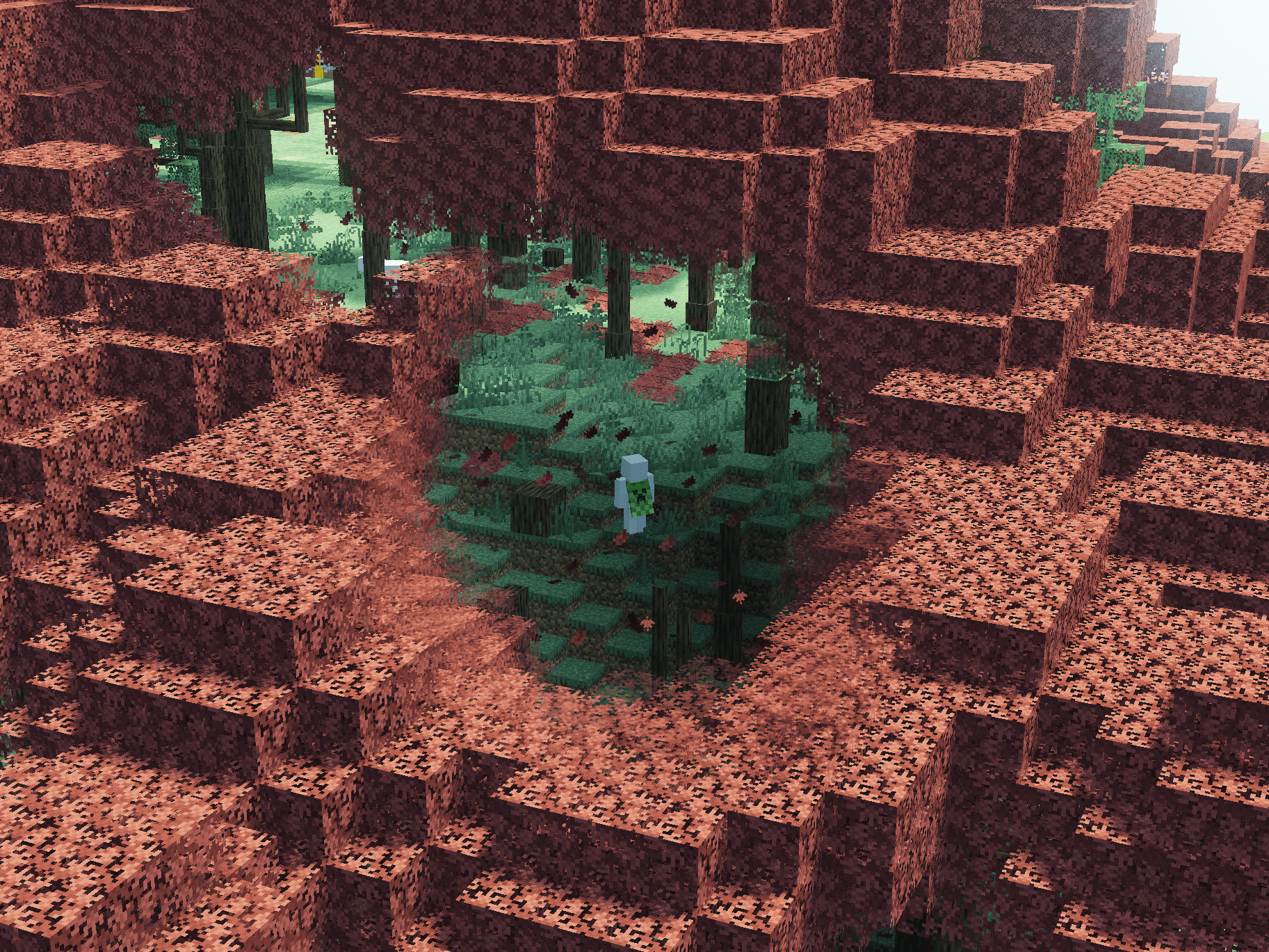
Play Minecraft from a top-down perspective inspired by ARPGs like Path of Exile 2 or Diablo.
截图
介绍
Top Down View lets you play Minecraft from a top-down perspective inspired by action RPGs like Path of Exile and Diablo. Experience combat and exploration from a completely new angle.
Requirements
- Minecraft: 1.20.1
- Forge: 47.4.10+
- Dependencies: Embeddium (Required)
Controls
| Action |Key / Input |Details |
| ——————– |—————– |——————————————————————————————————————- |
| Toggle View |F4 |Switch perspective |
| Rotate Camera |R |Rotate based on cursor position:
• Screen left: Counter-clockwise
• Screen right: Clockwise
• Screen bottom: 180° flip |
| Zoom |Left Alt + Scroll |Adjust camera distance |
| Free Camera |Unbound |Hold to rotate freely (double-click to reset angle) |
| Rotate Camera (Hold) |Unbound |Rotate camera horizontally while holding |
| Align to Movement |Unbound |Align camera to moving direction |
| Mining Mode |Unbound |Experimental mode for mining |
| Toggle Culling |Unbound |Toggle culling on/off |
Compatibility & Settings
FOV & Camera Distance
This mod uses a narrow FOV (default: 30) to flatten perspective for an isometric look.
- Performance: Extreme zoom-out with low FOV increases render load.
Embeddium & Shaders
The smooth Fade Transition is enabled by default:
- Recommended: Keep Graphics on “Fancy” (and Embeddium Performance: _”Always Defer Chunk Updates”_ Off).
- If playing on “Fast” Graphics: Please disable Fade in this mod’s config to prevent visual glitches.
- Shaders: Fade is incompatible with most major shaders (disable Fade when using shaders). _(Compatible shaders: MakeUp – Ultra Fast / Karma Shader Cartoon Style)._
Other Mods
- Entity Culling: Incompatible (causes entities and tile entities to vanish).
- Sound Physics Remastered: Audio calculates from the camera rather than the player.
- Epic Fight: Set
camera_mode = "ALWAYS_BACK"inconfig/epicfight-client.toml. - Flerovium: Distant sound culling may mute audio when zoomed out.
Known Issues & Limitations
- Elytra Flight: This mod does not support elytra. The top-down perspective is designed for ground-based gameplay, and camera tracking or controls will not function correctly during flight.
Recommended Mods
⚠️ Note on Cramped Structures:
Navigating tight, cramped vanilla structures (such as default village houses) is not recommended. We suggest using structure mods with larger interiors.
- Better Villages: Overhauls and expands villages with larger buildings.
- Passable Foliage / Traversable Leaves: Allows walking through leaf blocks.
- Countered’s Terrain Slabs / slab topographic: Places slabs to flatten the terrain.
常见问题
Top Down View 支持哪些 Minecraft 版本?
Top Down View 支持 Minecraft Java 版 1.20.1–1.21.1,共 2 个版本,可用的加载器:Forge / NeoForge。下载时注意选择和你游戏版本一致的文件。
Top Down View 怎么安装?
先用 PCL2 或 HMCL 启动器安装对应版本的 Forge / NeoForge,再把下载的 .jar 文件放进游戏目录的 mods 文件夹,重新启动游戏即可。开启了版本隔离的,mods 文件夹在 versions/版本名 下面。运行环境:仅客户端。

评论
登录后评论和评分