
Quixotic – Better Ping Icon (BPI)
作者:qui.xotic815
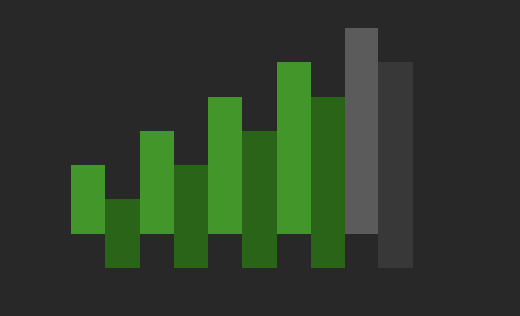
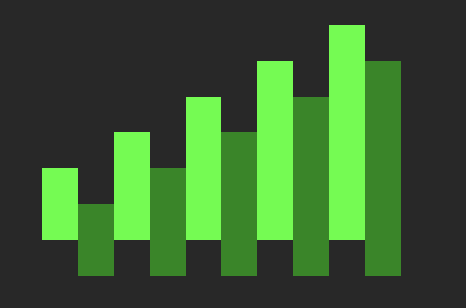
Simple resource pack that make reading the ping icon easier.
截图





介绍
中文介绍正在准备中,下面暂时显示原文。
This resource pack makes it easier to see the amount of ping you have on a server. Hope you enjoy 🙂
How to download and use on Minecraft Java edition:
- Download the pack.
- Launch Minecrat 1.21.4 and click on Options -> Resource Packs and drag the pack into Minecraft.
Color meaning:
• Light green = Good Ping
• Dark green = Not so good but still playable
• Yellow = High ping
• Orange = Very high ping, might not be playable
• Red = ur cooked
Please leave comments if you want anything changed or you want more resource packs.
常见问题
Quixotic – Better Ping Icon (BPI) 支持哪些 Minecraft 版本?
Quixotic – Better Ping Icon (BPI) 支持 Minecraft Java 版 1.21.4。下载时注意选择和你游戏版本一致的文件。
Quixotic – Better Ping Icon (BPI) 怎么安装?
把下载的 .zip 文件(不用解压)放进游戏目录的 resourcepacks 文件夹,进游戏后在「选项 → 资源包」里把它移到右边启用。
评论
登录后评论和评分