
Consistent Shift
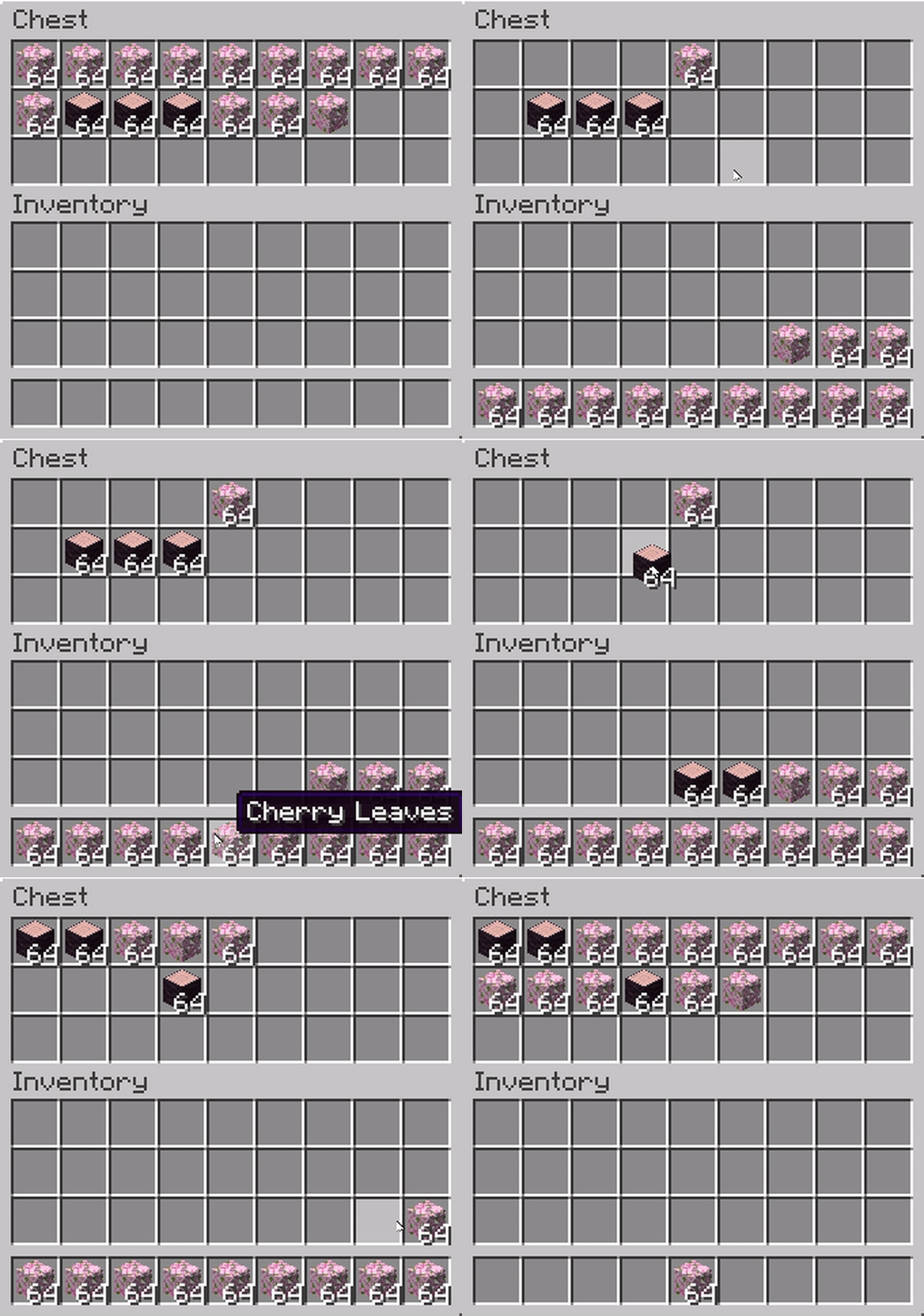
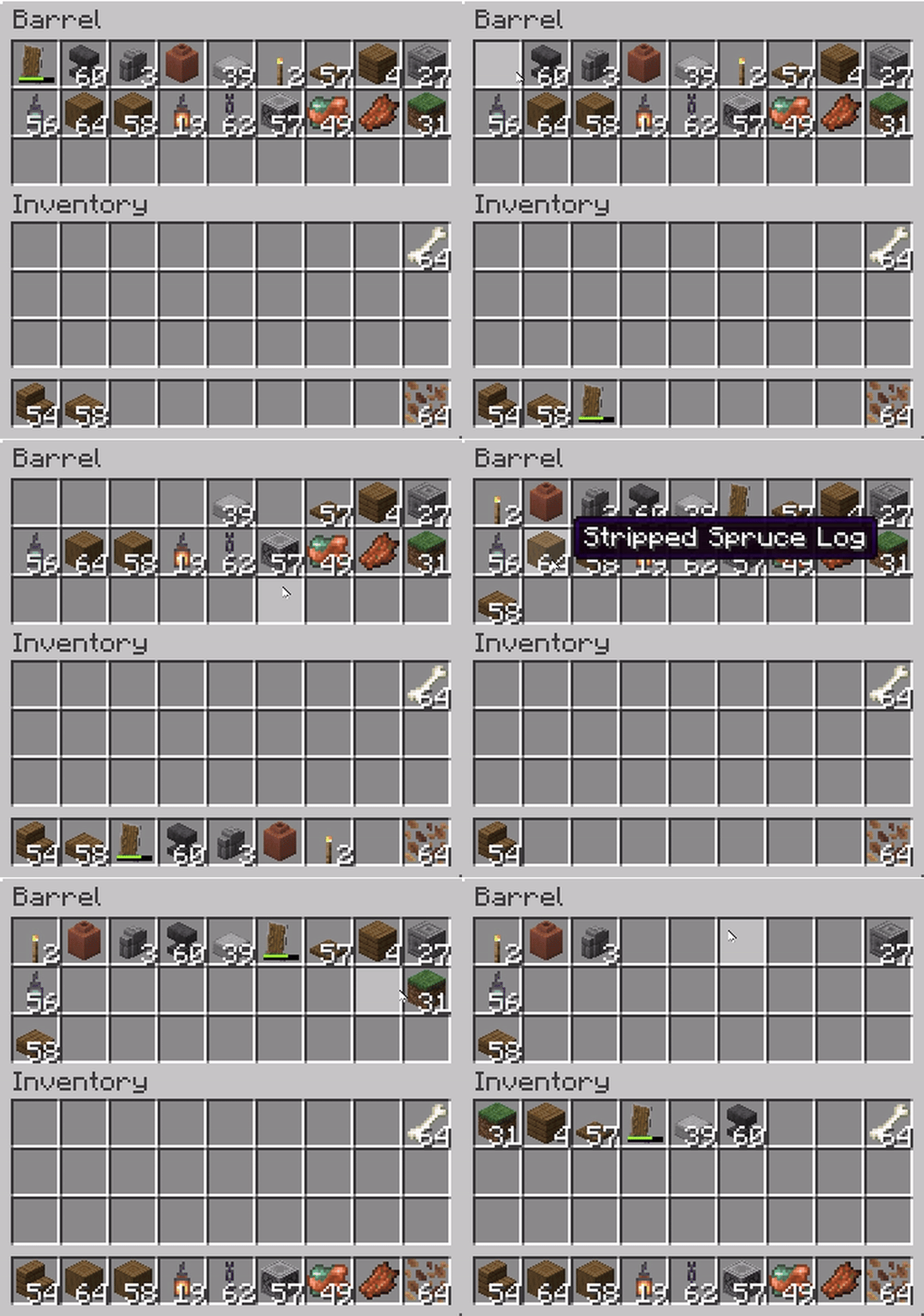
Makes Shift+Click behavior consistent: items from any container are moved left to right, just like in the player's inventory.
截图
介绍

|
      |
💬 Description
Makes Shift+Click behavior consistent: items from any container are moved left to right, just like in the player’s inventory.
Works for chests, furnaces, crafting tables, and all containers.
🔹 GIF Showcase
⚠️ Known Issue
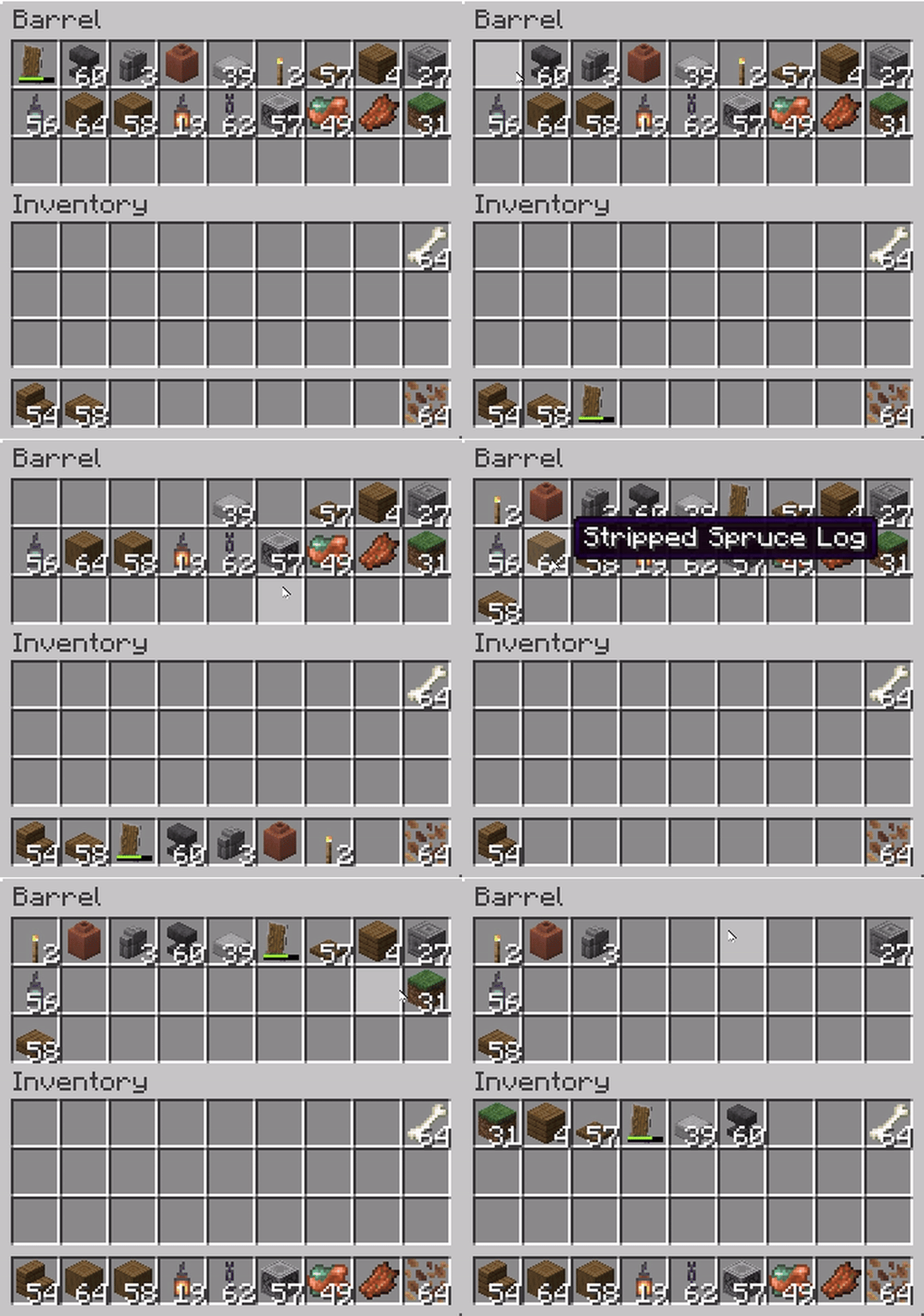
Currently, when using Shift + double-click (Pickup All) in a container, vanilla logic is still applied.
Instead of following the mod’s rule (left → right, starting with hotbar), items are placed right → left across the inventory.
Here’s the difference:
Expected (Consistent Shift):
[Hotbar 1] → [Hotbar 2] → … → [Hotbar 9] → [Main Inventory Left → Right]

Vanilla (current bug):
[Hotbar 9] → [Hotbar 8] → … → [Hotbar 1] → [Main Inventory Right → Left]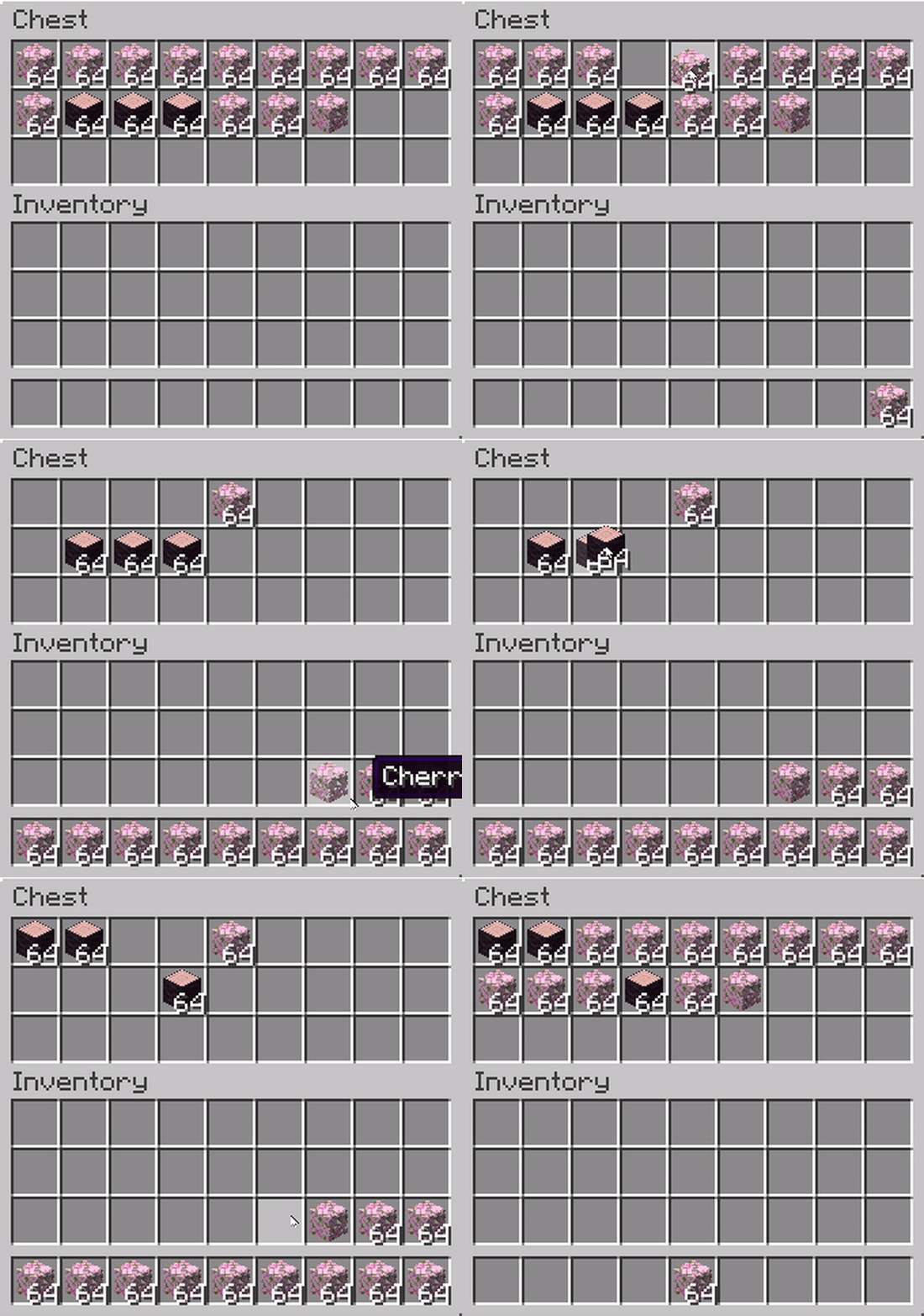
🤝 Contributing
If you know how to fix the Pickup All bug (or have ideas for improvements), feel free to open an issue or a pull request on the GitHub project page.
Community contributions are very welcome!
常见问题
Consistent Shift 支持哪些 Minecraft 版本?
Consistent Shift 支持 Minecraft Java 版 1.17–1.21.8,共 26 个版本,可用的加载器:Fabric。下载时注意选择和你游戏版本一致的文件。
Consistent Shift 怎么安装?
先用 PCL2 或 HMCL 启动器安装对应版本的 Fabric,再把下载的 .jar 文件放进游戏目录的 mods 文件夹,重新启动游戏即可。开启了版本隔离的,mods 文件夹在 versions/版本名 下面。运行环境:仅客户端。
ZipeStudio 的其他作品
查看全部 →
Talking Heads
Client-side Addon for Plasmo Voice & Simple Voice Chat, that scales player heads when they're talking.

Talking Heads
Client-side Addon for Plasmo Voice & Simple Voice Chat, that scales player heads when they're talking.

Bathymetry
Visualizes underwater terrain depth through water color.

Tools On My Back (TOMB)
Displays the last used tool on the player's back. Adds immersive style to your adventures! 🪄 Now with an in-game editor and profile sharing! 🪄
评论
登录后评论和评分