
Zoomburg
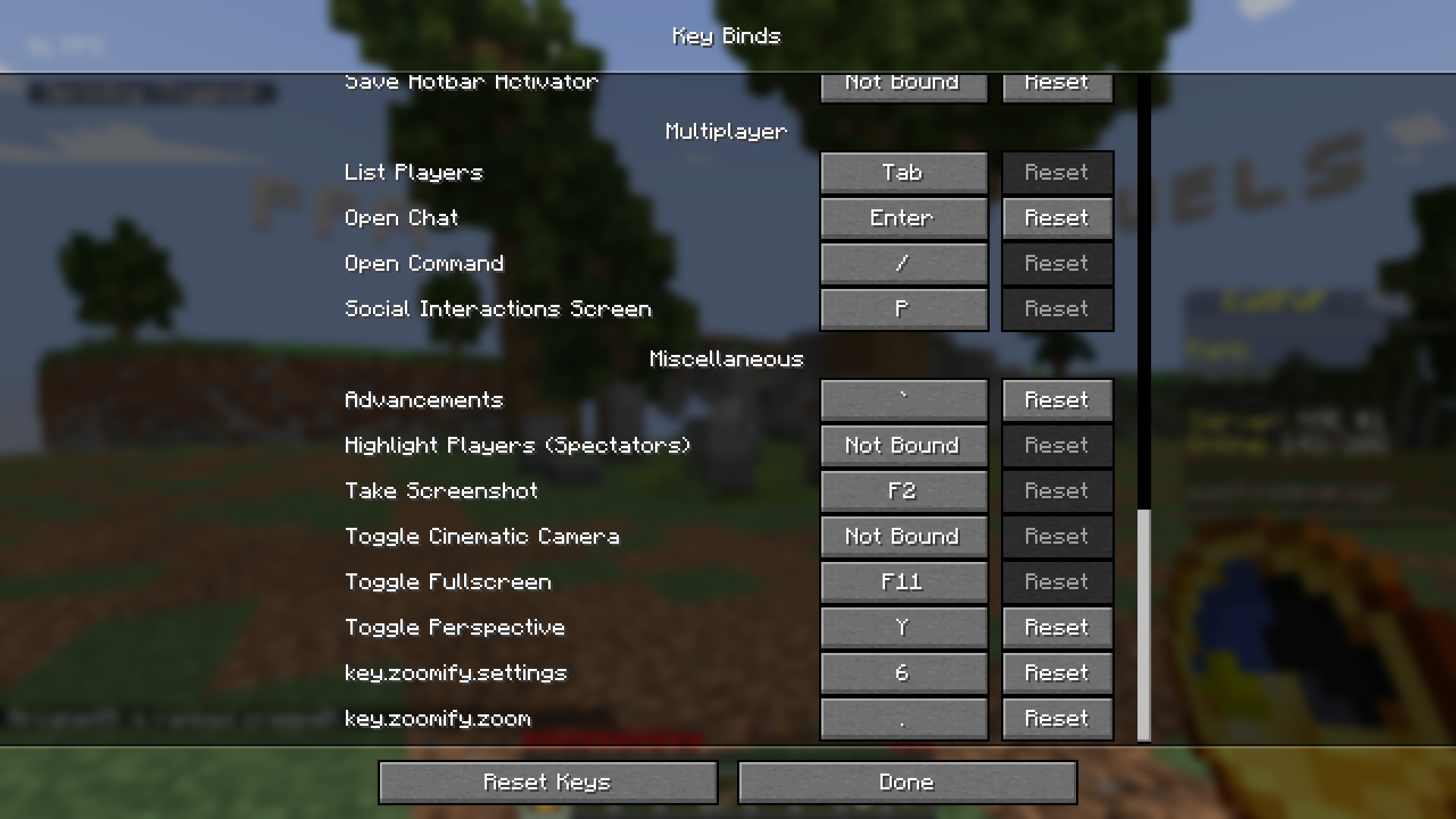
The better Zoom mod, with a customizable zoom using a GUI! Controls are CHANGEABLE through Minecraft\Options\Keybinds!
截图
介绍
🔭 Zoomburg – Zoom Like a Pro, Anytime, Anywhere!
“Why squint when you can Zoomburg?”
Tired of missing out on the details? Want to zoom in without clunky spyglasses or switching to OptiFine? Zoomburg is your new favorite zoom mod — lightweight, stylish, and fully customizable.
🚀 Features That Just Zoom Ahead: \
🎯 One-Key Zooming – Just press C (or your custom key) to instantly zoom in on the action.
🔁 Scroll-to-Zoom Support – Use your scroll wheel to smoothly adjust zoom levels on the fly.
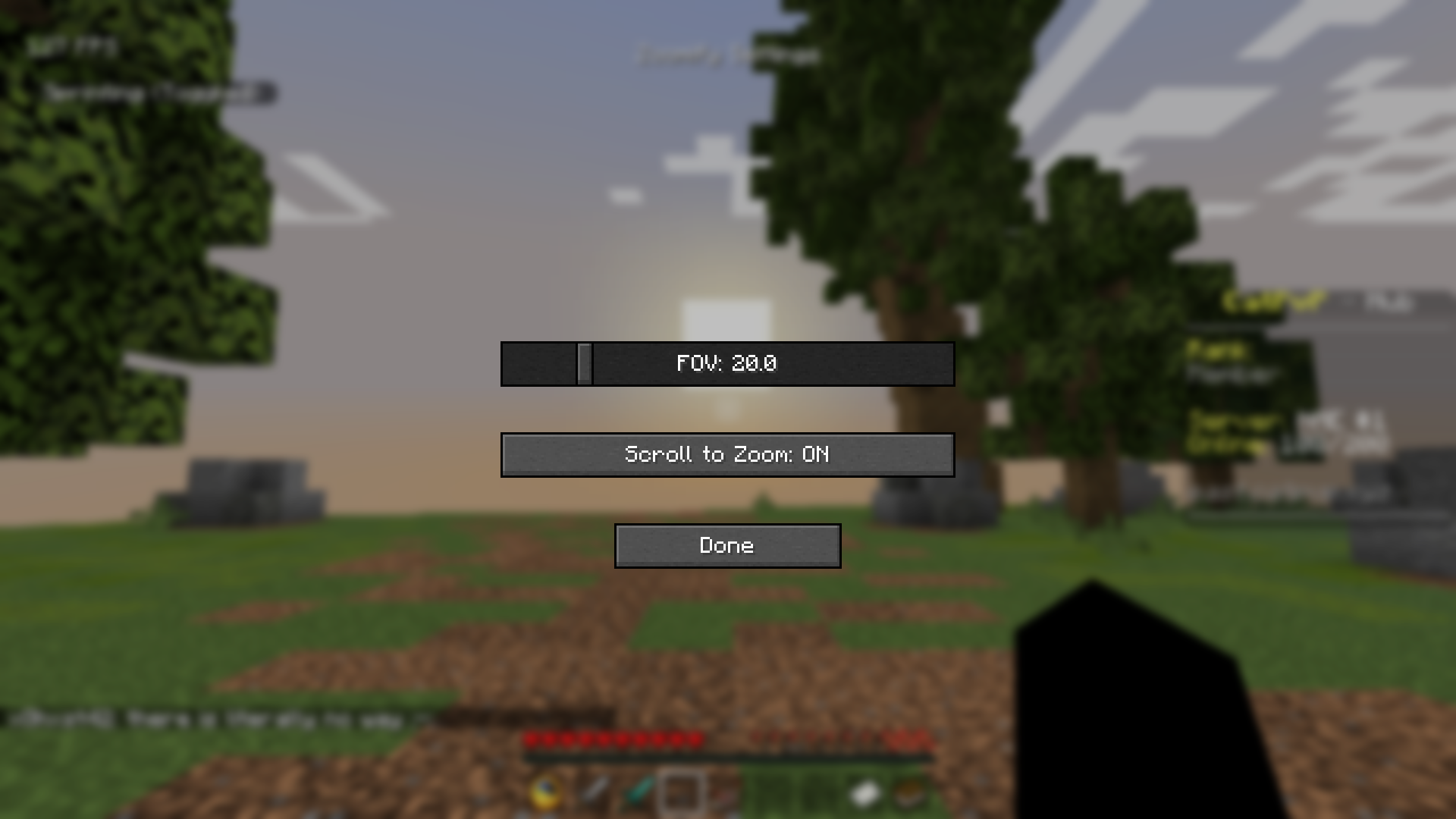
🖥️ Clean Settings GUI – \
→ Adjust your zoom FOV in real-time \
→ Enable or disable scroll-to-zoom with a simple checkbox \
→ No config files needed – just plug and play!
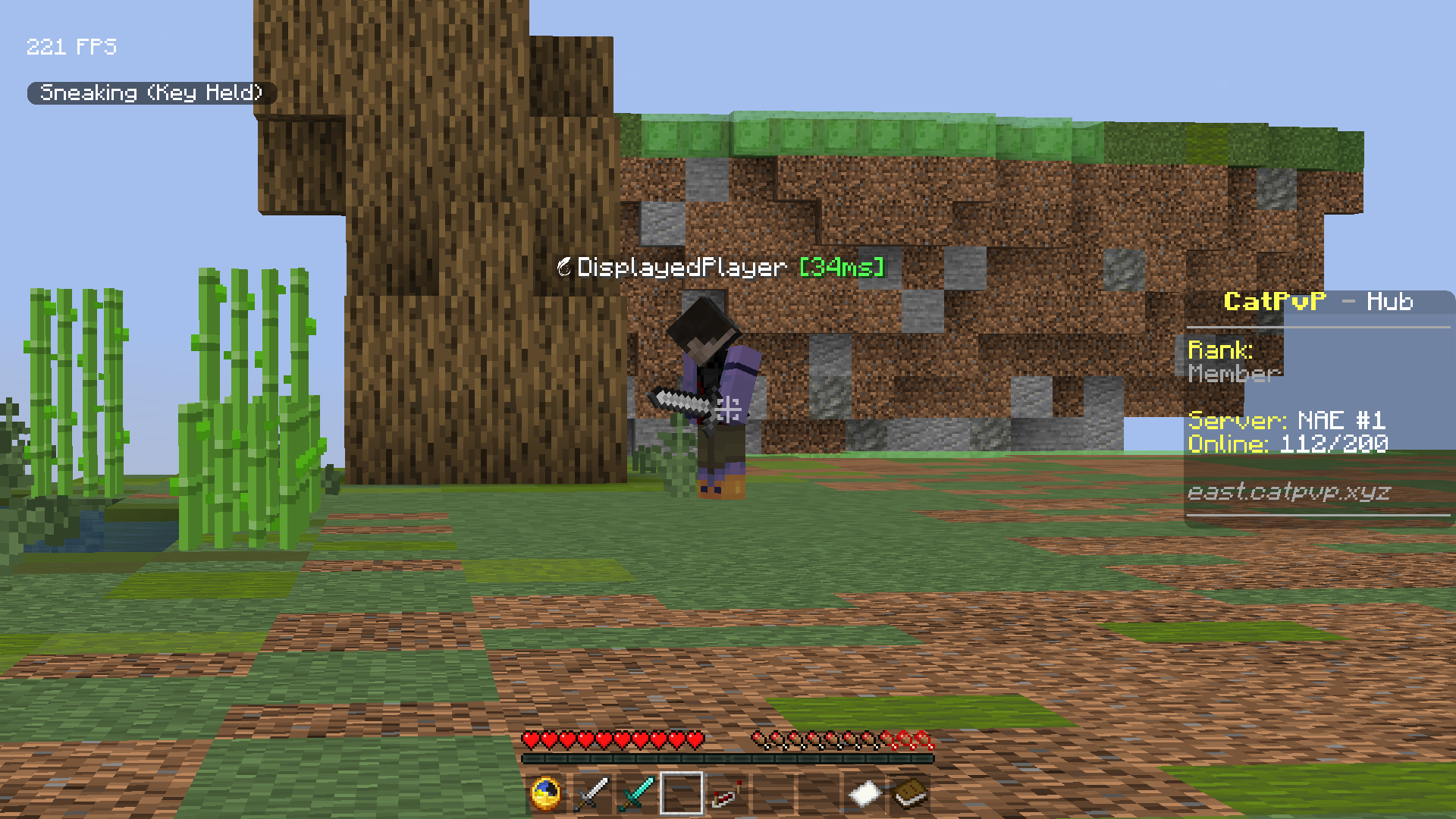
🧊 Minimal & Fast – Doesn’t slow down your game or mess with visuals. Perfect for PvP, building, exploring, or cinematics.
🔧 Built with Fabric Loom – Fast updates, easy compatibility, and a stable experience.
🎮 Why Choose Zoomburg? \
Because you deserve better than static spyglasses. Zoomburg is made for modern Minecraft — responsive, smooth, and flexible. Whether you’re a hardcore PvPer, a master builder, or just want a better view of that creeper in the distance… Zoomburg zooms when you need it most.
常见问题
Zoomburg 支持哪些 Minecraft 版本?
Zoomburg 支持 Minecraft Java 版 1.21–1.21.8,共 8 个版本,可用的加载器:Fabric。下载时注意选择和你游戏版本一致的文件。
Zoomburg 怎么安装?
先用 PCL2 或 HMCL 启动器安装对应版本的 Fabric,再把下载的 .jar 文件放进游戏目录的 mods 文件夹,重新启动游戏即可。开启了版本隔离的,mods 文件夹在 versions/版本名 下面。运行环境:仅客户端。
Calamity Plugins 的其他作品
查看全部 →
AutoTotem Plus
A 1.21+ compatiable auto totem mod. NOTE: THIS MOD IS NOT MEANT TO BE USED FOR BREAKING ANY SERVER RULES
Zoomburg
The better Zoom mod, with a customizable zoom using a GUI! Controls are CHANGEABLE through Minecraft\Options\Keybinds!
评论
登录后评论和评分