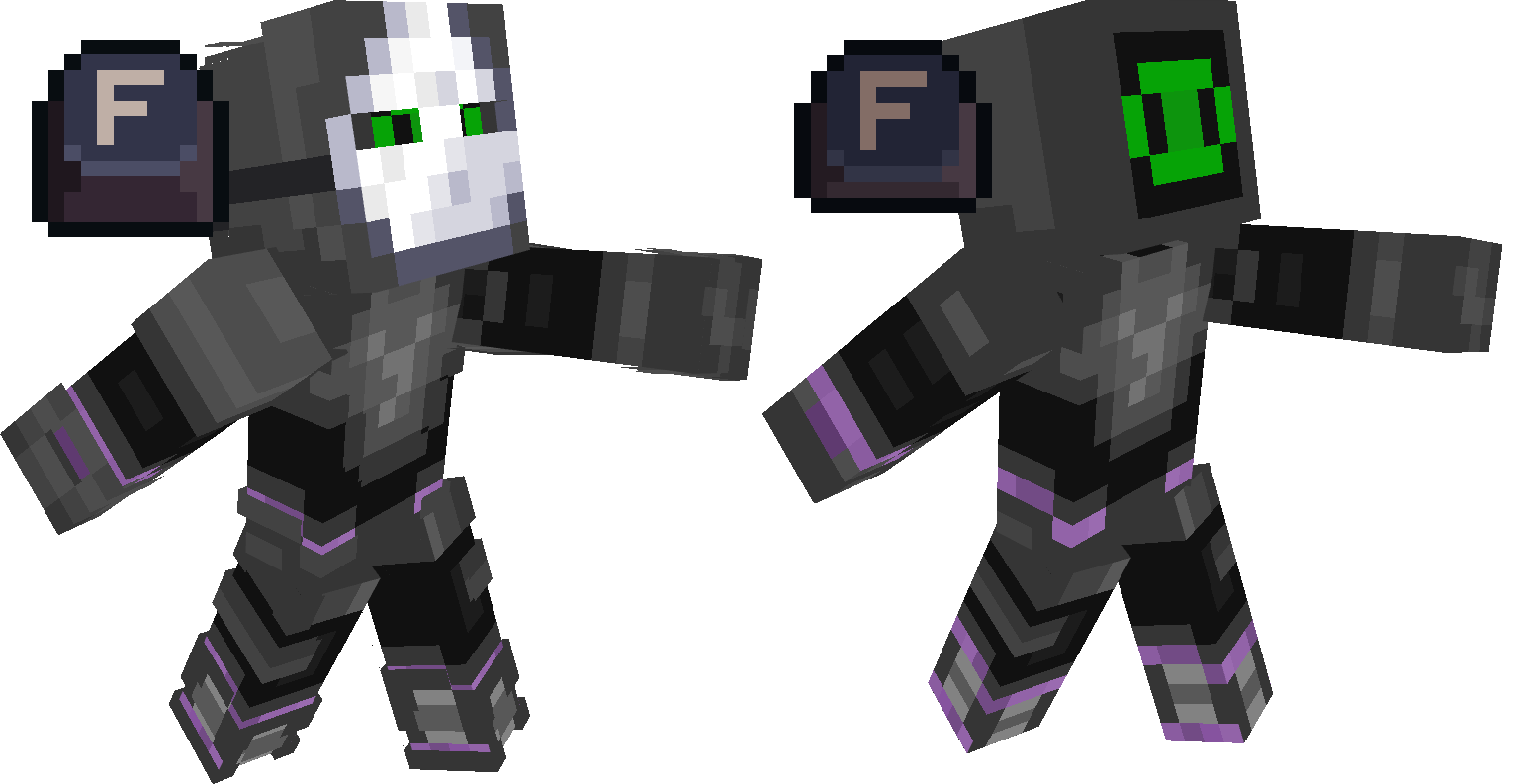
Skin Layers Hide
Switch skin layers by hotkeys. To change the bind, go to the settings and there will be categories. "Skin layers hide - All", "Skin layers hide - Groups", "Skin layers hide - Parts"
截图

介绍


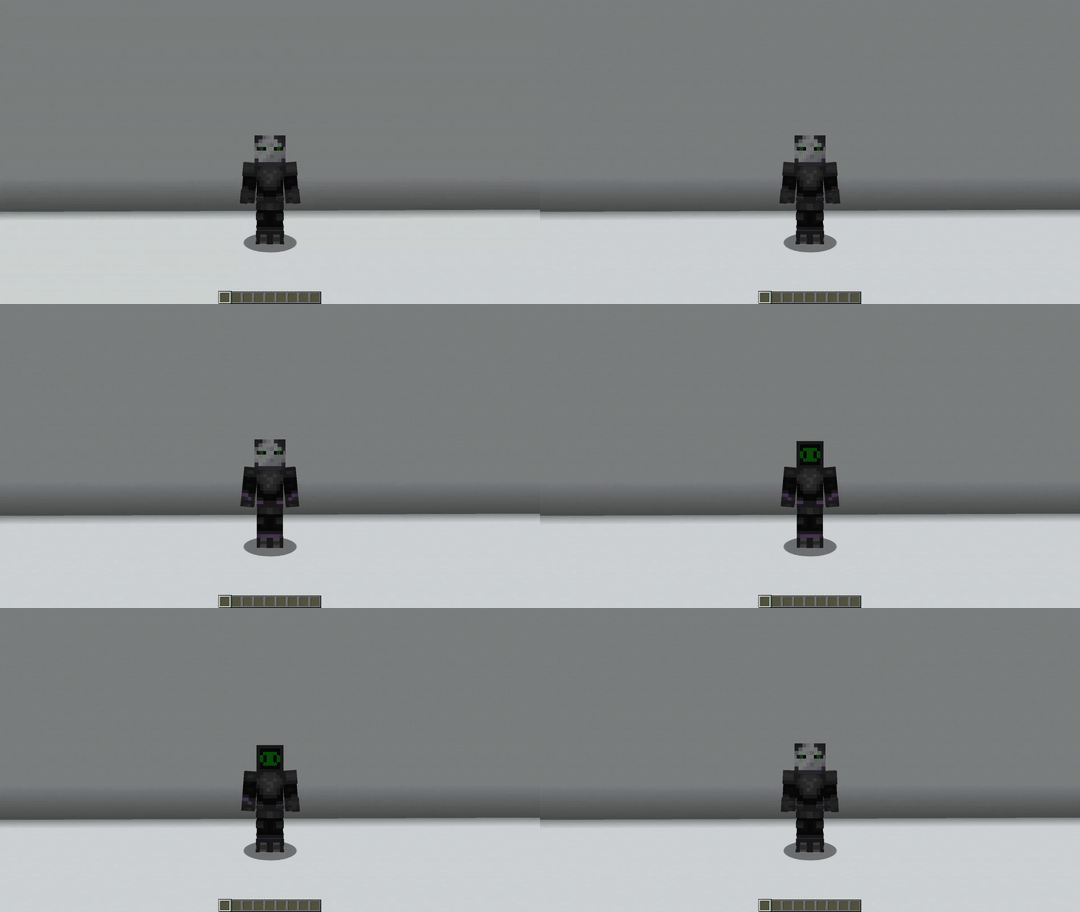
Skin Layers Hide

Switch skin layers by hotkeys
## To change the bind, go to the settings and there will be categories.
### “Skin layers hide – All”,
“All layer on/off”
“All layer on/off (The cape does not turn off)”
### “Skin layers hide – Groups” ###
“Body on/off”
“Pants on/off”
### “Skin layers hide – Parts”
“Hat on/off”
“Jacket on/off”
“Right sleeve on/off”
“Left sleeve on/off”
“Right pains leg on/off”
“Left pains leg on/off”
“Cape on/off”
常见问题
Skin Layers Hide 支持哪些 Minecraft 版本?
Skin Layers Hide 支持 Minecraft Java 版 1.12.2–1.21.11,共 30 个版本,可用的加载器:Fabric / Forge / NeoForge。下载时注意选择和你游戏版本一致的文件。
Skin Layers Hide 怎么安装?
先用 PCL2 或 HMCL 启动器安装对应版本的 Fabric / Forge / NeoForge,再把下载的 .jar 文件放进游戏目录的 mods 文件夹,重新启动游戏即可。开启了版本隔离的,mods 文件夹在 versions/版本名 下面。运行环境:仅客户端。
S1lb 的其他作品
查看全部 →
Kingdom
The Kingdom mod adds a variety of tools, armor, and crafting mechanics, as well as new ores.

It’s all doors
This mod adds 42 new doors and 22 trapdoors from different blocks! It can be useful for decorating your buildings.

TF2 Rocket Jumper
This resource pack changes models: Mace and Wind charge
评论
登录后评论和评分