
More Keybinds
It lets you add more keys to one keybind. Super easy to use. (I'm not the first person to make this)
截图
介绍
Cowboy’s Multi Keybinds
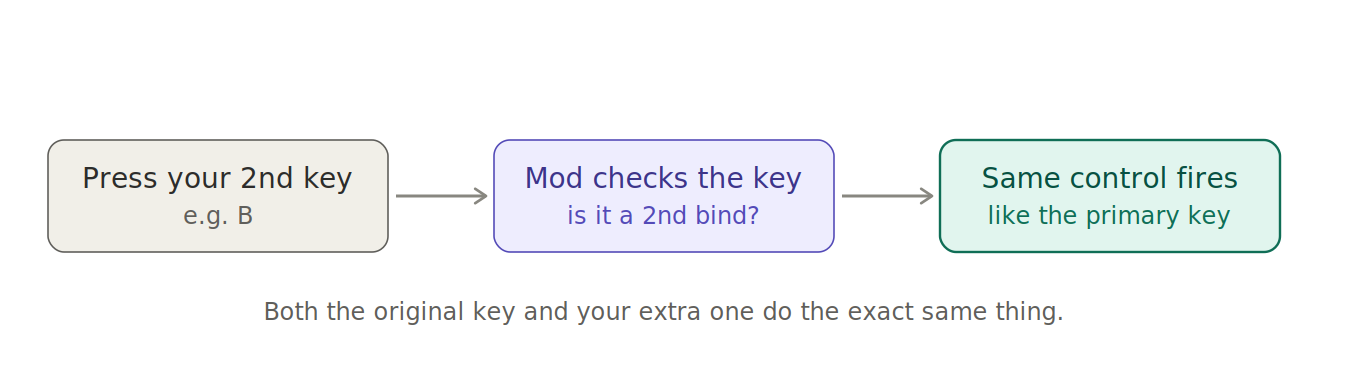
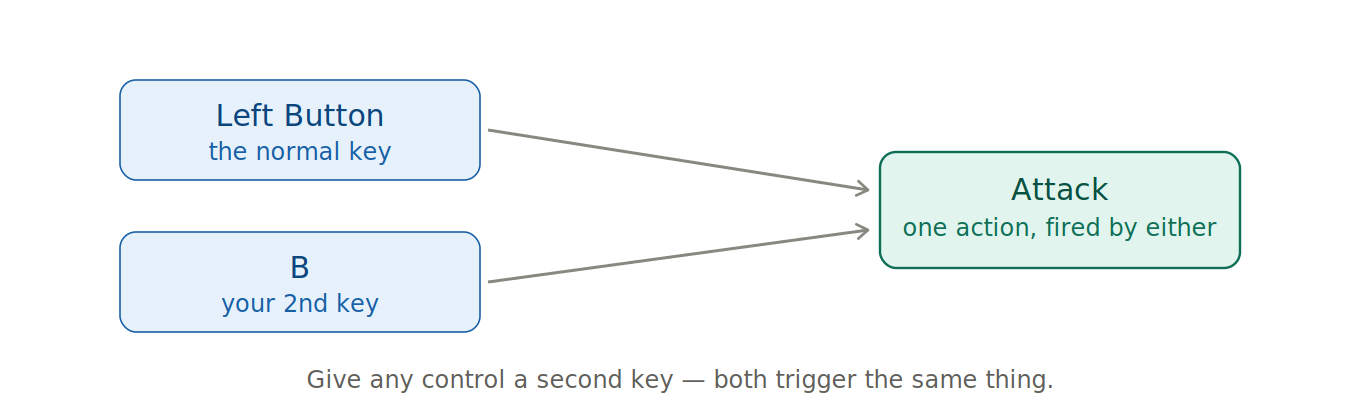
Have you ever wanted to perform one action using two different keys? Minecraft only allows you to assign a control to a single key. This feature solves that problem. You can give any keybind a second key or mouse button, and both will activate it. Want to attack using left-click and B? Sprint using both your usual key and a side mouse button? Go ahead.
How to use it
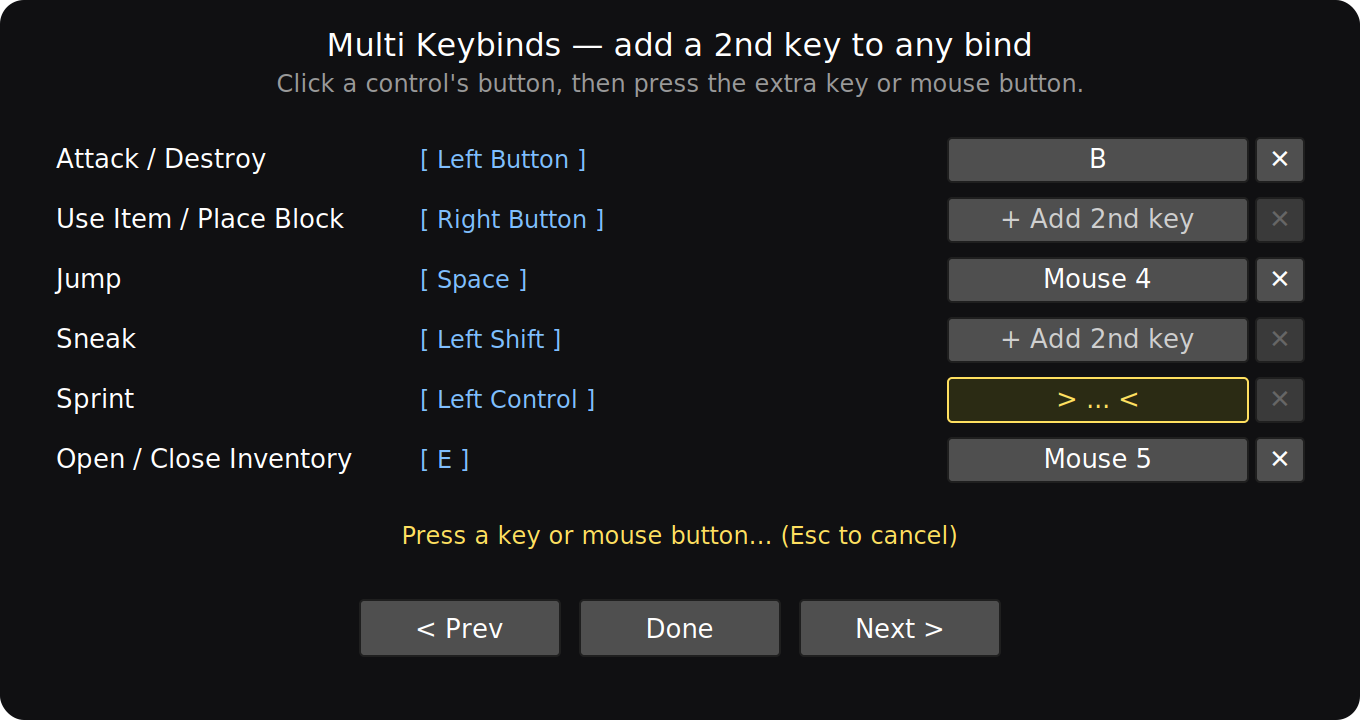
Press ] to open the Multi-Keybinds menu (you can change this key in Options → Controls). Click the button next to any control. Press the key or mouse button you want to use as its second trigger. Done.
The little X clears a second key if you change your mind. Your binds are saved and remain between sessions. It starts off empty; nothing is pre-set, so it won’t interfere with your controls until you decide to use it. It also won’t alter any keybinds you haven’t set up yourself.
Notes
This works with both held actions (like movement, sneak, and attack) and tap actions (like inventory, drop, and swap). It only runs on the client side. It is safe to use on any server—vanilla, realms, or otherwise—because it only manages your own input. This feature requires Fabric API.
Built for Minecraft 1.21.11.
常见问题
More Keybinds 支持哪些 Minecraft 版本?
More Keybinds 支持 Minecraft Java 版 1.21.11,可用的加载器:Fabric。下载时注意选择和你游戏版本一致的文件。
More Keybinds 怎么安装?
先用 PCL2 或 HMCL 启动器安装对应版本的 Fabric,再把下载的 .jar 文件放进游戏目录的 mods 文件夹,重新启动游戏即可。开启了版本隔离的,mods 文件夹在 versions/版本名 下面。运行环境:仅客户端。
评论
登录后评论和评分