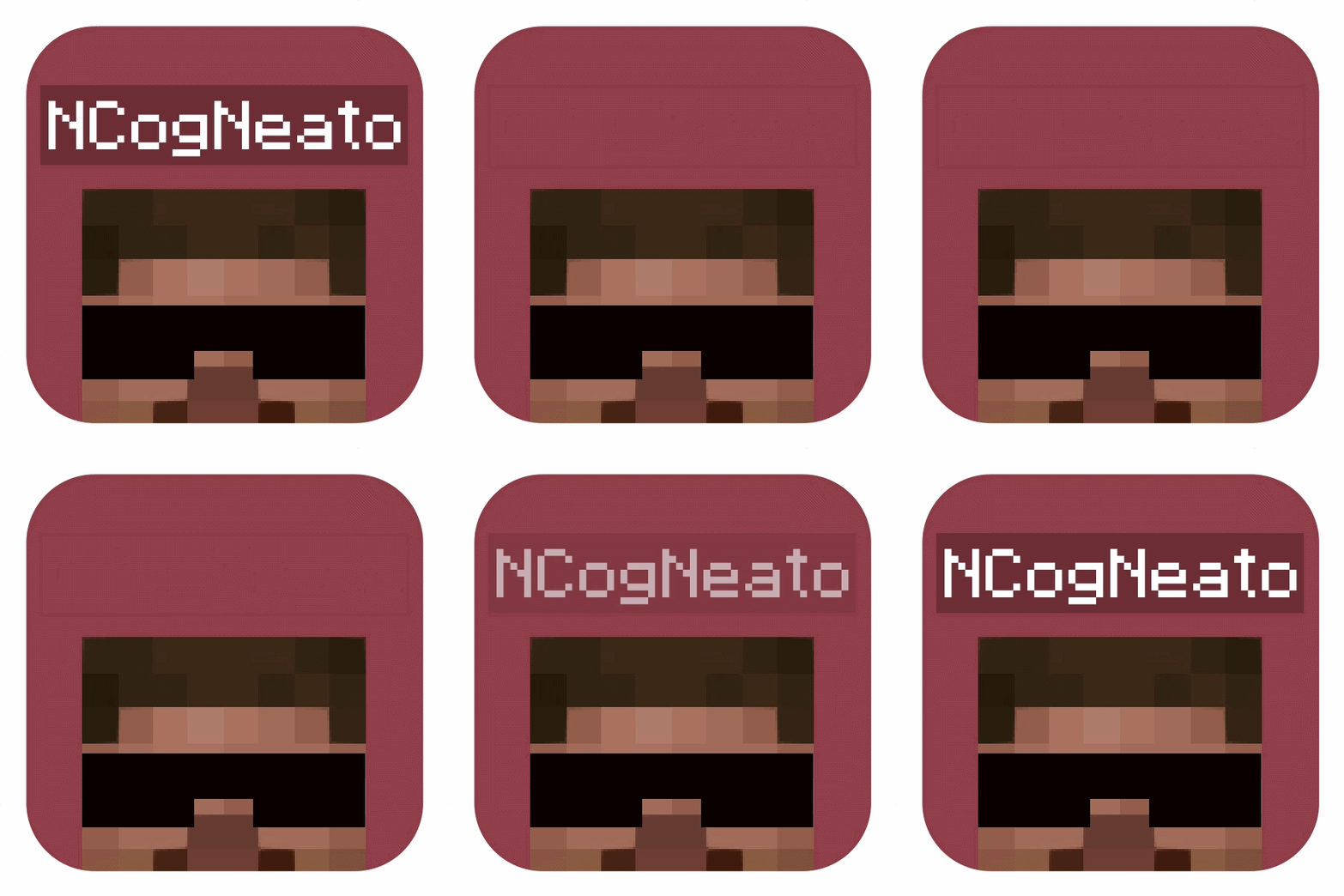
截图

介绍
No Player Nametags
Removes the nameplates from above player’s heads!
_No config necessary – add this to your world and you’re good to go o7_
- This implementation does not utilize the “/team” command, removing the risk of pack/mod conflicts common to other/older methods
- Nametag visibility can be toggled back on (and back off) at any time using the commands shown below
completely optional – by default just installing the pack hides all player names without any further action needed 👍
Toggle Commands
To re-enable player nameplate display:
/function no_player_nametags:config/show_player_nametags To re-disable player nameplate display:
/function no_player_nametags:config/hide_player_nametagsJust typing “/function show” or “/function hide” in-game will get you enough auto-complete to run either command
_Thx for checking out my datapack!_ – DRE
Contact
feel free to reach out with any issues/inquiries at: [email protected]
常见问题
No Player Nametags 支持哪些 Minecraft 版本?
No Player Nametags 支持 Minecraft Java 版 26.2–26.3,共 2 个版本,可用的加载器:Fabric / Forge / NeoForge / Quilt。下载时注意选择和你游戏版本一致的文件。
No Player Nametags 怎么安装?
先用 PCL2 或 HMCL 启动器安装对应版本的 Fabric / Forge / NeoForge / Quilt,再把下载的 .jar 文件放进游戏目录的 mods 文件夹,重新启动游戏即可。开启了版本隔离的,mods 文件夹在 versions/版本名 下面。运行环境:客户端 / 服务端。
DRECUBED 的其他作品
查看全部 →
Elytra Lunge
Allows the "Lunge" enchantment to work while gliding with an elytra

Simple Fast Happy Ghasts
Lightweight pack that makes happy ghasts fly faster when being ridden

Elytra Boost
Adds an Enchantment That Makes Elytra Constantly Accelerate Without Rockets

Simple Sugarcane Farming
Allows sugarcane to grow without water
评论
登录后评论和评分