
截图


介绍

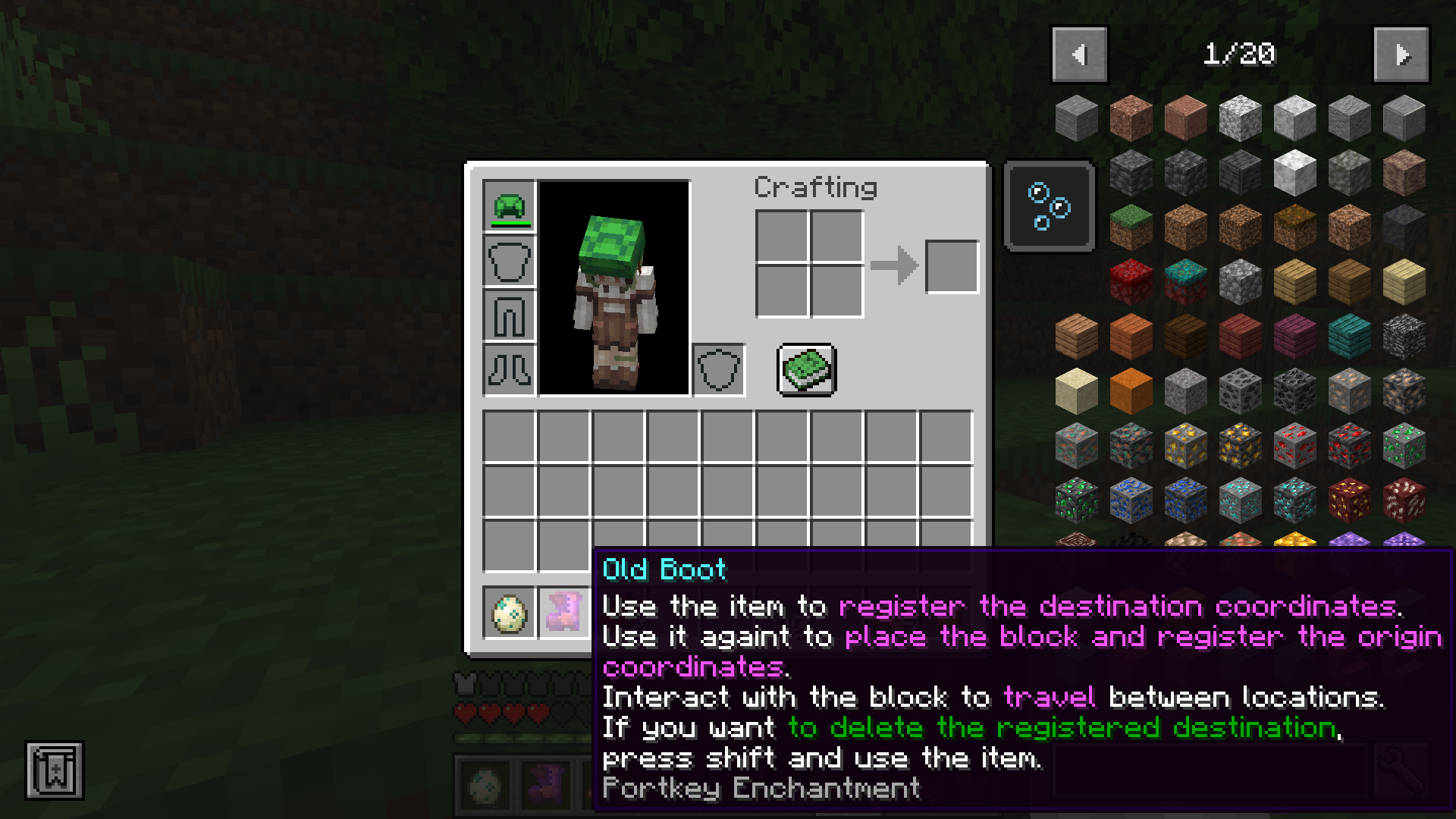
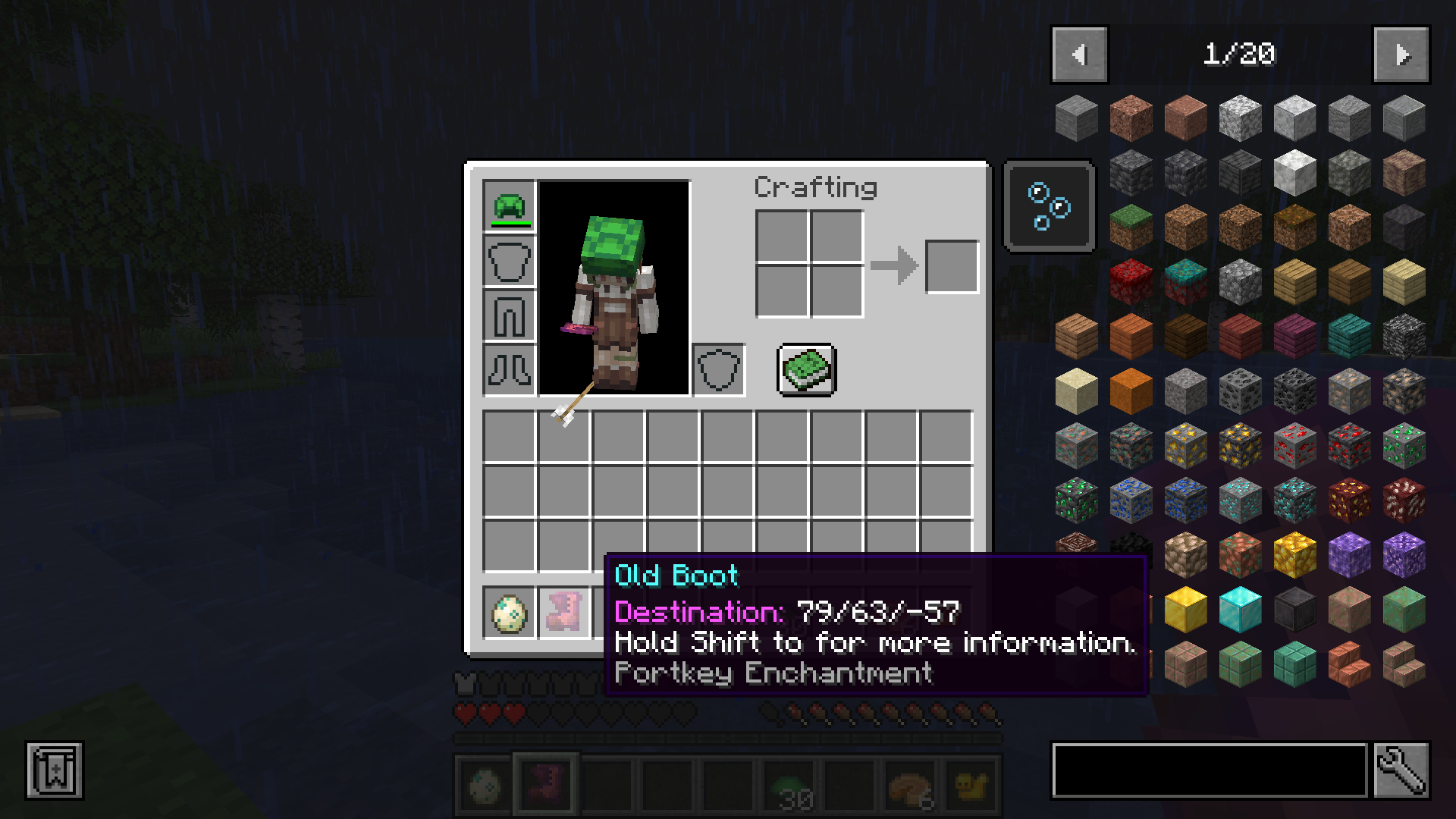
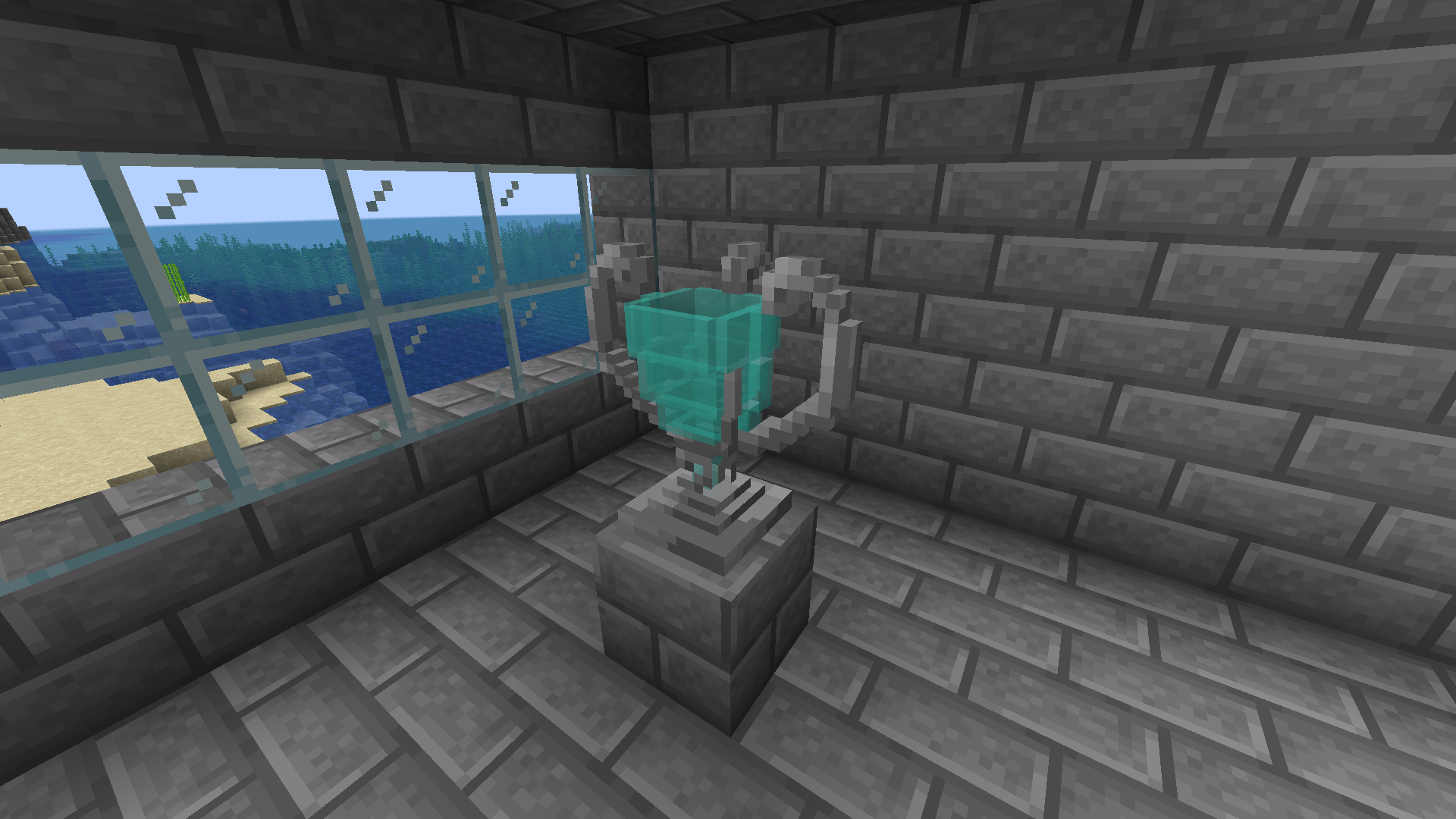
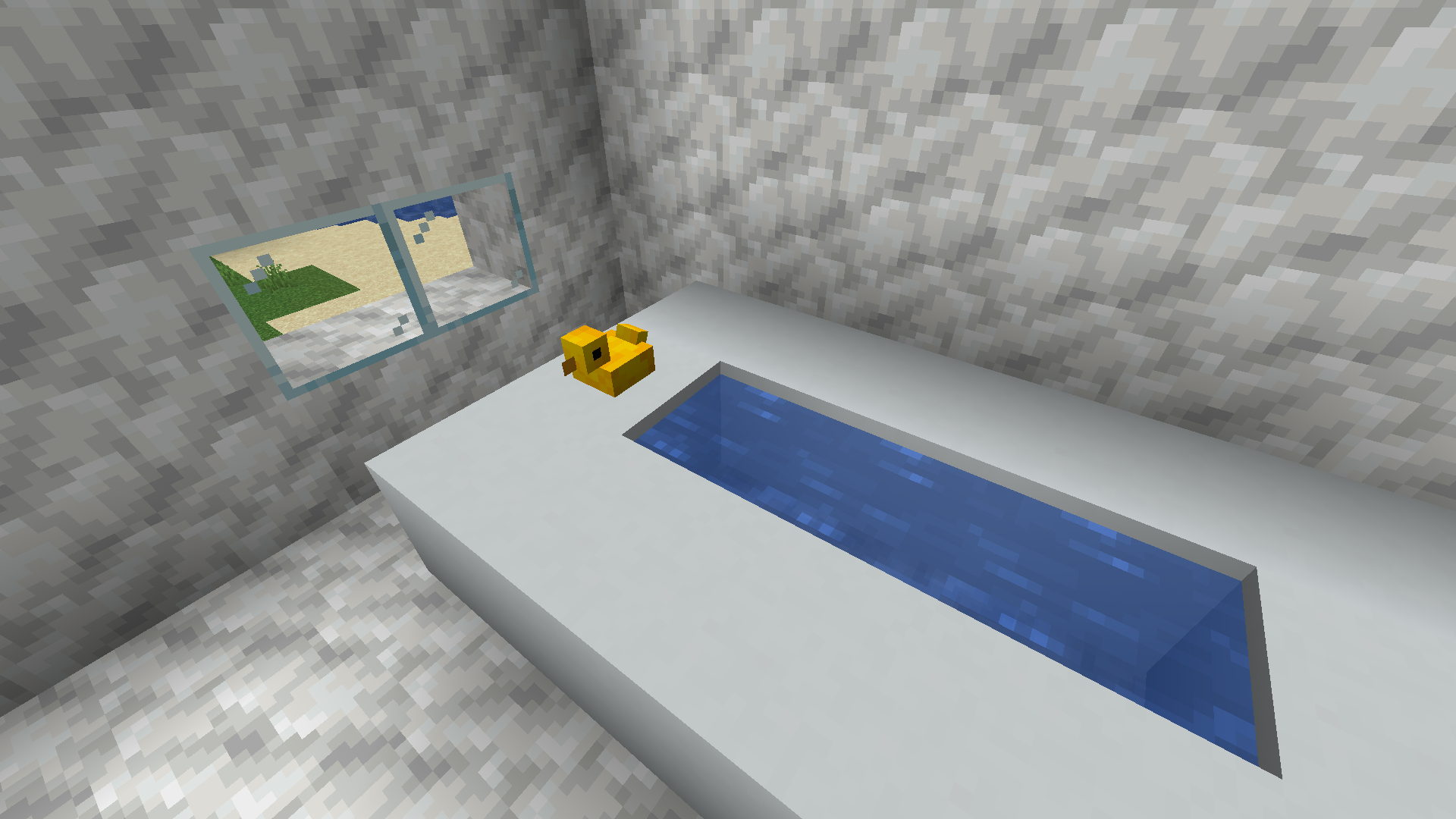
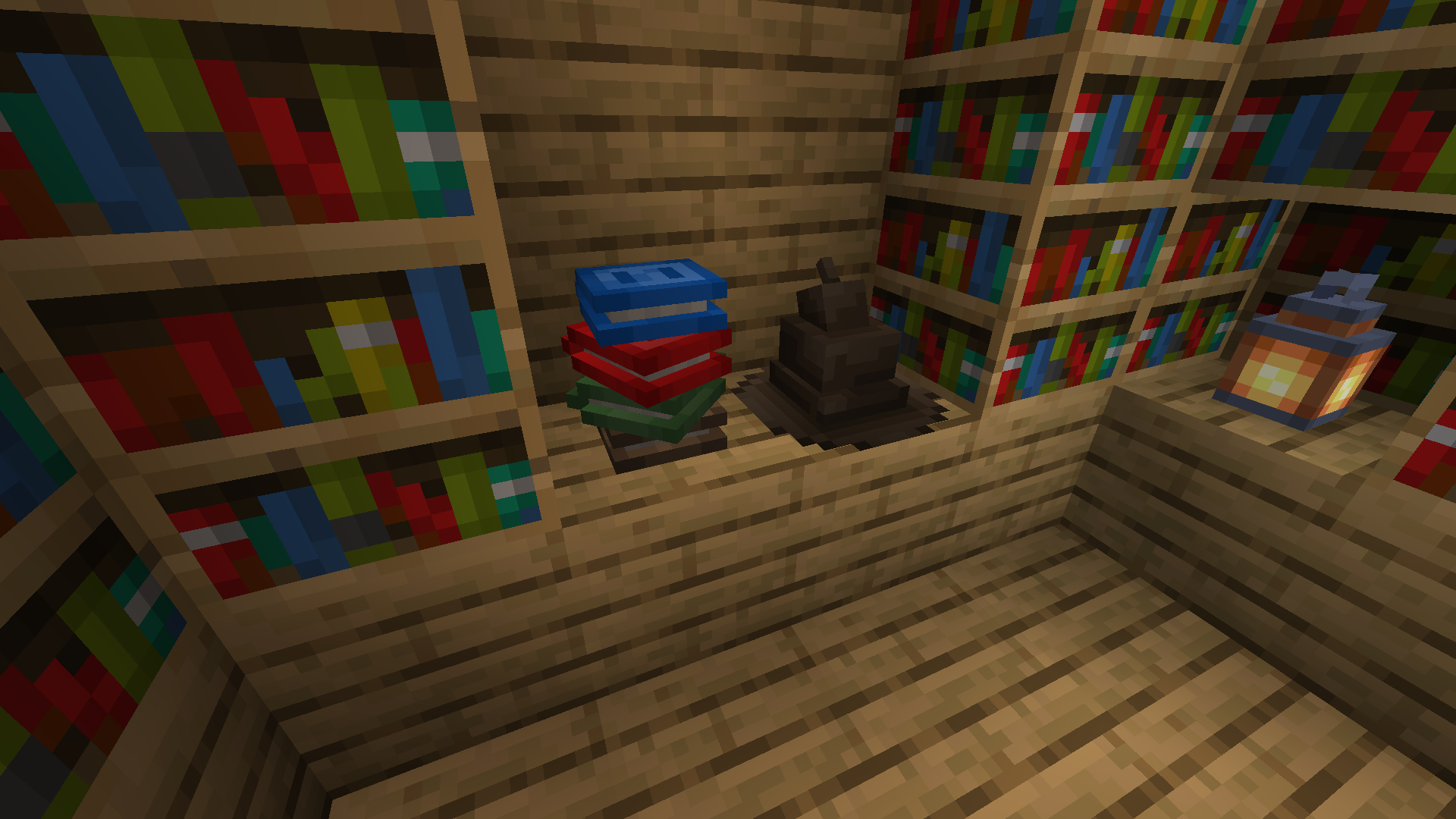
This mod adds some blocks that if you enchant them they become into magical portkeys. These portkeys allows players to teleport between locations.

“Why are they all standing around that manky old boot?”
“That isn’t just any old manky boot mate. It’s a portkey.”
How does it work?
1.- Craft one of our blocks and, on the enchanting table, enchant the block with the portkey-enchant

2.- Use the enchanted portkey on a block to set the destination (If you want to change the destination, use the portkey in your hand while pressing shift to delete the saved destination)
3.- Use it again on another block to place the portkey and set the origin location
4.- Right-click on the placed portkey to teleport yourself to the previous set destination. Enjoy!

But you must know this kind of magic CANT work between different dimensions.
Right of Use
- You can add this mod to a modpack (credits are appreciated). Note that the mod has not be fully tested on servers.
- Do NOT re-upload this mod on other websites. Always use a link to this page.
常见问题
Portkey 支持哪些 Minecraft 版本?
Portkey 支持 Minecraft Java 版 1.18–1.19.2,共 6 个版本,可用的加载器:Forge。下载时注意选择和你游戏版本一致的文件。
Portkey 怎么安装?
先用 PCL2 或 HMCL 启动器安装对应版本的 Forge,再把下载的 .jar 文件放进游戏目录的 mods 文件夹,重新启动游戏即可。开启了版本隔离的,mods 文件夹在 versions/版本名 下面。运行环境:客户端和服务端都要装。
AlienPatois 的其他作品
查看全部 →
Turtlemancy
Turtles are magical. Now that you now it... What are you going to do?

Glued
Make Glue, stain the ground with it and make mobs get glued.

Portkey
Teleport between locations in a wizardly style.

Glued
Make Glue, stain the ground with it and make mobs get glued
评论
登录后评论和评分