
MC-26 GX
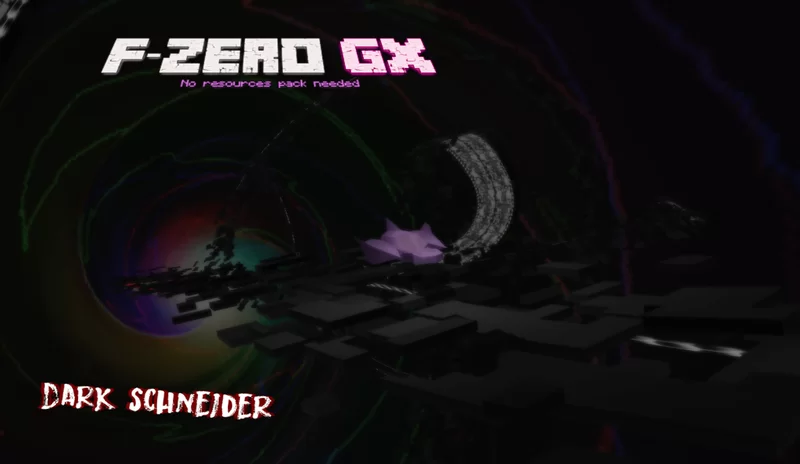
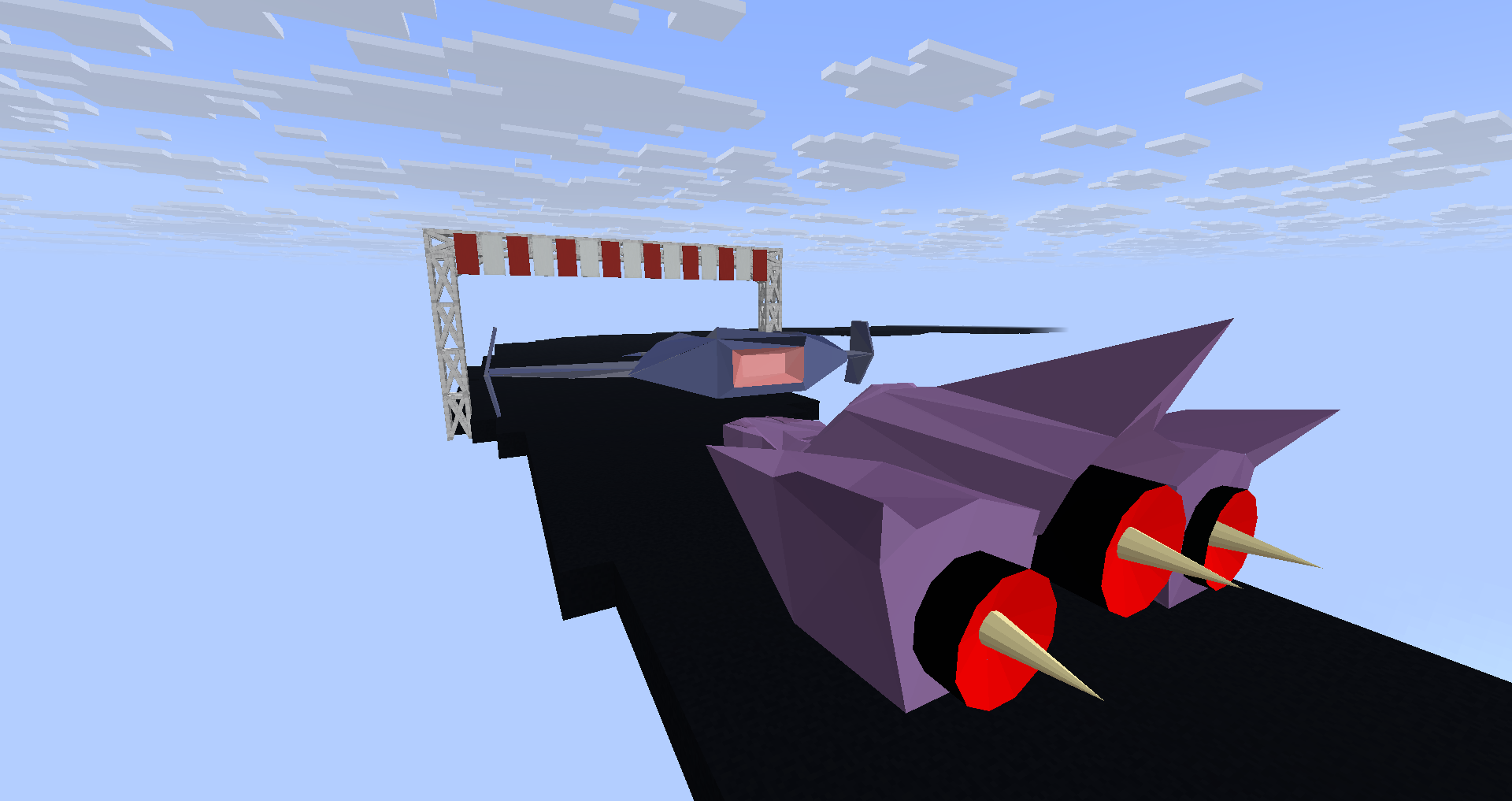
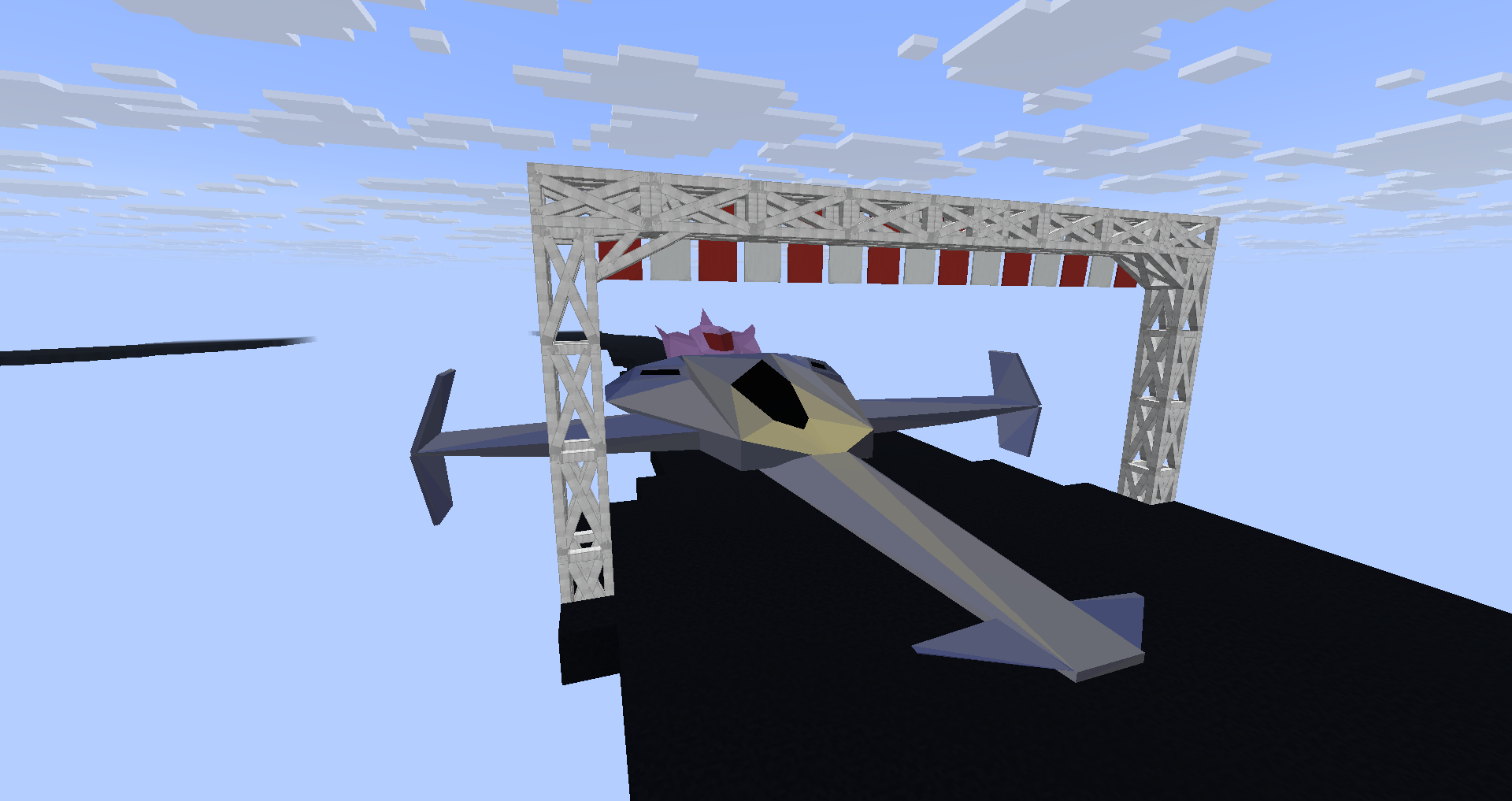
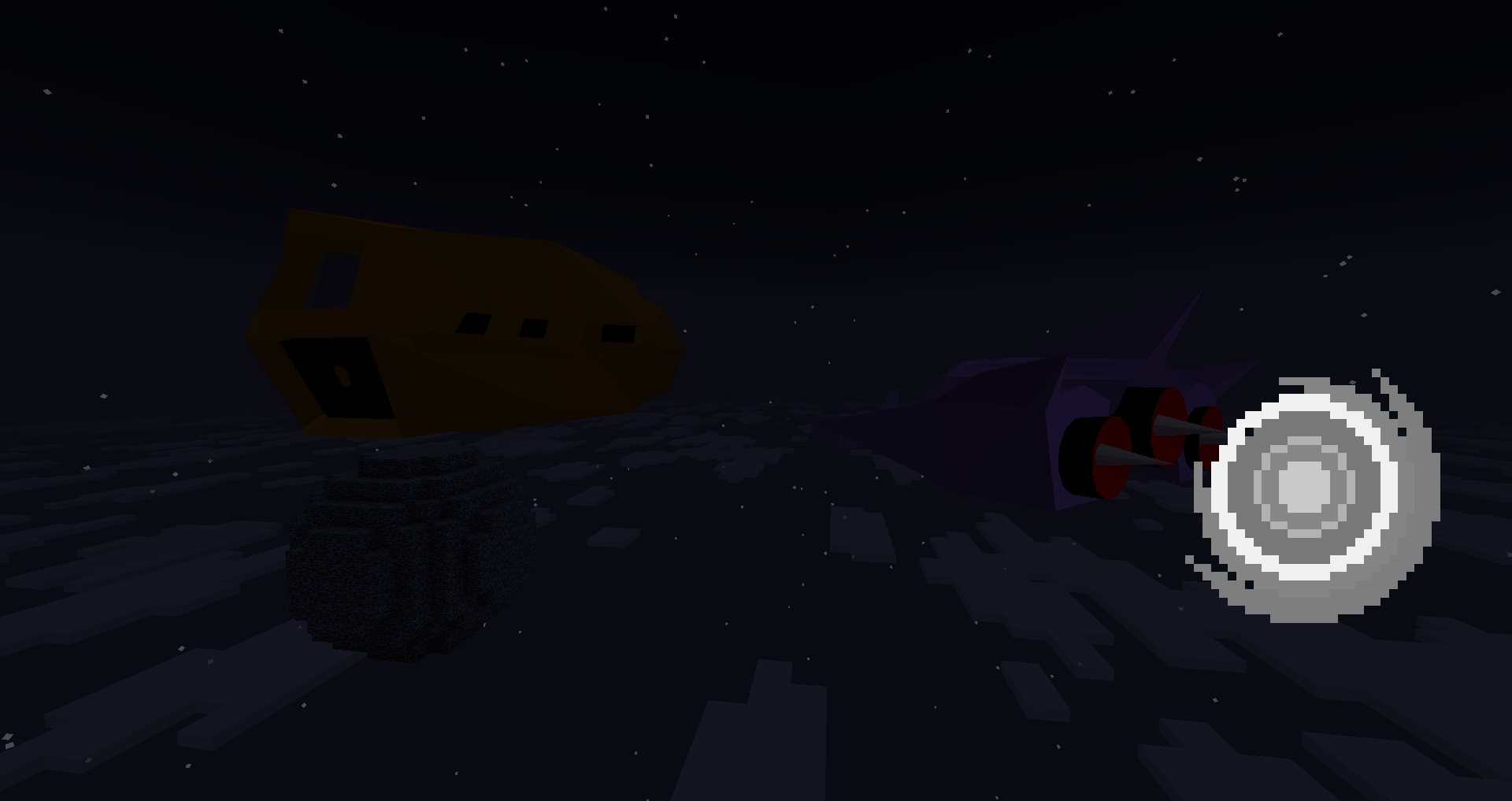
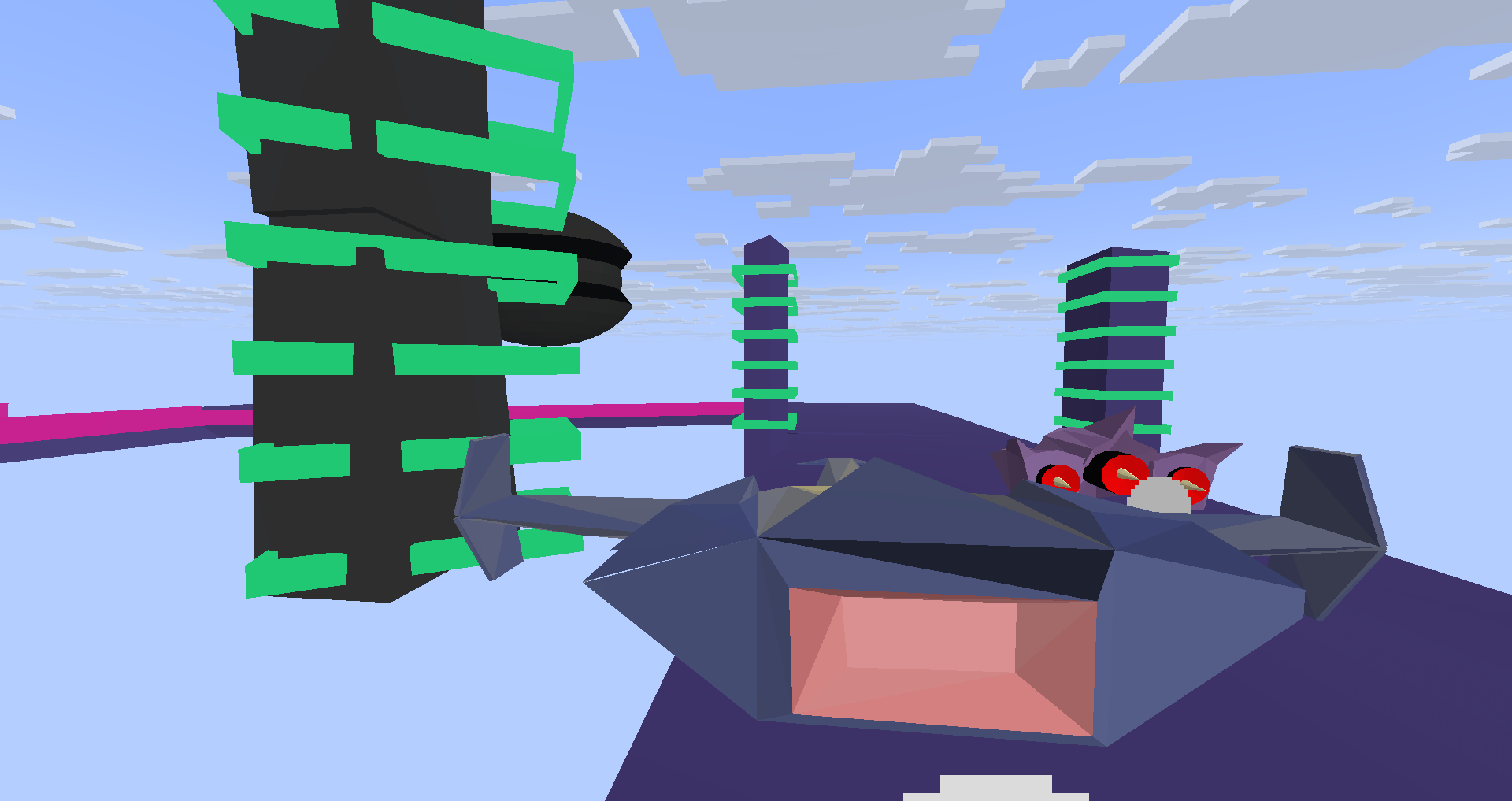
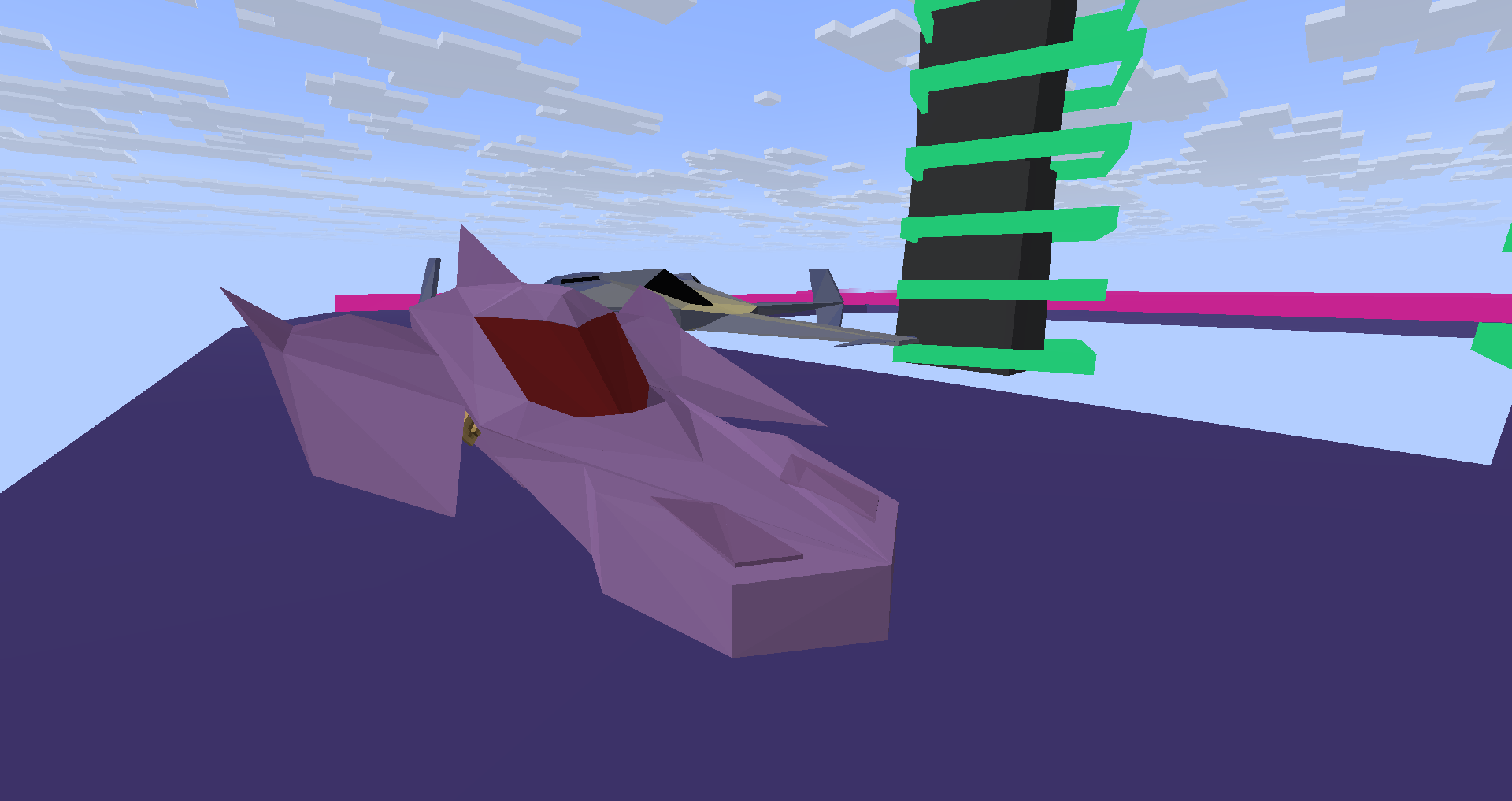
This datapack adds driveable 3D spaceship modeled in blender, inspired from F-Zero GX
截图

介绍
MC-26 GX: No resource pack required
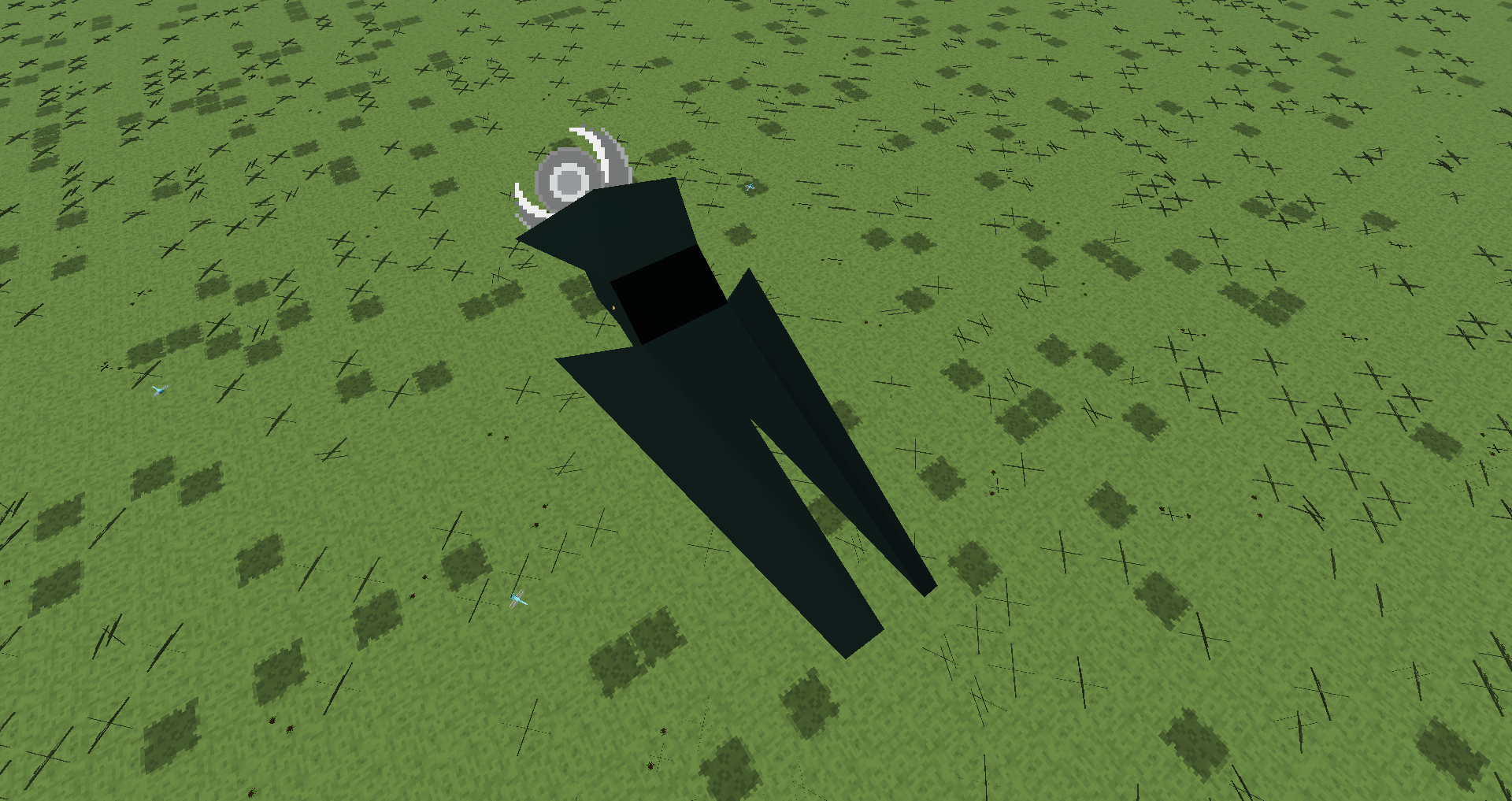
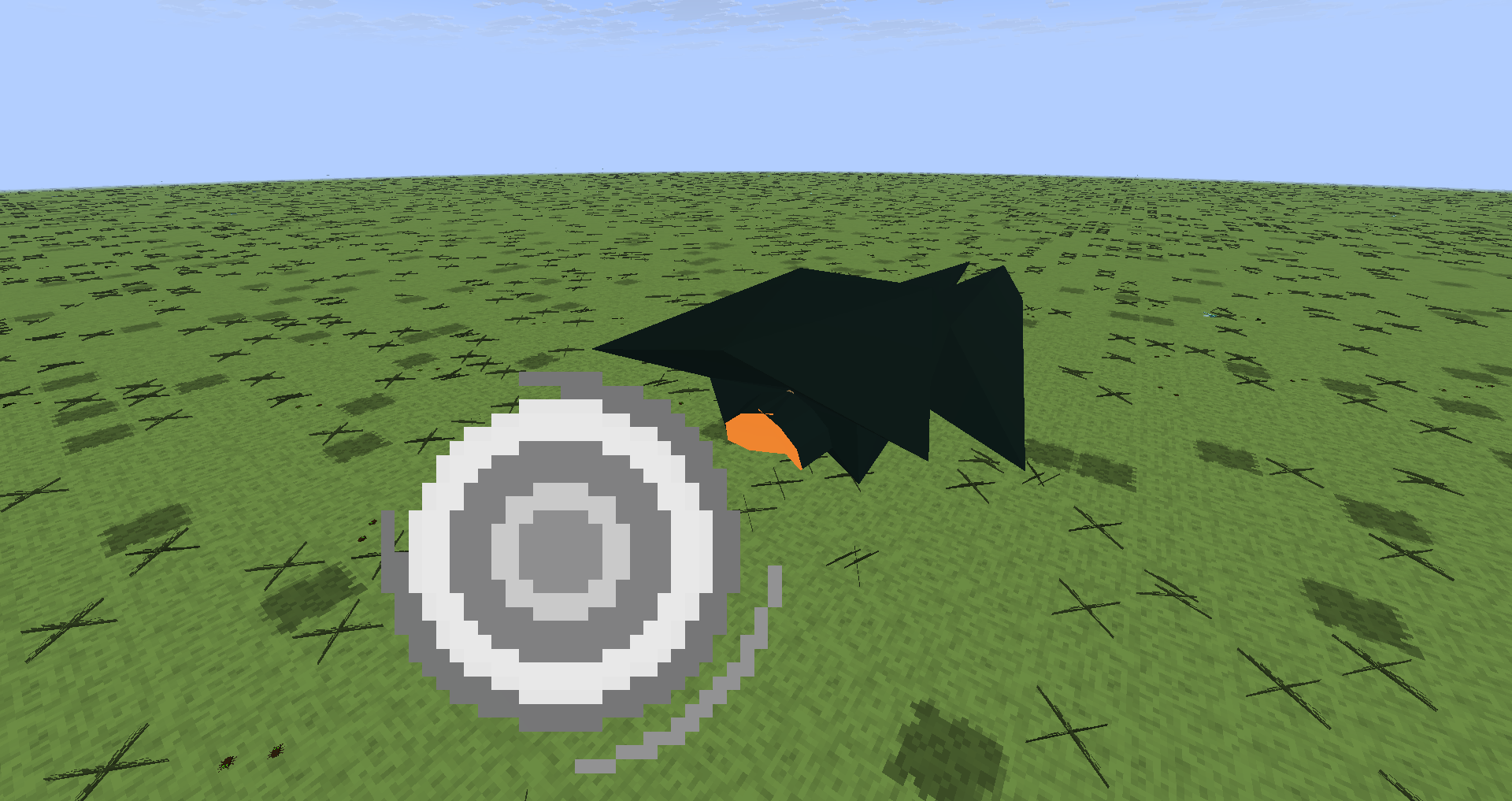
This datapack adds driveable race spaceships!
_One of the spaceship rendered in sketchfab, exactly the same as in-game_
Those spaceships can fly but can’t go up or down by default, you will need to place specific blocks designed for this under the spaceship to make the spaceship go up or down (like yellow concrete & another concrete color, see the last section of this page).
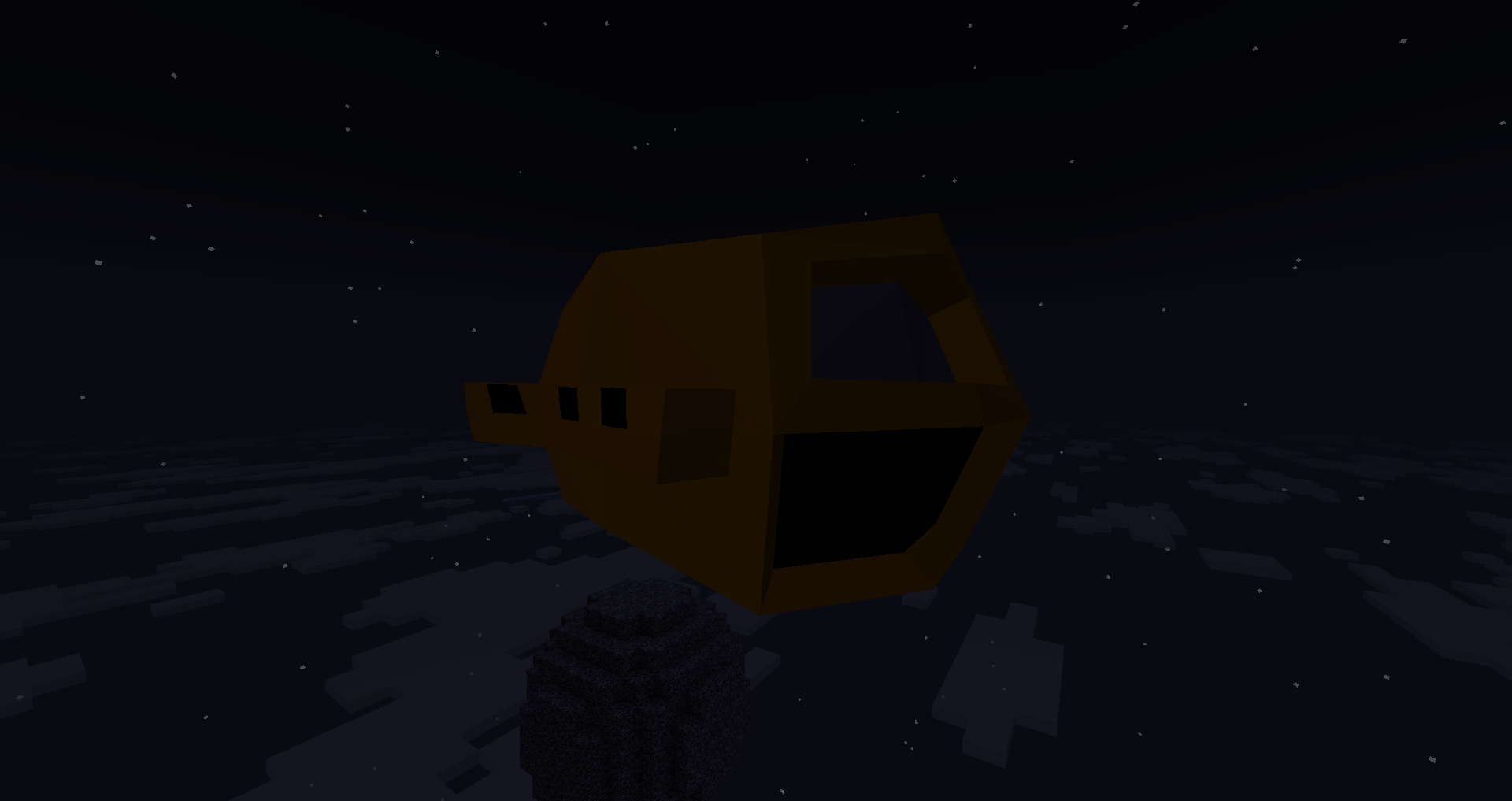
Only the exploration spaceship that can be used to fly everywhere.
How to place a spaceship
To place a spaceship, run /function gx:spaceships/.
How to use the race editor
With 3D elements

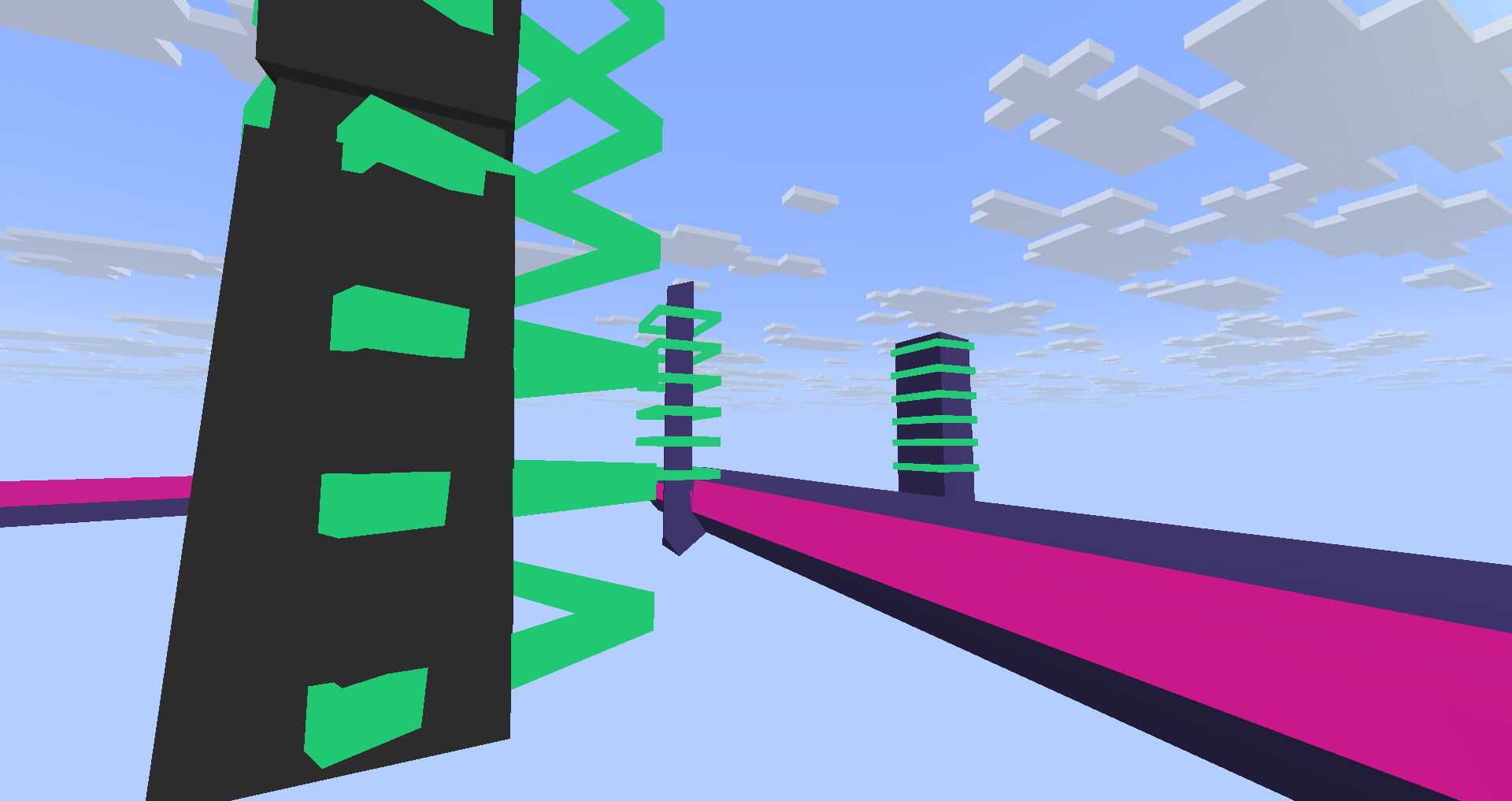
Run anything from /function gx:racetrack/ to spawn elements from the race editor!
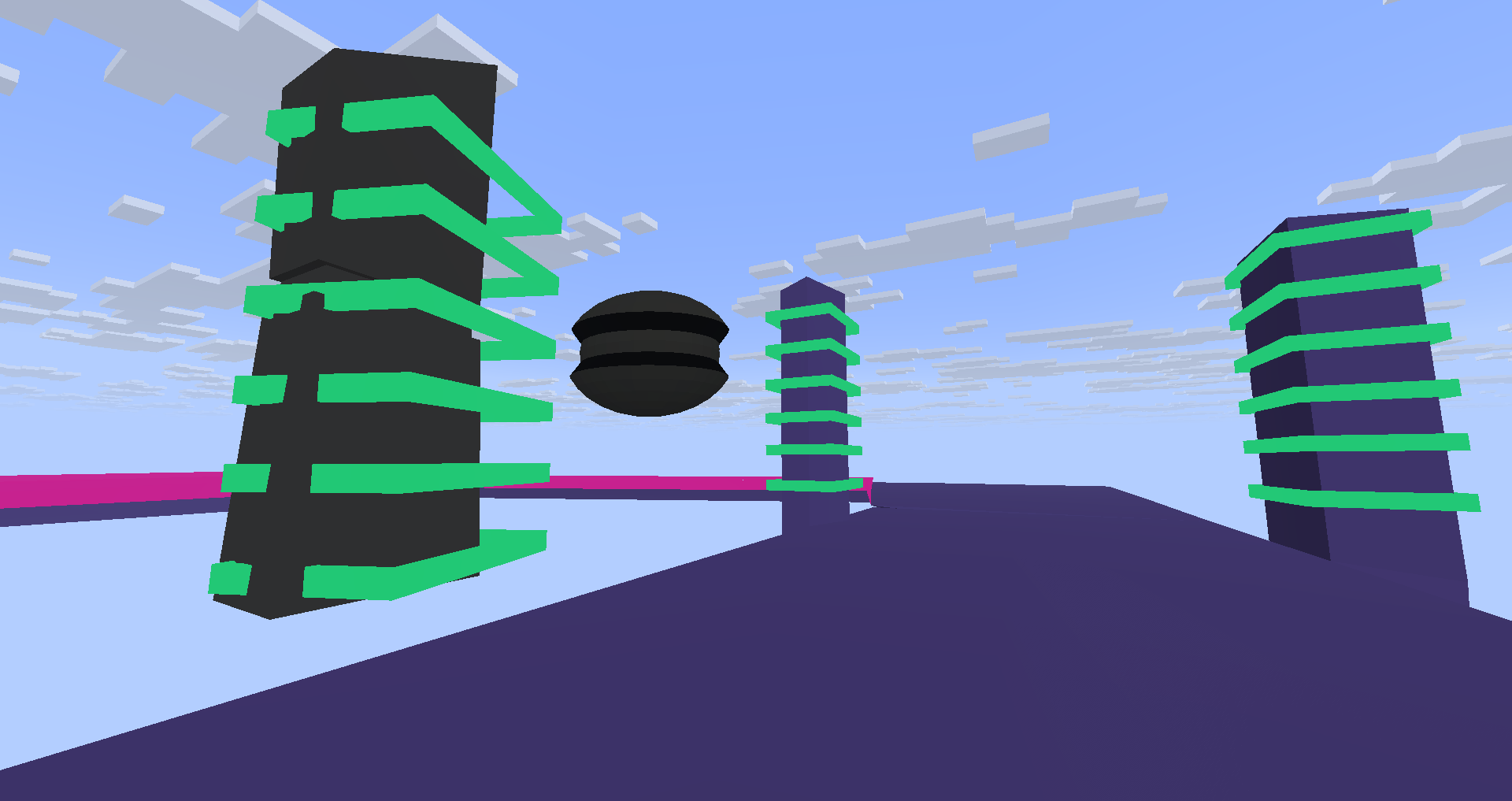
You are able to spawn futuristic pillar, sphere, rotating elements and the base racetrack!
The hitbox isnt included so you’ll have to place barrier to set hitbox
With vanilla blocks
GO UP OR DOWN
Some blocks create specific actions!
- Yellow concrete makes your spaceship go up from 1.5 block over the world surface
- Lime concrete allows you to go up in the -Z direction, (place it after a yellow concrete block, also useful as a booster)
- Blue concrete allows you to go up in the Z direction, (place it after a yellow concrete block, also useful as a booster)
- Magenta concrete allows you to go up in the -X direction, (place it after a yellow concrete block, also useful as a booster)
- Brown concrete allows you to go up in the X direction, (place it after a yellow concrete block, also useful as a booster)
- White concrete allows your spaceship to jump. Place black concrete at the place the spaceship is about to land, followed by a concrete of the color of the direction you are going in
Examples:
- How to make a jump area

- How to go up


- Race design

Police Chase
Requires Police Space Chase datapack
常见问题
MC-26 GX 支持哪些 Minecraft 版本?
MC-26 GX 支持 Minecraft Java 版 1.21.10–26.3,共 7 个版本,可用的加载器:Fabric / Forge / NeoForge / Quilt。下载时注意选择和你游戏版本一致的文件。
MC-26 GX 怎么安装?
先用 PCL2 或 HMCL 启动器安装对应版本的 Fabric / Forge / NeoForge / Quilt,再把下载的 .jar 文件放进游戏目录的 mods 文件夹,重新启动游戏即可。开启了版本隔离的,mods 文件夹在 versions/版本名 下面。运行环境:客户端 / 服务端。
ThirtyFangs 的其他作品
查看全部 →
Waterfall Particles
这个数据包为瀑布添加了粒子效果。

Better Nature
这个主要为客户端模组,为树木添加蘑菇、昆虫、3D树叶、新植物和新动物,且兼容原版客户端。

Wild Animals
这个数据包加入了大象、水母、鲨鱼等生物,而且不会给服务端造成卡顿!无需资源包

Improved/More Biomes
此数据包改进并添加了20多个新生物群系,如附魔森林或峡谷!支持26.1版本的自定义光照颜色。
评论
登录后评论和评分