
Better Worlds – Map Finder
Improved world menu, ingame map browser & faster world loading. More editing options & world features! Play adventure/parkour/... maps in one click!
截图

介绍
🗺️ Worlds – Map Finder
#BringBackAdventureMaps
Worlds adds a world map browser to the SinglePlayer menu that allows browsing through all available Maps on Modrinth
and outside*!
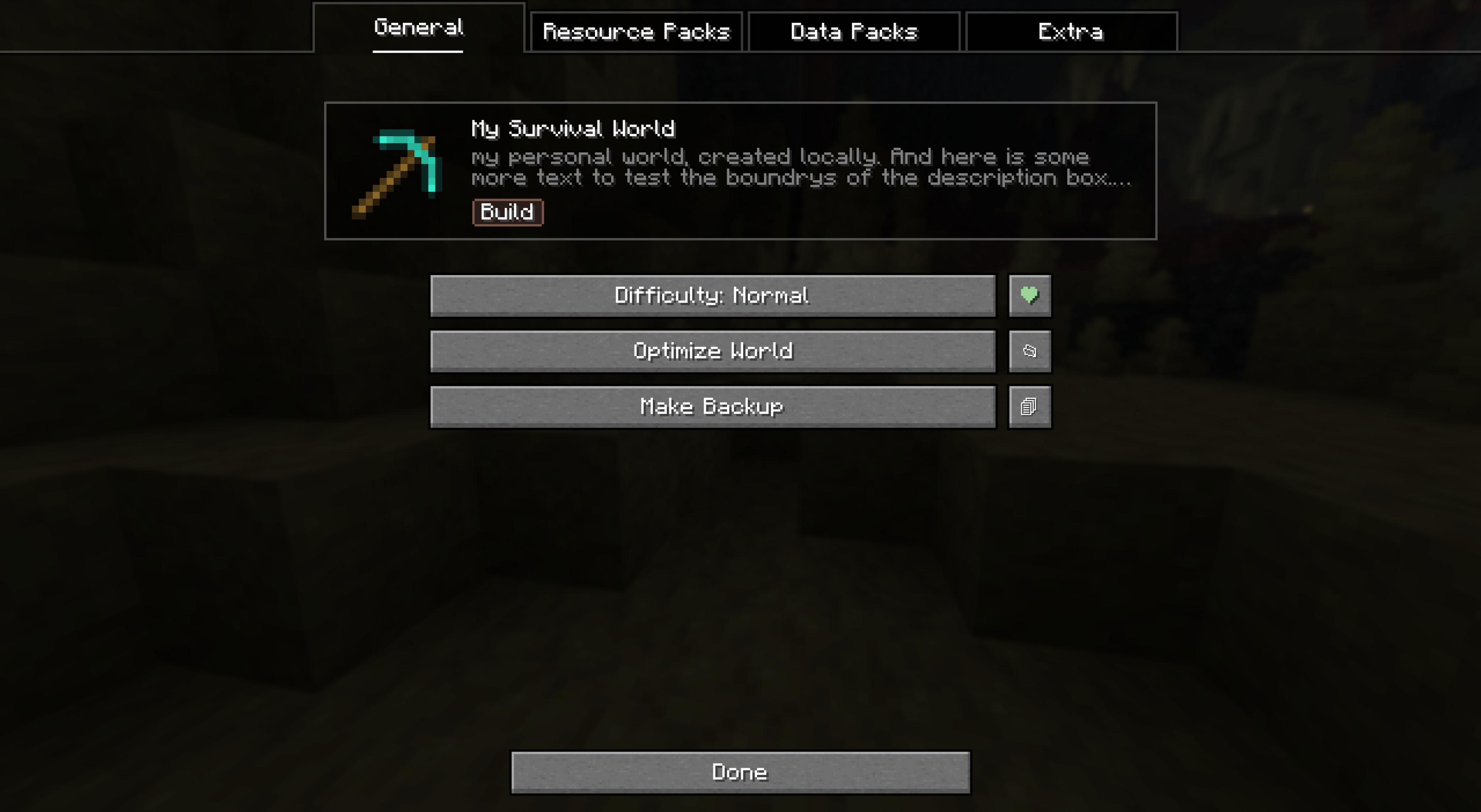
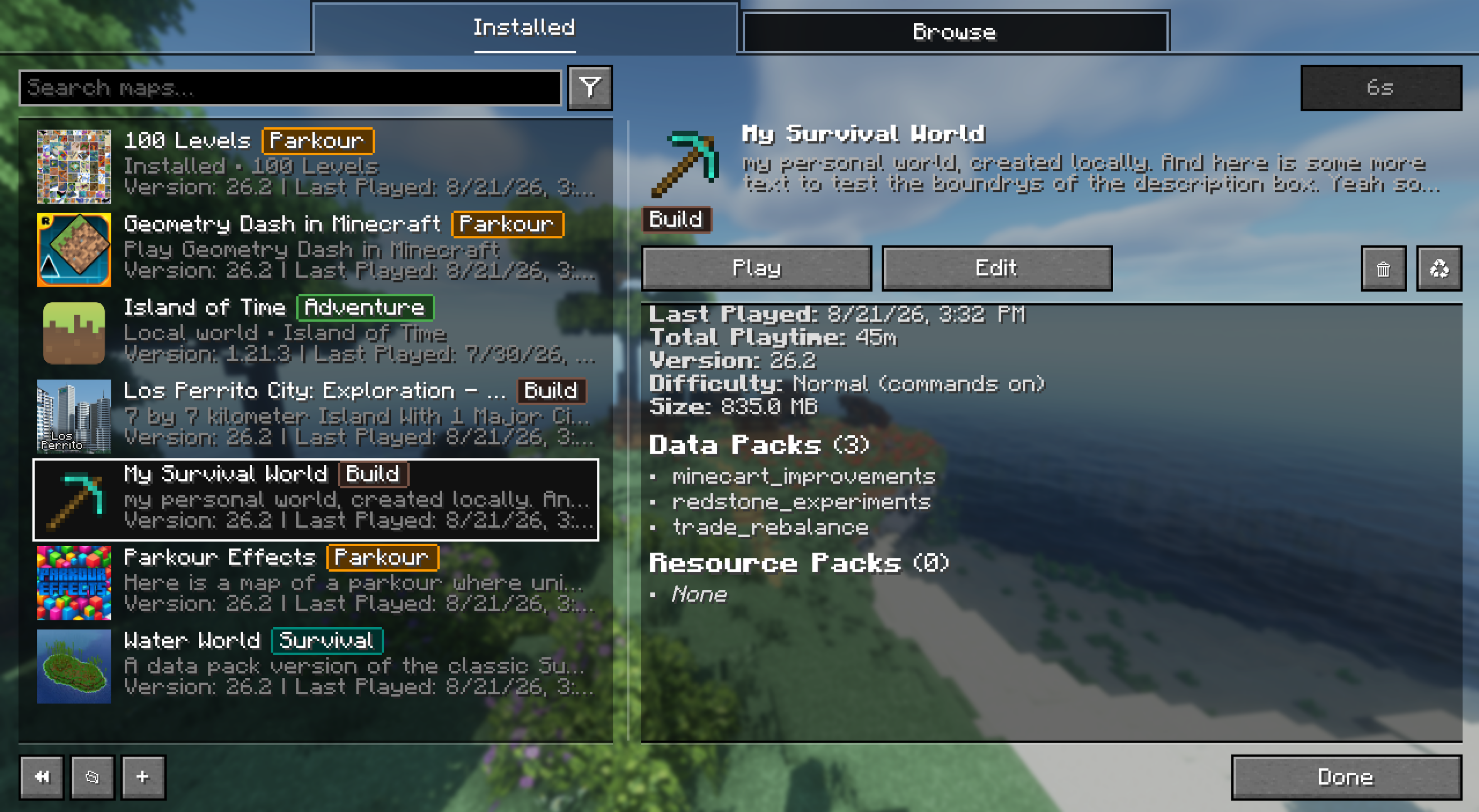
Also improves the normal world list by showing useful information and short-cut to actions.
This is an attempt to use Modrinth to bring back the good times of adventure/custom Maps!
🌟 Features
- World screen overhaul (inspired by ModMenu)
- Ingame one-click world install
- Extracts worlds & resource-packs (multiple supported)
- Scans for other dependencies like mods
- Displays description, previews & trailer/source links
- Loads all resourcepacks inside a worlds
resourcepacksfolder (vanilla: onlyresources.zip) - Bind packs to worlds to autoload/unload them while playing
- Displays useful information about installed worlds
- Bundled resourcepacks, datapacks & required mods
- Playtime, last played
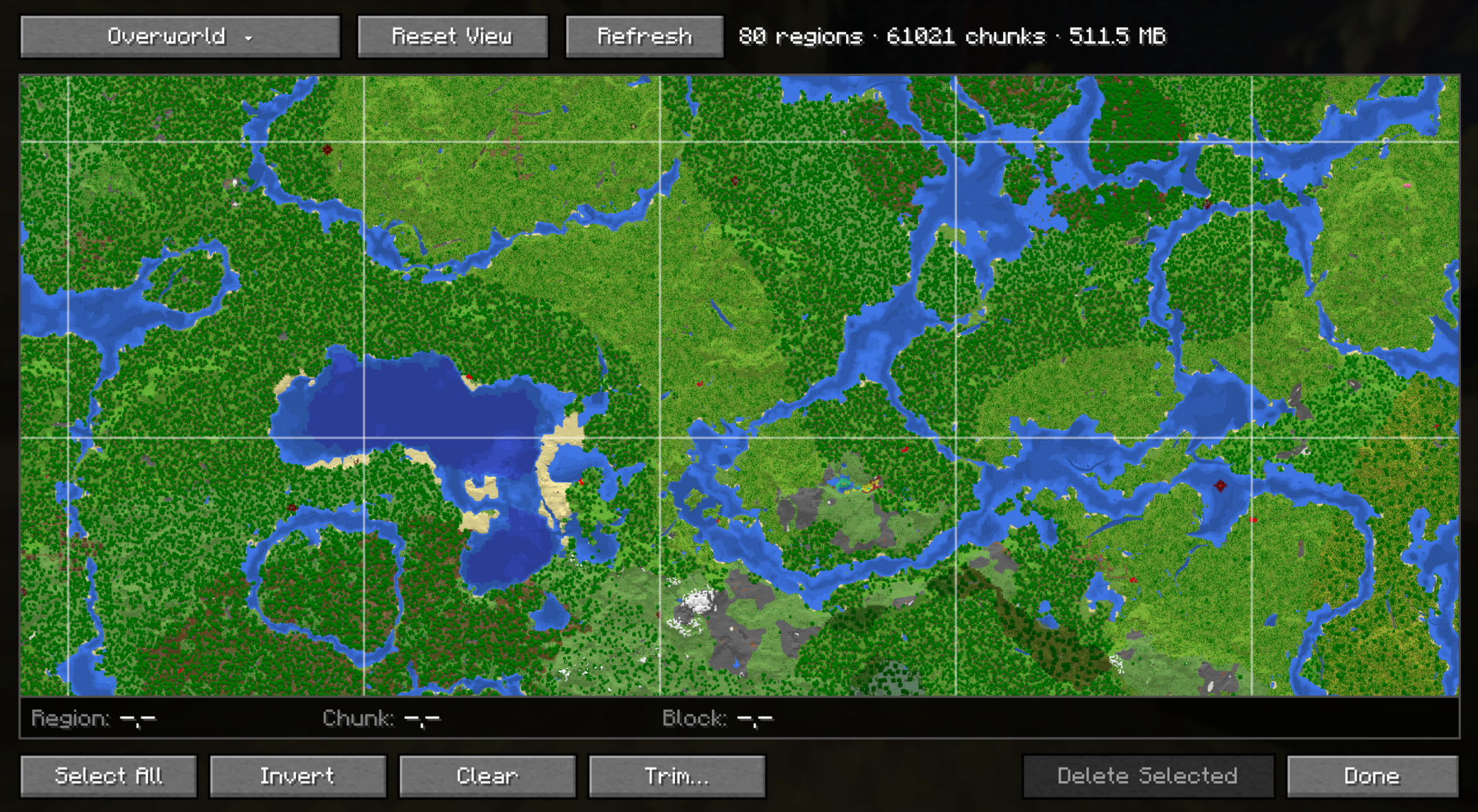
- Total disk size
- Previews world as panorama (will be saved on last quit/manual for map-makers)
I’m glad over any feedback how to improve the flow for adventure maps even more!
What do you miss?
Creator Notice
To add your World to the browse menu, there are multiple options:
Modrinth Dependency (recommended)
Upload your map to Modrinth as ModPack and add this mod as dependency (world).
The newest version with this dependency will automatically show up in the browser!
All properties are auto-detected, adding a youtube trailer to your project readme also creates a Trailer button.
Users are prompted to open the modrinth page on install, so you still receive revenue!
Curseforge Map
Upload your map to Curseforge as World.
The newest version will automatically show up in the browser, but some properties like dependencies are not detected.
*Manual List
You can edit ./src/main/resources/assets/worlds/maps.json in this repo to include your world.
See below for a guide to all fields:
Json field description
Unlike the Modrinth way, all fields must be manually populated.
See the example below for a broad overview which you can copy:
[
  {
    "source": "manual",
    "id": "goemetry-dash-in-mc",
    "name": "Geometry Dash in Minecraft",
    "description": "Play Geometry Dash in Minecraft",
    "readme": "GEOMETRY DASH!!! Heck yeah this was a fun project! Hope you all enjoy this shorter dev like kinda content! It was kinda fun to make and heart destroying towards the end :'D",
    "icon": "https://imgs.crazygames.com/games/geometry-dash-online/cover_1x1-1732744370684.png",
    "download": "https://dl.minecraftmaps.com/geometry-dash-in-minecraft-52577.zip",
    "website": "https://www.minecraftmaps.com/52577-geometry-dash-in-minecraft",
    "trailer": "https://www.youtube.com/watch?v=1175Fi9DCLY",
    "mc": ["26.2"],
    "categories": ["parkour"],
    "requiredMods": [
      { "name": "Fabric API", "id": "fabric-api", "link": "https://modrinth.com/mod/fabric-api" }
    ],
    "requiredPacks": [
      { "name": "Geometry Dash Textures", "included": true }
    ]
  }
]
Most fields can be omitted if not available.
The following fields only take certain values:
categories– Can be:adventure,parkour,survival,puzzle,horror,minigames,buildrequiredMods– List of mods that must be installed.idmust be the mods internal ID{ "name": "Mod Name", "id": "internal-id", "link": "https://link.that.user/is/prompted" }requiredPacks– List of resource-packs that must be installed. Internal packs can also be marked to show in preview & pack list- Included:
{ "name": "Pack Name", "included": true } - External:
{ "name": "Pack Name", "id": "file-name.zip", "link": "https://direct-link.to/the/pack.zip" }
常见问题
Better Worlds – Map Finder 支持哪些 Minecraft 版本?
Better Worlds – Map Finder 支持 Minecraft Java 版 1.21.1–26.3,共 7 个版本,可用的加载器:Fabric / NeoForge / Quilt。下载时注意选择和你游戏版本一致的文件。
Better Worlds – Map Finder 怎么安装?
先用 PCL2 或 HMCL 启动器安装对应版本的 Fabric / NeoForge / Quilt,再把下载的 .jar 文件放进游戏目录的 mods 文件夹,重新启动游戏即可。开启了版本隔离的,mods 文件夹在 versions/版本名 下面。运行环境:仅客户端。
Miraculixx 的其他作品
查看全部 →
VeinMiner
挖掉单个矿石/方块即可连锁挖掘整条矿脉,让枯燥的挖矿过程变得满足又有趣!FTB Ultimine 的替代方案

VeinMiner Hotkey
连锁挖矿附属 - 使用快捷键进行连锁挖矿,带动态准星与方块高亮
VeinMiner Enchantment
连锁挖矿附加 - 为附魔台添加连锁挖矿附魔。只有带有该附魔的工具才能进行连锁挖矿

Silk
Kotlin Minecraft API——面向 Fabric、Quilt 和 Paper
评论
登录后评论和评分