
Fireworks 2.0
After a year of mining, building and exploring, it's time to enjoy the rewards. Experience Minecraft with dates, calendars and a dynamic passage of time that makes every day matter.
截图
介绍

The purpose of Fireworks
Have you ever asked yourself how long is an in-game day, or even what day is it? Well, no one ever did. Every day is the exact same: you build, mine and explore when the sun is out and probably sleep to skip every night.
Doesn’t it feel repetitive…?
A resourceful set of features
Fireworks is here to change your perception about the game by, with few features, let you organize a daily routine, schedule events in your world and bring changes that stay forever.

|
Know when your shift is off with the Clock, which can be customized through resourcepacks: Supporting 12-hour and 24-hour formats, and AM/PM indicator. |
Never forget your friend’s birthday with the Calendar, that displays that date, month and year of your world. Supporting leap-years and month lengths ranging from 28 to 31 days. |
New Year’s Eve
You mined every ore, explored every biome, killed every enemy throughout the year and now it’s time to rest. Is there anything better than enjoying what we can offer to you?

|
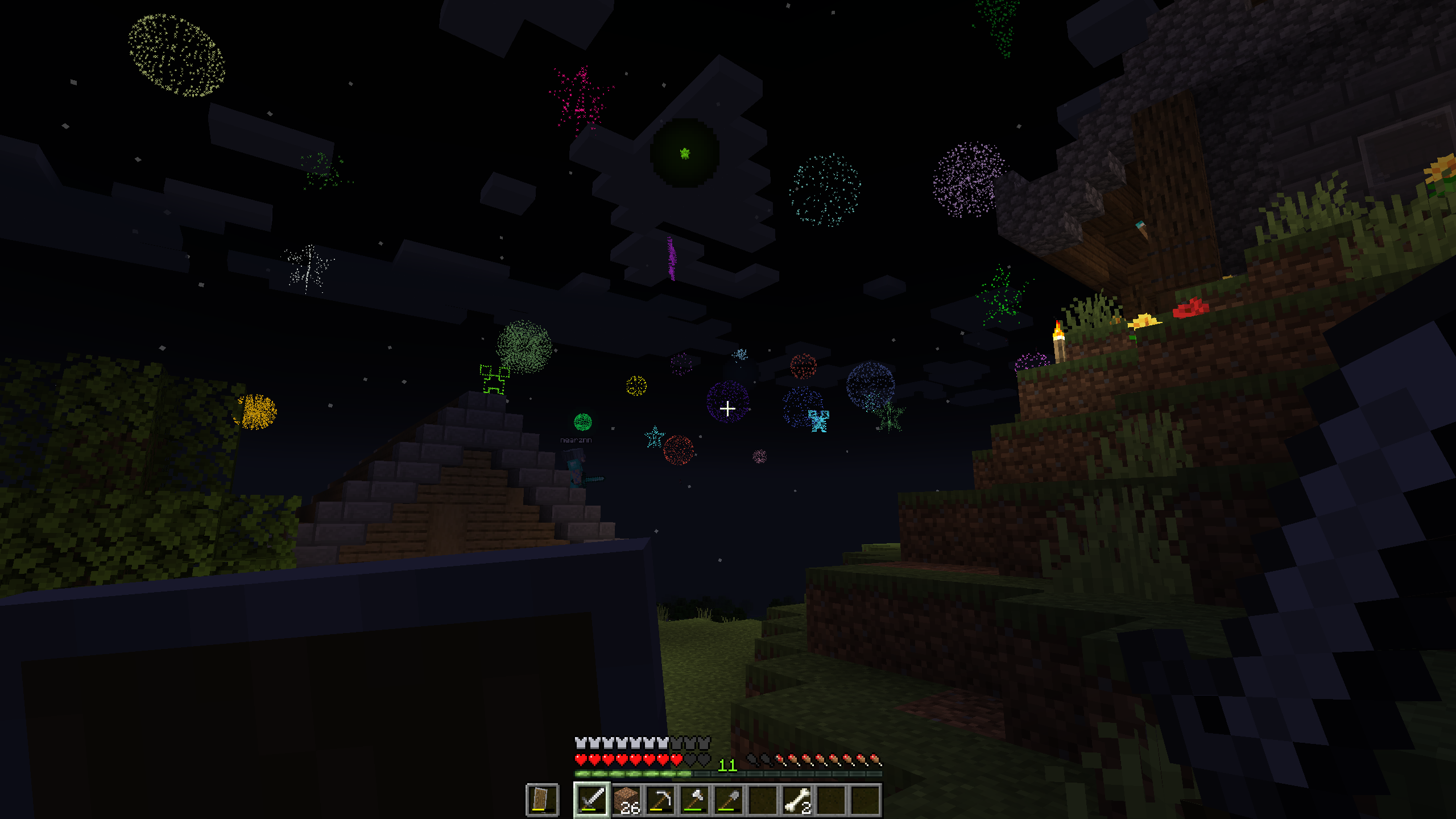
Admire an outstanding event full of colorful explosions in the skies during New Year’s Eve |
|
Get emotional with an amazing musical experience in New Year’s Eve. |
|
Prep up yourself before the celebration so you can enjoy it no-rush. |
Time is in your hands
Organize a routine, schedule tasks and plan adventures in your world.

Stop just playing and starting living the game.
Gather your family, friends, partners and enjoy the time together.

Get Fireworks now!

Fireworks can be installed anywhere, either in pre-exising worlds or newly created ones, and used in any circumstance, be it singleplayer or multiplayer, survival, roleplaying, adventure maps. Anywhere.

| Help translating Fireworks at Crowdin |
| Customize display format using resourcepacks |
| Change display placement in the settings. |

常见问题
Fireworks 2.0 支持哪些 Minecraft 版本?
Fireworks 2.0 支持 Minecraft Java 版 26.2,可用的加载器:Fabric / Forge / NeoForge / Quilt。下载时注意选择和你游戏版本一致的文件。
Fireworks 2.0 怎么安装?
先用 PCL2 或 HMCL 启动器安装对应版本的 Fabric / Forge / NeoForge / Quilt,再把下载的 .jar 文件放进游戏目录的 mods 文件夹,重新启动游戏即可。开启了版本隔离的,mods 文件夹在 versions/版本名 下面。运行环境:客户端 / 服务端。

评论
登录后评论和评分