
Euphoria’s Overlay
作者:Automatic_
Euphoria's Overlays: Simple Overlay that makes your game look more slick for PVP
截图

介绍
中文介绍正在准备中,下面暂时显示原文。
Euphoria’s Overlay
This Simple Minecraft texture pack that will make your game look more smooth for pvp.
(The texture pack may say “Broken or incompatible” if your not on 1.21.11, but it will still work for 1.21+)
(This is pack idea was from my friend Euphoriaaa.)
What the pack has
- Small Totem
- Side Shield
- No flashing hearts
- Dotted Crosshair
Installation
(⚠️ This may be different on other operating systems ⚠️)
- Windows/Win + R, type %appdata%.
- Open the .minecraft folder.
- Find the resourcepacks folder and open it.
- Paste the resource pack/file there.
⬇
Easier Method
(May not work on some launchers, does work on most)
- In the Minecraft menu, open the resource packs screen.
- Then Simply Drag the resource pack onto your screen.
After you drag it onto your screen it may say something like,
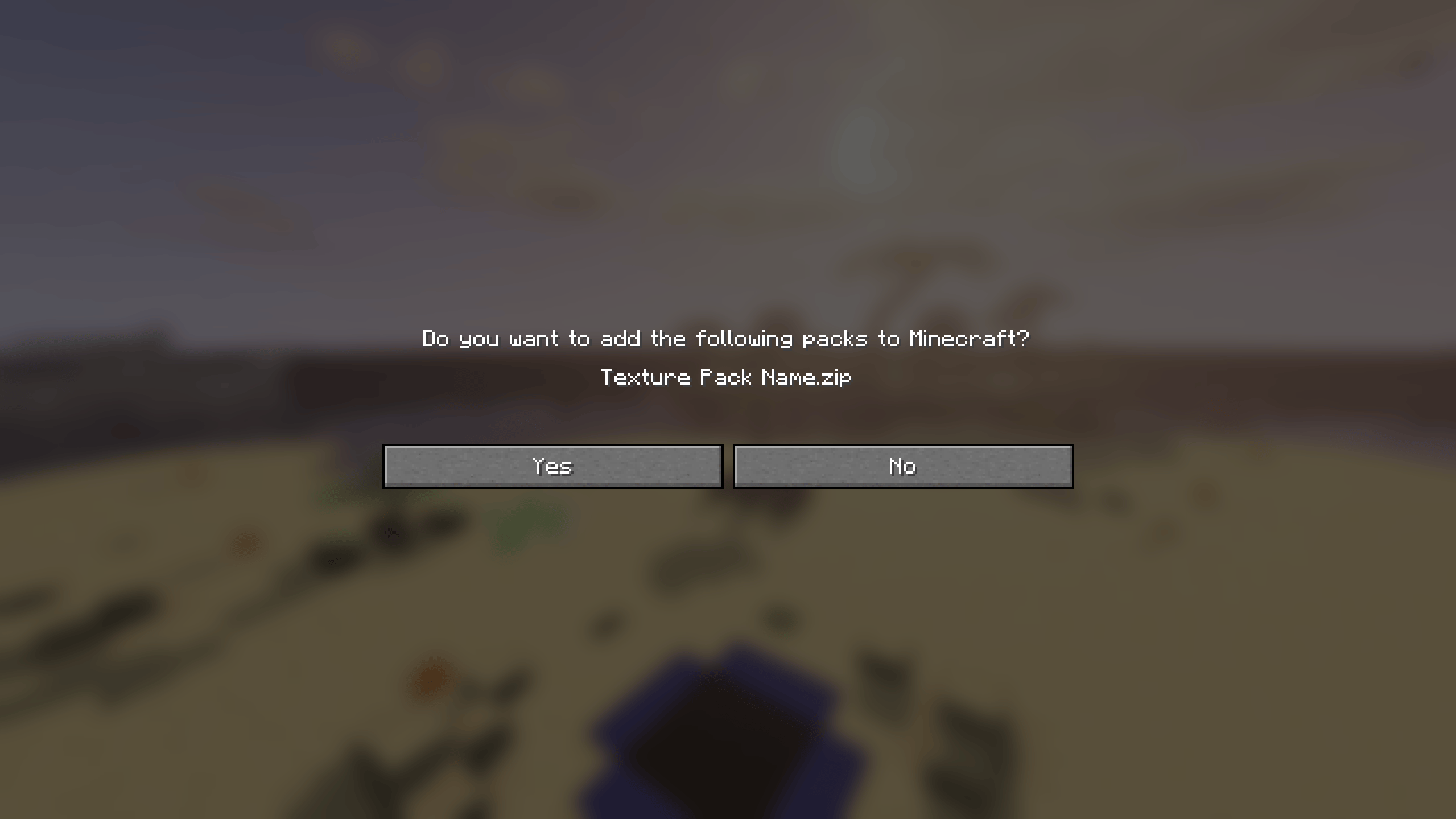
Click Yes on that popup.
常见问题
Euphoria’s Overlay 支持哪些 Minecraft 版本?
Euphoria’s Overlay 支持 Minecraft Java 版 1.21–1.21.11,共 12 个版本。下载时注意选择和你游戏版本一致的文件。
Euphoria’s Overlay 怎么安装?
把下载的 .zip 文件(不用解压)放进游戏目录的 resourcepacks 文件夹,进游戏后在「选项 → 资源包」里把它移到右边启用。

评论
登录后评论和评分