
截图
介绍
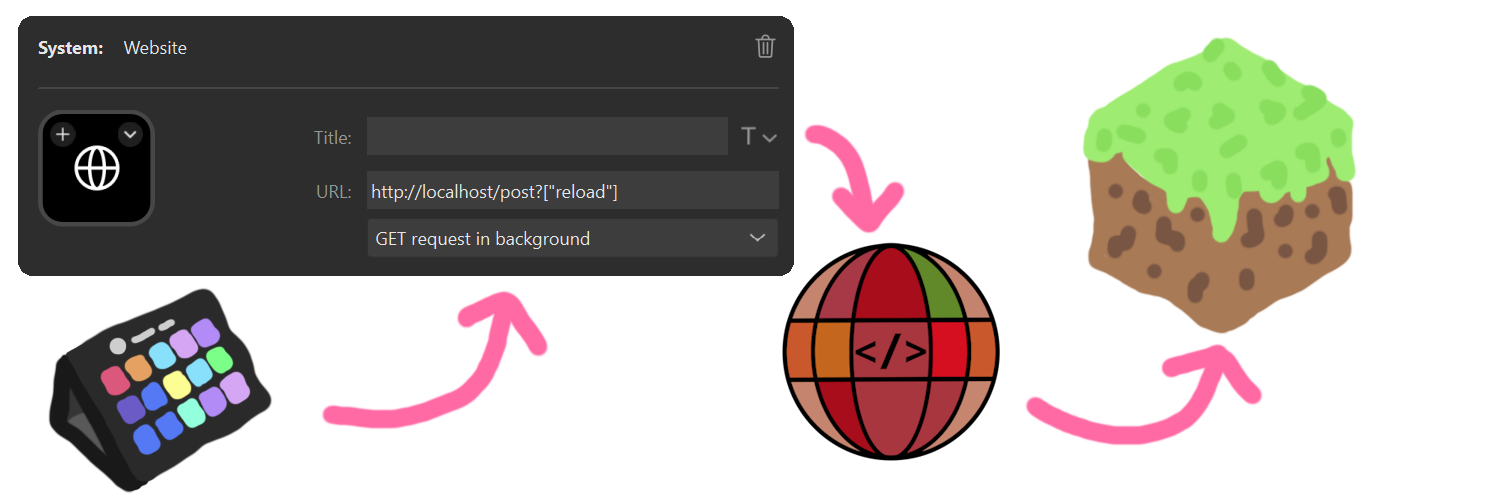
You can send commands and messages with a GET request.
With that, there are many use cases; some examples:
- Executing commands from an Elgato Stream Deck (using the “Website” button with “Get Request in the Background” enabled)
- Making lists of commands to execute and running them (automation)
- External apps can interact with the game
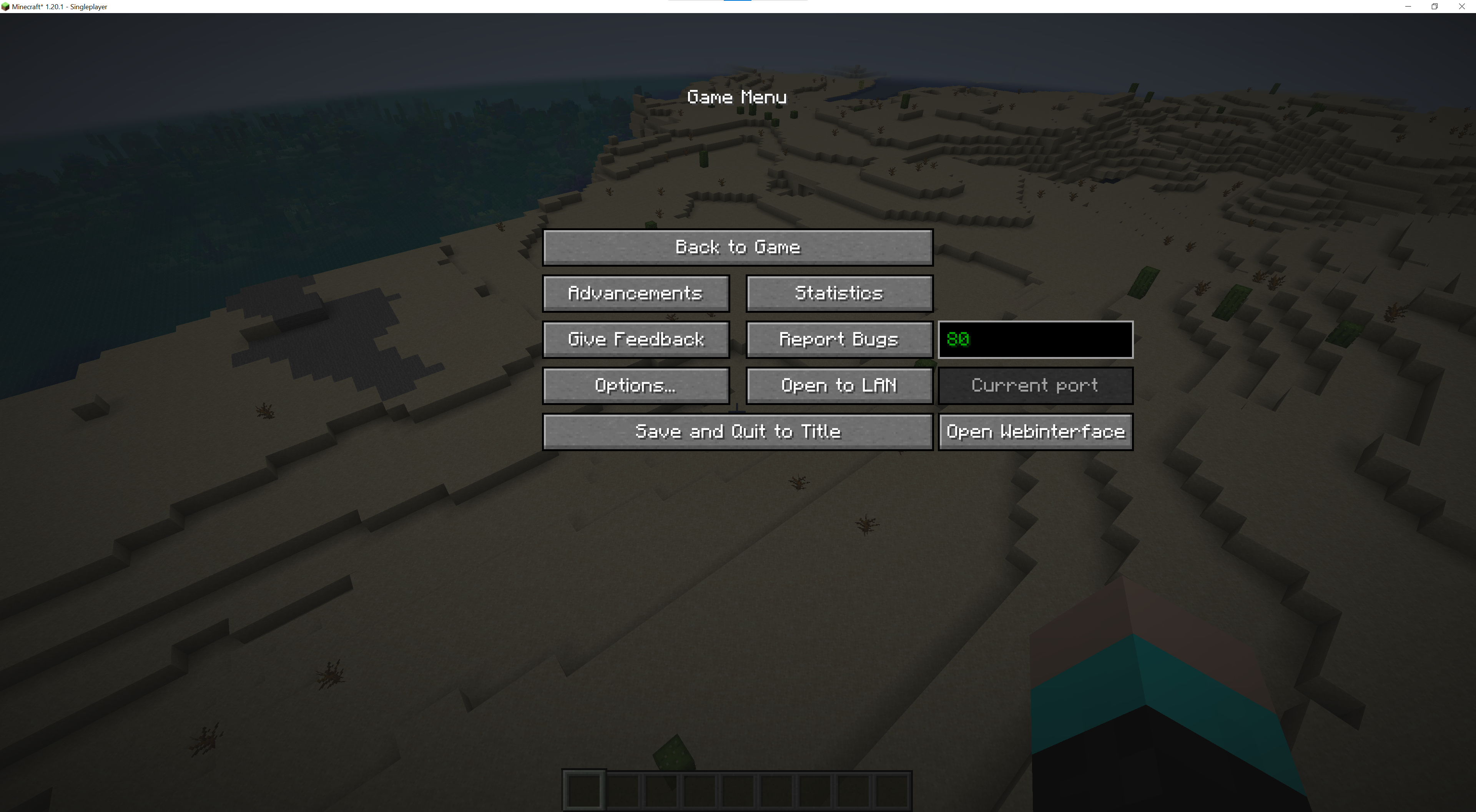
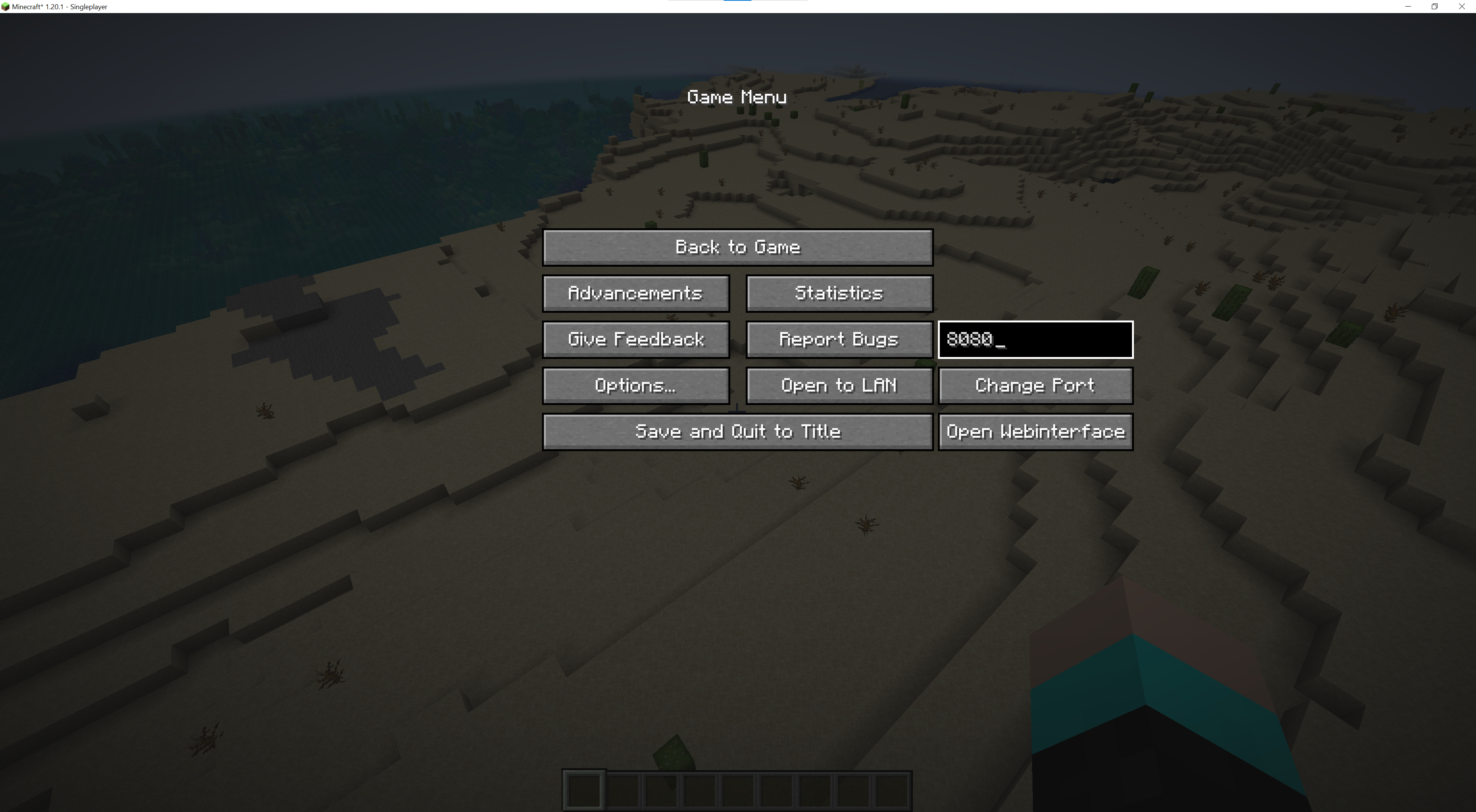
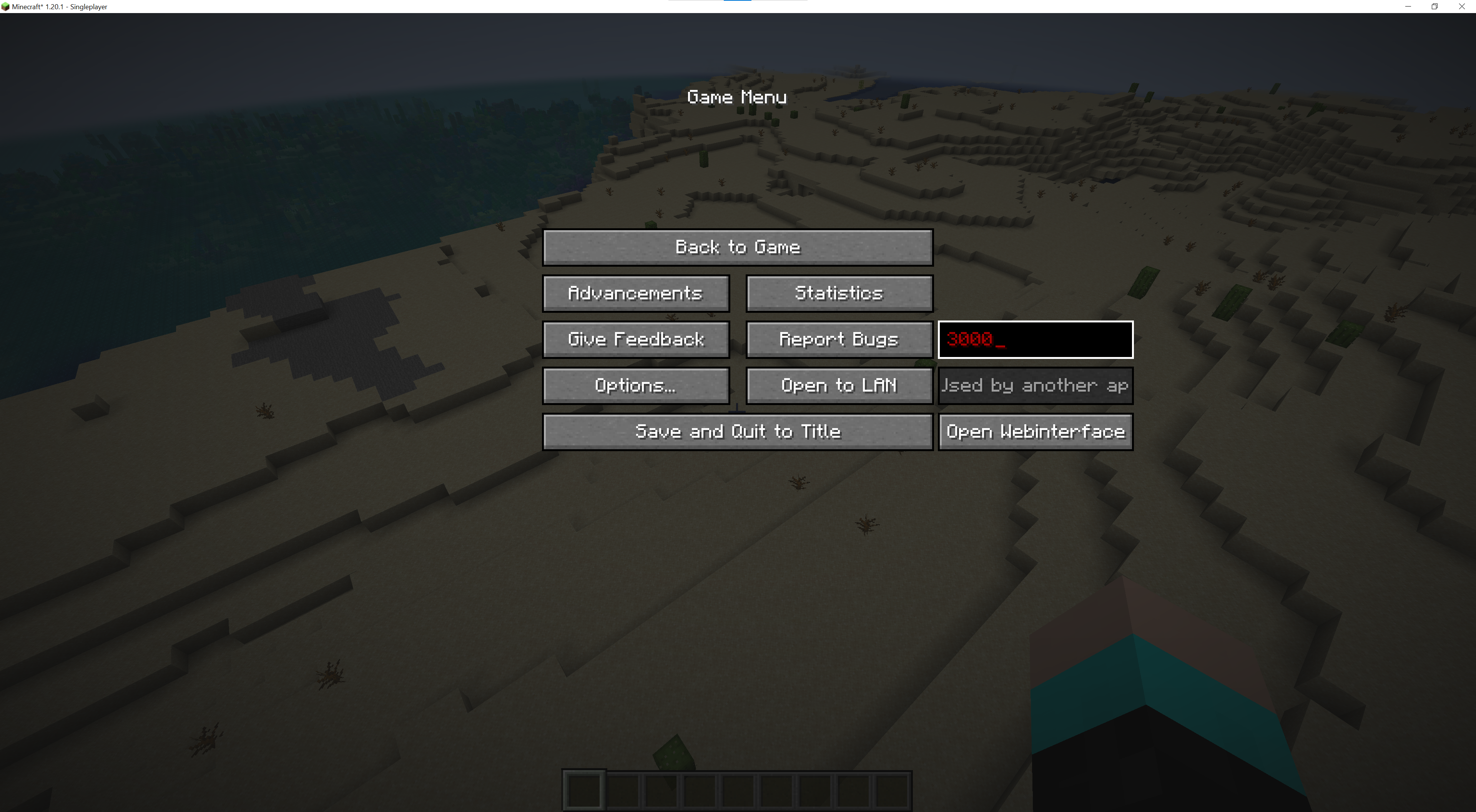
You can specify the port in the pause menu (default: 80).
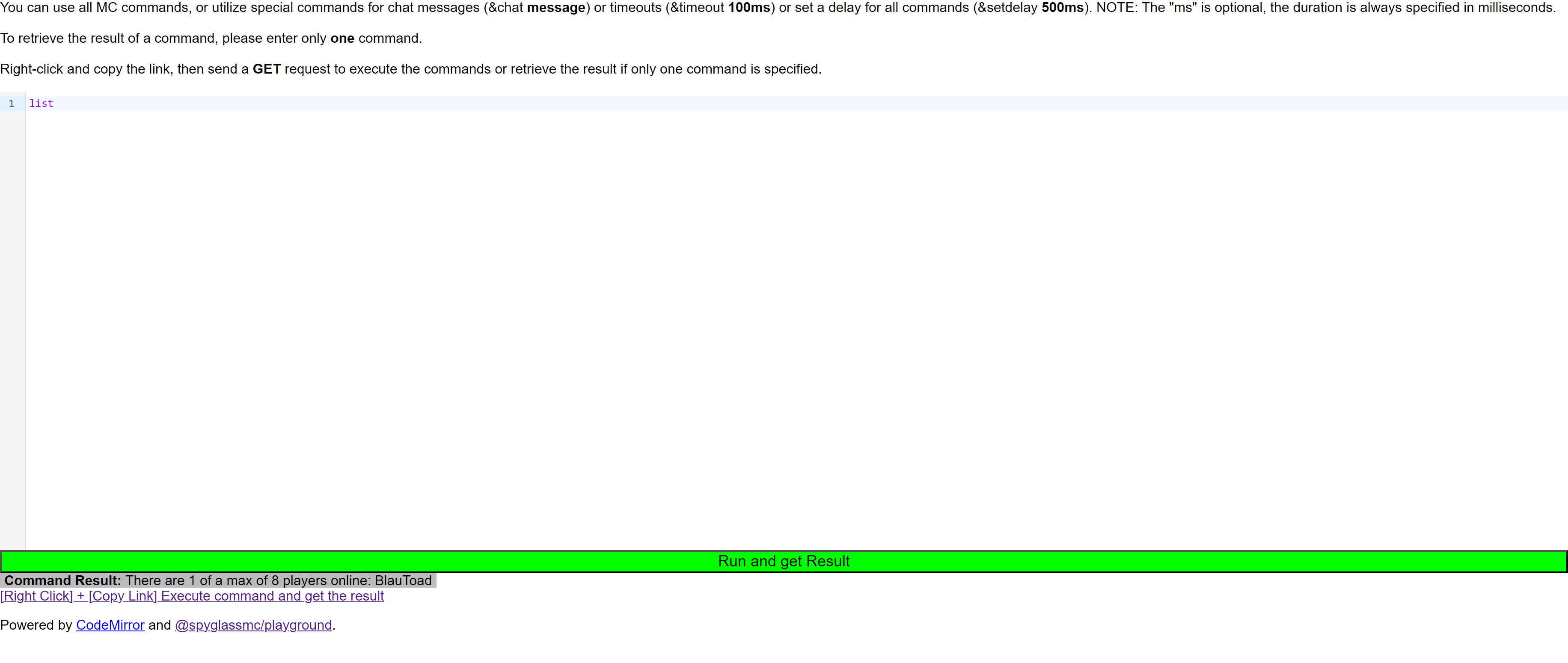
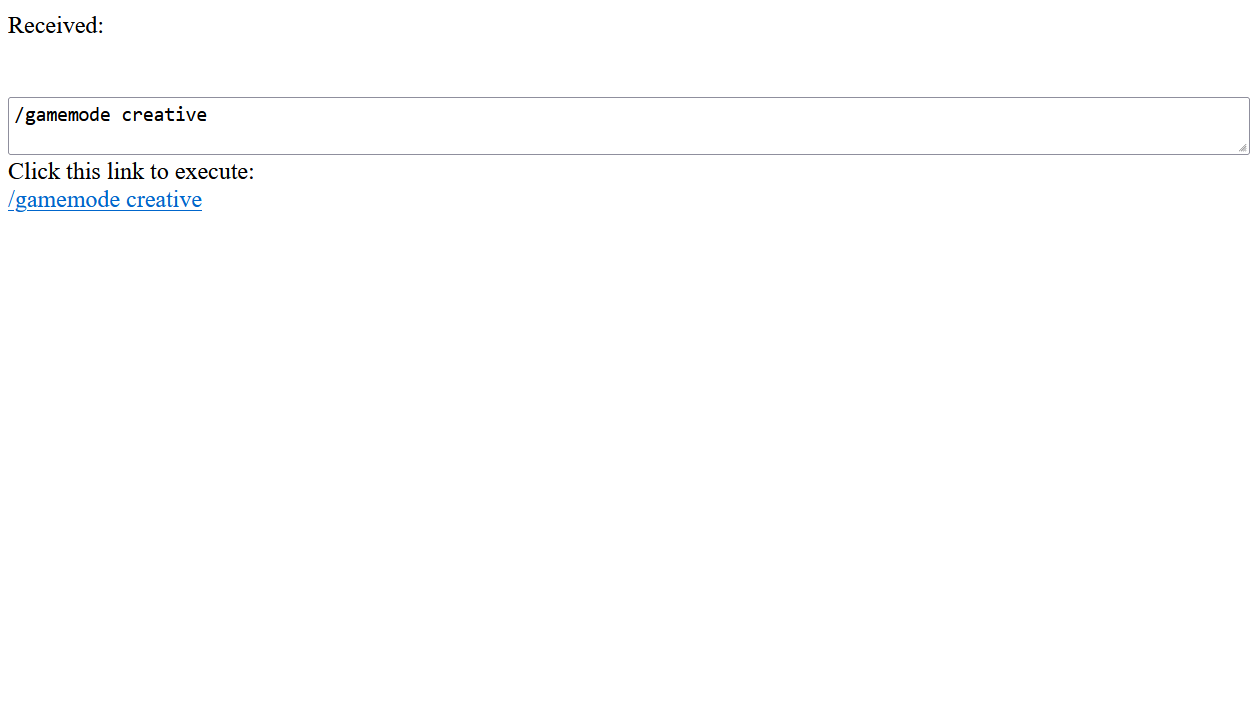
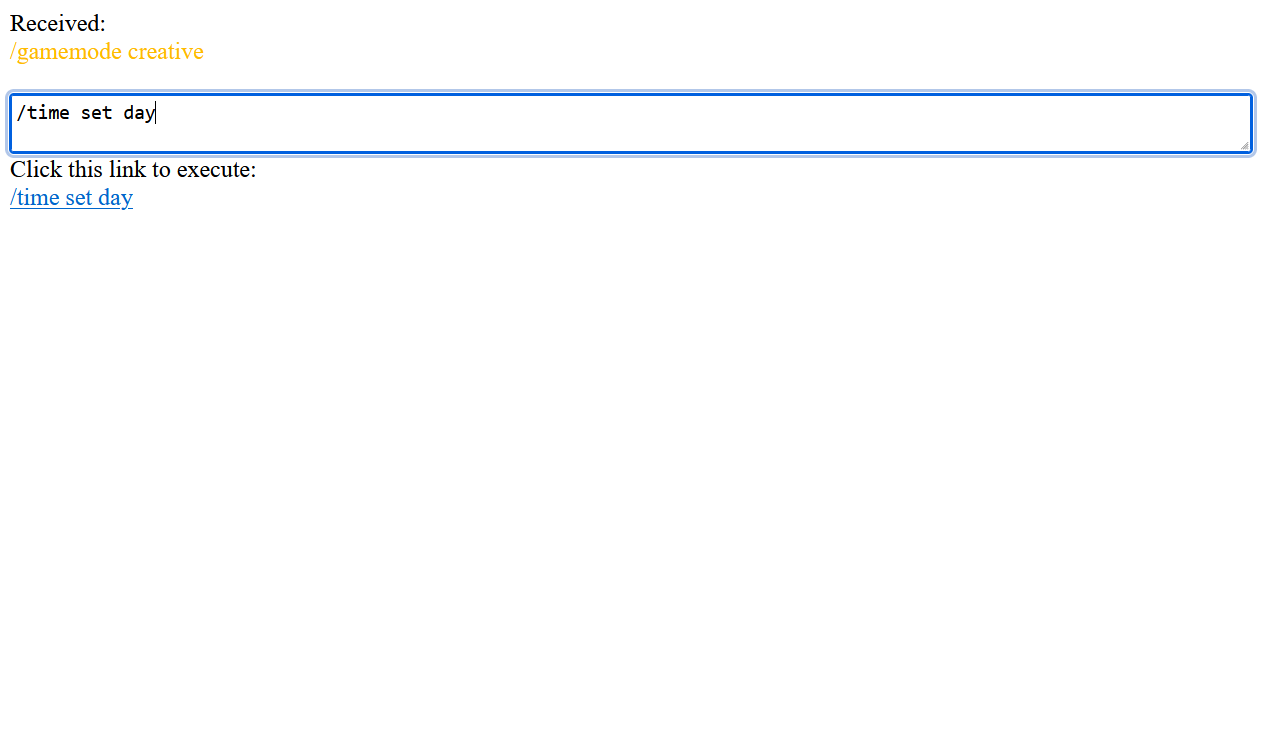
With a new web UI, that allows you to generate the link to execute the command or send the chat message. The new webpage also includes the Spyglass command completion and syntax highlighting. This allows for easier debugging.
With the newest version, you can also receive the command result. On the webpage, you can just execute one command and instantly get the result. When you execute the command with the GET request, you can also get the unformatted data.
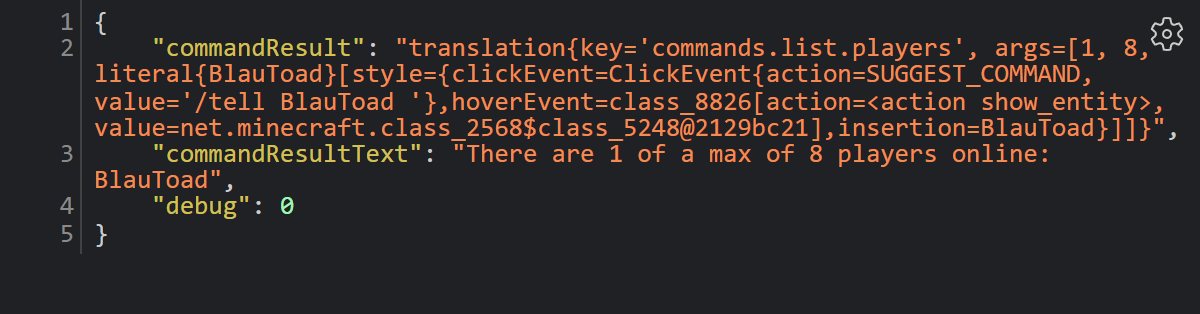
Sample return from the command /list from visiting http://localhost/get?"/list"
{
"commandResult":"translation{key='commands.list.players', args=[1, 8, literal{BlauToad}[style={clickEvent=class_10610[command=/tell BlauToad ],hoverEvent=class_10611[entity=net.minecraft.class_2568$class_5248@e5c10f33],insertion=BlauToad}]]}",
"commandResultText":"There are 1 of a max of 8 players online: BlauToad",
"debug":0
}
常见问题
Webcommands 支持哪些 Minecraft 版本?
Webcommands 支持 Minecraft Java 版 1.20.1–26.3,共 23 个版本,可用的加载器:Fabric。下载时注意选择和你游戏版本一致的文件。
Webcommands 怎么安装?
先用 PCL2 或 HMCL 启动器安装对应版本的 Fabric,再把下载的 .jar 文件放进游戏目录的 mods 文件夹,重新启动游戏即可。开启了版本隔离的,mods 文件夹在 versions/版本名 下面。运行环境:仅客户端。
评论
登录后评论和评分