
截图
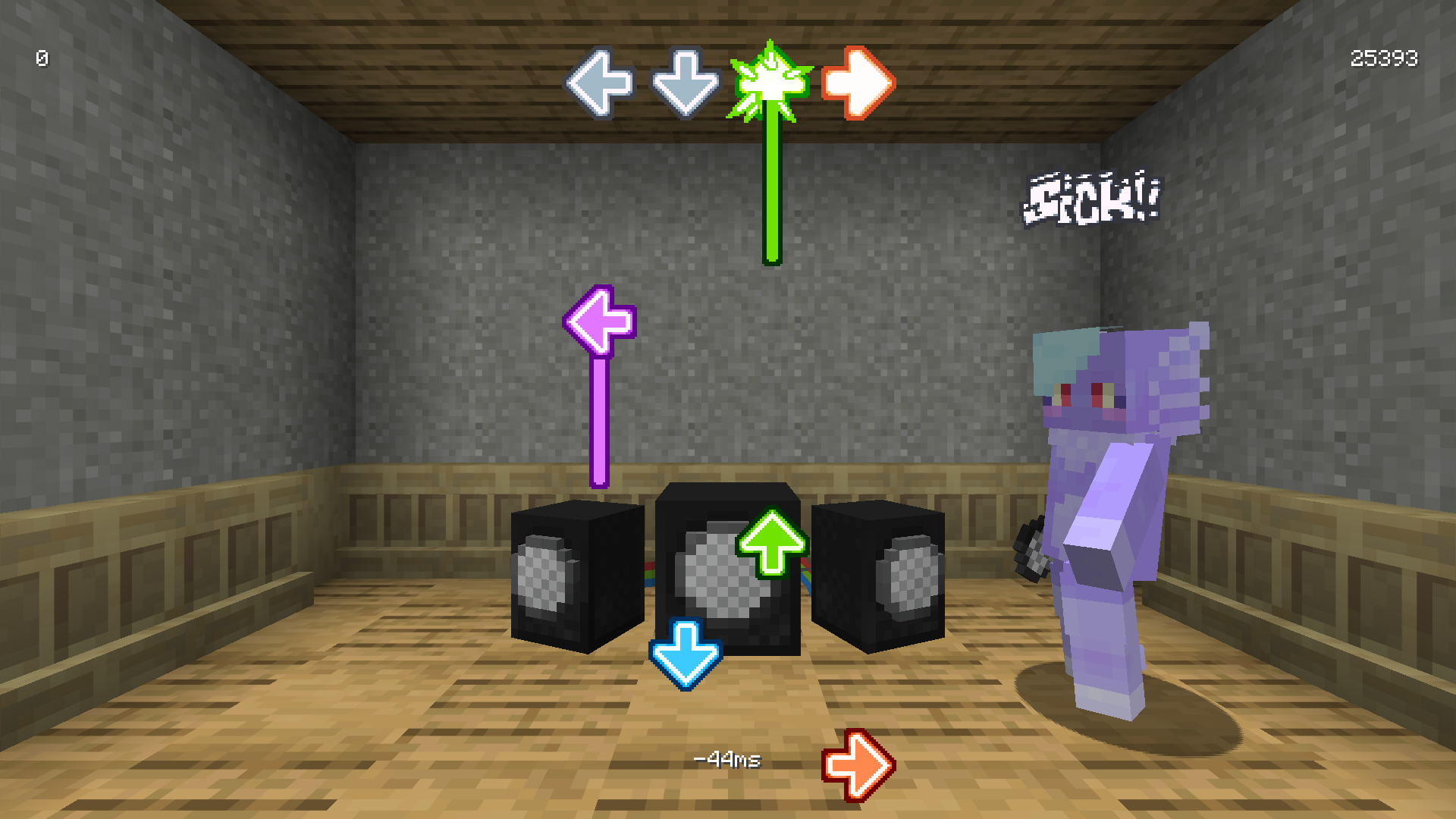
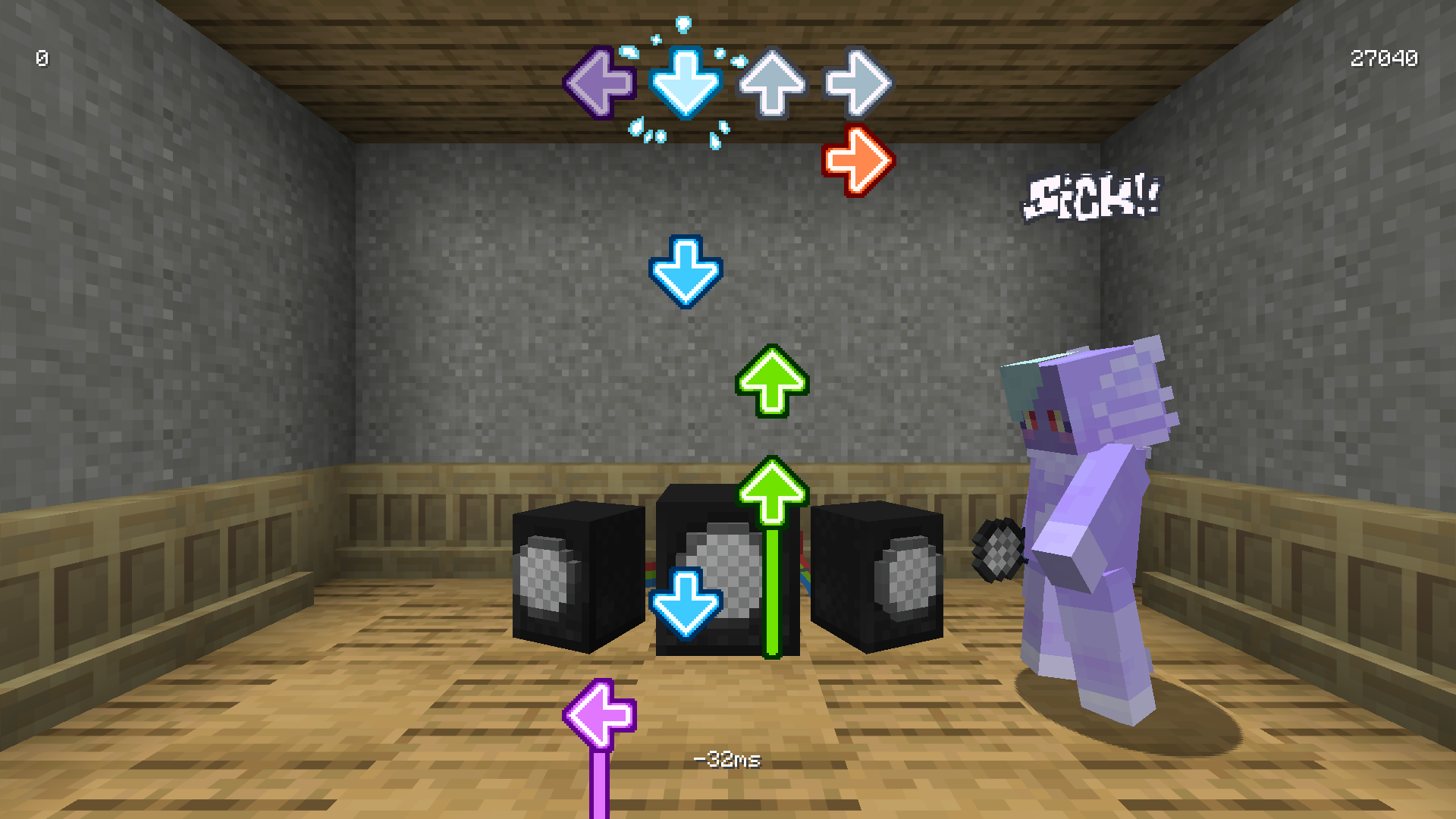
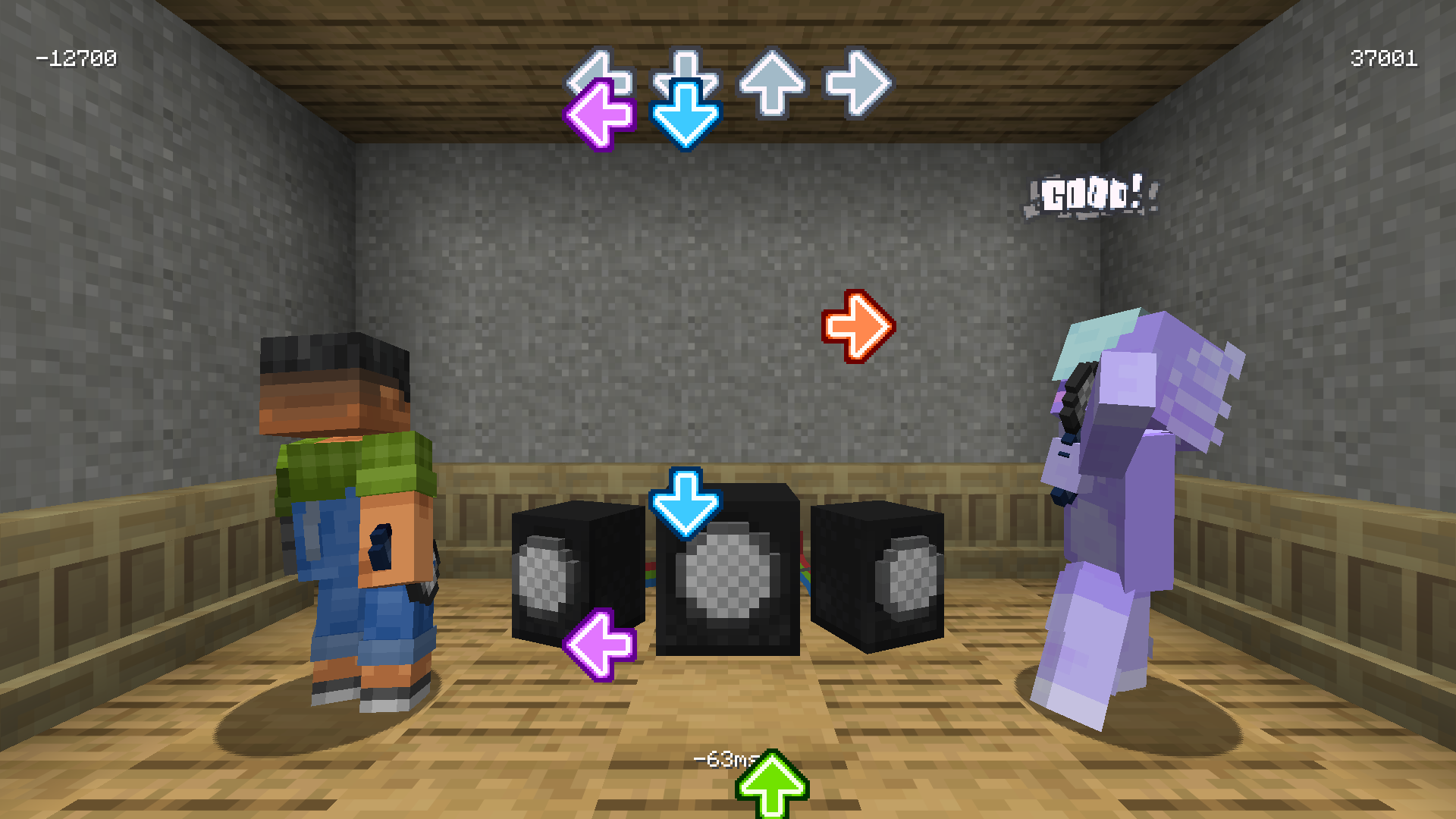
介绍
Monday Night Minin’
Or “Monimi” for short

A Friday Night Funkin’ inspired rhythm versus mod; play by yourself or against an opponent for the highest score!
🛈 Note
No charts are included in the mod!
You will need to download them separately _(for licensing reasons)_.
Features
- Speakers, where you can check out and play charts
- Microphones, can’t rap without one!!
- Solo and versus play
- Data-driven charts and player animations
- Swaggy note splashes and judgement text
- Configurable scroll speed and toggleable down scroll
Where to Get Charts
Here are some released charts which can be played with Monimi:
Making Your Own Charts
There is no official chart editor, meaning you will have to use FNF’s chart editor and convert it to the following format yourself:
{
  "song": {
    "name": "ROT FOR CLOUT",
    "artist": "Jamie Paige",
    "file": "monimi:music/rot_for_clout",
    "cover": "monimi:textures/cover/rot_for_clout.png",
    "length": 150,
    "bpm": 172
  },
  "charter": "Blex",
  "scrollSpeed": 2.8,
  "notes": [
    [ 200, 0 ],
    [ 400, 1 ],
    [ 600, 2 ],
    [ 800, 3 ],
    [ 1000, 0, 500 ],
    [ 1200, 1, 500 ],
    [ 1400, 2, 500 ],
    [ 1600, 3, 500 ]
    ...
  ]
}
Each note is 2 or 3 numbers, representing the time, direction, and length respectively. Time and length are both in milliseconds, and the directions are 0 – left, 1 – down, 2 – up, 3 – right.
Making Your Own Animations
Animations are bound to the microphone item and are completely data-driven. In order to create a new animation, ensure the following things are setup first:
- Get Blockbench
- Install the GeckoLib plugin inside Blockbench
- Download this player model
Animating
Inside Blockbench, open the player and switch to the animations tab. Then, either modify the existing five animations or create a new group and make your own animations inside there. _(If doing so, ensure to keep the animation names the same)_.
When finished animating, export the JSON file, rename it and move it inside the appropiate location inside an resource pack _(assets/<namespace>/animations/<your_json_file_here>)_.
🛈 Hints
– The animations are supposed to feel snappy! Try to work with instant poses and keep movement down to a few frames, though, the animations _can_ be made as long as needed.
– Right-clicking on an animation shows their properties. Looping behavior can be adjusted there. Use the
Loop Delayfield to determine where the next loop starts _(the label is missleading)_
Loading the Animation In-Game
Inside Minecraft, an item needs to be modified to be recognized as a microphone with our new animation. This is done through Item Components.
The following command can be used as an quick start:
/give @s copper_axe[monimi:microphone="<namespace>:<your_animation_name_here>"]It can be extended and modified to your liking by either changing the base item (copper_axe) and adding more components that also change its name and appearance.
Additionally, recipes can be modified to contain these components too.
常见问题
Monday Night Minin’ 支持哪些 Minecraft 版本?
Monday Night Minin’ 支持 Minecraft Java 版 26.1.2,可用的加载器:Fabric。下载时注意选择和你游戏版本一致的文件。
Monday Night Minin’ 怎么安装?
先用 PCL2 或 HMCL 启动器安装对应版本的 Fabric,再把下载的 .jar 文件放进游戏目录的 mods 文件夹,重新启动游戏即可。开启了版本隔离的,mods 文件夹在 versions/版本名 下面。运行环境:客户端和服务端都要装。
Chai 的其他作品
查看全部 →
Particular ✨
用精心制作的视觉效果增强 Minecraft 的氛围,如萤火虫、落叶和瀑布水流。

Bento Box
一个用于表现力丰富的 GUI 和声明式配置的模块化前置库

Pumpkin Pie Delight
A Farmer's Delight addon that makes pumpkin pies placeable and sliceable

Chai’s Build Tools
A set of tools that are useful for building; a wrench to rotate blocks, a trowel to place random blocks, and a cloud bucket to place blocks in the air
评论
登录后评论和评分