
截图

介绍
中文介绍正在准备中,下面暂时显示原文。

A Minecraft mod that displays your zones’ names on-screen.

How to use
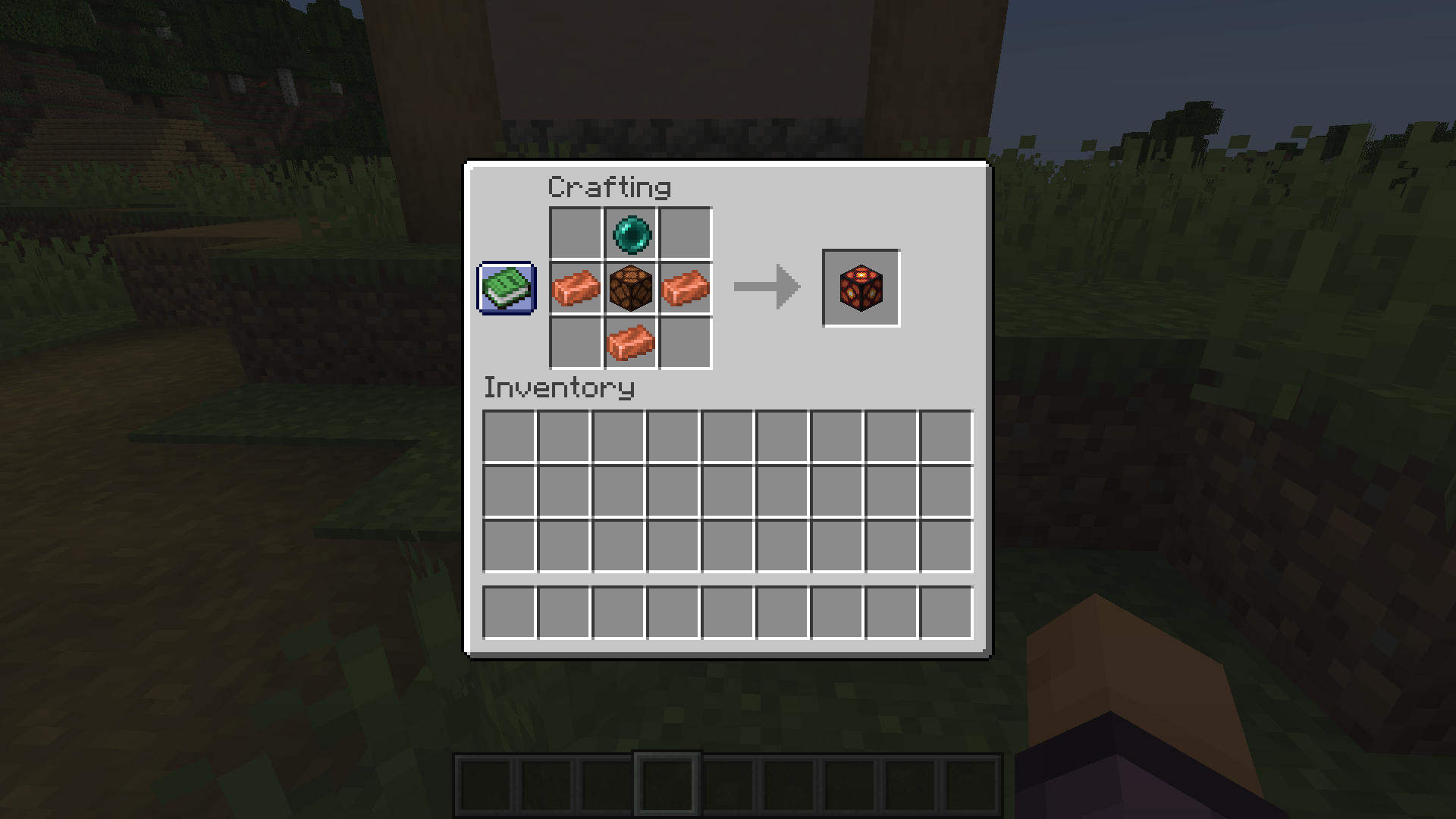
Craft a Copper Wrench with two ingots placed diagonally on the crafting table
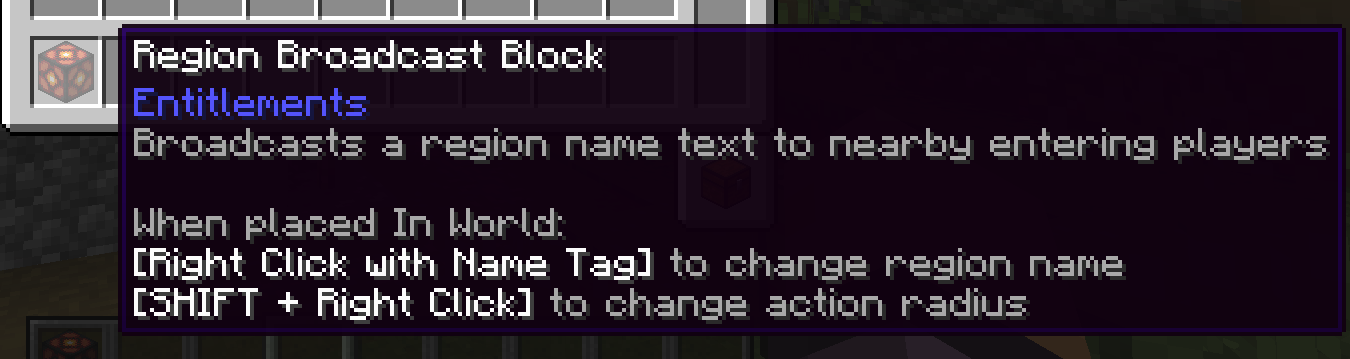
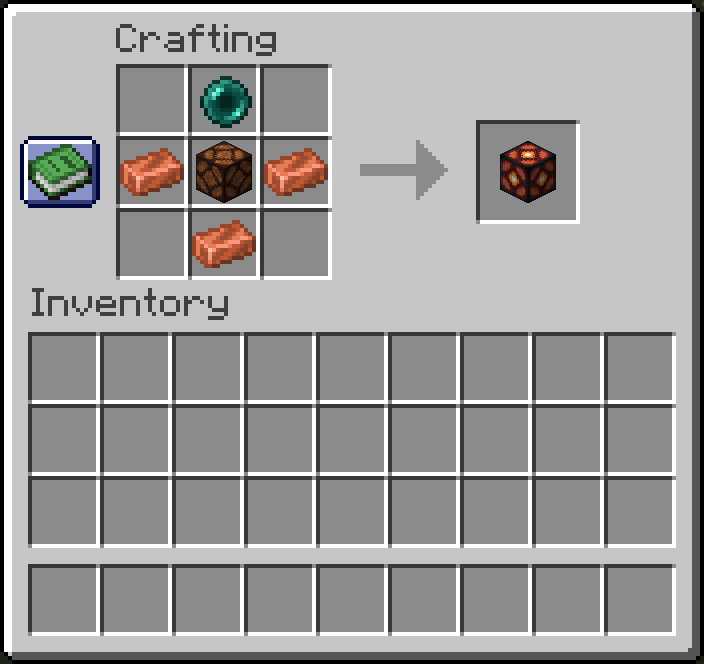
Craft a Region Broadcaster, place it on ground, and then :
- Rename a name tag in an anvil to the zone name you want to be shown on-screen
- Right click with the tag on the block to apply the zone name
- Right click with the wrench anywhere to cycle between modes (default, radius and time)
- Right click with the wrench (in radius mode) to change the radius of the zone (the distance is calculated horizontally, that is, the Y axis (height) is not taken into account : this is useful for towers for example)
- Right click with the wrench (in display time mode) to change the title’s display time.
And then, you are set !
Recipe
常见问题
Entitlements 支持哪些 Minecraft 版本?
Entitlements 支持 Minecraft Java 版 1.20.1–1.21,共 2 个版本,可用的加载器:Fabric / Forge。下载时注意选择和你游戏版本一致的文件。
Entitlements 怎么安装?
先用 PCL2 或 HMCL 启动器安装对应版本的 Fabric / Forge,再把下载的 .jar 文件放进游戏目录的 mods 文件夹,重新启动游戏即可。开启了版本隔离的,mods 文件夹在 versions/版本名 下面。运行环境:客户端和服务端都要装。

评论
登录后评论和评分