
3D Military Police Armor
This project brings fully 3D armor in pure vanilla using Core Shaders. It also includes JEM (Optifine/CEM/ETF) support for those who are playing with Iris/Optifine shaders !
截图


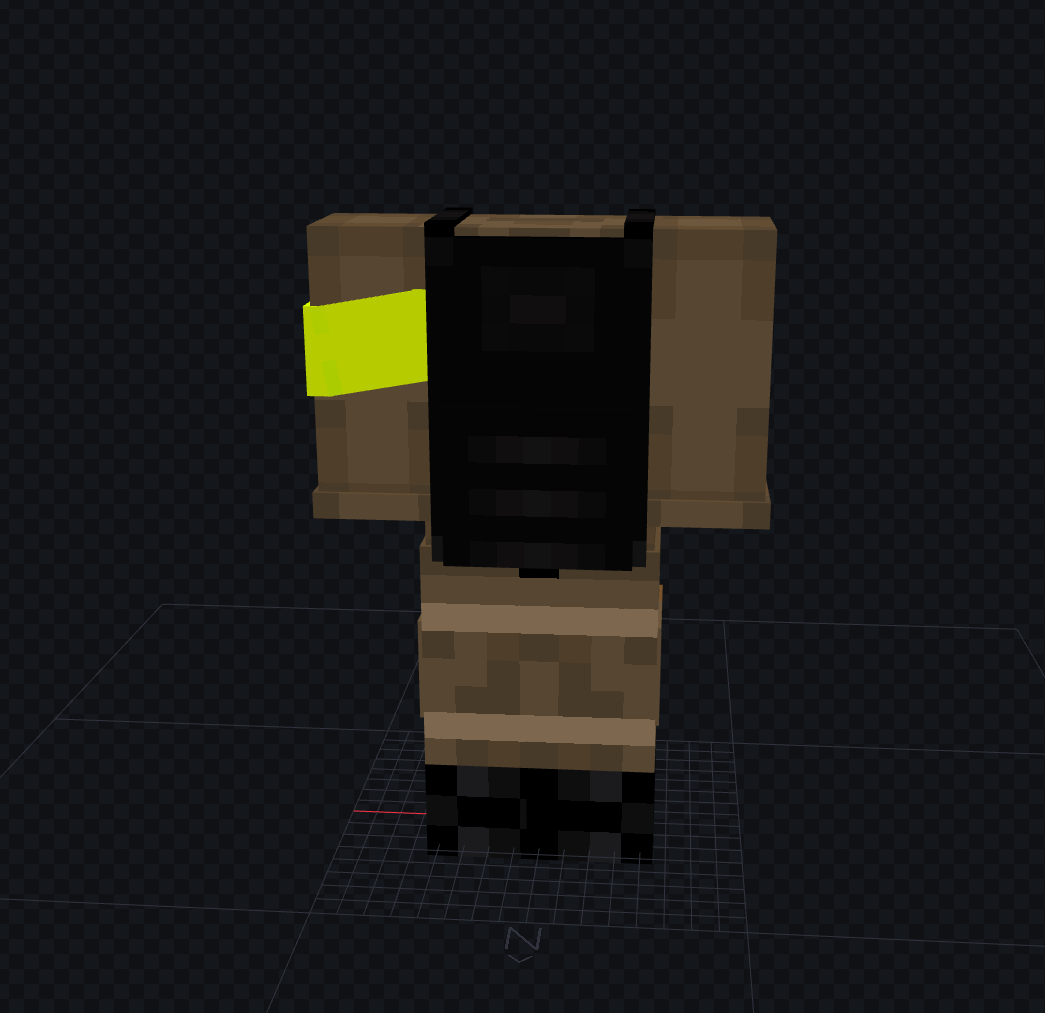
介绍
A resource-pack built using Armo.
Armo is a tool and Spigot plugin, available on my website.
It allows you to effortlessly convert .bbmodel files containing custom 3D armor into three formats:
- Pure Vanilla (Core Shaders): Completely vanilla-compatible. Zero client mods required.
- JEM Only: Optimized for players running EMF/ETF or OptiFine.
- Hybrid (Both): Bundles Core Shaders and JEM models together to provide universal support in a single resource pack.
How to use
You’ll need to activate this pack in your resources-packs tabs, then to get the items enter the following commands :
- Chestplate :
/give @p minecraft:diamond_chestplate[minecraft:equippable={slot:"chest",asset_id:"minecraft:full_example"},minecraft:item_name="Military Police Chestplate"]- Leggings :
/give @p minecraft:diamond_leggings[minecraft:equippable={slot:"legs",asset_id:"minecraft:full_example"},minecraft:item_name="Military Police Leggings"]- Boots :
/give @p minecraft:diamond_boots[minecraft:equippable={slot:"feet",asset_id:"minecraft:full_example"},minecraft:item_name="Military Police Boots"]Performance Impact
Performance varies depending on model complexity and your chosen rendering method:
- JEM: Minimal to no noticeable performance cost.
- Core Shaders: Minimal (unless hundreds of armors are rendered at the exact same coords & taking the entier screen)
Test with:
summon minecraft:armor_stand ~ ~ ~ {Invisible:1b,NoBasePlate:1b,equipment:{chest:{id:"minecraft:allium",count:1,components:{"minecraft:equippable":{slot:"chest",asset_id:"minecraft:full_example"}}}}}Armo showcase
If you’re interested in using the tool/plugin Armo, here’s a small demo :
常见问题
3D Military Police Armor 支持哪些 Minecraft 版本?
3D Military Police Armor 支持 Minecraft Java 版 1.20–26.1.2,共 22 个版本。下载时注意选择和你游戏版本一致的文件。
3D Military Police Armor 怎么安装?
把下载的 .zip 文件(不用解压)放进游戏目录的 resourcepacks 文件夹,进游戏后在「选项 → 资源包」里把它移到右边启用。


评论
登录后评论和评分