
Editable World Generation
A fabric mod that adds a new world type which allows you to create your very own custom world types by editing the world type. This also adds a complete user friendly interface.
截图
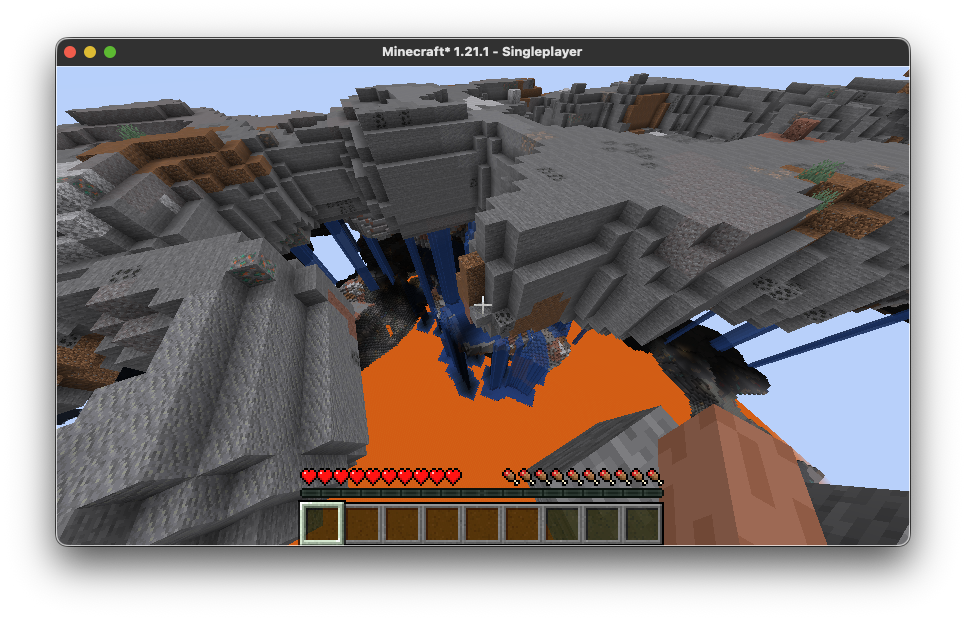
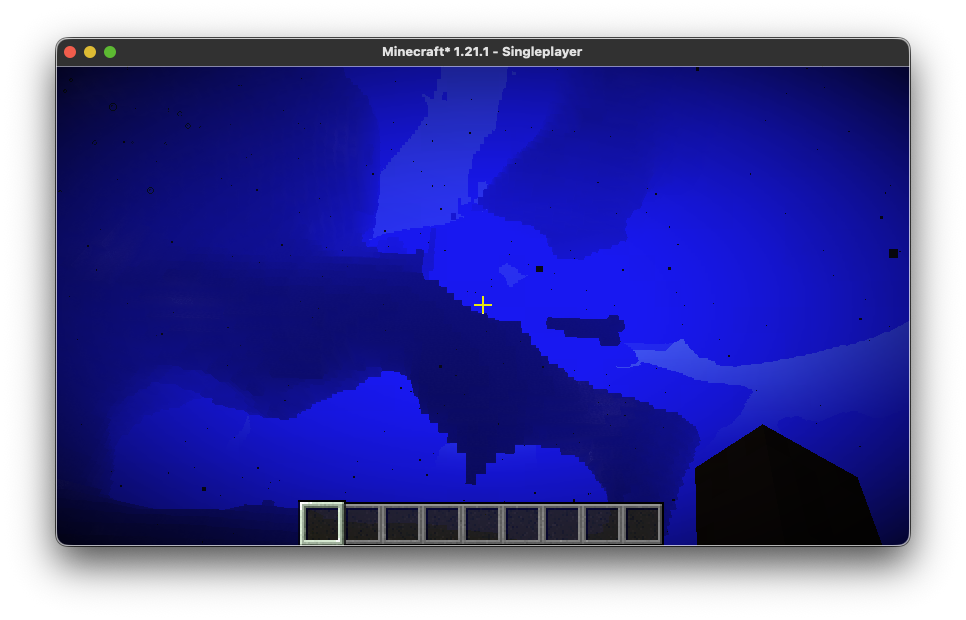
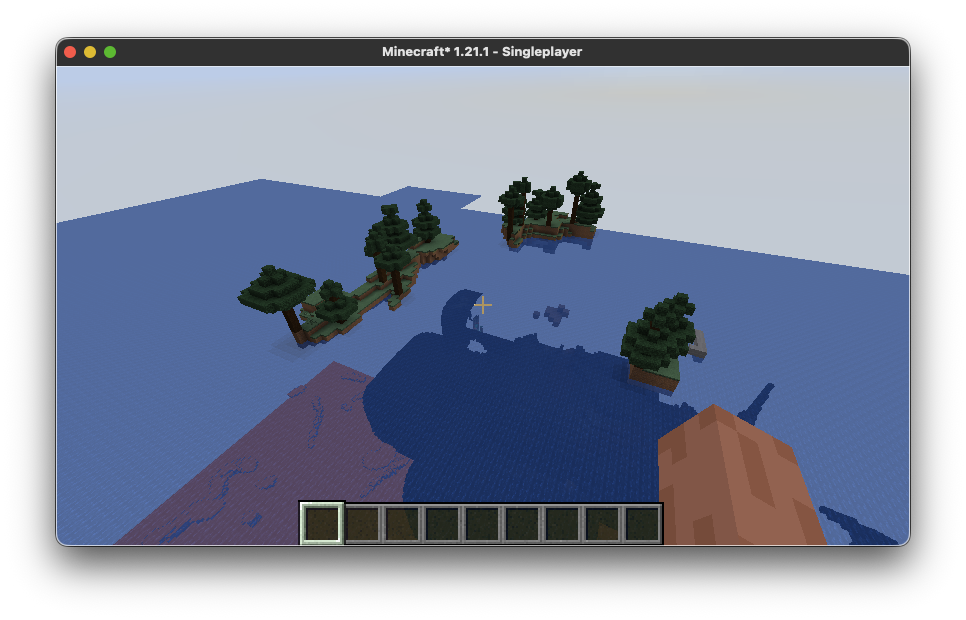
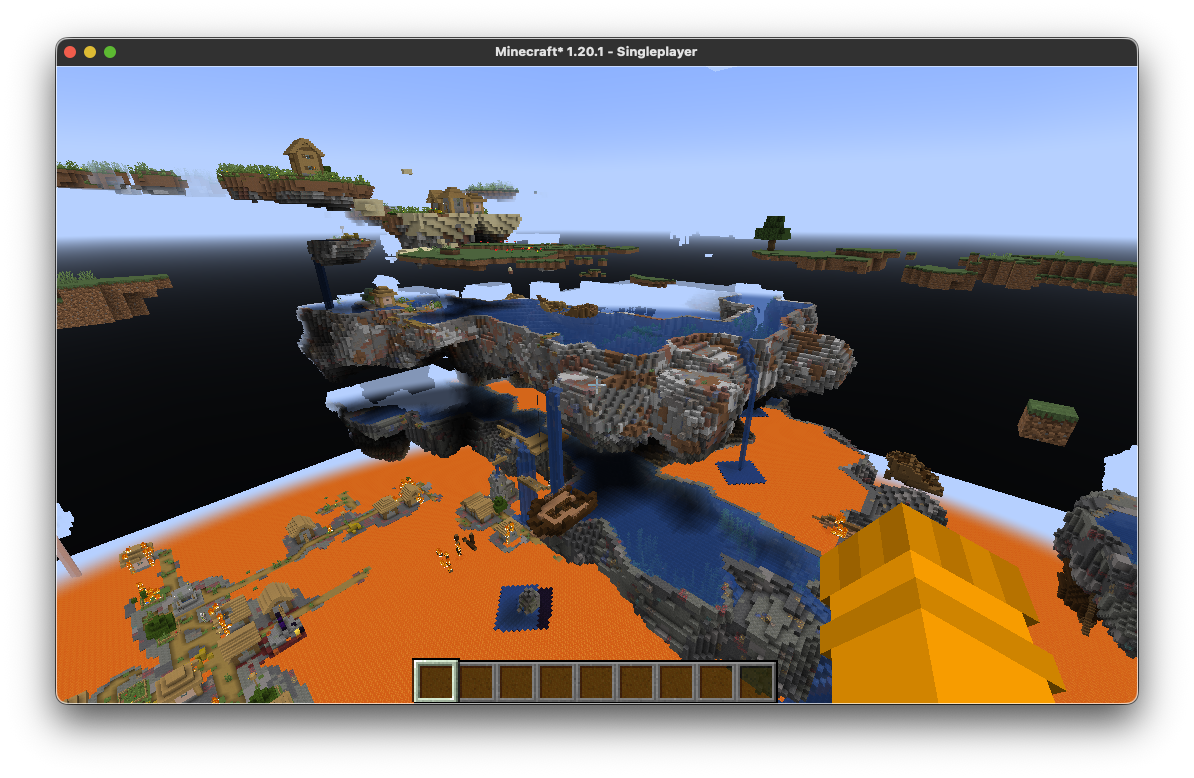
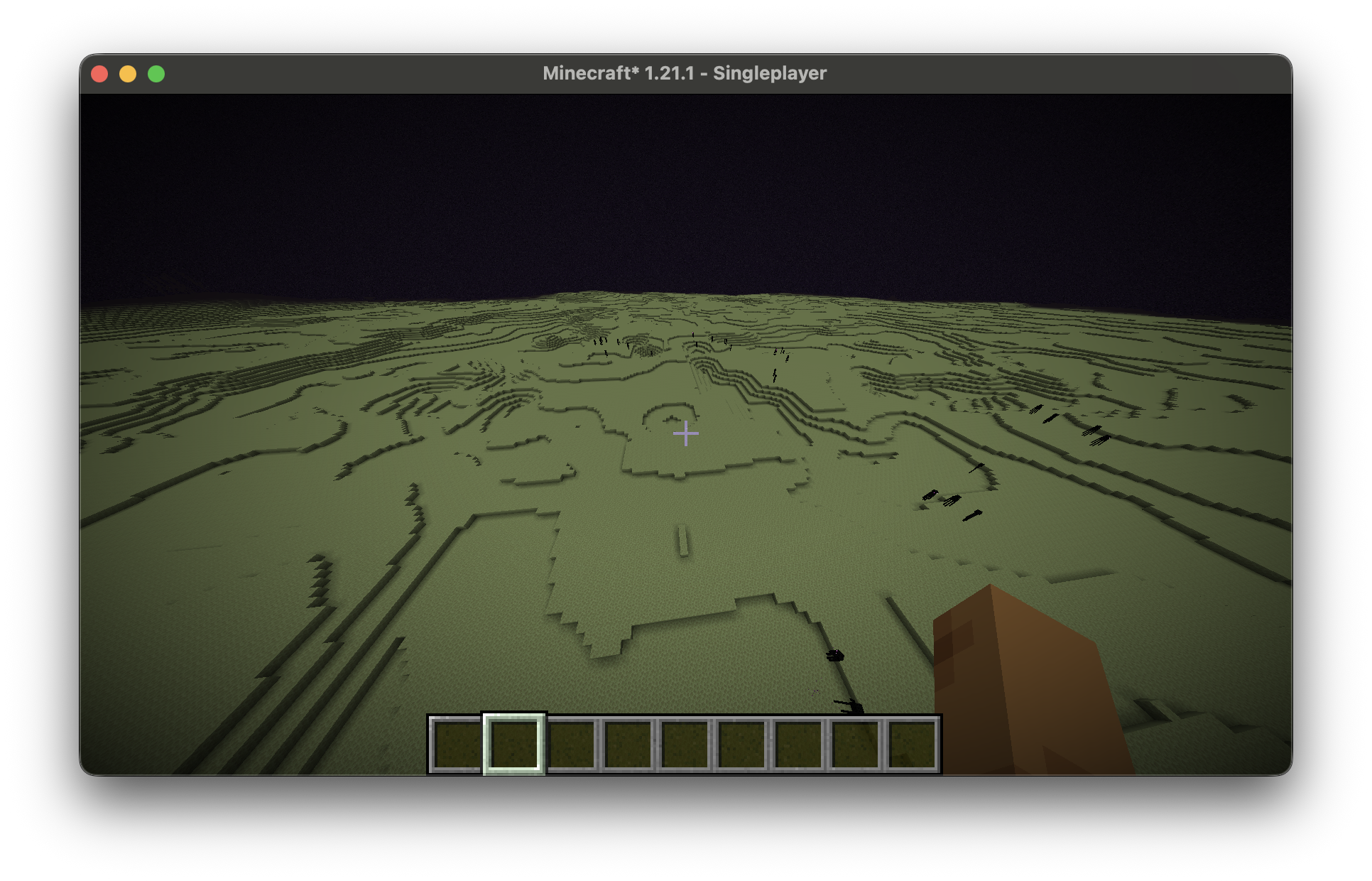
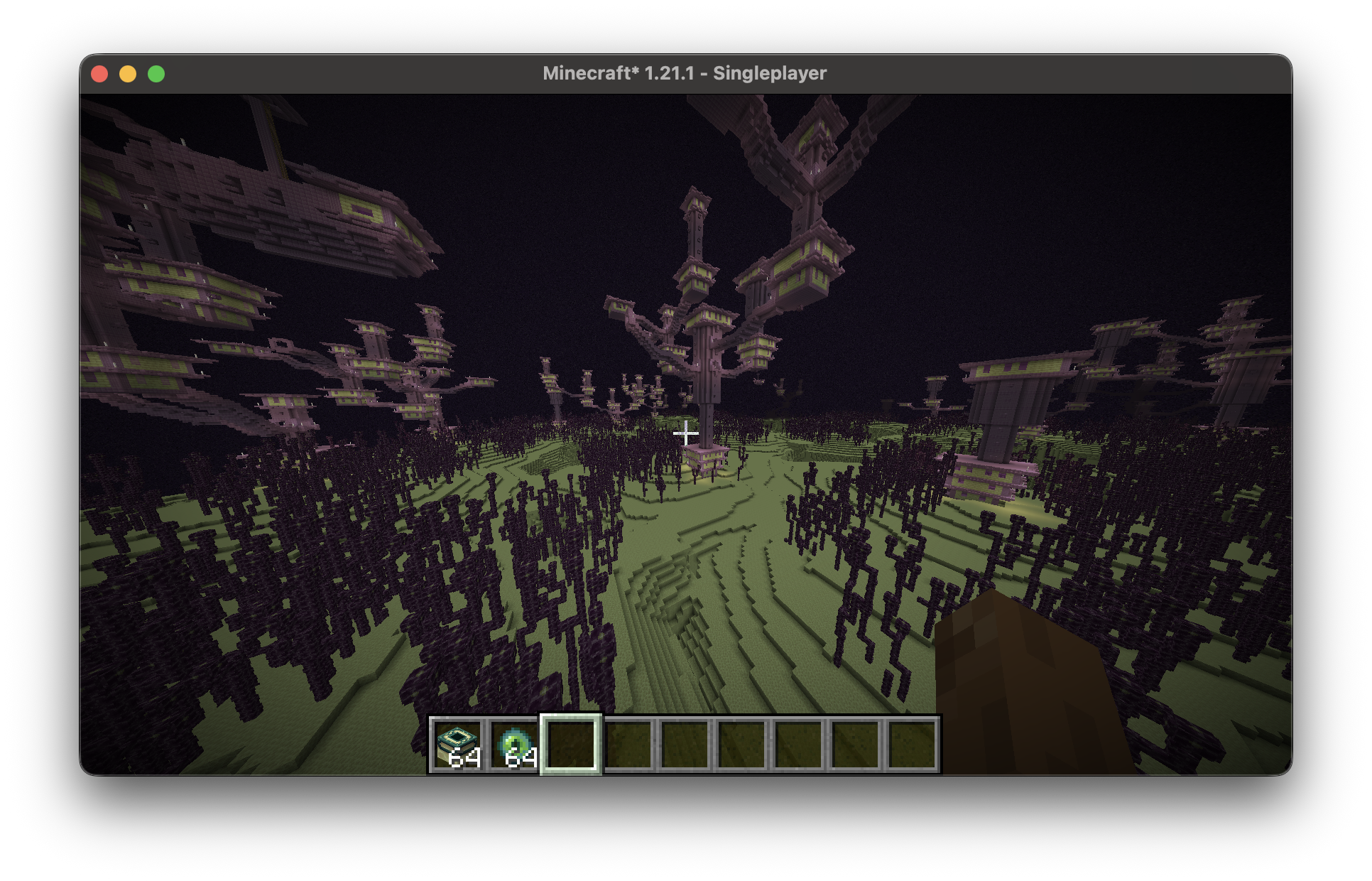
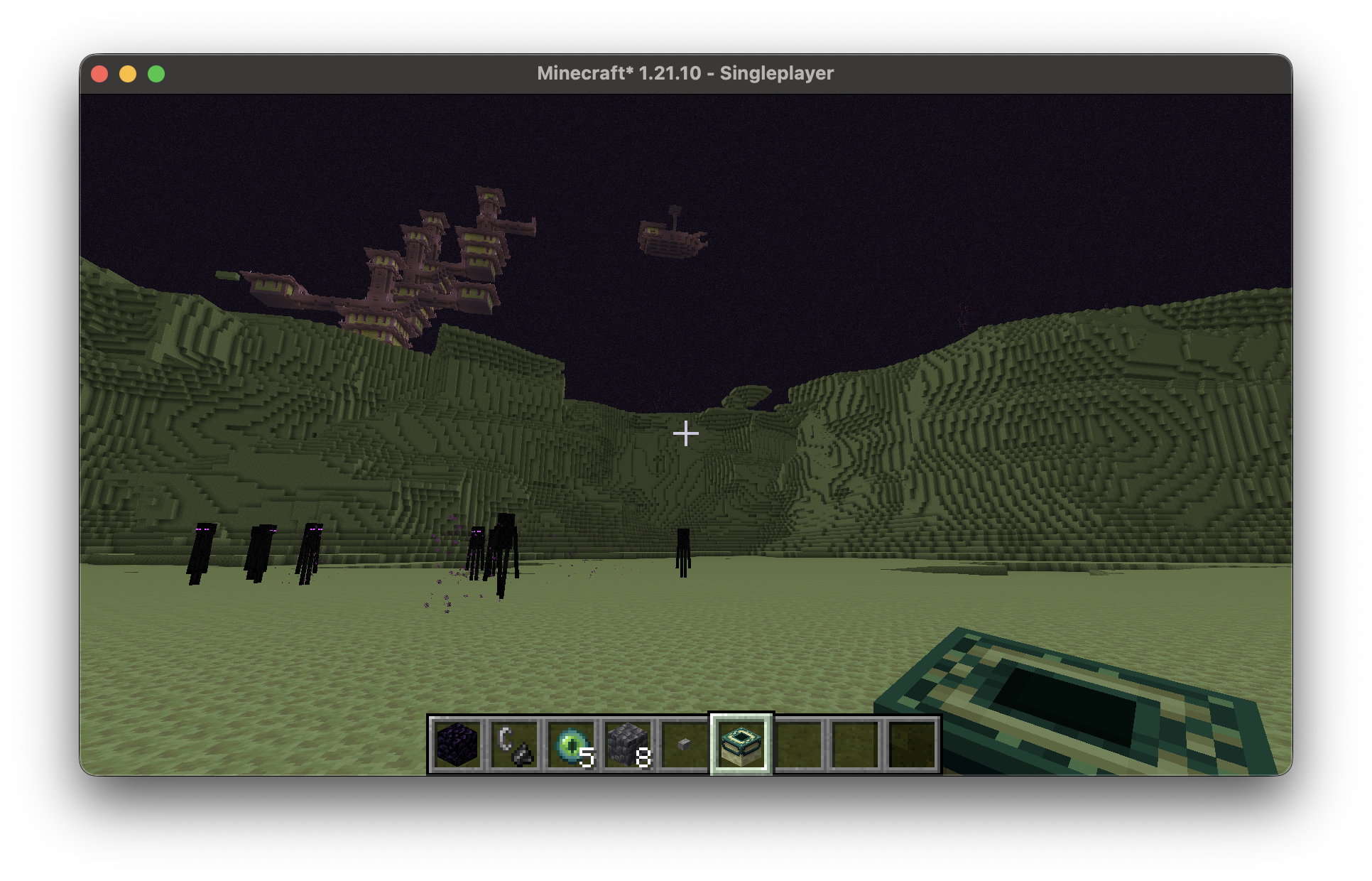
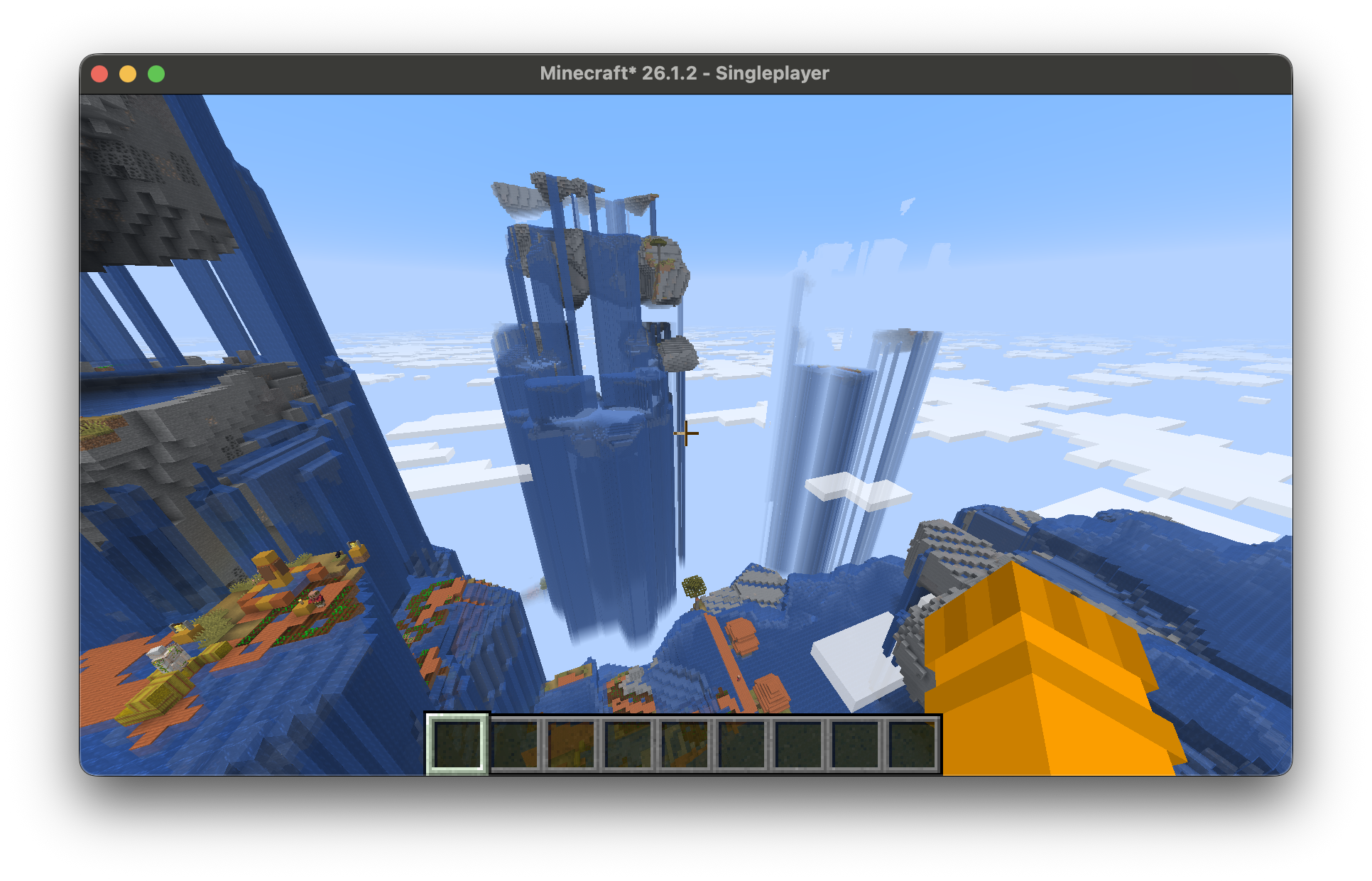
介绍
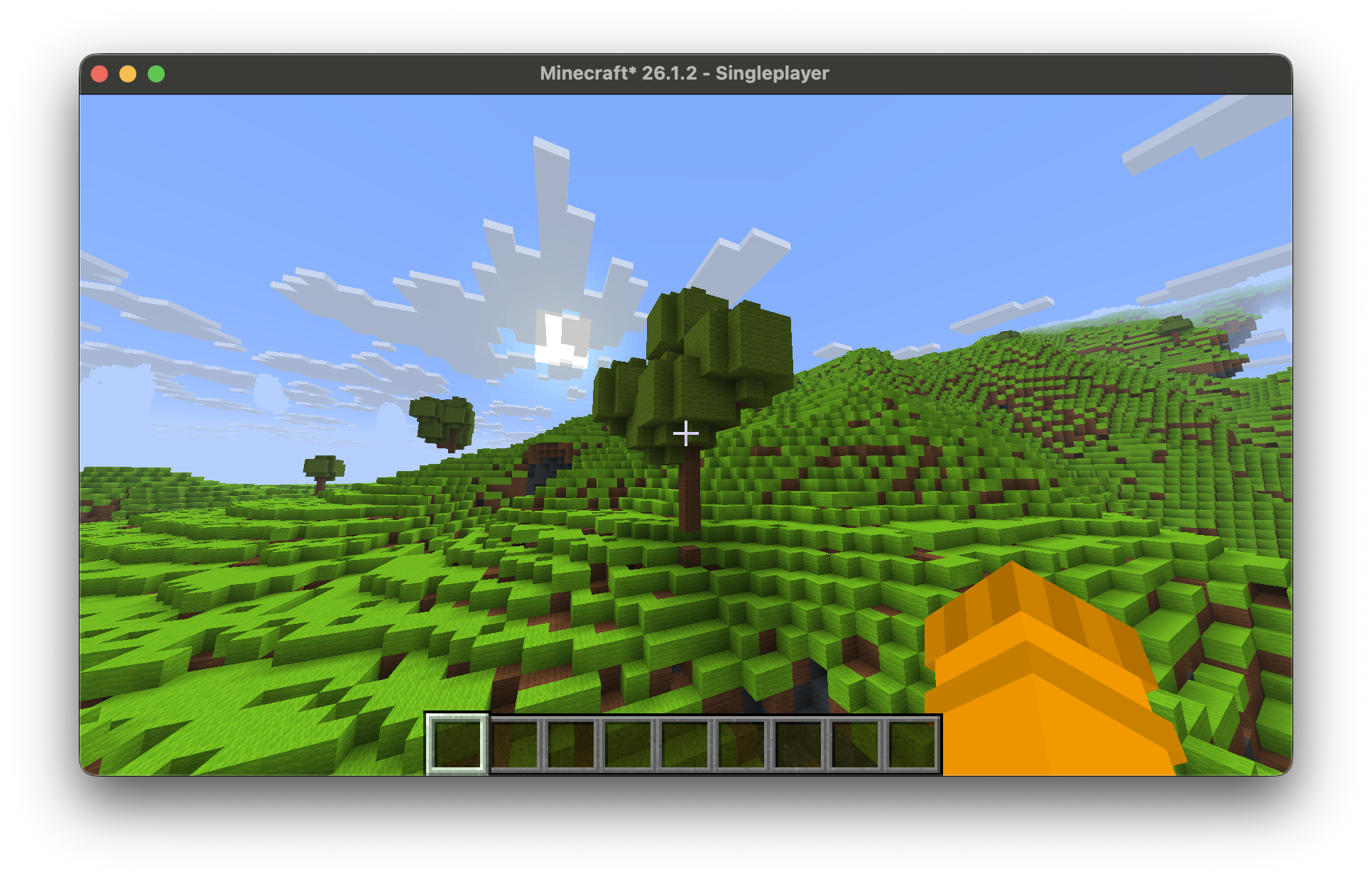
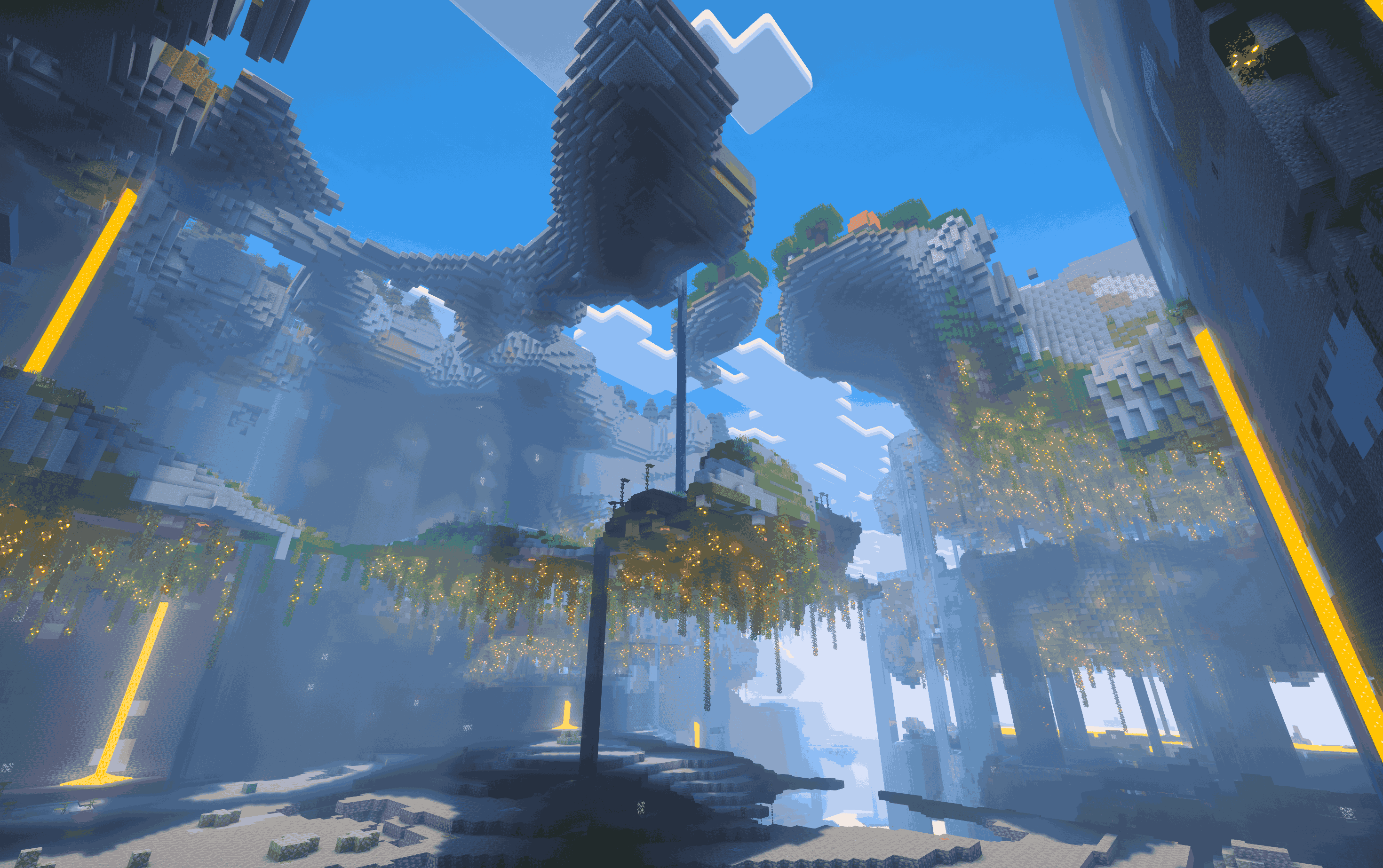
This mod allows you to edit almost every rule of Minecraft’s world generation. From biomes, to structures, to terrain & caves to even surface decoration. More versions soon! Working on the 26.3 port.
Start by selecting the “Custom” world type and then click “Edit rules”
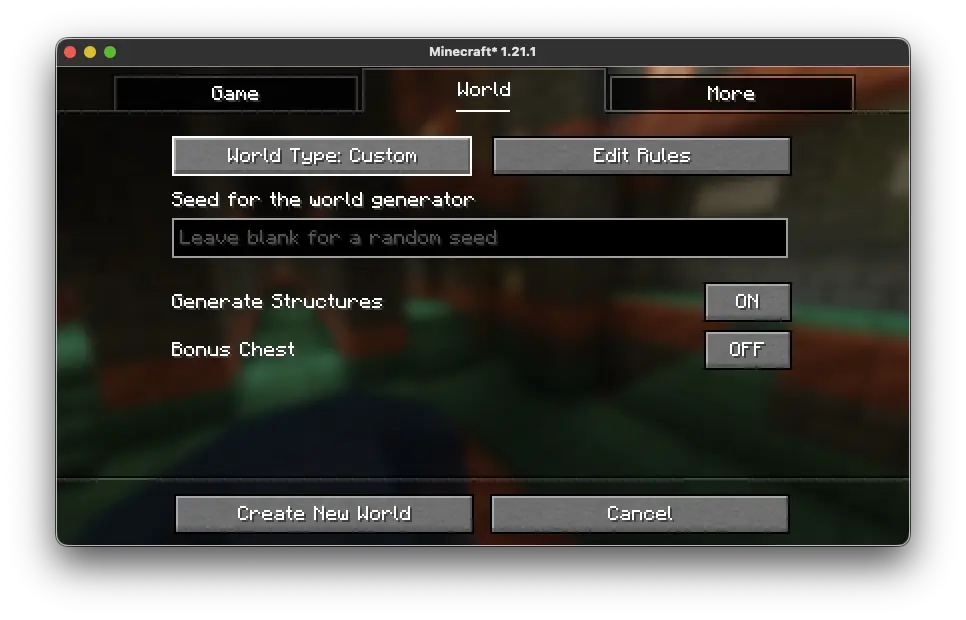
After you do, you will be thrown into the editor where you can edit the world generation rules that make up the world
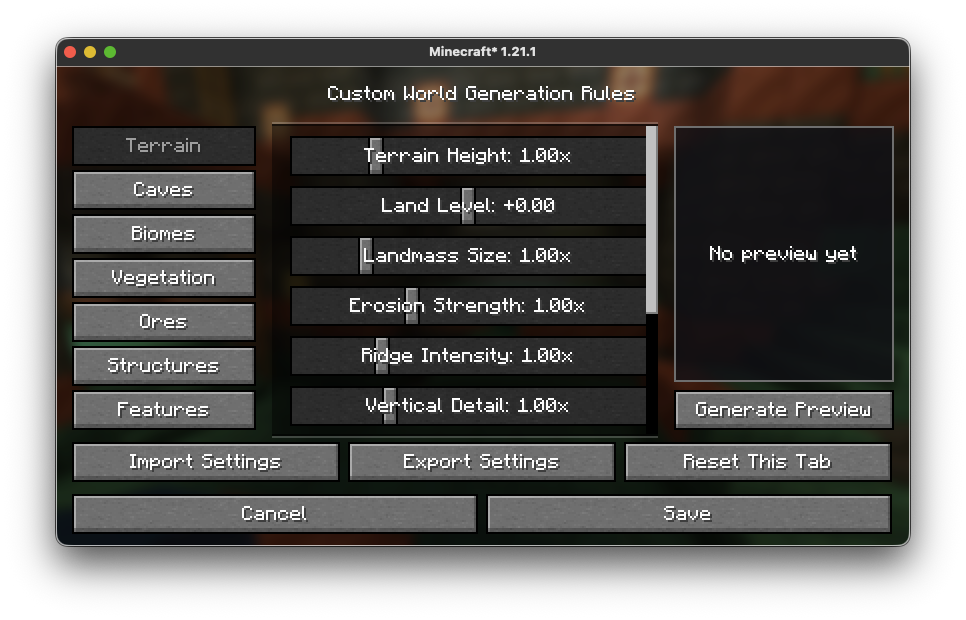
Categories:
- Terrain (world terrain) – v1.0.0+
- Caves (world cave generation) – v1.0.0+
- Biomes (biome settings) – v1.0.0+
- Vegetation (terrain vegetation) – v1.0.0+
- Ores (world ore settings) – v1.0.0+
- Structures (structure settings) – v1.0.0+
- Features (terrain and world additions) – v1.0.0+
- Blocks (replace and remove specific block spawning) – v3.0.0+
Since v2.0.0 you can change settings from the overworld, nether and end!
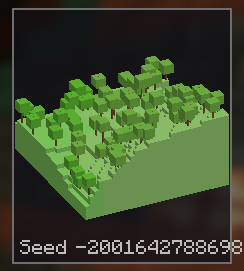
Then click “Generate Preview” to see a random seed using your rules of world generations
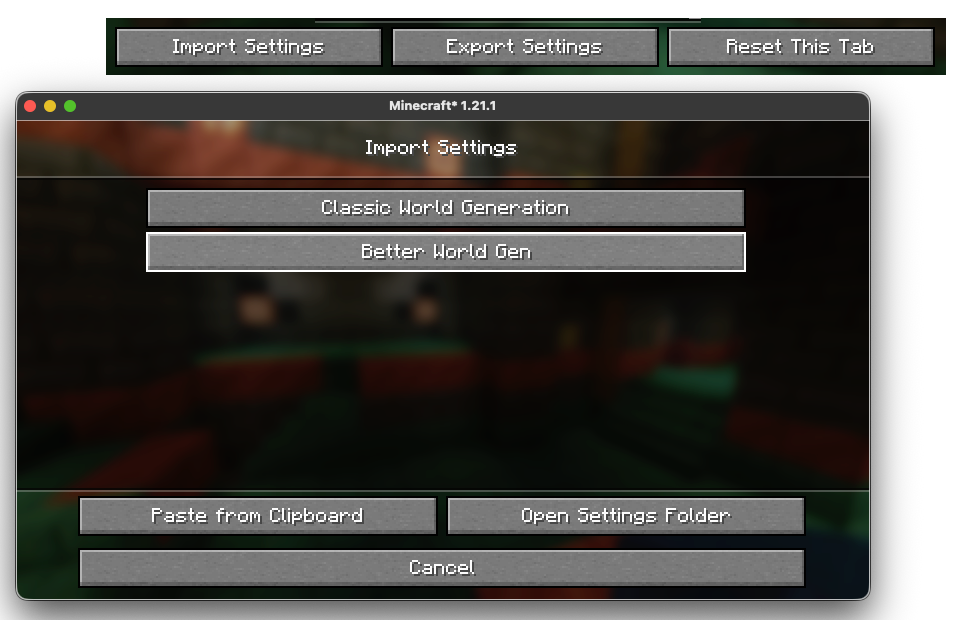
And finally you can import and export settings and by clicking “Open Settings Folder” a file explorer window will open with all your save files.
A new alpha feature just came out with a new world type so you can edit the world generation values in-game while the chunks update live to the settings you choose
Thanks for reading and using this mod!
常见问题
Editable World Generation 支持哪些 Minecraft 版本?
Editable World Generation 支持 Minecraft Java 版 1.20.1–26.3,共 10 个版本,可用的加载器:Fabric。下载时注意选择和你游戏版本一致的文件。
Editable World Generation 怎么安装?
先用 PCL2 或 HMCL 启动器安装对应版本的 Fabric,再把下载的 .jar 文件放进游戏目录的 mods 文件夹,重新启动游戏即可。开启了版本隔离的,mods 文件夹在 versions/版本名 下面。运行环境:客户端和服务端都要装。

评论
登录后评论和评分