
Inventory Trash Can
Adds a simple and clean trash can slot to your inventory to easily delete items.
截图
介绍
🗑️ Inventory Trash Can
Keep your inventory clean and organized! Inventory Trash Can is a lightweight, vanilla-friendly Quality of Life mod that adds a convenient trash button directly to your survival inventory screen.
✨ Features
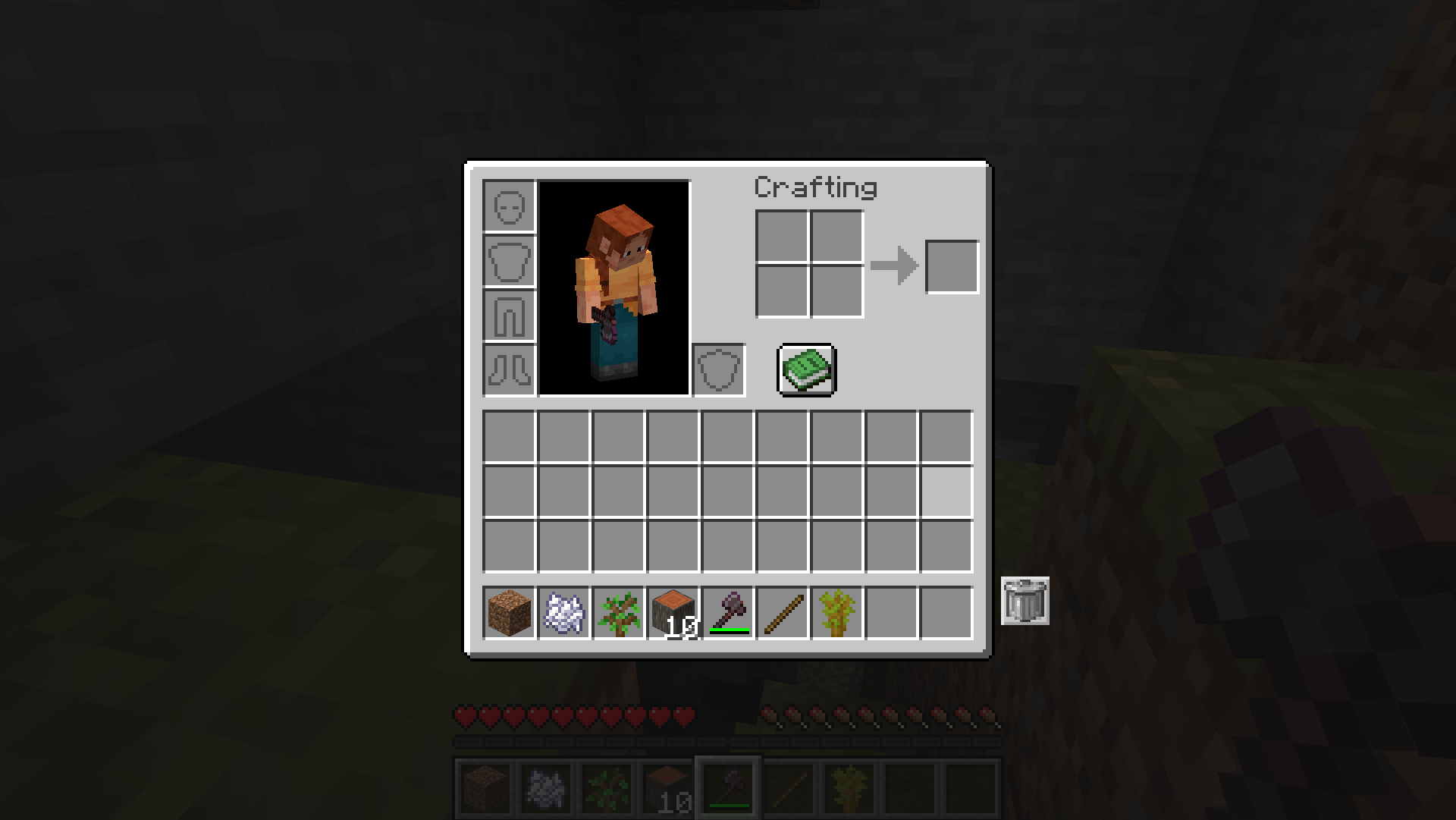
- 🗑️ One-Click Trash: Click the trash button while holding an item to permanently delete it
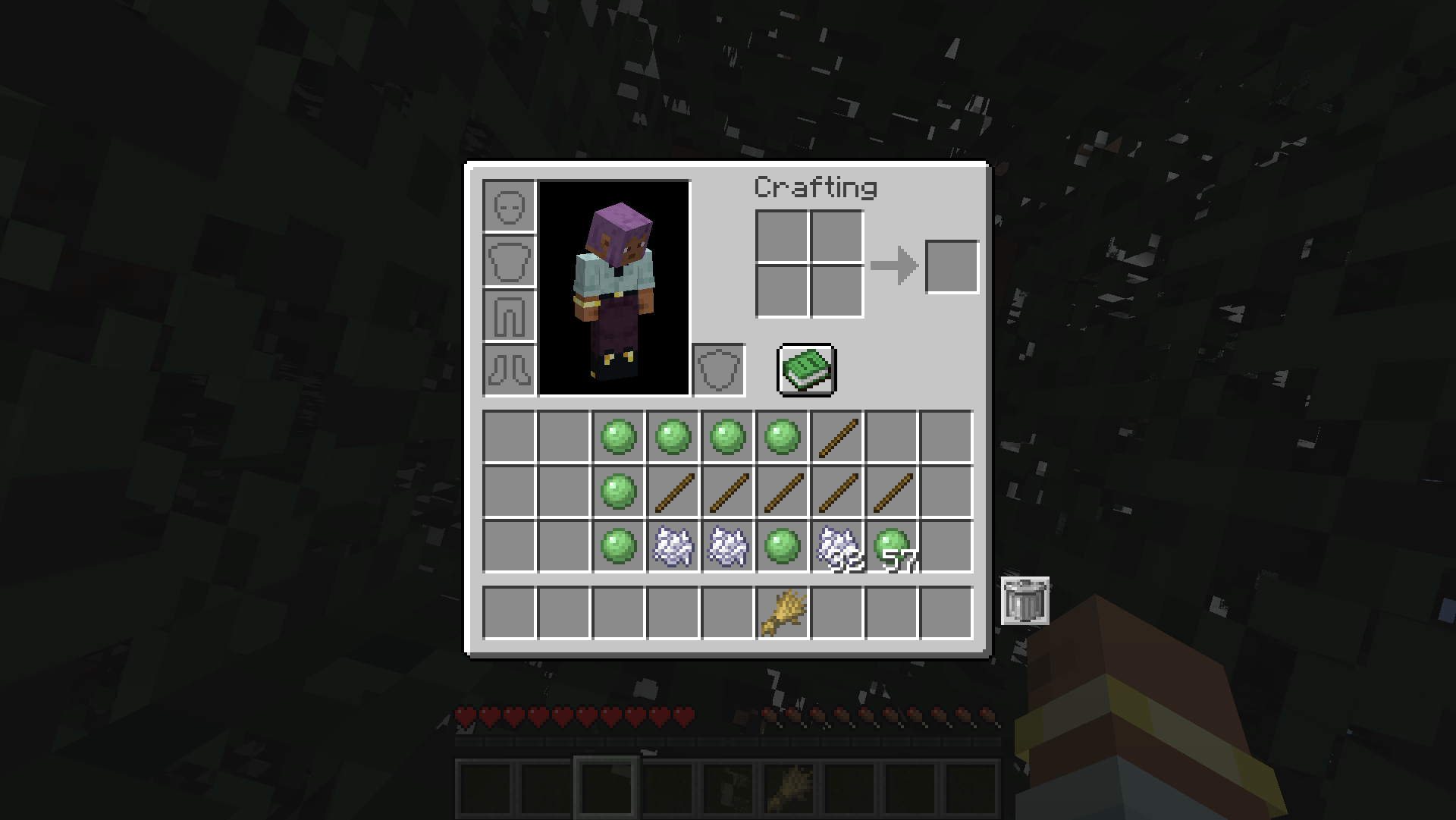
- 📦 Bulk Delete: Hold Shift and click to delete ALL matching items in your inventory at once
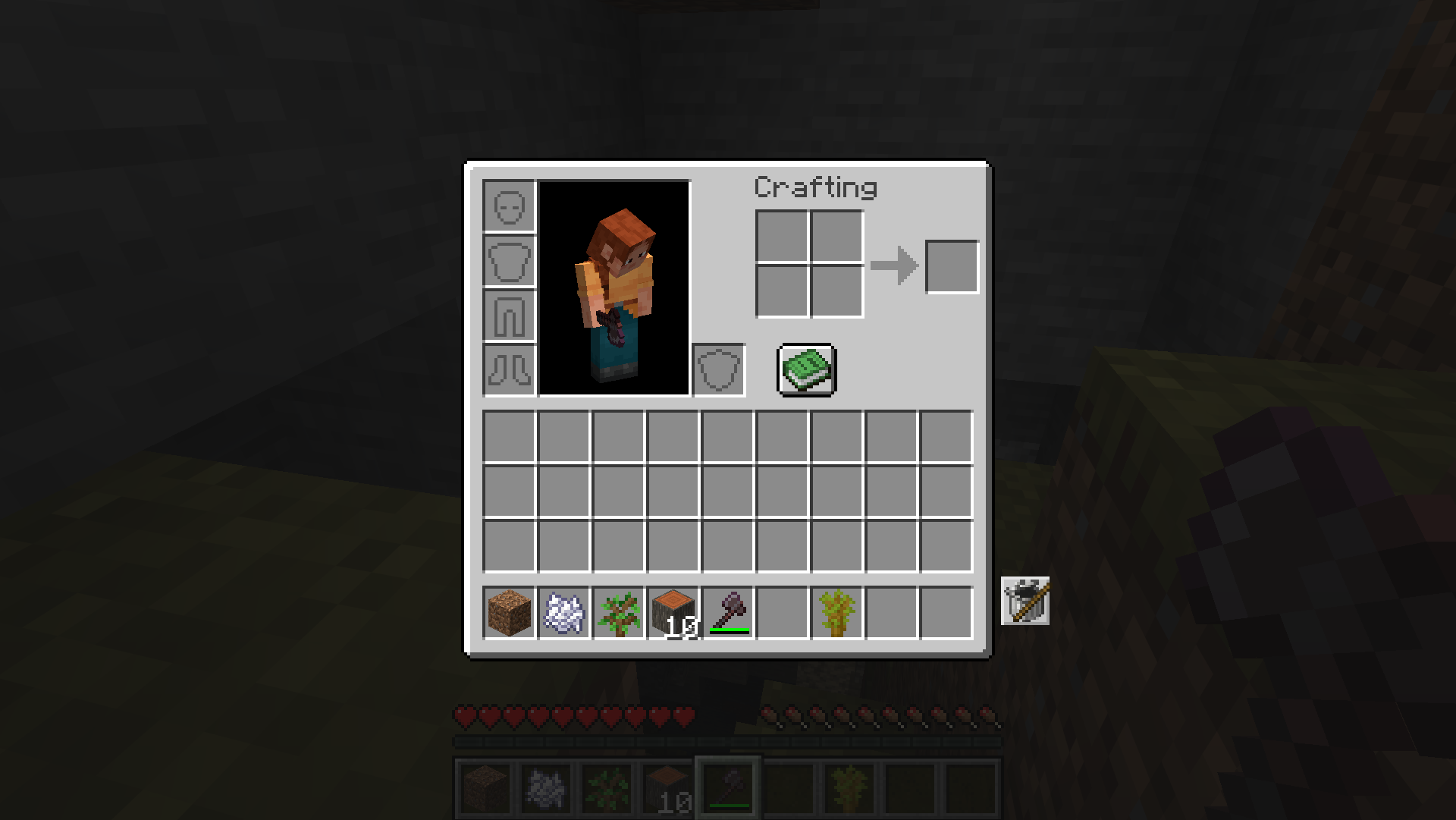
- ↩️ Undo Support: Click with an empty cursor to restore the last trashed item stack
- 🔍 Highlight Mode: Matching items glow to easily spot what you’re about to delete
- 🔢 Item Counter: See exactly how many of each item you have in your inventory
- ⚙️ Configurable Position: Move the trash button to any corner of your inventory screen
- 🔄 Desync-Free: Fully server-authoritative — no ghost items or visual glitches
- 💨 Lightweight: Minimal code, zero lag, no unnecessary bloat
🖼️ Screenshots
Click the trash button to delete the item on your cursor
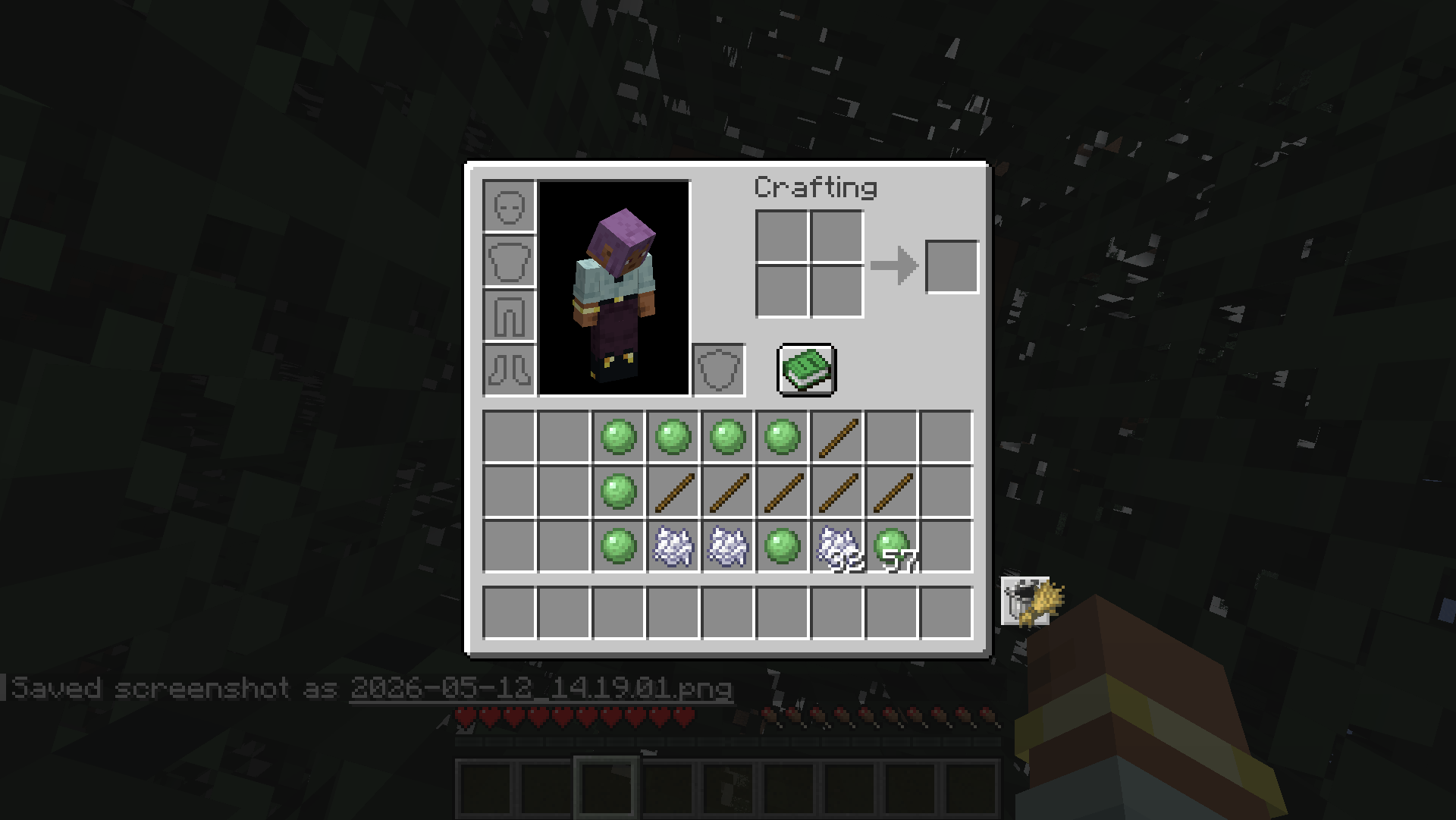
Hold Shift to delete all matching items at once
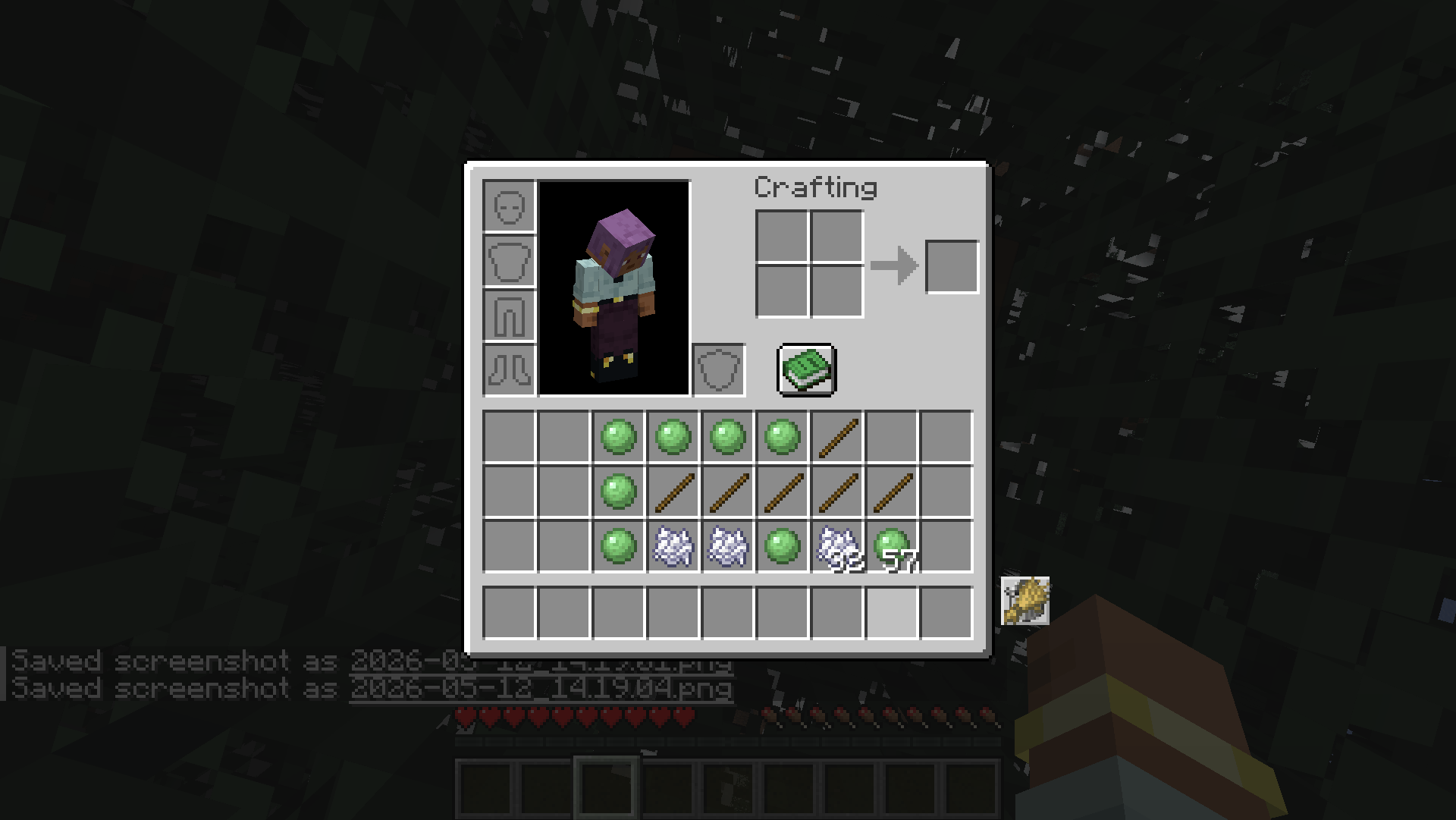
Matching items are highlighted for easy identification
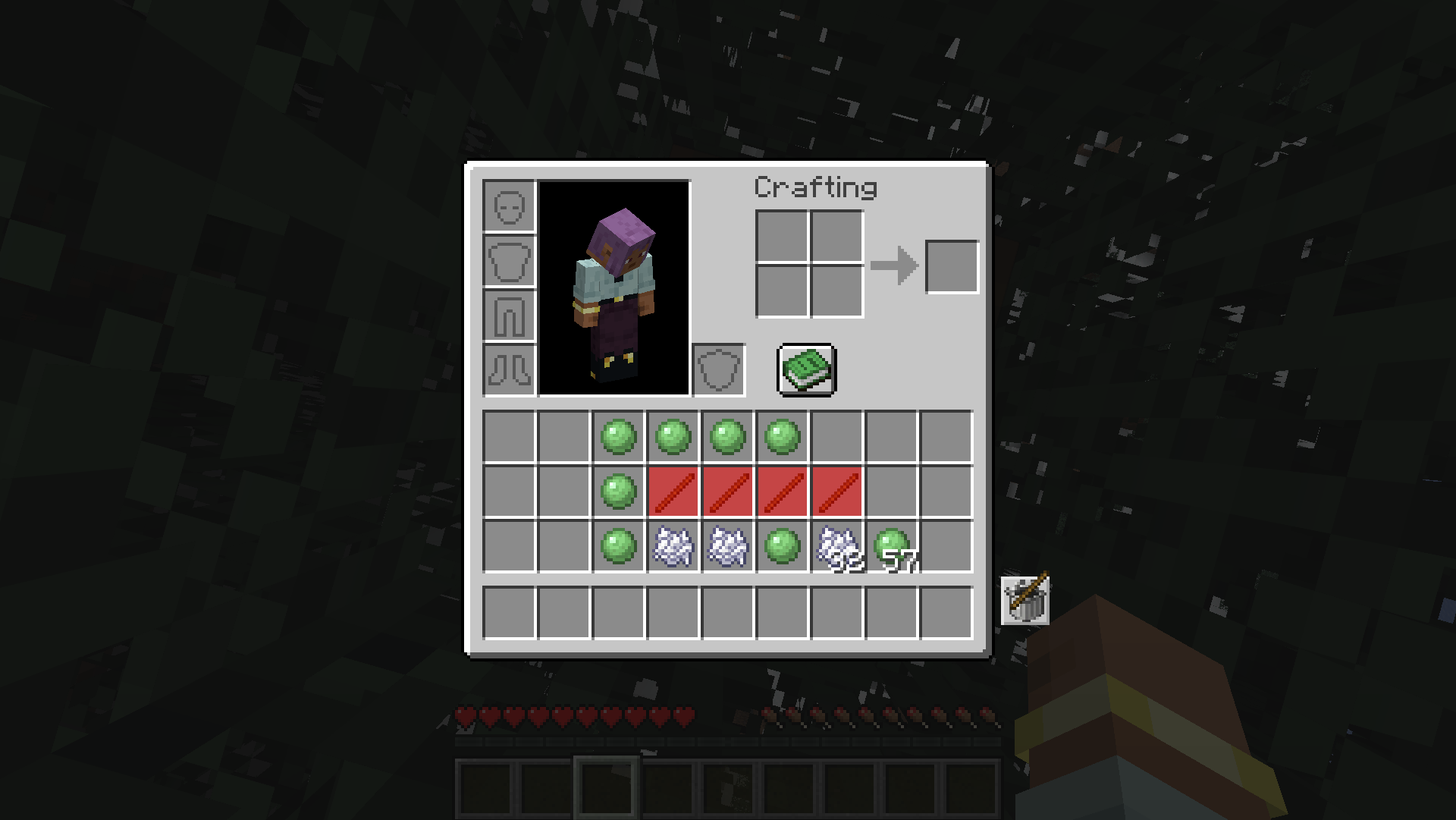
Built-in counter shows item quantities at a glance
🎮 How to Use
- Open your survival inventory
- Pick up any item or stack you want to trash
- Click the Trash Button → item deleted permanently
- Shift + Click → delete all matching items in your inventory
- Empty cursor + Click → restore the last trashed item
📦 Supported Versions
| Version | Fabric | Forge | NeoForge |
|———|:——:|:—–:|:——–:|
| 26.1.2 | ✔️ | ✔️ | ✔️ |
| 1.21.4 | ✔️ | — | ✔️ |
| 1.20.1 | ✔️ | ✔️ | — |
⚙️ Requirements
Fabric: Fabric Loader + Fabric API
Forge: Forge 64+
NeoForge: NeoForge 4+
常见问题
Inventory Trash Can 支持哪些 Minecraft 版本?
Inventory Trash Can 支持 Minecraft Java 版 1.20–26.1.2,共 18 个版本,可用的加载器:Fabric / Forge / NeoForge。下载时注意选择和你游戏版本一致的文件。
Inventory Trash Can 怎么安装?
先用 PCL2 或 HMCL 启动器安装对应版本的 Fabric / Forge / NeoForge,再把下载的 .jar 文件放进游戏目录的 mods 文件夹,重新启动游戏即可。开启了版本隔离的,mods 文件夹在 versions/版本名 下面。运行环境:客户端和服务端都要装。
Cukkoo 的其他作品
查看全部 →
Sound Culling
Dynamically limits and dampens overlapping sounds to reduce audio clutter and improve performance in sound-heavy areas.

Sound Culling
Dynamically limits and dampens overlapping sounds to reduce audio clutter and improve performance in sound-heavy areas.

Free Camera
A powerful client-side cinematic camera mod with Free, Orbit, Tripod, Follow, recording, paths, roll, zoom, and collision.

Free Camera
A powerful client-side cinematic camera mod with Free, Orbit, Tripod, Follow, recording, paths, roll, zoom, and collision.
评论
登录后评论和评分