
截图


介绍
Overview
This mod adds Dynamic Trees compatibility for Still Life 1.0+.
This is a compatibility addon for Dynamic Trees, which adds dynamically growing trees to Minecraft. This addon adds dynamically growing trees from Dynamic Trees to another mod, Still Life, a mod that uses trees in new biomes. As it says in the title.
This mod does not add new content in any meaningful form. It adds compatibility between another mod, Dynamic Trees, that adds new content; and Still Life, a mod that uses that new content.
This is an addon for configuring Dynamic Trees so that Dynamic Tree’s dynamic trees will grow in Still Life biomes.
Featuring
Trees
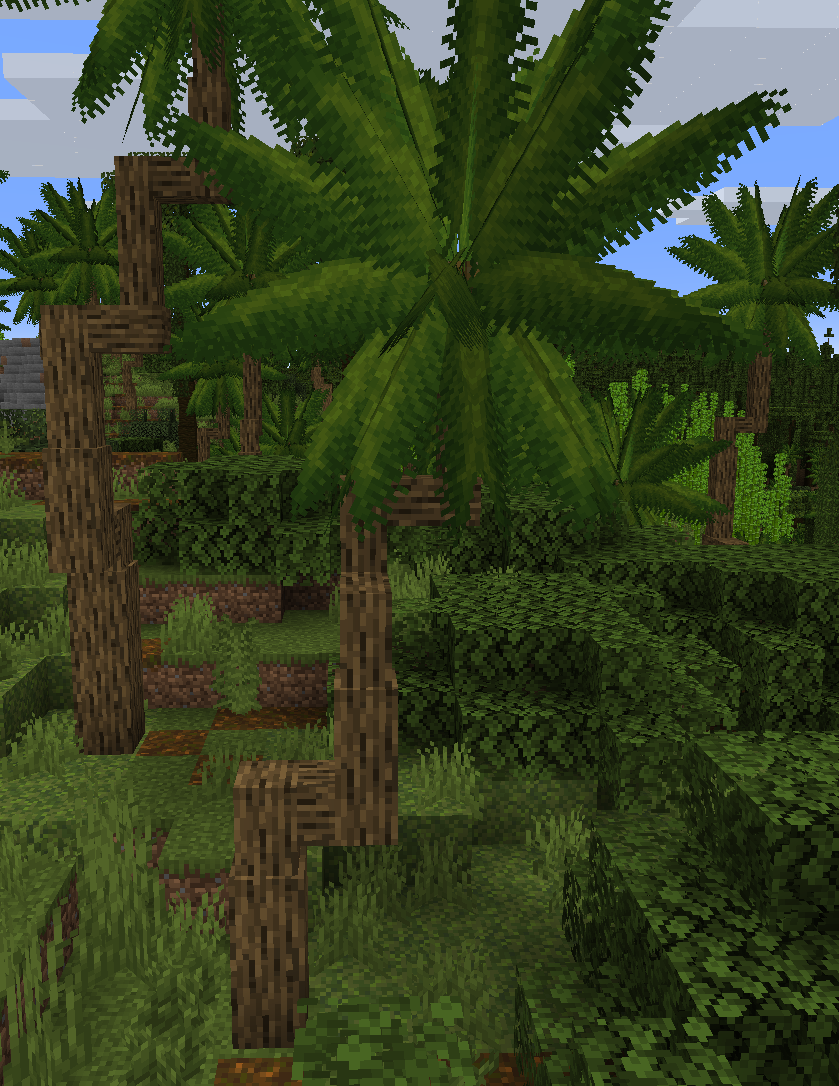
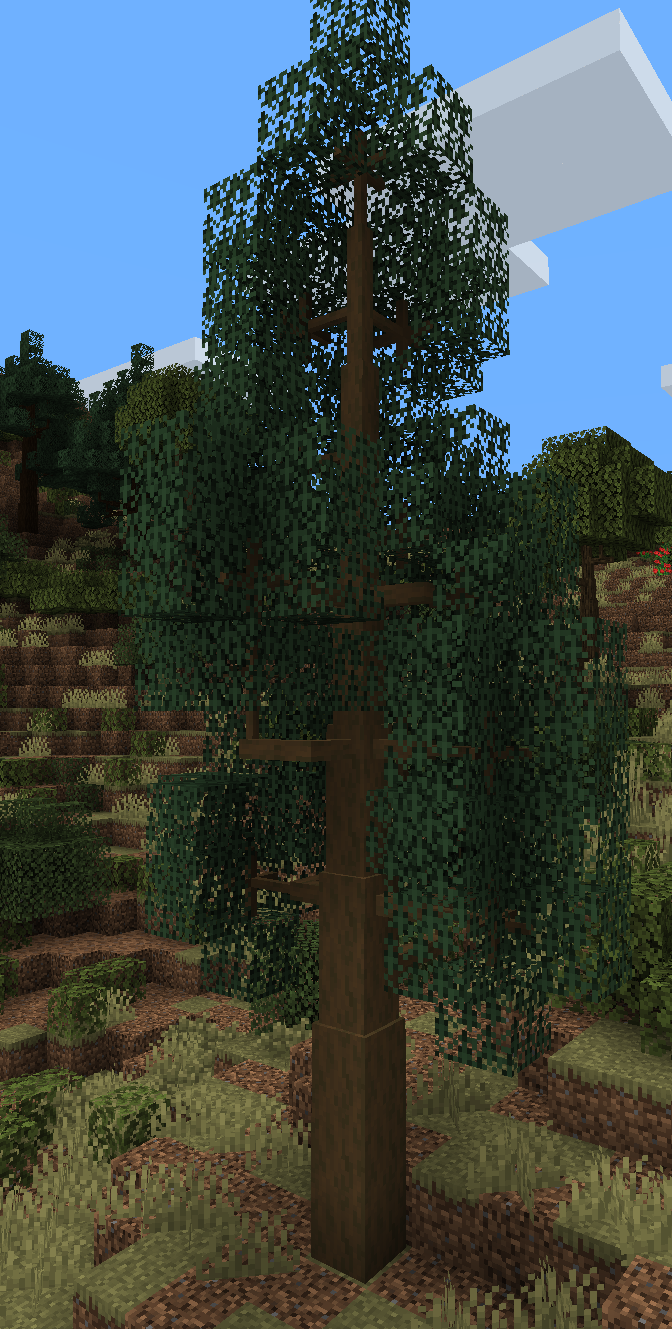
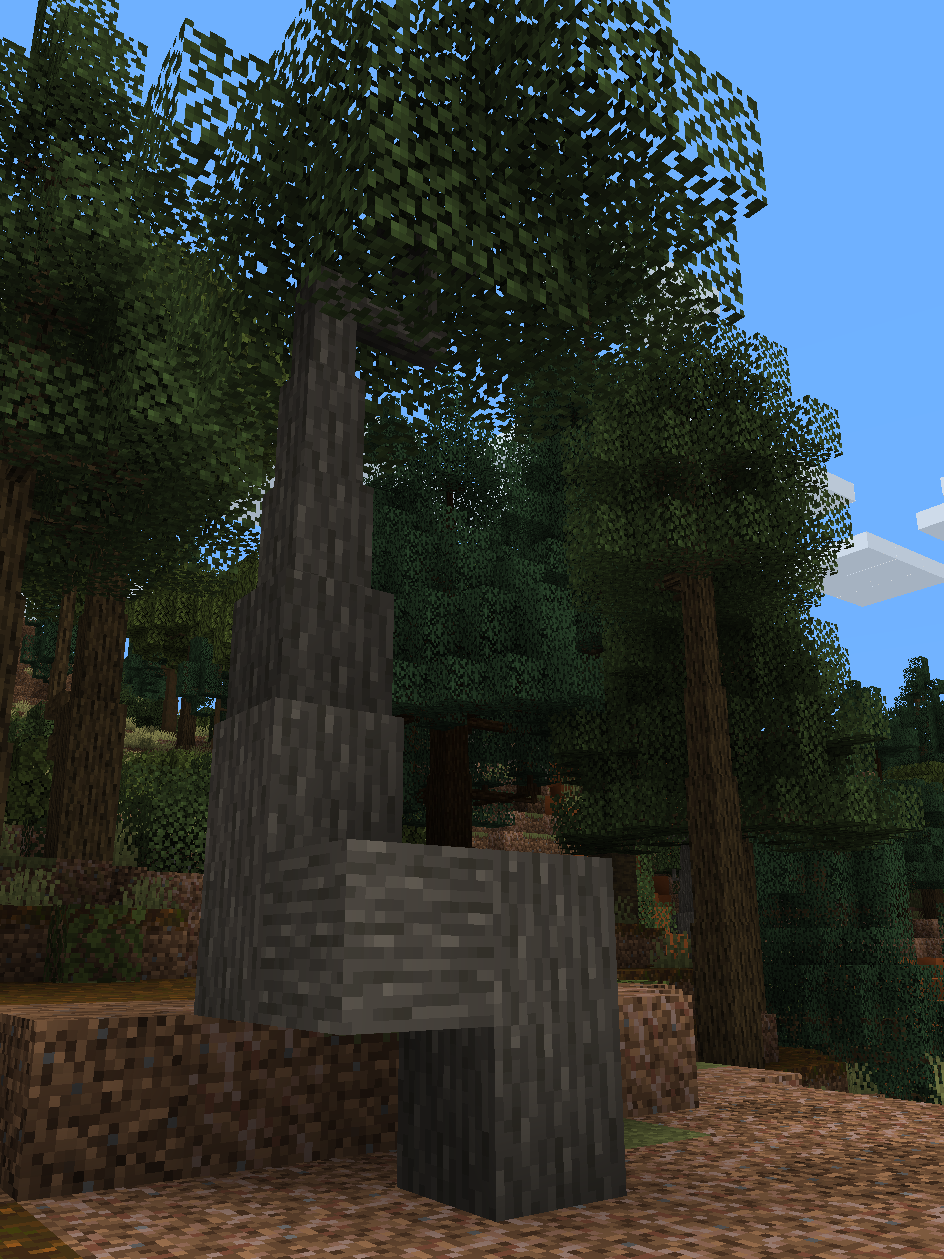
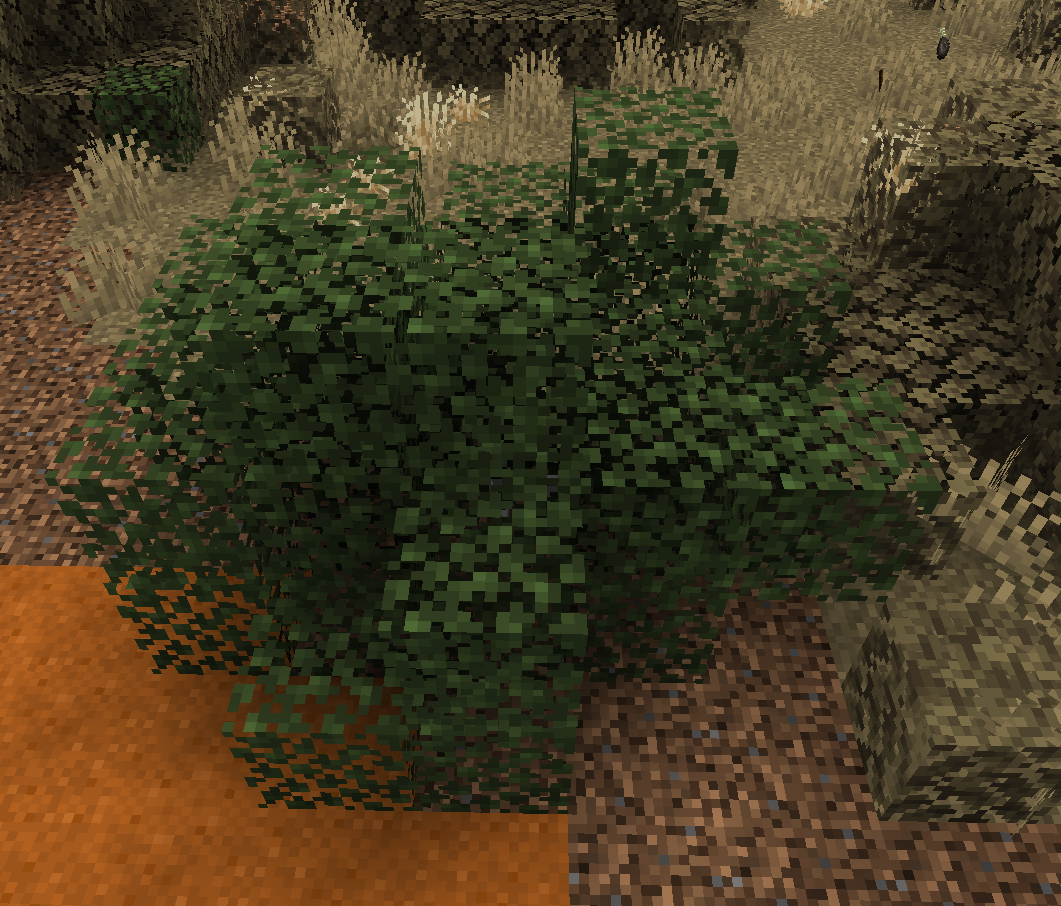
This mod adds new tree species for Dynamic Trees. Tree species are approximate replicas of those added by Still Life. Below are some examples of trees.
Squiggily Palm Tree
Poplar Tree
Olive Tree
Bush (not actually a tree)
Joshua Tree
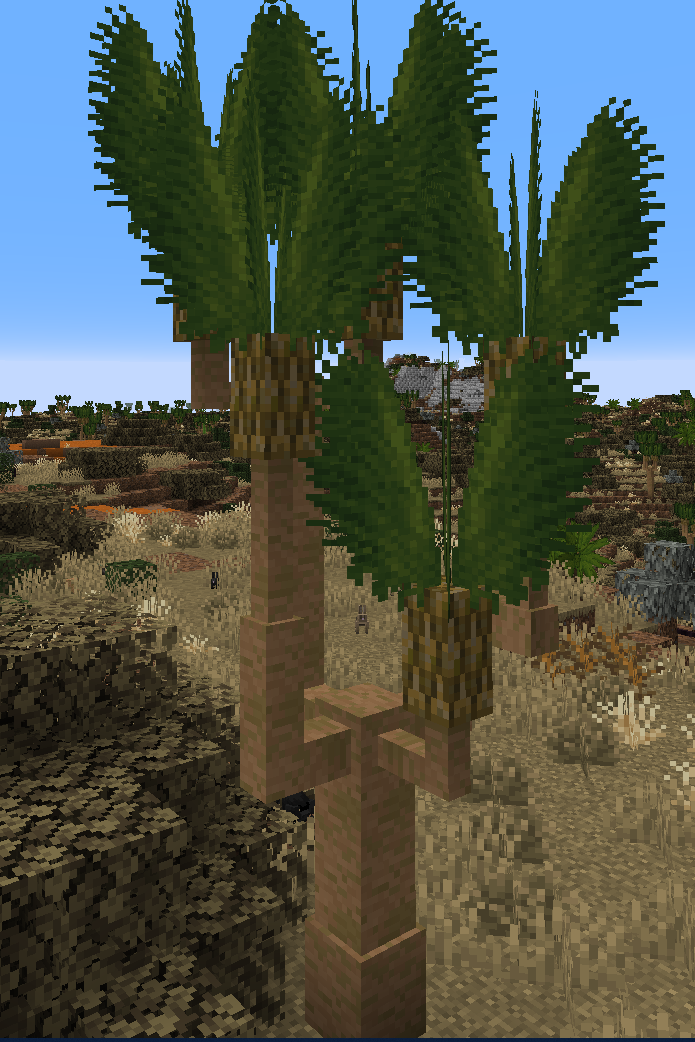
Fir Tree
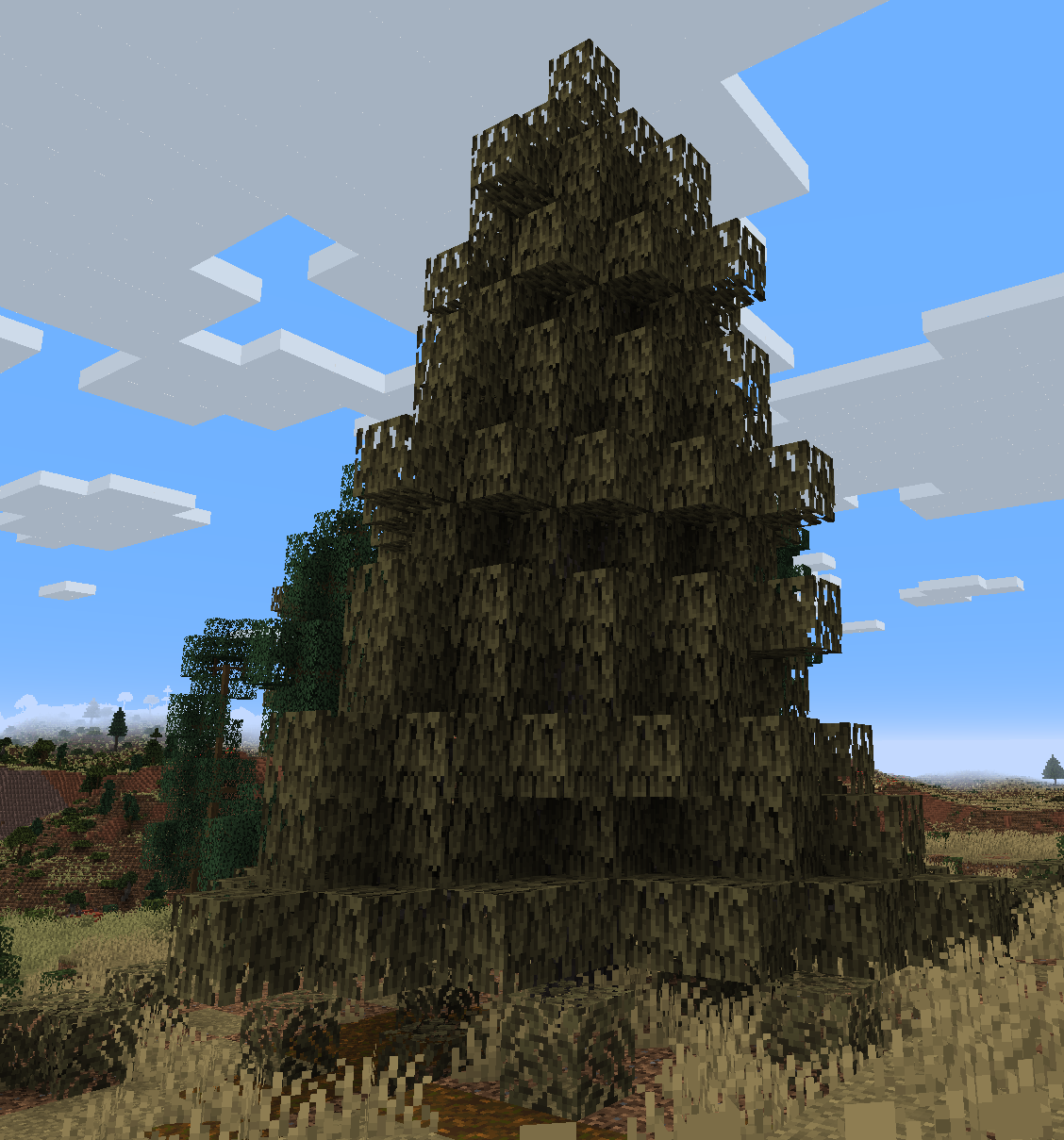
Tall Fir Tree
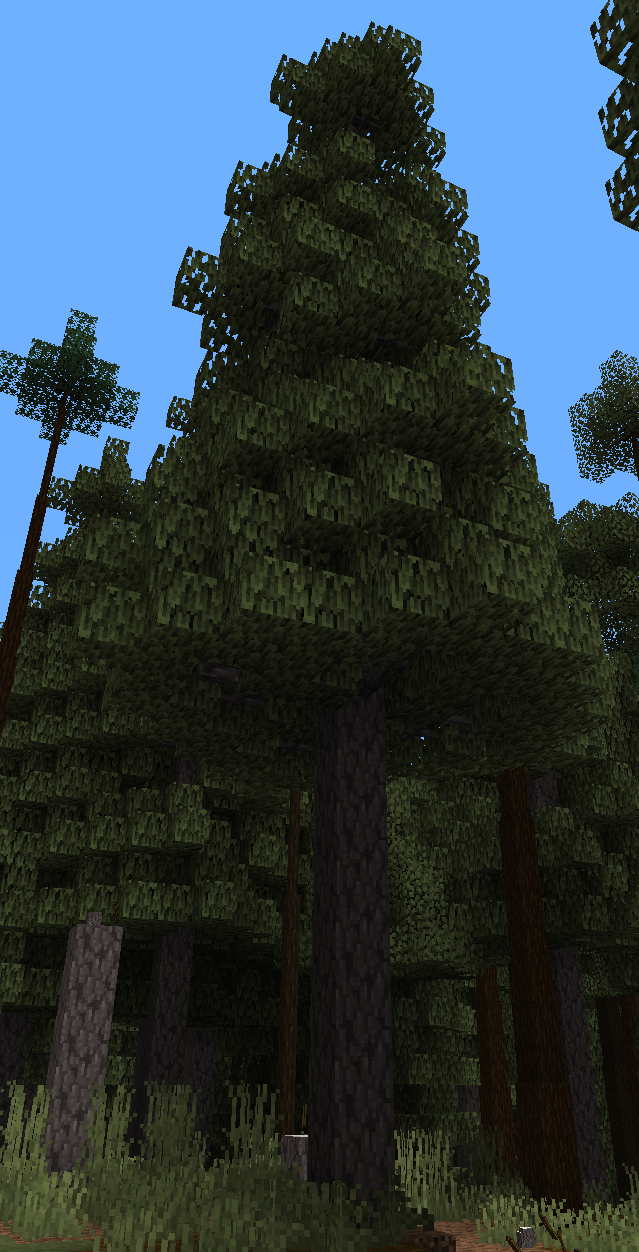
There are more trees that are not shown here because there are a lot of trees.
Biomes
This mod does not add biomes. It does put Dynamic Trees compatible trees in those biomes, however. Sometimes with appealing clustering and clearings. Below are some examples of what Still Life biomes will look like with this addon installed.
Evergreen Tropical Rainforest
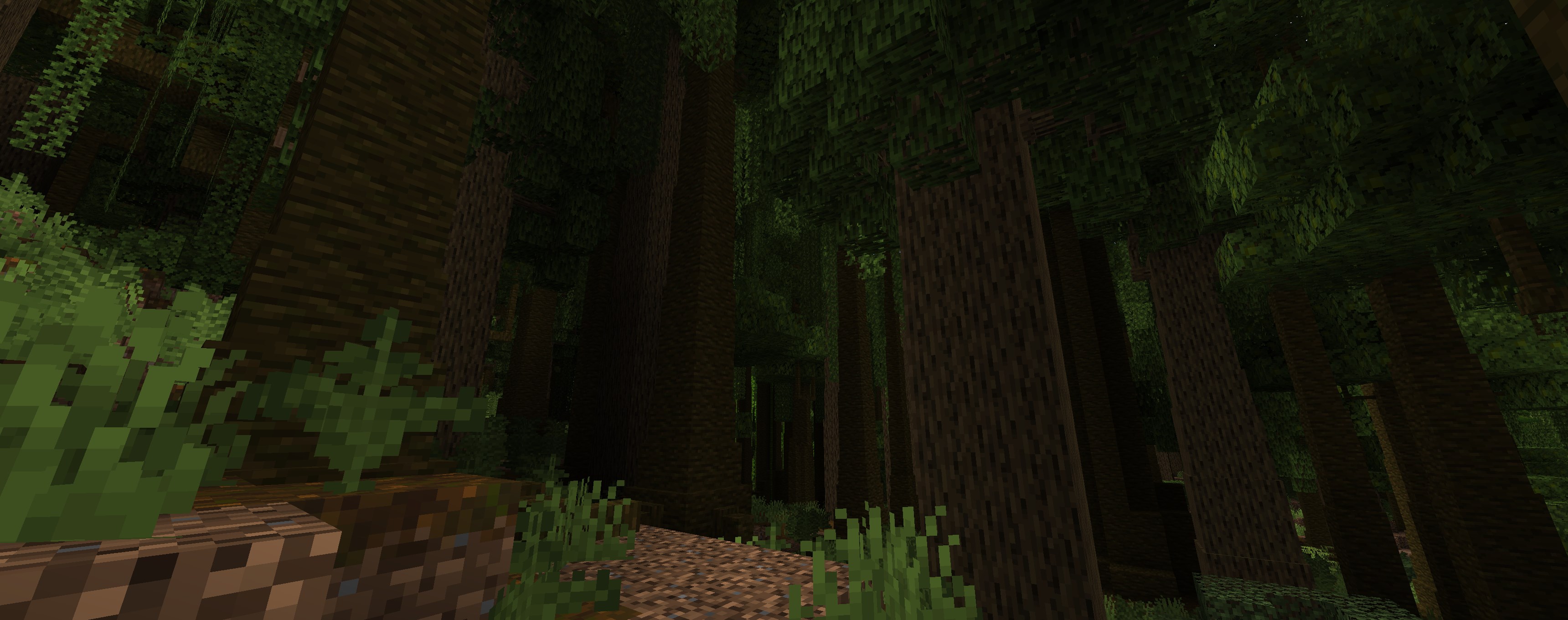
Warm Temperate Woodlands
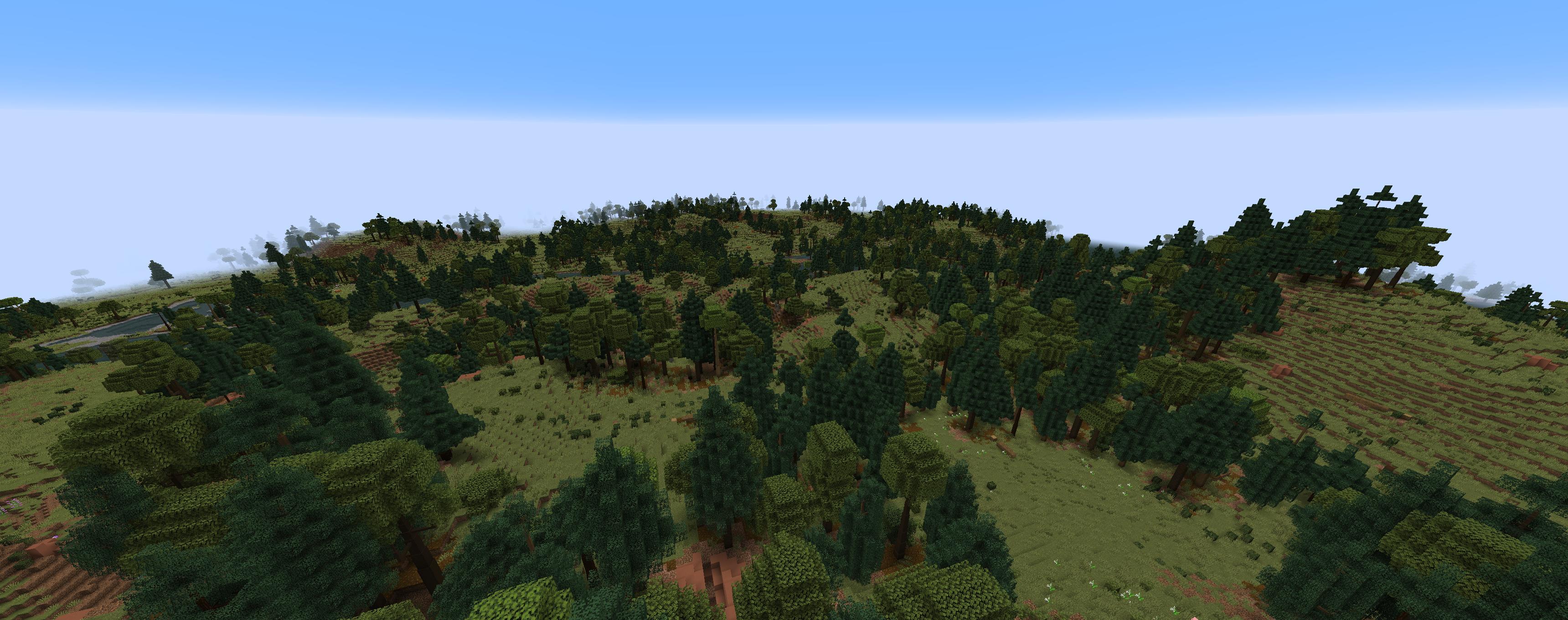
Old Growth Temperate Forest
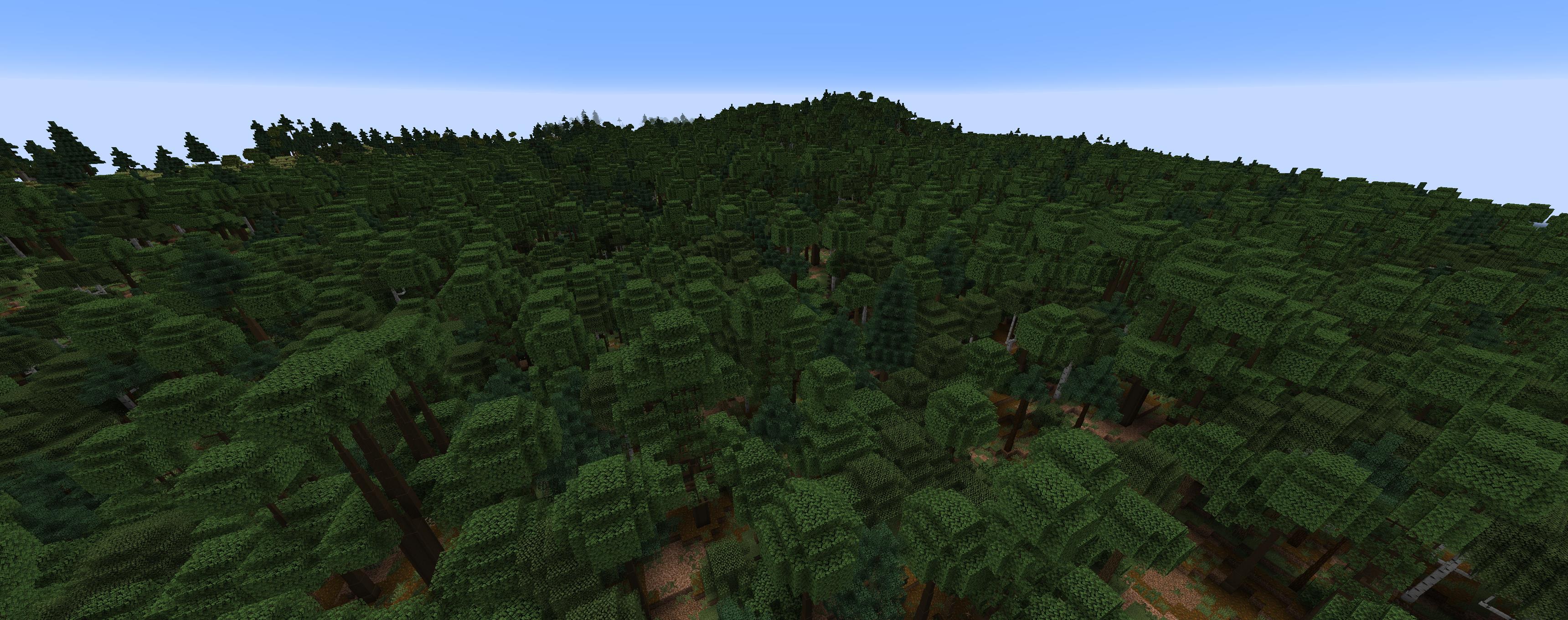
Yucca Scrubland
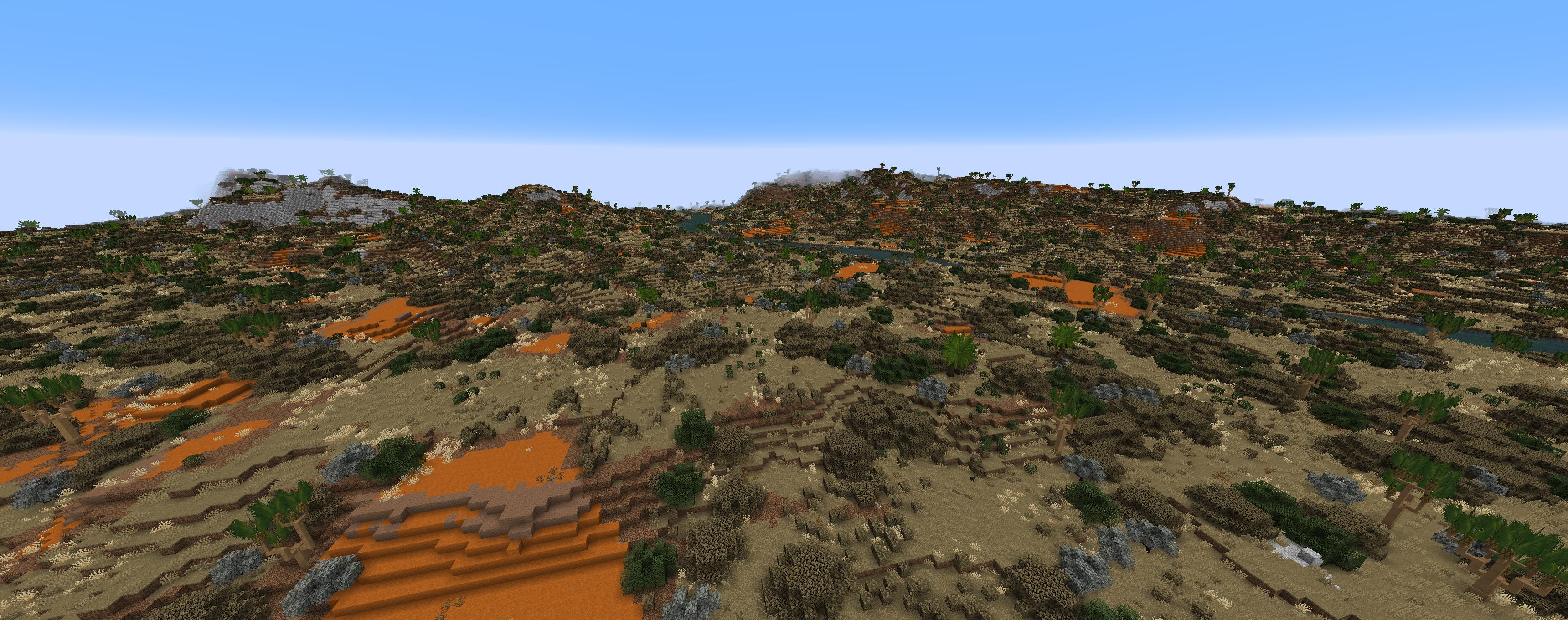
Mediterranean Steppe
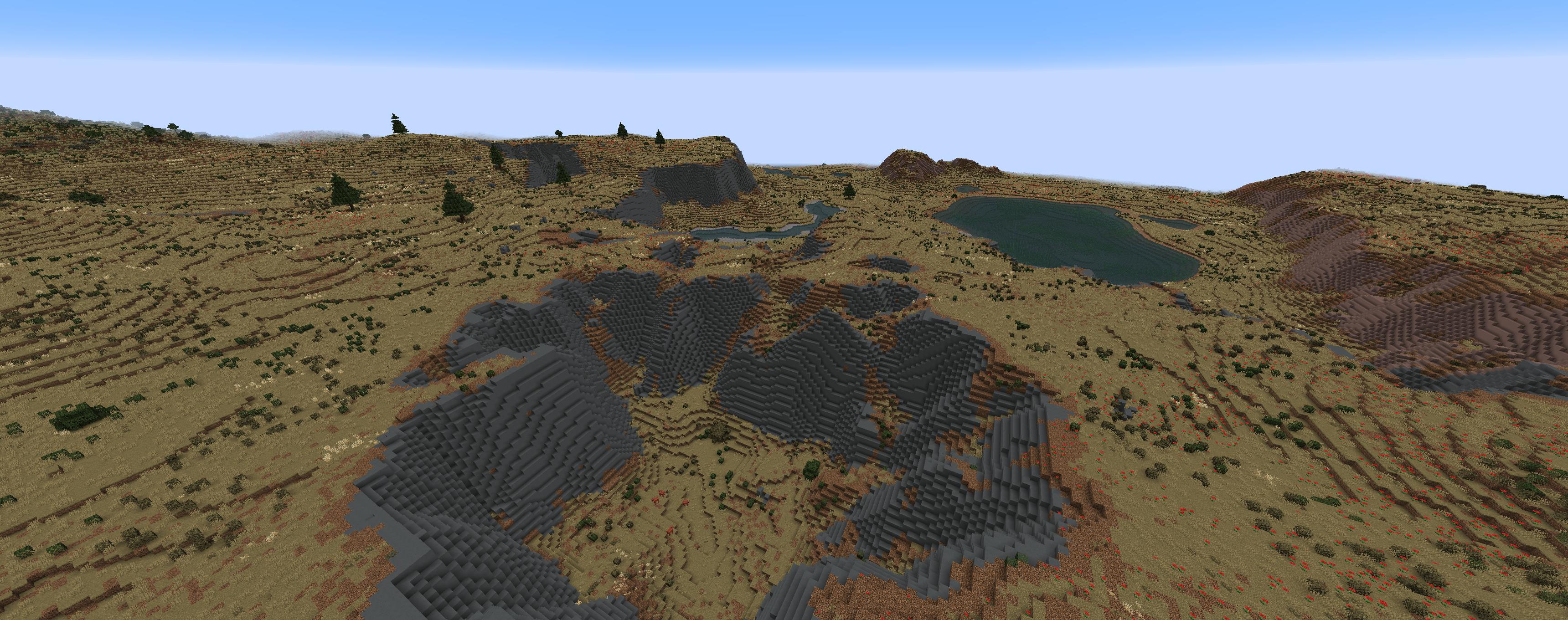
Coniferous Forest
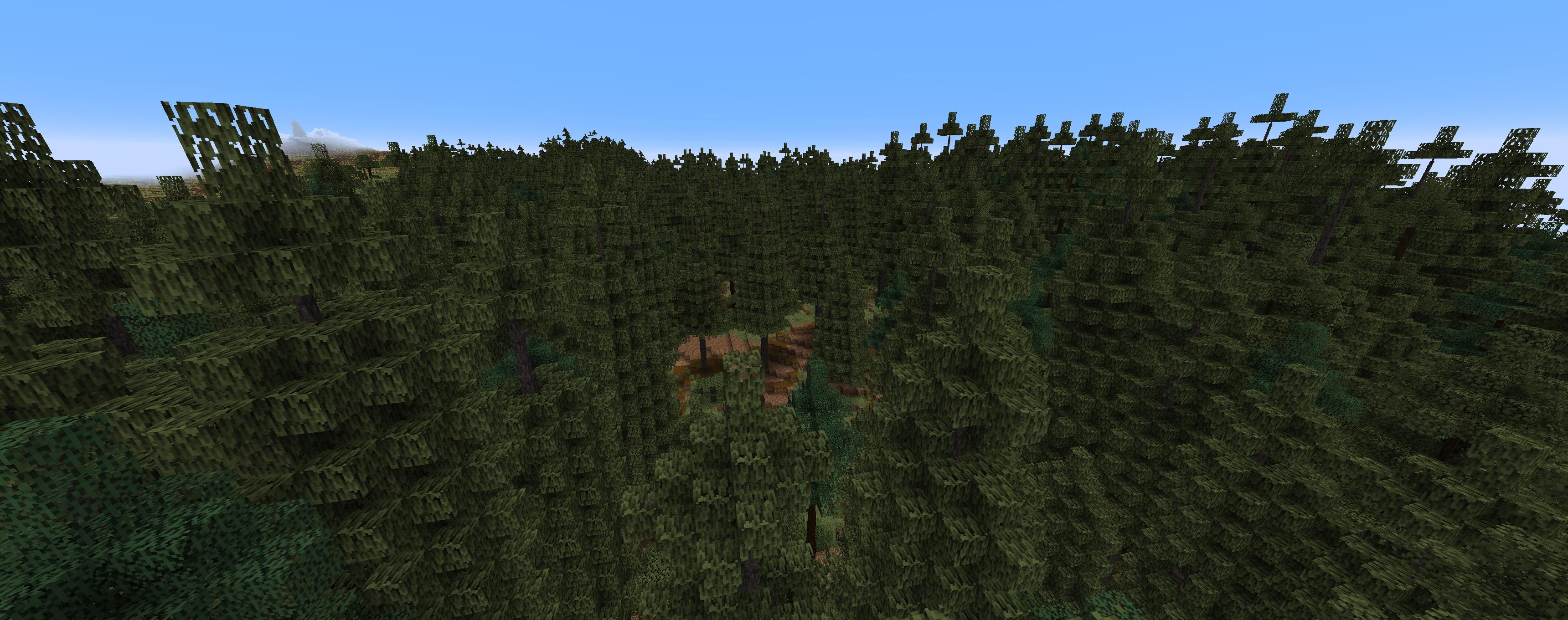
Wooded Prairie
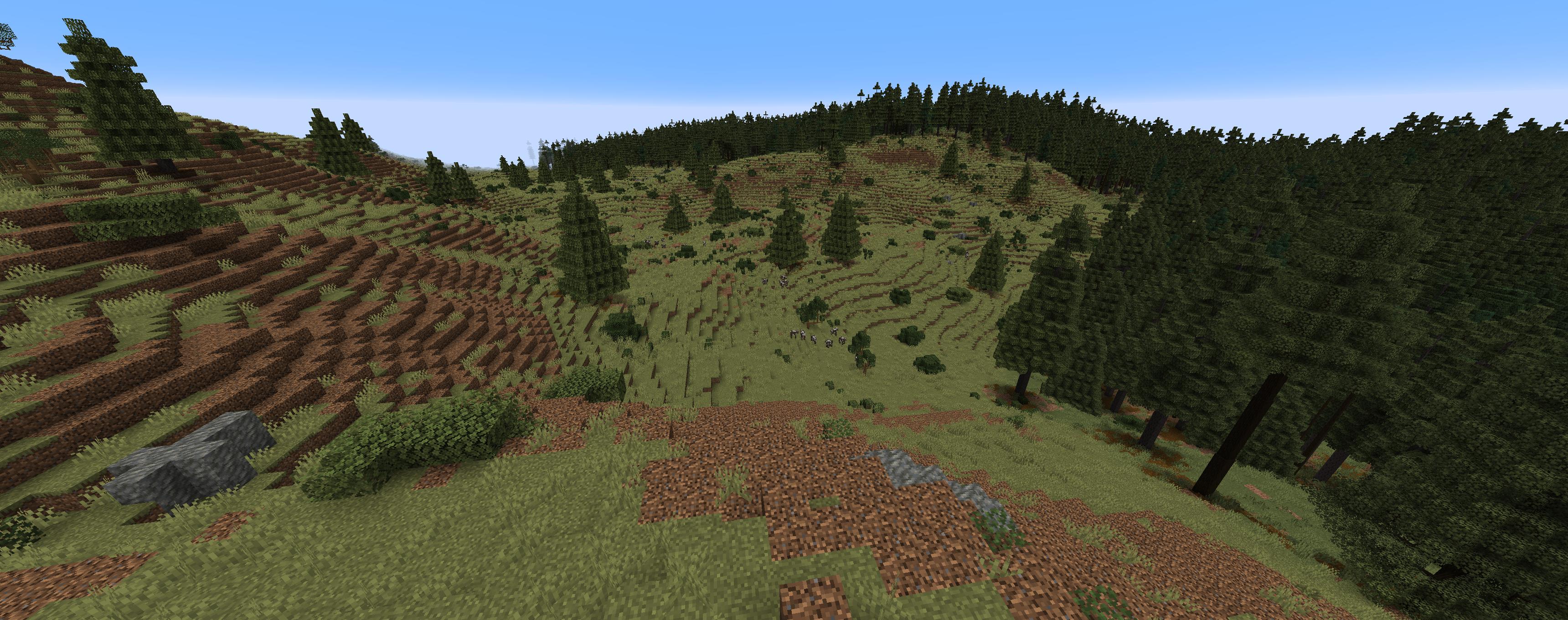
Still Life adds over 100 biomes, all of which are (probably) supported by this Dynamic Trees addon. Not all of the biomes are shown here. Because there are a lot of biomes.
Disclaimer
As Still Life is a developing mod, there may be biomes or trees that are not handled. Biomes have been reviewed in game, but some may have odd or unnatural placement if their review was missed.
常见问题
Dynamic Trees – Still Life(1.0+) 支持哪些 Minecraft 版本?
Dynamic Trees – Still Life(1.0+) 支持 Minecraft Java 版 1.21.1,可用的加载器:NeoForge。下载时注意选择和你游戏版本一致的文件。
Dynamic Trees – Still Life(1.0+) 怎么安装?
先用 PCL2 或 HMCL 启动器安装对应版本的 NeoForge,再把下载的 .jar 文件放进游戏目录的 mods 文件夹,重新启动游戏即可。开启了版本隔离的,mods 文件夹在 versions/版本名 下面。运行环境:客户端和服务端都要装。
评论
登录后评论和评分