截图
介绍
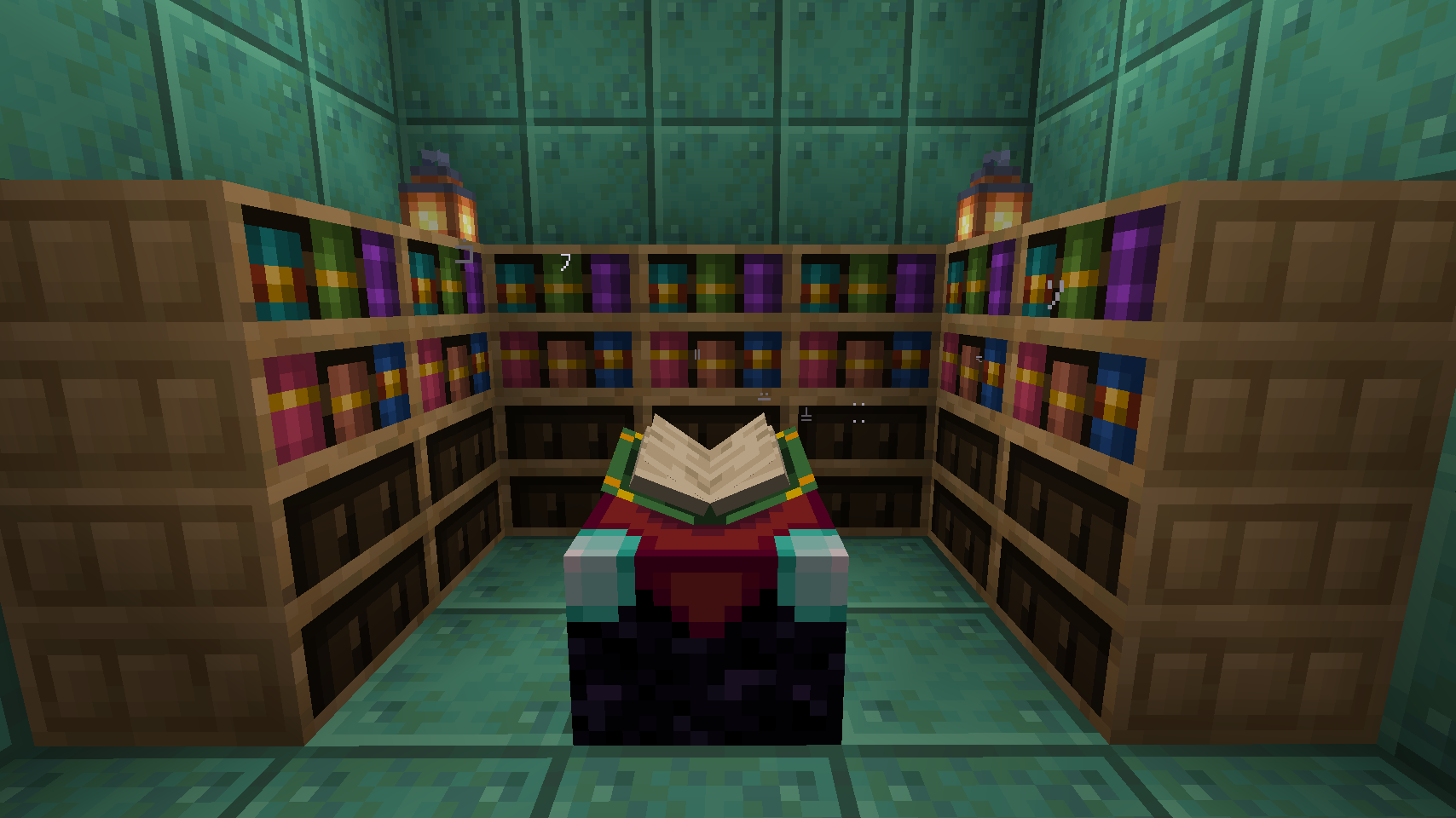
Kintsugi seamlessly replaces the way enchanting is done in Minecraft to make the enchanting table relevant again. Rather than relying on rolls of the dice, you can pick your enchantments.
The caveat? You don’t know very many to start with. Travel the world, acquire the lost books of knowledge and build your library of enchantments.
Summary
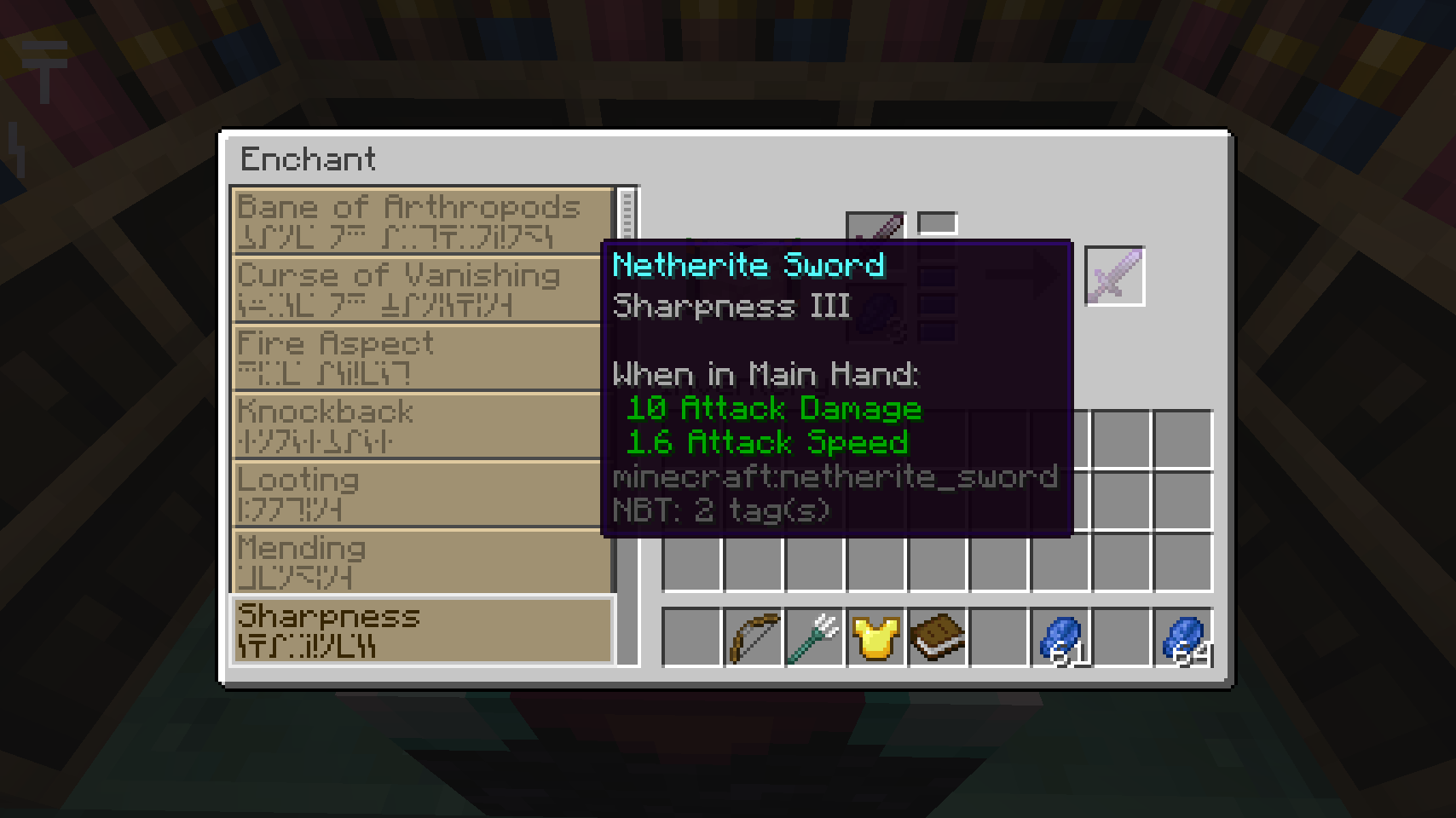
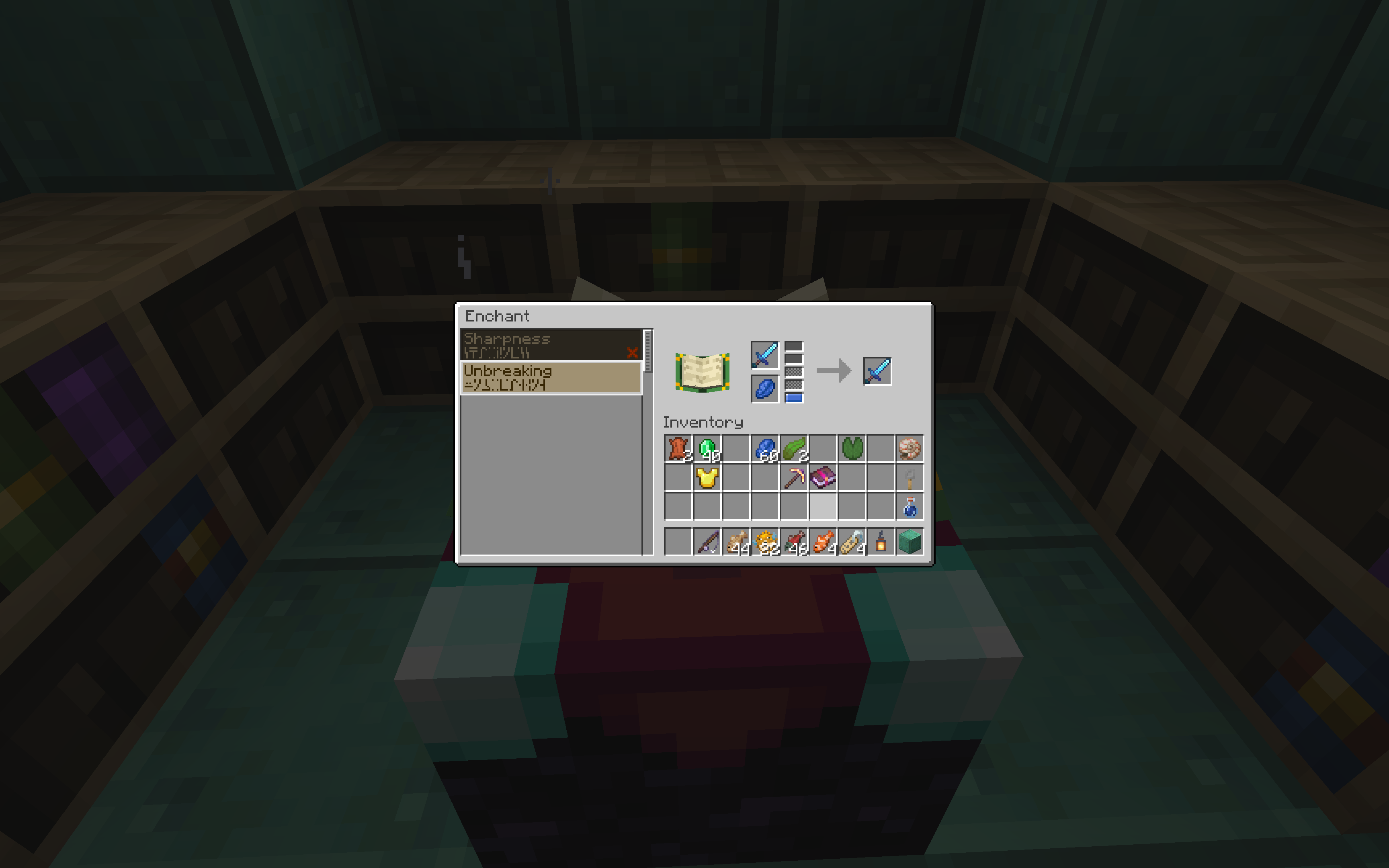
Kintsugi removes Minecraft’s randomly assigned enchantment system. In its place, it introduces a brand new interface where you can pick and choose which enchantments you can place on an item.
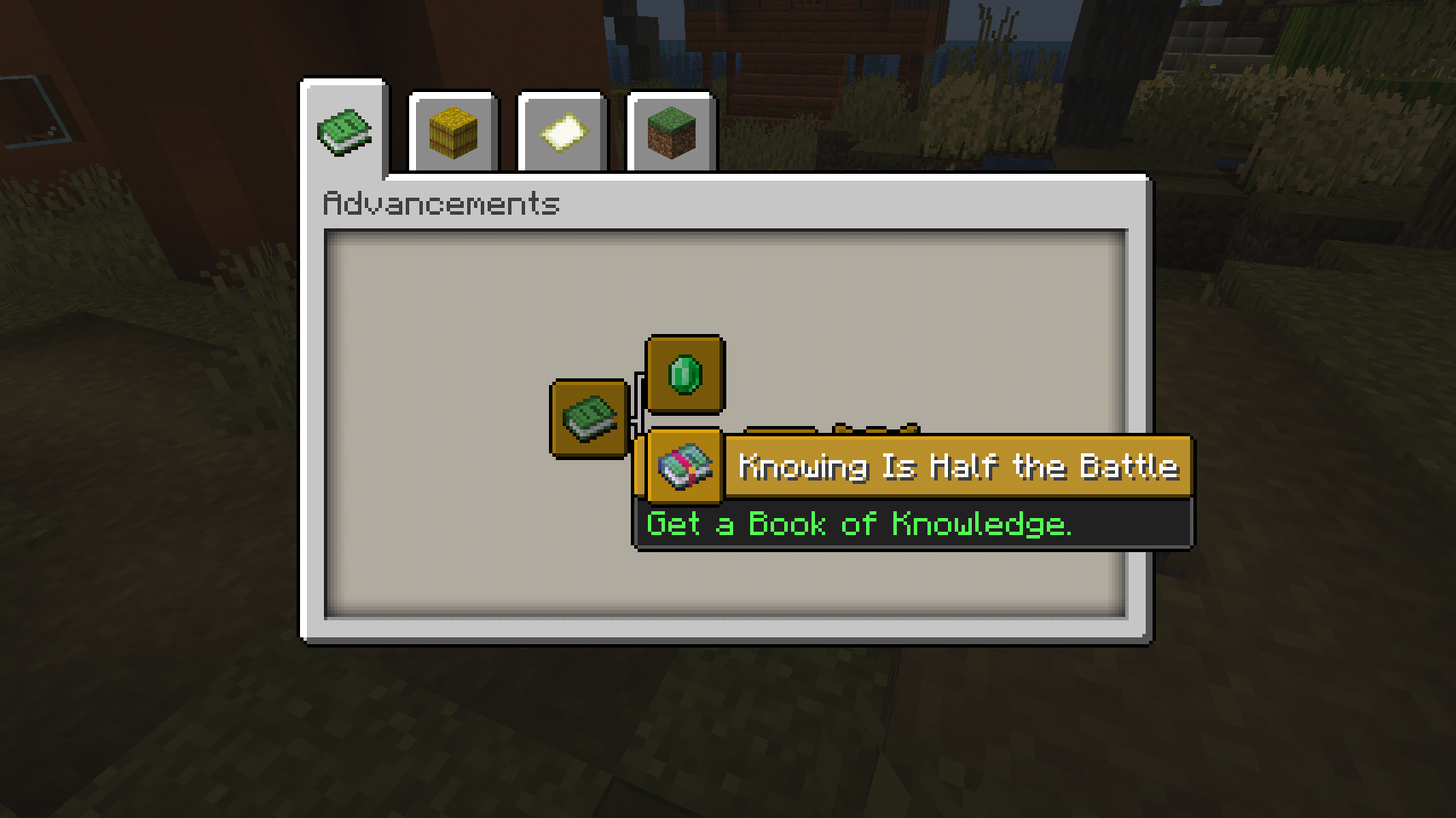
At the start, you only have access to a small set of enchantments, but you’ll be able to find special books in the world that grant knowledge for more. If you assemble these into a library around your enchanting table, you’ll be able to apply more enchantments, and at higher levels.
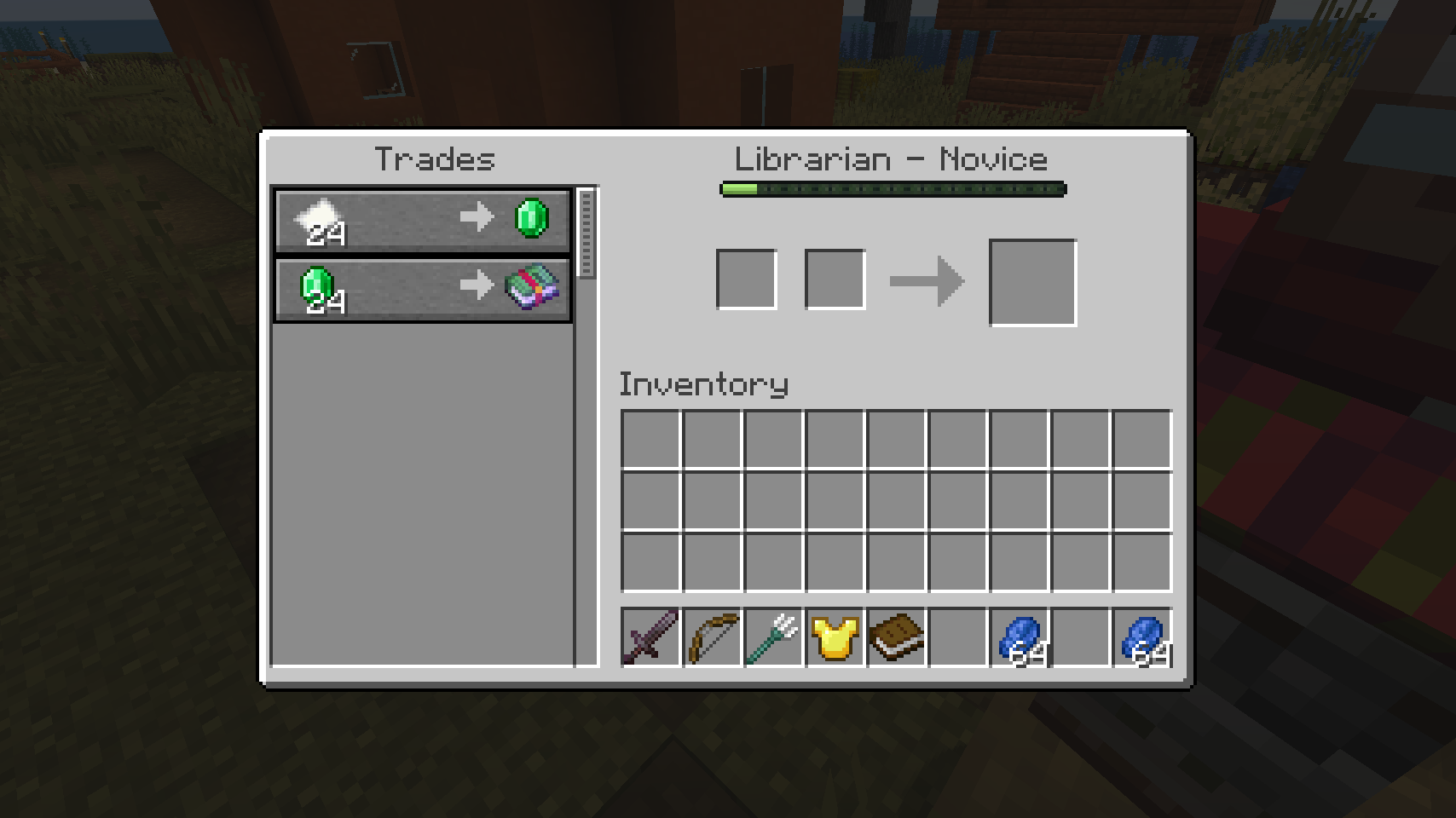
These Books of Knowledge can be found in all sorts of places in the world. Some can be found in chests, some may be uncovered through fishing up treasures and the rest can be traded from different villagers.
Villagers no longer supply Enchanted Books, so there’s no need to apply unethical tactics to get the enchantments you want.
Go into the world. Uncover treasures and seek lost knowledge.
常见问题
Kintsugi – Enchanting Reimagined 支持哪些 Minecraft 版本?
Kintsugi – Enchanting Reimagined 支持 Minecraft Java 版 1.20.1,可用的加载器:Forge。下载时注意选择和你游戏版本一致的文件。
Kintsugi – Enchanting Reimagined 怎么安装?
先用 PCL2 或 HMCL 启动器安装对应版本的 Forge,再把下载的 .jar 文件放进游戏目录的 mods 文件夹,重新启动游戏即可。开启了版本隔离的,mods 文件夹在 versions/版本名 下面。运行环境:客户端和服务端都要装。
评论
登录后评论和评分